Corsair
Corsair Premium PCIe 4.0 x16 Extension Cable, 300mm
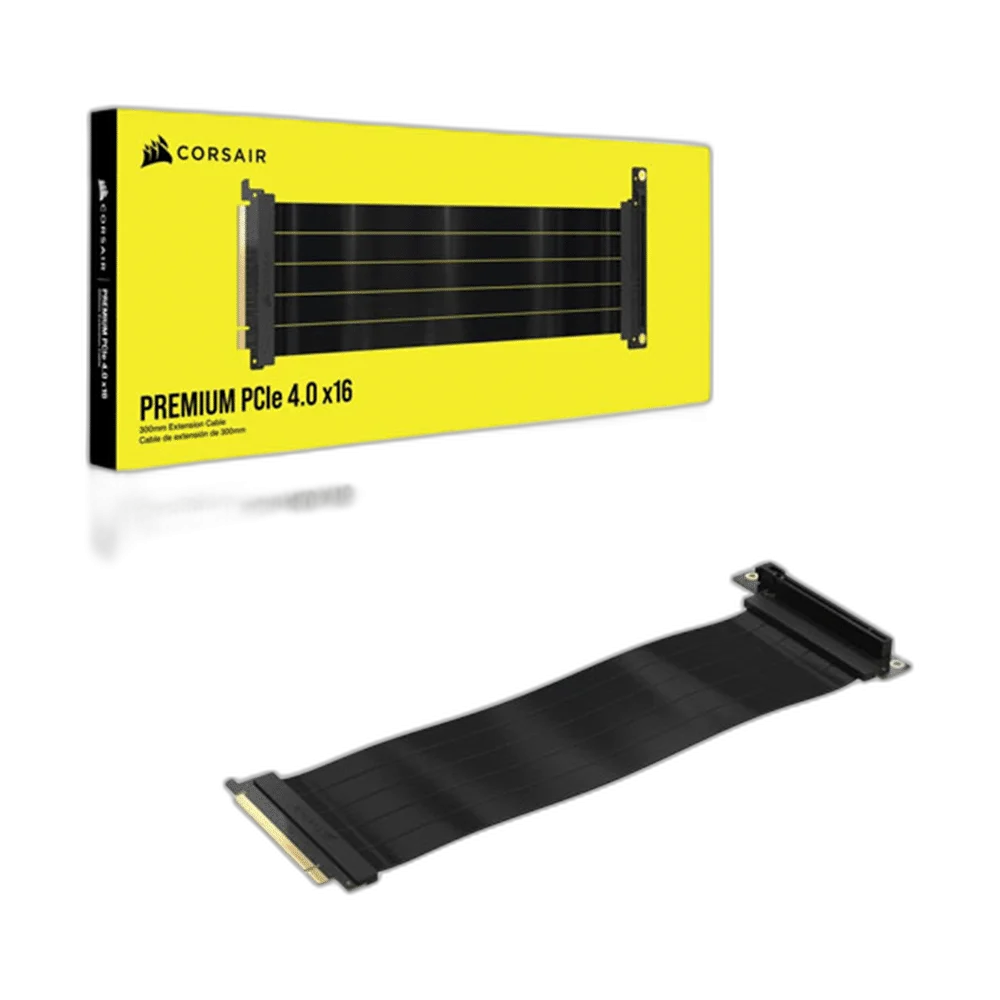
CORSAIR CC-9310001-WW extends a PCIe 4.0 x16 graphics connection through a 300 mm flexible riser. Electromagnetic shielding and a right-angle connector support cable routing for a compatible vertical graphics-card installation, with mounting hardware selected separately.
Regular price
27.500 KWD
or 4 payments of 6.875 KWD with
Pay with card & save


26.000 KWD
Save 1.500 KWD
Overview
CORSAIR PREMIUM PCIE 4.0 X16 EXTENSION CABLE 300 MM
CORSAIR Premium PCIe 4.0 x16 Extension Cable 300 mm
CORSAIR Premium PCIe 4.0 x16 Extension Cable 300 mm: CORSAIR CC-9310001-WW extends a PCIe 4.0 x16 graphics connection through a 300 mm flexible riser. Electromagnetic shielding and a right-angle connector support cable routing for a compatible vertical graphics-card installation, with mounting hardware selected separately. Explore this model at AX Store in Kuwait.
PCIe 4.0
Supported generation
x16
Lane connection
300 mm
Cable length
90°
Connector arrangement
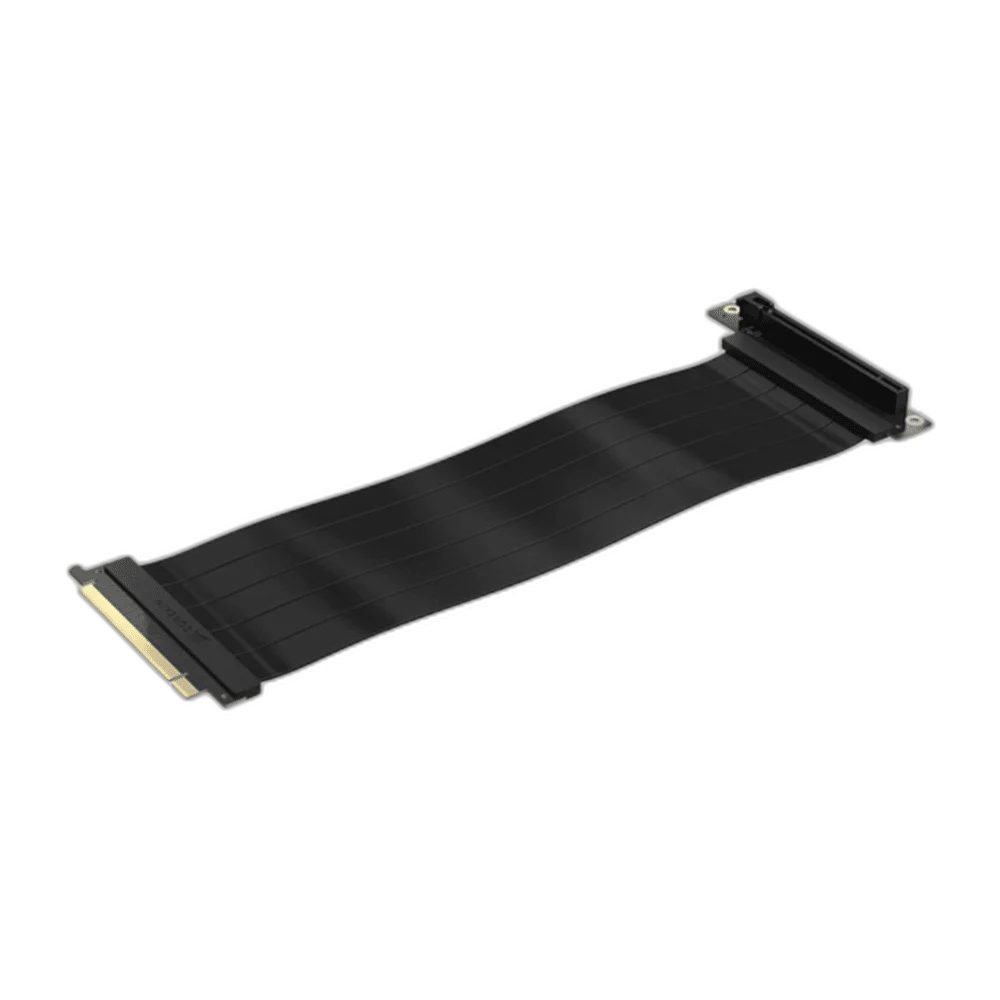
PCIe 4.0 x16 Signal Extension
The riser extends a compatible PCIe four-point-zero, sixteen-lane connection between the motherboard and graphics card. Use it as part of a complete platform that supports the intended link. It changes the physical route of the connection rather than upgrading an older motherboard or graphics card to a newer PCIe generation.
Three Hundred Millimetres of Reach
A three-hundred-millimetre cable length provides routing space for the selected graphics-card position. Measure the path between the motherboard slot and the riser’s final socket position before installation. Include gentle bends and access to the connectors instead of choosing the length only from the straight-line distance between the components.
Right-Angle Connector Arrangement
The right-angle PCIe connector helps organise the cable route near the graphics card. Check its orientation against the intended bracket and case layout. The connector shape can reduce strain in a suitable arrangement, but the actual case clearances and mounting points still determine whether the assembly fits.
Shielding Along the Signal Path
CORSAIR includes electromagnetic shielding in the riser design to control interference along the extended connection. Keep the cable positioned without sharp folds or pressure from a closing side panel. Link stability depends on the complete installed path, so confirm that both connectors are fully seated and the riser is routed correctly.
Plan the Vertical Mount Separately
The product is the riser cable. A suitable case position, graphics-card bracket and secure mounting arrangement are also required for a vertical installation. Compare the bracket’s socket mounting points and supported card thickness, and leave the graphics-card fans enough clearance to move air in the finished build.
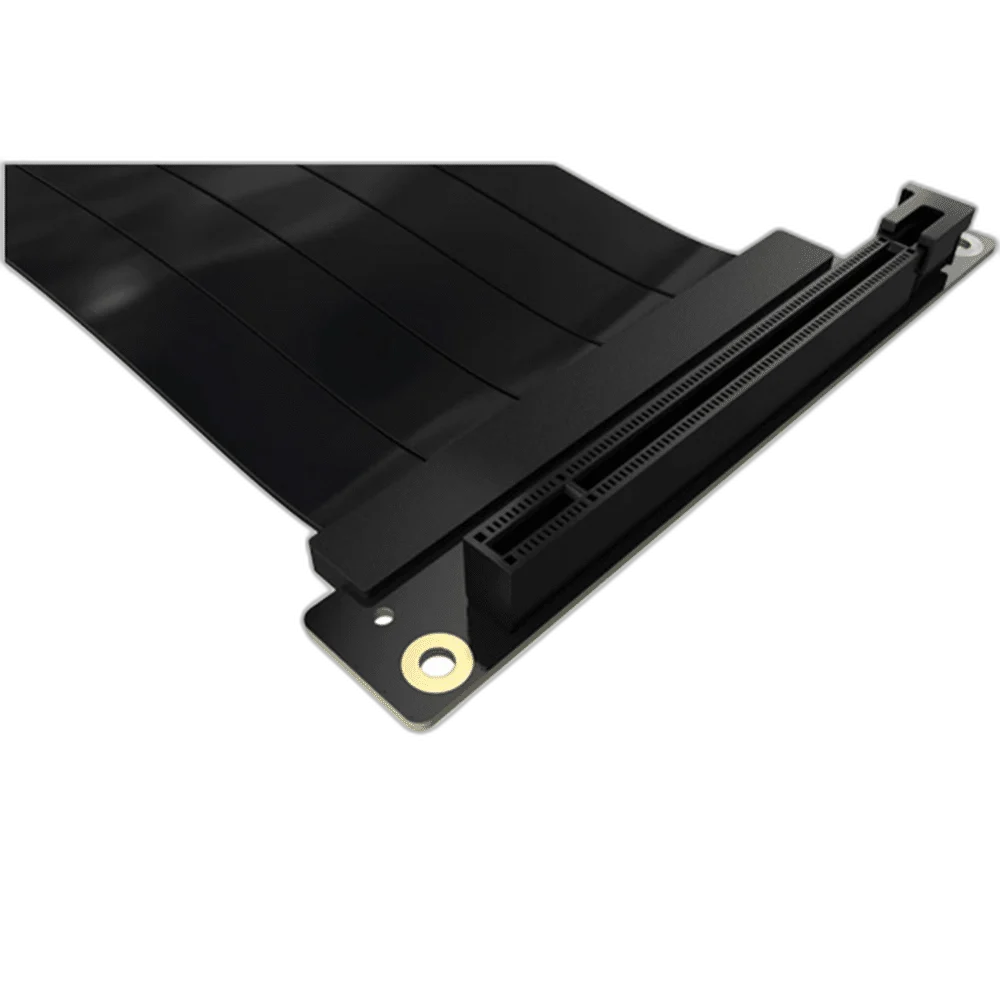
Model
CORSAIR Premium PCIe 4.0 x16 Extension Cable 300 mm
Manufacturer part
CC-9310001-WW
Interface
PCIe 4.0 x16
A Defined Cable for the Finished Build
The black cable is identified by part CC-9310001-WW and belongs to CORSAIR’s premium PCIe four-point-zero riser range. Choose it around the exact motherboard, graphics card and mechanical layout. Complete the physical checks before powering the system, then confirm the expected link and normal graphics operation after installation.
Check the Ports and Signal Before Choosing a Cable
Match both devices, the connector type and the signal or data mode you intend to use. Physical fit alone does not establish supported resolution, charging or data capability. Compare related options such as Syntech USB C Male to USB 3.0 Adapter, 2 Pack or Corsair Premium Sleeved PCIe 5.0 Cable, 12+4pin, keeping the exact model and configuration in the decision. For the wider setup, explore Divoom Ditoo Retro Pixel Art Bluetooth Speaker, App Control and check the connection, size or mounting requirements before pairing accessories. Browse the Corsair range at AX for more choices.
CORSAIR Premium PCIe 4.0 x16 Extension Cable 300 mm Setup Choices
Match both devices, the connector type and the signal or data mode you intend to use. Physical fit alone does not establish supported resolution, charging or data capability.
Frequently Asked Questions
Does the package provide a complete GPU bracket?
No. Select compatible case and mounting hardware separately.
How long is the cable?
Three hundred millimetres.
Does it upgrade an older PCIe platform?
No. The complete motherboard, card and connection path determine the link.
What should be checked for a vertical installation?
Bracket compatibility, cable orientation, routing length, card thickness and fan clearance.
Build Your Setup with AX Store
Explore computers, displays and accessories for your workspace at AX Store. For help choosing the right model or checking an accessory, contact AX Store.
THE DETAILS
Technical specifications
Product Specifications
CORSAIR Premium PCIe 4.0 x16 Extension Cable 300 mm
CC-9310001-WW
PCIe 4.0 x16
300 mm
Right-angle PCIe connector
Electromagnetic shielding
Black
Compatible case / vertical GPU bracket selected separately
Riser cable; not a complete vertical mounting bracket
COMPLETE YOUR SETUP
Pairs well with