Elgato
Elgato Chat Link Audio Capture
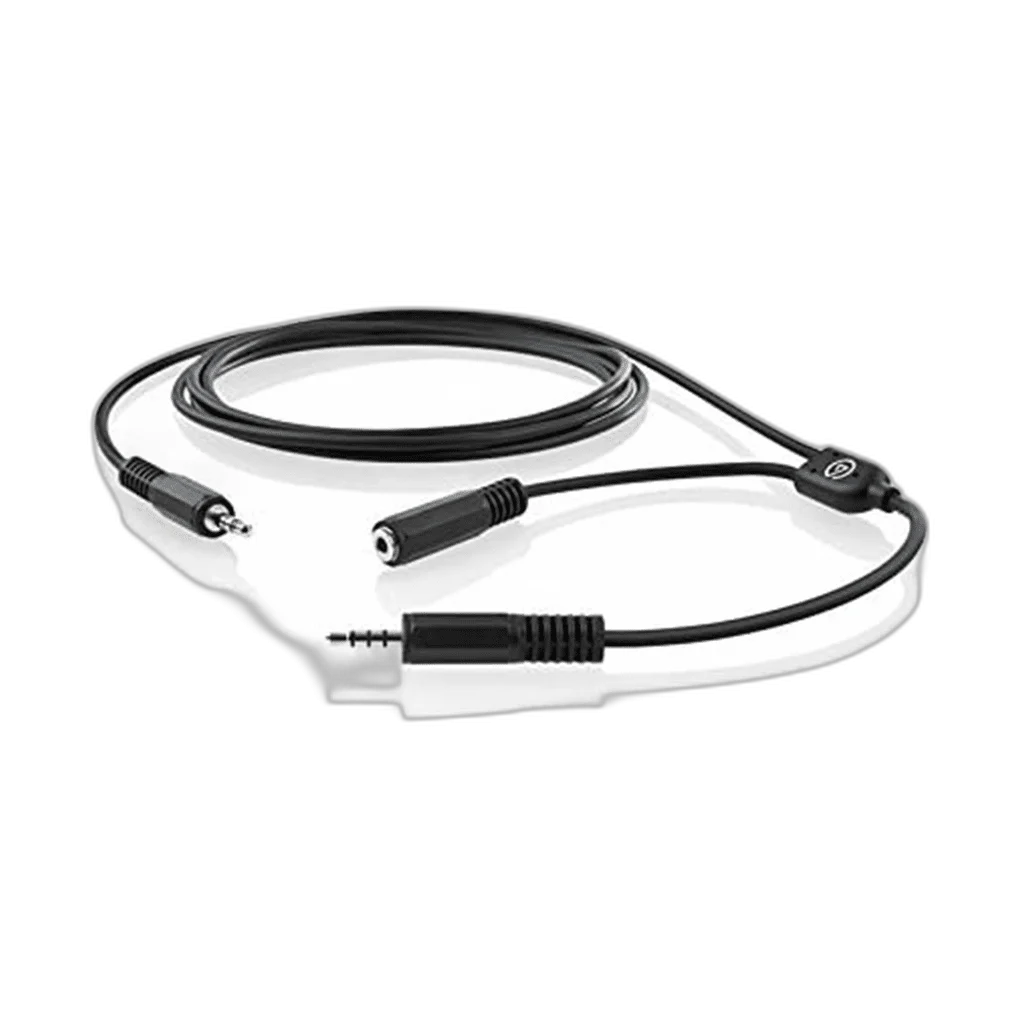
Elgato Chat Link. Elgato Chat Link splits the analogue audio from a compatible controller between your headset and a capture card or computer input. It helps your audience hear game audio and incoming party chat while you continue listening through your wired headset.
Regular price
4.000 KWD
or 4 payments of 1.000 KWD with
Pay with card & save


3.800 KWD
Save 0.200 KWD
Overview
ELGATO CHAT LINK
Elgato Chat Link
Elgato Chat Link splits the analogue audio from a compatible controller between your headset and a capture card or computer input. It helps your audience hear game audio and incoming party chat while you continue listening through your wired headset. Explore this model at AX Store in Kuwait.
3.5 mm TRRS
Headset and controller
3.5 mm TRS
Capture feed
1.8 m
Hub-to-capture lead
Analogue stereo
Controller audio path
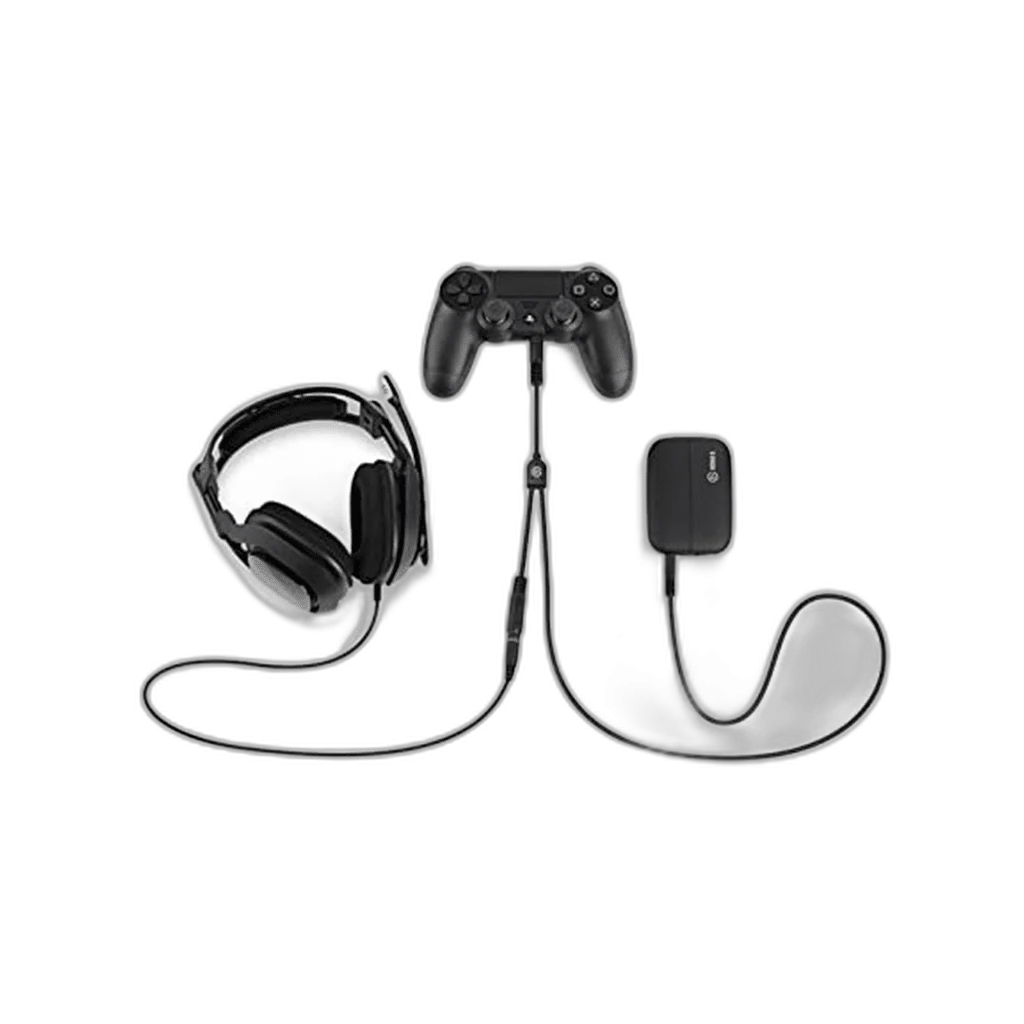
Connect your controller, headset and capture setup
A female 3.5 mm four-pole socket accepts your analogue headset. The short four-pole male plug connects to the controller, while the three-pole output sends the audio to a compatible capture card or computer input. Select analogue audio in your capture software.
Know what reaches your audience
The headset microphone passes through to the controller; Chat Link does not directly record your own microphone voice. Add a separate computer microphone for commentary. Single-plug analogue headsets work directly; dual-plug PC headsets need a combiner adapter. For Nintendo Switch, choose Chat Link Pro.
Choose a Compatible Analogue Headset
Chat Link takes a single-plug analogue stereo headset through the four-pole socket. A headset that connects only through USB or wireless does not use this analogue route. A dual-plug PC headset needs an appropriate combiner adapter to bring headphone and microphone contacts together.
Keep Your Own Commentary as a Separate Source
The headset microphone passes back to the controller for chat. It is not directly split into the capture feed for commentary recording. Use a separate computer microphone when the production needs a clear recorded version of your own voice alongside incoming party chat and game audio.
Choose the Actual Capture Input
The recording feed needs a suitable analogue audio input on the capture device or computer. Some internal capture cards have HDMI ports without a dedicated analogue jack, so the computer audio path must be planned separately. A USB-only socket does not accept a passive analogue plug by itself.
Compare Original Chat Link and Chat Link Pro
This is the original Chat Link. Chat Link Pro is a separate cable with its own noise-isolation design and supported-console guidance. Choose Pro where that feature or the manufacturer’s Nintendo Switch recommendation matters instead of transferring the newer model’s details to the original cable.
Check the Ports and Signal Before Choosing a Cable
Match both devices, the connector type and the signal or data mode you intend to use. Physical fit alone does not establish supported resolution, charging or data capability. Compare related options such as Sabrent USB 3.0 Extension Cable, 3m or Corsair Premium Sleeved PCIe 5.0 Cable, 12+4pin, keeping the exact model and configuration in the decision. For the wider setup, explore Wooting Wrist Rest 60 v2 - Just Black / Just White and check the connection, size or mounting requirements before pairing accessories. Browse the Elgato range at AX for more choices.
Elgato Chat Link Setup Choices
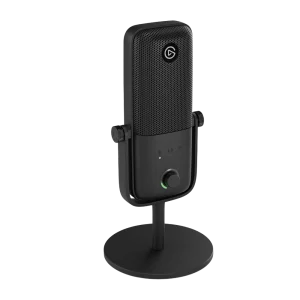
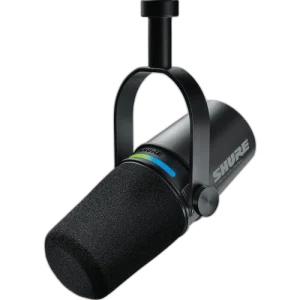
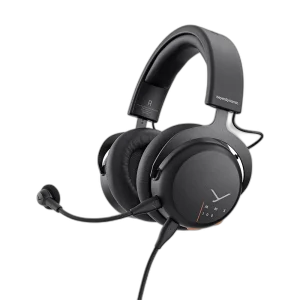
Match both devices, the connector type and the signal or data mode you intend to use. Physical fit alone does not establish supported resolution, charging or data capability. Explore Beyerdynamic MMX 100 Black Gaming Headset, META VOICE Microphone, Elgato Wave 3 MK.2 USB Condenser Microphone - Wave FX / Black, RØDE PodMic USB Dynamic Microphone – USB-C & XLR – Black / White.
Frequently Asked Questions
Does it record my own headset microphone directly?
No. The headset microphone passes to the controller. Use a separate computer microphone for direct commentary recording.
Does it work with a wireless or USB-only headset?
The described route needs a compatible analogue 3.5 mm TRRS headset and controller connection. USB-only or wireless headset links are different signal paths.
Can I plug it into any capture card?
The capture feed needs a suitable analogue input. Cards with HDMI-only audio need a separate supported computer audio-input path.
Is this Chat Link Pro?
No. This is the original Chat Link. Pro is a separate model with its own noise-isolation features and connection guidance.
Which version is recommended for Nintendo Switch?
Elgato recommends Chat Link Pro for Nintendo Switch rather than assuming this original cable provides the same setup.
How do I check the complete audio route?
Select analogue audio where required in the capture software, check game and incoming chat levels, and record a short test with the separate commentary microphone enabled.
Build Your Setup with AX Store
Explore computers, displays and accessories for your workspace at AX Store. For help choosing the right model or checking an accessory, contact AX Store.
THE DETAILS
Technical specifications
Product specifications
Elgato
Chat Link
Female 3.5 mm, four-pole
Male 3.5 mm, four-pole
Male 3.5 mm, three-pole
5 cm
10 cm
180 cm
PS4, PS5, Xbox One and Xbox Series X/S with compatible 3.5 mm controller connection
Analogue stereo TRRS headset; separate adapter needed for dual-plug PC headsets
Capture-card analogue input or computer audio input
Headset mic passes to controller; separate computer microphone for direct commentary recording
Chat Link Pro recommended instead
COMPLETE YOUR SETUP
Pairs well with