Elgato
Elgato Wave Shock Mount for Wave Microphones
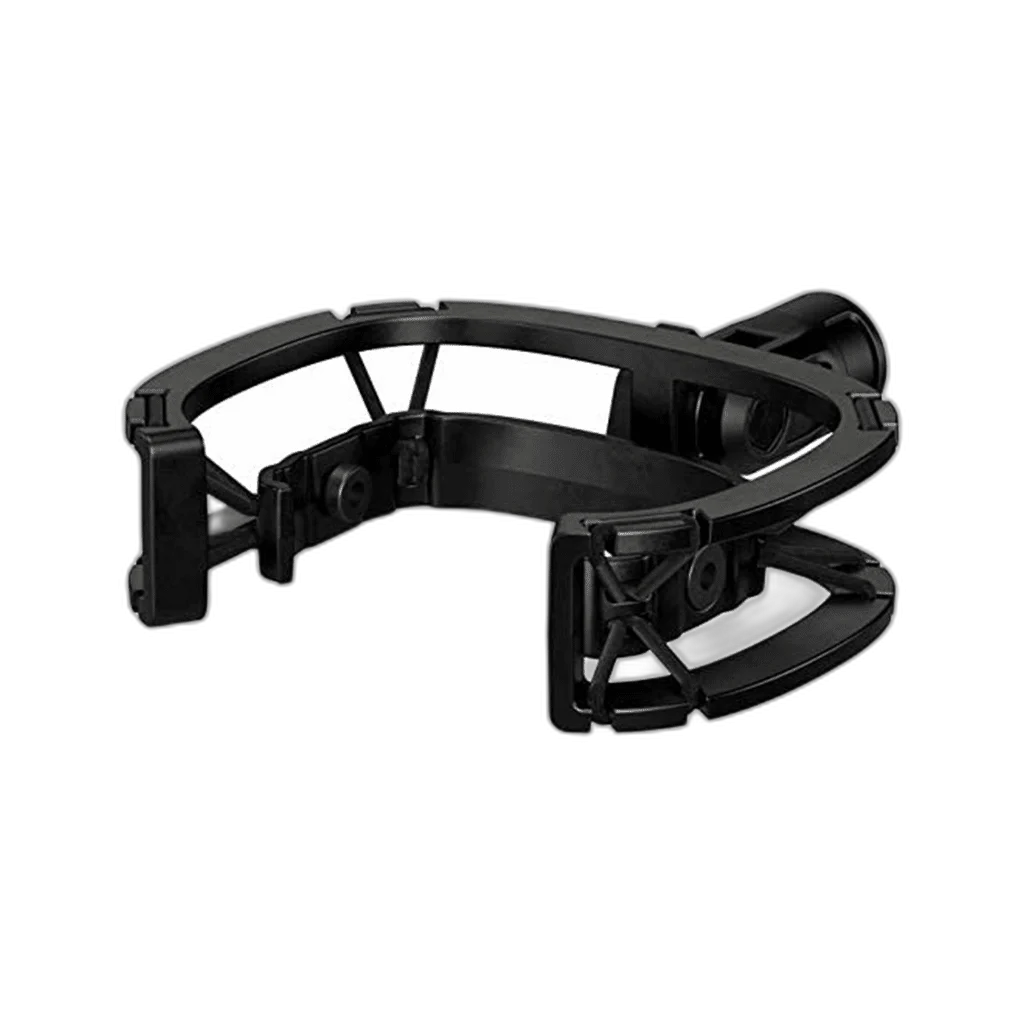
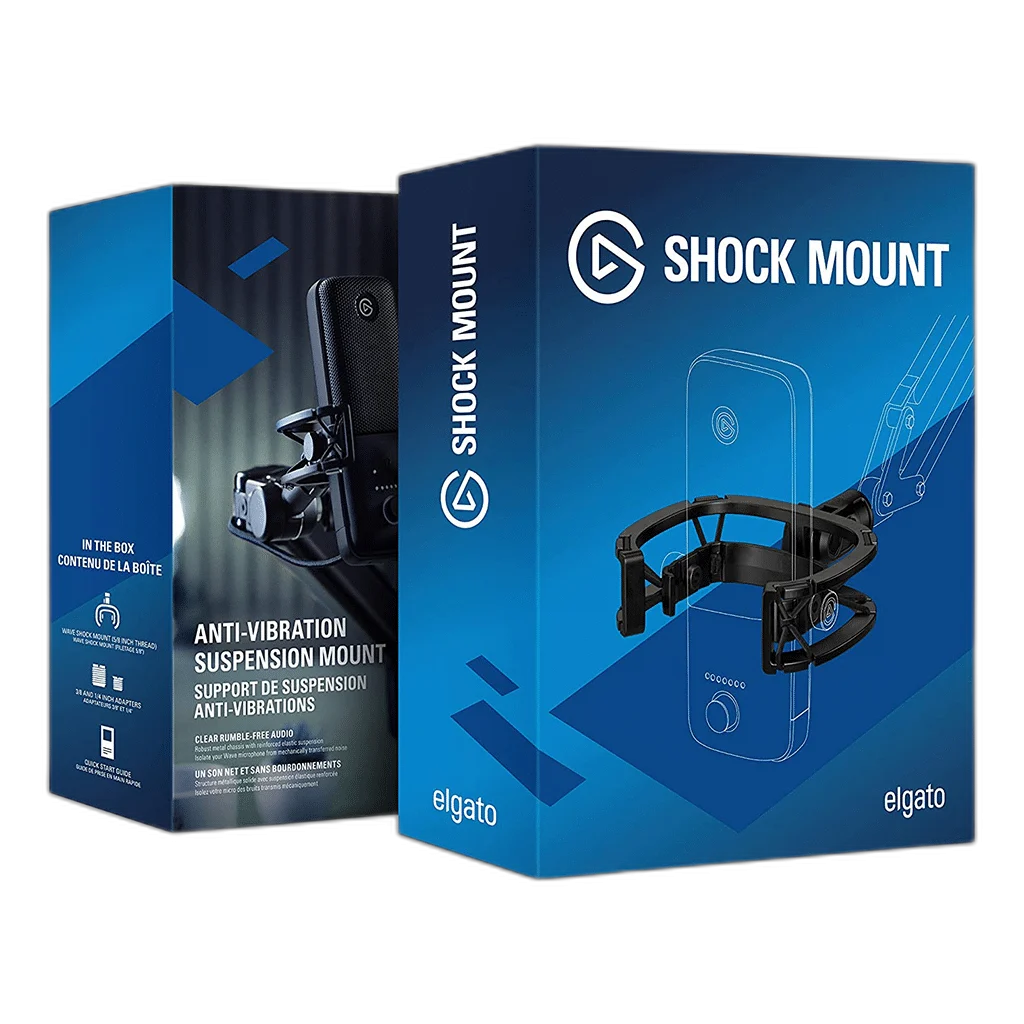
Elgato Wave Shock Mount. Reduce handling and surface vibration in your Wave microphone setup. Elgato Wave Shock Mount combines a steel chassis with elastic suspension and includes adapters for common microphone-arm threads.
Regular price
20.000 KWD
or 4 payments of 5.000 KWD with
Pay with card & save


19.000 KWD
Save 1.000 KWD
Overview
ELGATO WAVE SHOCK MOUNT
Elgato Wave Shock Mount
Reduce handling and surface vibration in your Wave microphone setup. Elgato Wave Shock Mount combines a steel chassis with elastic suspension and includes adapters for common microphone-arm threads.
Suspension
Vibration isolation
190 g
Mount weight; adapters separate
5/8-inch
Main mount thread
2 adapters
3/8-inch and 1/4-inch
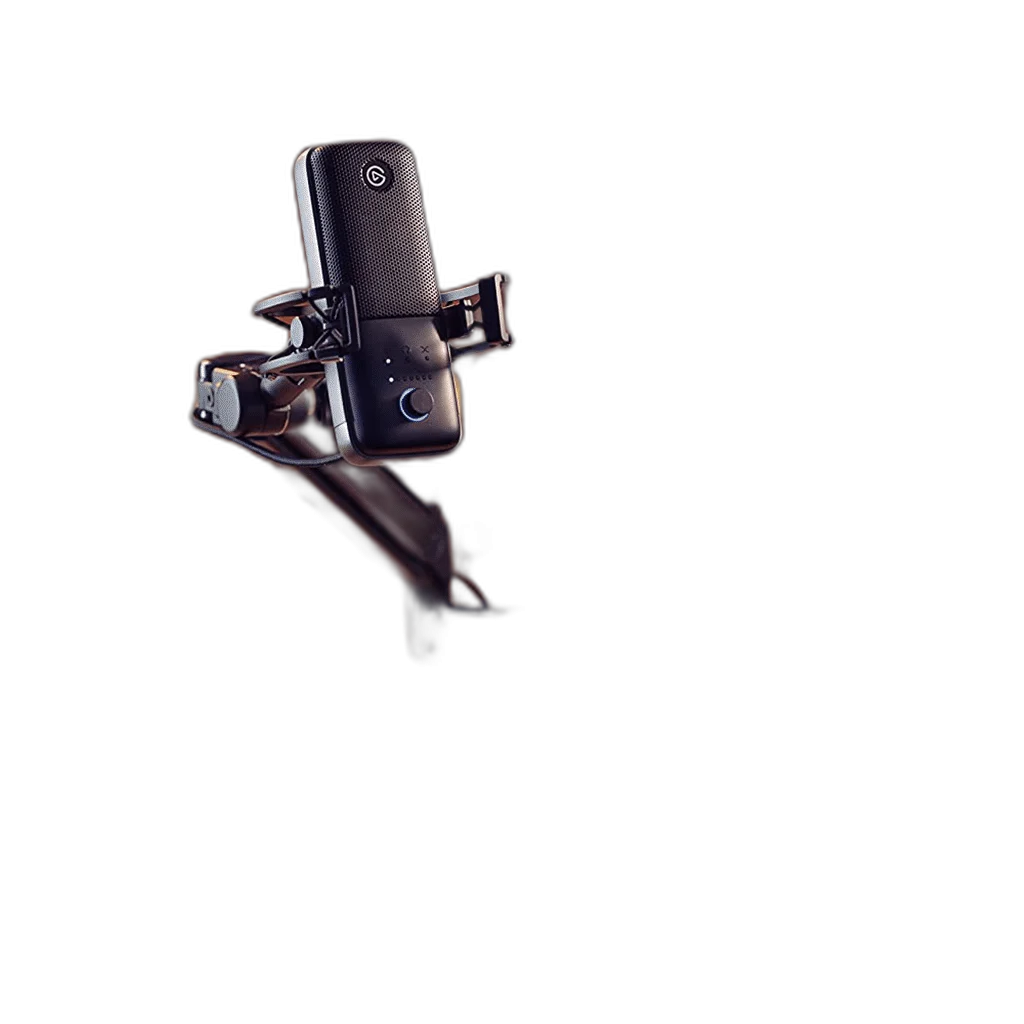
Isolate bumps and movement
The suspension helps reduce low-frequency noise caused by handling, impacts and vibration transmitted through the supporting surface. Check the intended equipment position and connections before the session, keeping the controls and cable route accessible from the normal working position.
Built around Wave microphones
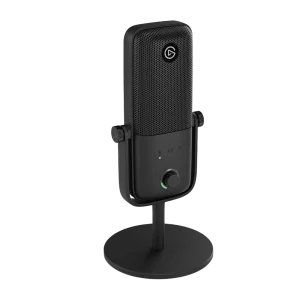
The mount is tuned for Wave:1, Wave:3 MK.1 and Wave:3 MK.2. A steel chassis and reinforced elastic suspension support the microphone. Check the intended equipment position and connections before the session, keeping the controls and cable route accessible from the normal working position.
Connect to your microphone arm
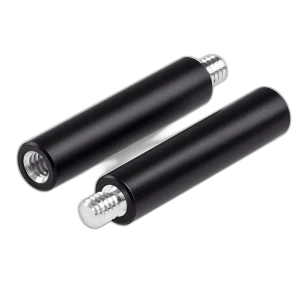
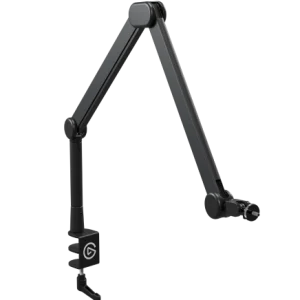
A 5/8-inch thread and included 3/8-inch and 1/4-inch adapters support common mounting arrangements. Check the arm’s load range for the complete microphone and mount combination. Microphone and arm are sold separately.
Choose the Exact Wave Accessory
Wave Shock Mount is listed for Wave:1, Wave:3 MK.1 and Wave:3 MK.2. Compatibility belongs to this accessory’s actual mounting design, rather than the Wave name alone. Check the microphone generation and support before changing the setup or buying another part.
Keep Positioning and Recording Functions Separate
This is a physical recording accessory rather than a microphone, preamp or software mixer. Fit it to the supported hardware, then check the actual voice position and recording level. The microphone, arm or base shown in setup photographs is separate unless the package explicitly includes it.
Plan the Complete Microphone Support
Include the microphone and attached mounting accessories when choosing a stand or arm. A mount’s own weight is not the support’s maximum payload, while height-extension rods change the position of the microphone on its existing stand. Match the actual thread and assembly rather than appearance alone.
Check the Microphone and Desk Mount
Match the microphone weight and mounting thread to the stand or arm, including any adapter or accessory. Check clamp clearance and reach so the microphone can move into position without pulling its cable. Compare related options such as RØDE DS3 Desktop Studio Arm – 1.5kg Capacity, 360° Ball Head – Black or Gator Frameworks Microphone Boom Stand 3000 Series, keeping the exact model and configuration in the decision. For the wider setup, explore SHURE MV7X Dynamic Broadcast Microphone (XLR Only) and check the connection, size or mounting requirements before pairing accessories. Browse the Elgato range at AX for more choices.
Frequently Asked Questions
Which microphone generations are specified?
Wave:1, Wave:3 MK.1 and Wave:3 MK.2 are listed for Wave Shock Mount.
Is the microphone included?
This listing supplies the accessory. The microphone and any separate support shown in use photographs are separate purchases.
What recording problem does it address?
The suspension helps reduce mechanical vibration transmitted through the support.
Does it replace room treatment?
Microphone positioning, room reflections and acoustic treatment remain separate parts of a recording setup. Fit this accessory for its own physical purpose and check the result through a test recording.
How should the mounted weight be checked?
Count the parts actually attached to the chosen support, including microphone, mount and adapters where used. Compare that assembly with the stand or arm’s full load range.
Does it need an audio cable?
The accessory itself is mechanical. Keep the microphone’s own USB or other recording connection with the microphone and leave cable slack for the intended position.
Build Your Setup with AX Store Kuwait
Explore computers, displays and accessories for your workspace at AX Store Kuwait. For help choosing the right model or checking an accessory, contact AX Store.
THE DETAILS
Technical specifications
Design and compatibility
Anti-vibration microphone suspension mount
Wave:1, Wave:3 MK.1 and Wave:3 MK.2
190 g; adapters 16 g
115 × 135 × 32 mm
Steel, rubber and glass-fibre-reinforced polymer
5/8 inch
3/8 inch and 1/4 inch
Wave Shock Mount, thread adapters and quick start guide
COMPLETE YOUR SETUP
Pairs well with