Elgato
Elgato Wave XLR Microphone Interface, Digital Mixing Solution
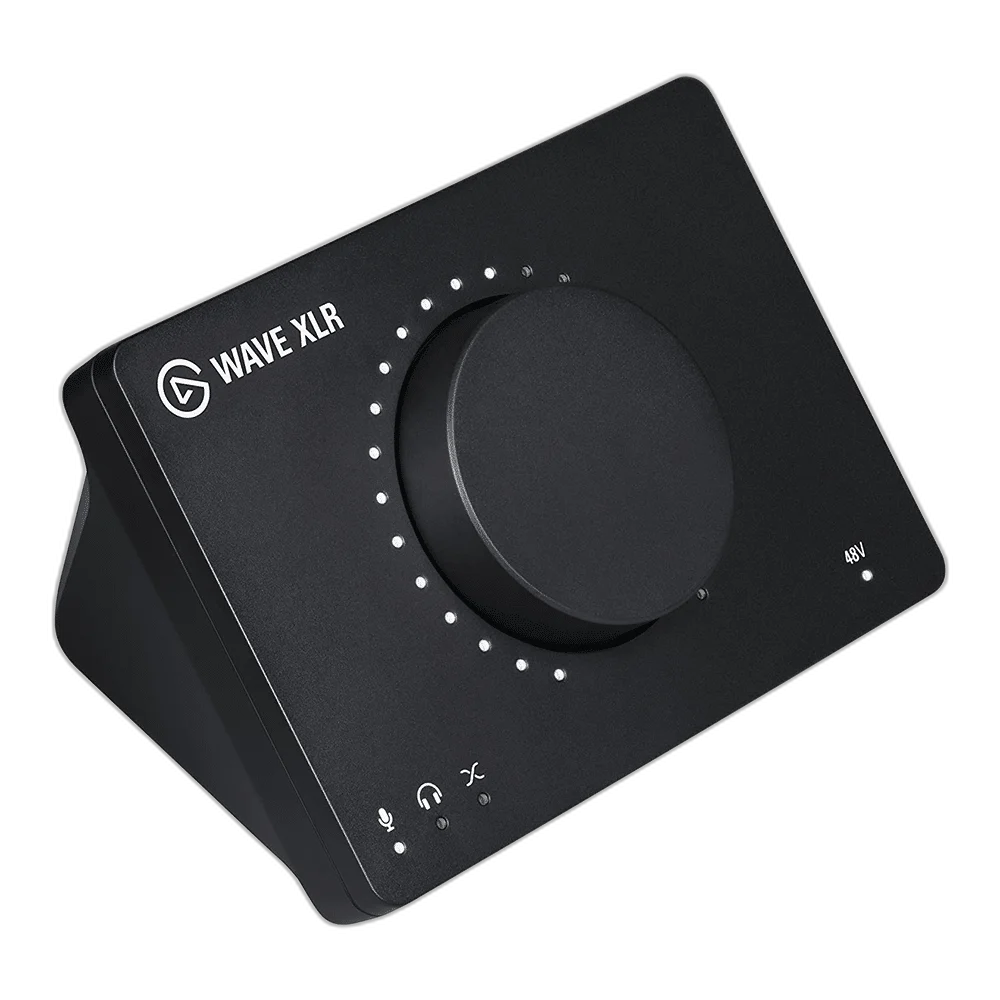
Elgato Wave XLR. Wave XLR brings a single XLR microphone into your computer setup with accessible hardware control and Wave Link software integration.
Regular price
66.000 KWD
or 4 payments of 16.500 KWD with
Pay with card & save


63.000 KWD
Save 3.000 KWD
Overview
ELGATO WAVE XLR
Elgato Wave XLR
Elgato Wave XLR: Wave XLR brings a single XLR microphone into your computer setup with accessible hardware control and Wave Link software integration. Explore this model at AX Store in Kuwait.
1 XLR input
Microphone connection
75 dB
Maximum preamp gain
48 V
Switchable phantom power
24-bit / 96 kHz
Maximum recording format
Gain for your microphone
Adjust gain across a 0–75 dB range. Switch on 48V phantom power when your microphone requires it, and use Clipguard to help handle loud peaks.
Monitor and adjust at your desk
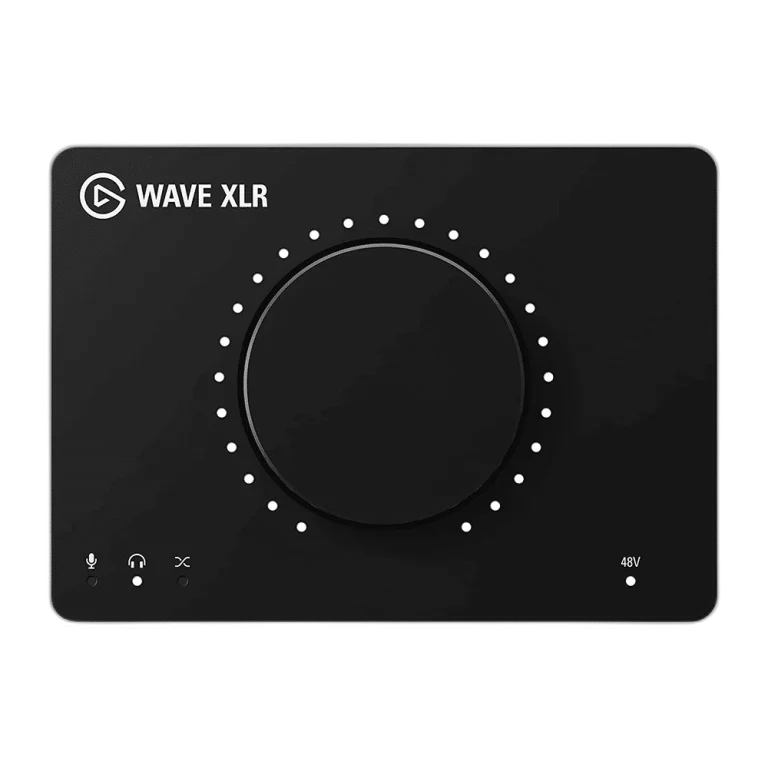
Connect wired headphones through the 3.5 mm output. The main dial controls gain, headphone level and the microphone/computer balance; tap the top to mute. Check the actual equipment position and complete connection before the session, then confirm the result with the intended recording setup.
Record Through the XLR Microphone Input
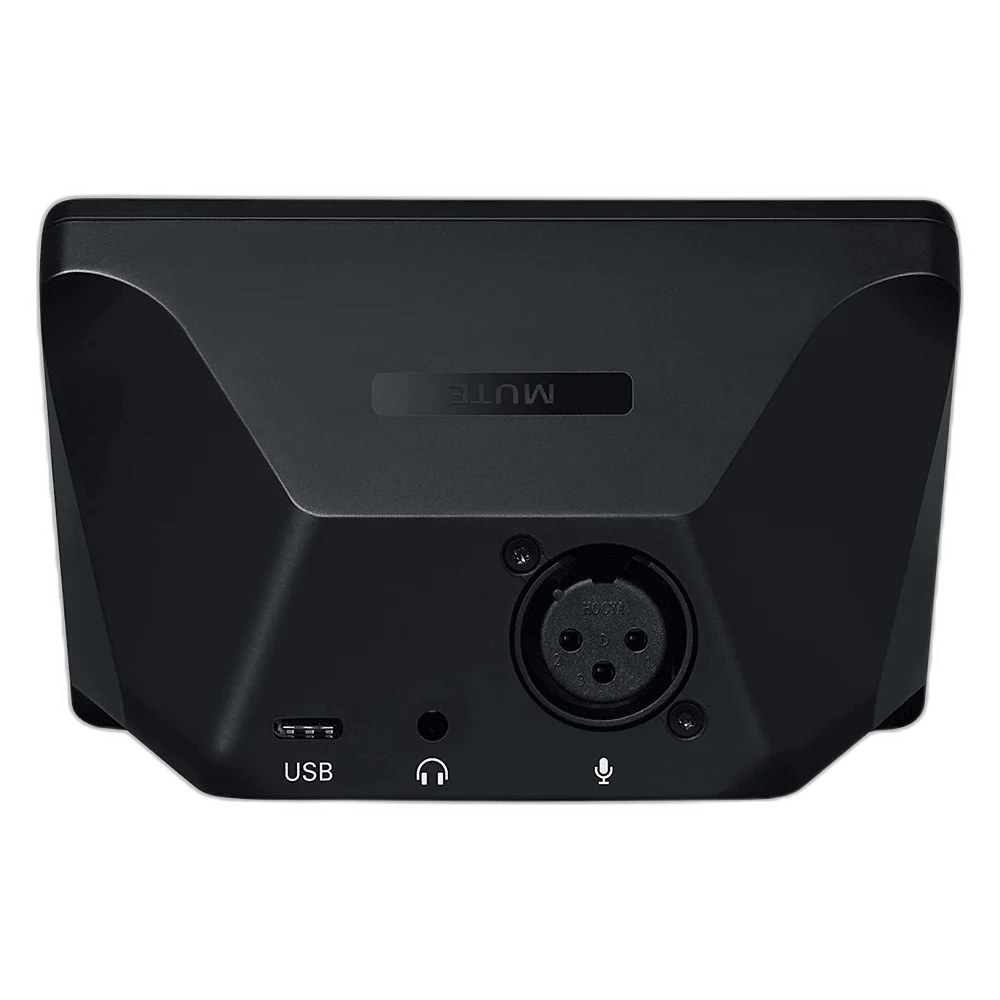
Wave XLR takes one XLR microphone into the computer recording workflow. Use a suitable XLR-to-XLR cable, choose phantom power only when required by the microphone and set gain around the loudest expected voice. It is not a combo instrument-input interface or a USB microphone itself.
Choose Listening and Gain Separately
The headphone output supplies monitoring, while microphone gain controls the recorded input. Set those for their own roles and listen to a short test before recording. A headphone jack is a playback connection and cannot be used in place of the XLR microphone recording input.
Keep Clipguard with the Correct Setup
Clipguard supports the microphone input’s peak-handling workflow, alongside sensible distance and gain. It does not remove the need to check microphone positioning, the loudest expected passage or the recording application’s input selection. Keep the original Wave XLR hardware features with this exact model.
Check the Software Version Before Updating
Wave Link provides the supported computer mixing workflow, with requirements that can change between software versions. Check current operating-system and device support before installation. Published original hardware requirements and a newer software release’s requirements are separate references when preparing the recording computer.
Choose Inputs and Monitoring Around the Session
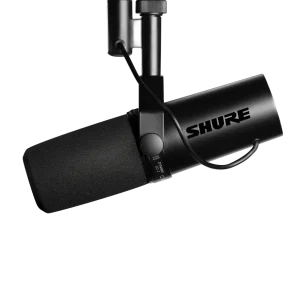
Count the microphone and instrument inputs you need, then plan headphone monitoring, computer connections and any recording destination. Choose one deliberate audio route so playback and commentary reach the intended outputs. Compare related options such as AUDIENT EVO 4 2-Channel Audio Interface or Audient iD14 MKII 10-In/6-Out USB-C Audio Interface, keeping the exact model and configuration in the decision. For the wider setup, explore SHURE MV7X Dynamic Broadcast Microphone (XLR Only) and check the connection, size or mounting requirements before pairing accessories. Browse the Elgato range at AX for more choices.
Elgato Wave XLR Setup Choices
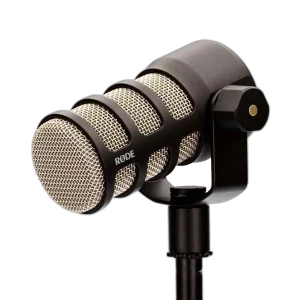
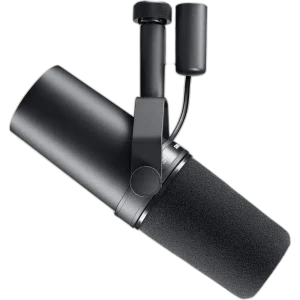
Count the microphone and instrument inputs you need, then plan headphone monitoring, computer connections and any recording destination. Choose one deliberate audio route so playback and commentary reach the intended outputs. Explore Shure SM7B Dynamic Microphone, XLR, Shure SM7dB Dynamic Vocal Microphone with Built-in Preamp, RØDE PodMic USB Dynamic Microphone – USB-C & XLR – Black / White.
Frequently Asked Questions
How many XLR microphones can it record?
One XLR microphone input is provided. Software audio channels do not add physical microphone sockets.
Does it have an instrument combo input?
The specified recording input is XLR microphone input, rather than a 6.35 mm guitar/instrument combo socket.
Can it power a condenser microphone?
Switchable 48 V phantom power is available for compatible XLR microphones. Match the setting to the microphone’s requirement.
What is the computer connection?
USB-C connects the interface to a suitable computer data port. Use the specified cable and check the actual hardware and software requirements.
Does a headphone DAC replace Wave XLR?
A headphone-only DAC supplies playback. Wave XLR provides the microphone recording input and its appropriate preamp/power functions.
Does the listing include a microphone or XLR cable?
The listed package is Wave XLR with its USB cable and guide. Choose the microphone and XLR cable separately.
Build Your Setup with AX Store
Explore computers, displays and accessories for your workspace at AX Store. For help choosing the right model or checking an accessory, contact AX Store.
THE DETAILS
Technical specifications
Audio
20 Hz–20 kHz
100 dB; 120 dB with Clipguard engaged
-130 dBV at 60 dB gain
0–75 dB
48 VDC, 7 mA
10 V at 0 dB gain, Clipguard engaged
24-bit
48 / 96 kHz
77 mW at 16 Ohm
16/24-bit; 48/96 kHz
Connections and setup
XLR
3.5 mm stereo
USB-C
Windows 10 64-bit; macOS 10.15 or newer; USB 3.0 or higher
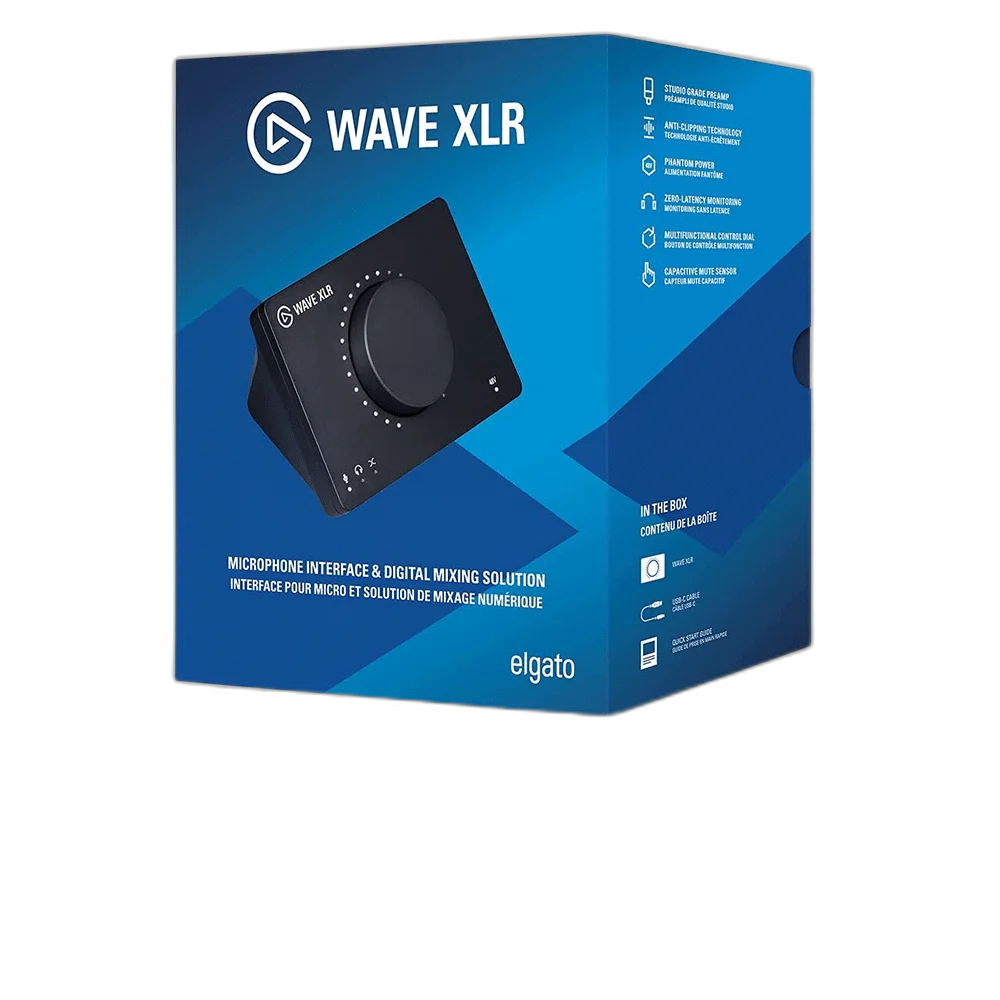
Wave XLR, USB-A to USB-C cable, quick start guide
Wave Link; software versions may require a newer OS
COMPLETE YOUR SETUP