
Govee
Govee Gaming Light Strip G1 for 27-34 inch Monitors, RGBIC Sync Lighting
Govee H6609 Gaming Light Strip G1 for 27–34-inch monitors, with RGBIC lighting, VibraMatch software color matching, 123 scenes and four music modes.
Regular price
21.000 KWD
or 4 payments of 5.250 KWD with
Pay with card & save


19.900 KWD
Save 1.100 KWD
Overview
GOVEE H6609 GAMING LIGHT STRIP G1 — 27–34 INCH
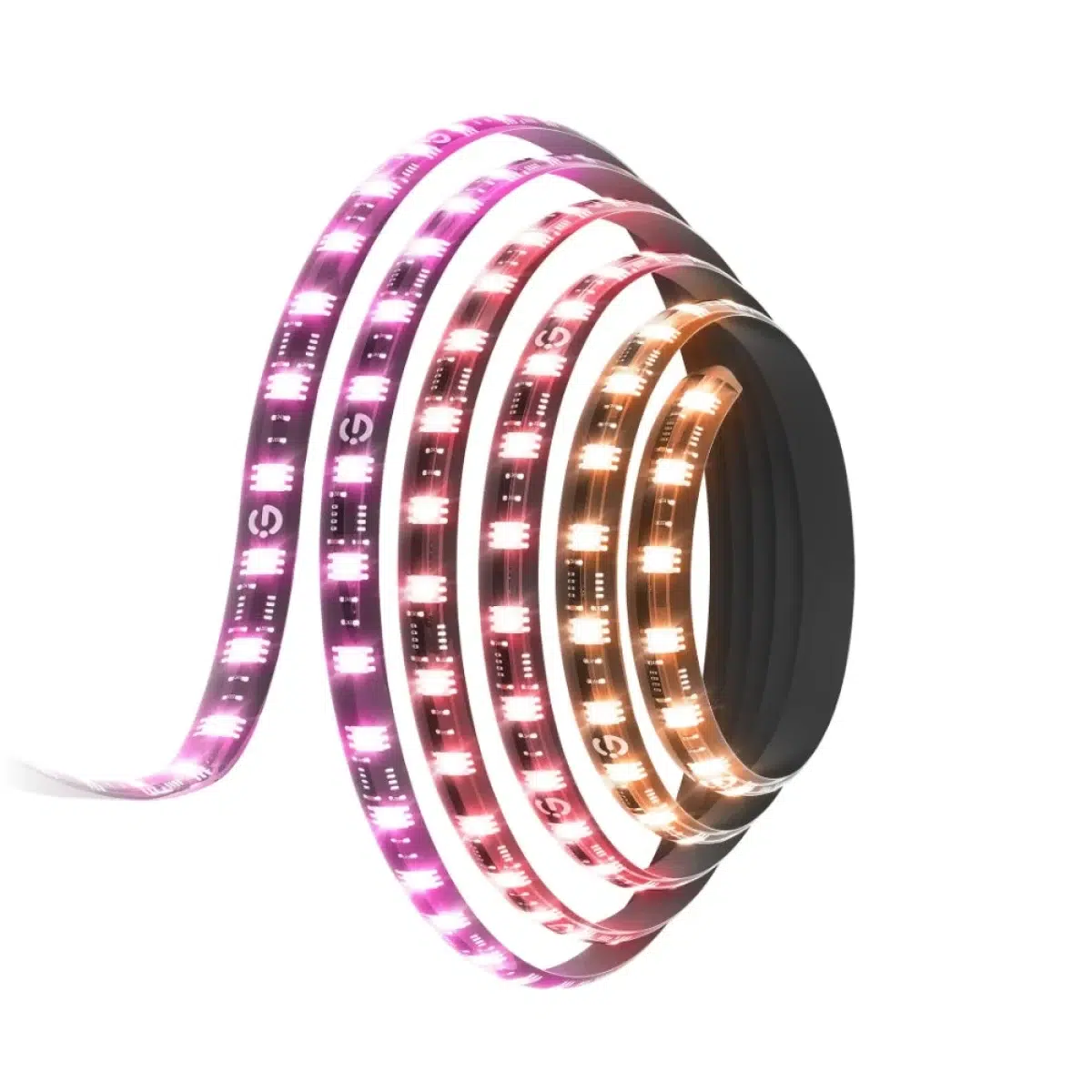
Govee H6609
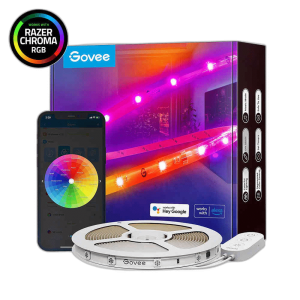
Govee H6609: Govee Gaming Light Strip G1 brings RGBIC lighting to the rear of a compatible monitor. This listing is the H6609 variant selected for 27–34-inch screens. VibraMatch and software-based color matching coordinate the light with the picture, while app scenes and music modes provide other ways to use the lighting around the same gaming desk. Explore this model at AX Store in Kuwait.
RGBIC
Lighting Technology
27–34 inch
Selected Monitor Size
123
Scene Modes
4
Music Modes
Color Matching through Software
The G1 uses software-based color matching to coordinate screen colors along the light strip. Govee identifies VibraMatch as part of this screen-lighting design. Configure the supported software and light connection around the computer you use, then adjust the effect for the games, video and other content displayed on the monitor.
RGBIC Lighting Around Four Sides
RGBIC allows different sections of the strip to display different colors, creating a multicolor border around the screen. The G1 design covers all four sides of a compatible monitor rather than concentrating the effect at one edge. Plan the rear layout and cable route before fixing the strip, keeping the screen shape and selected size in mind.
The 27–34-Inch Configuration
The manufacturer lists separate G1 variants for 24–26-inch and 27–34-inch monitors. This product is the larger 27–34-inch option. Check your monitor dimensions and the installation guide before positioning the light, leaving access to monitor controls and connections while arranging the strip around the rear perimeter of the display.
Scenes for Different Desk Activities
The product description lists 123 scene modes for changing the atmosphere beyond screen-color matching. Choose a scene when you want background lighting during desktop work or a fixed room mood, then change the brightness and colors through the supported app controls. Save the effect you prefer around the other lighting already present at your desk.
Four Music Modes
Four music modes provide another way to animate the lighting around your setup. Select a supported mode when you want the light effect to respond to music, then compare its movement and colors with the room atmosphere you prefer. Scene selection and music operation give you options for using the same light beyond a gaming session.
Coordinate a Wider Lighting Setup
Govee lists synchronization with up to 10 Govee lights for a broader lighting arrangement. Use supported compatible lights and the available app setup to coordinate the monitor border with the surrounding desk or room. Configure the screen effect first, then add other lights and adjust their placement to suit the space you actually use.
Choose the Lighting System and Expansion Route
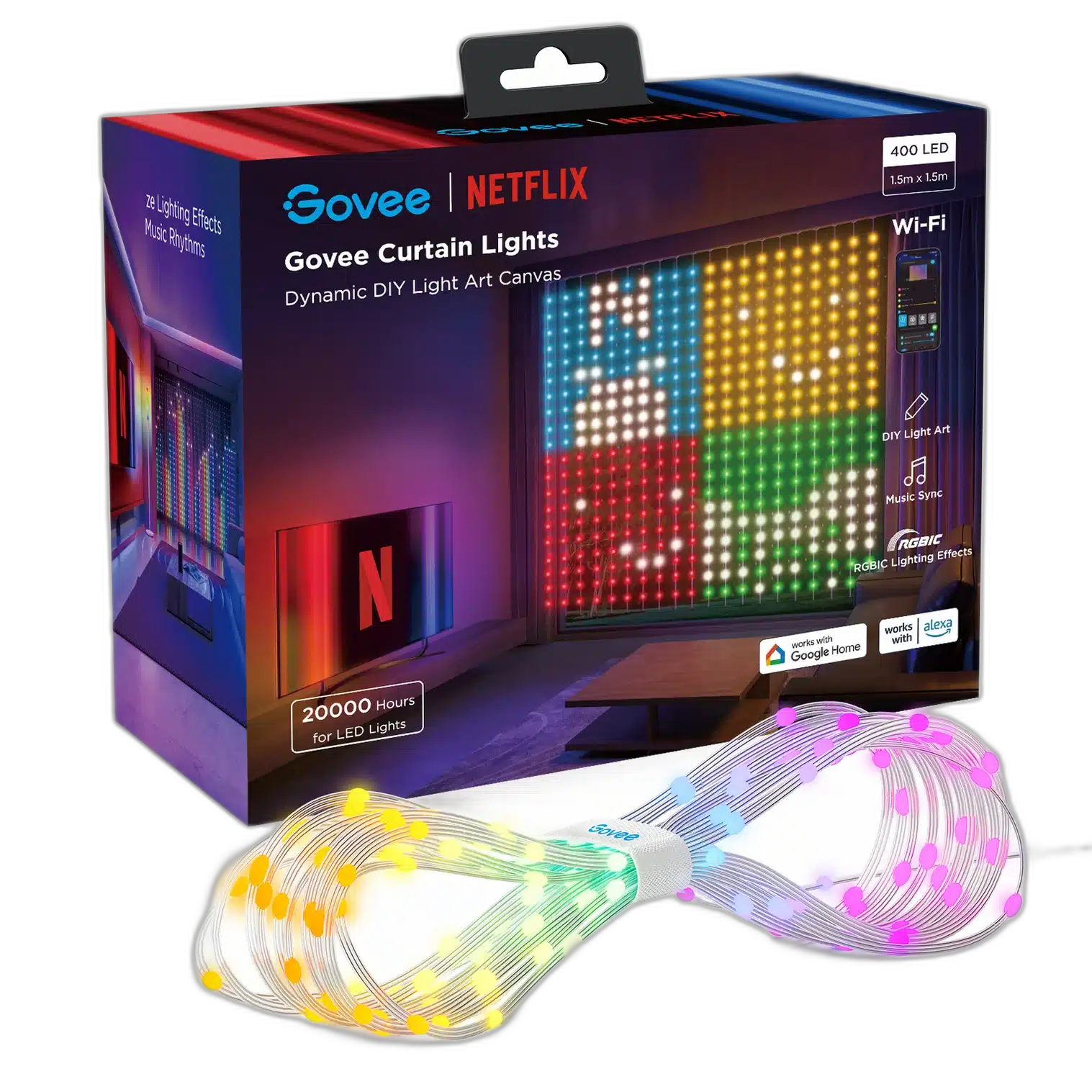
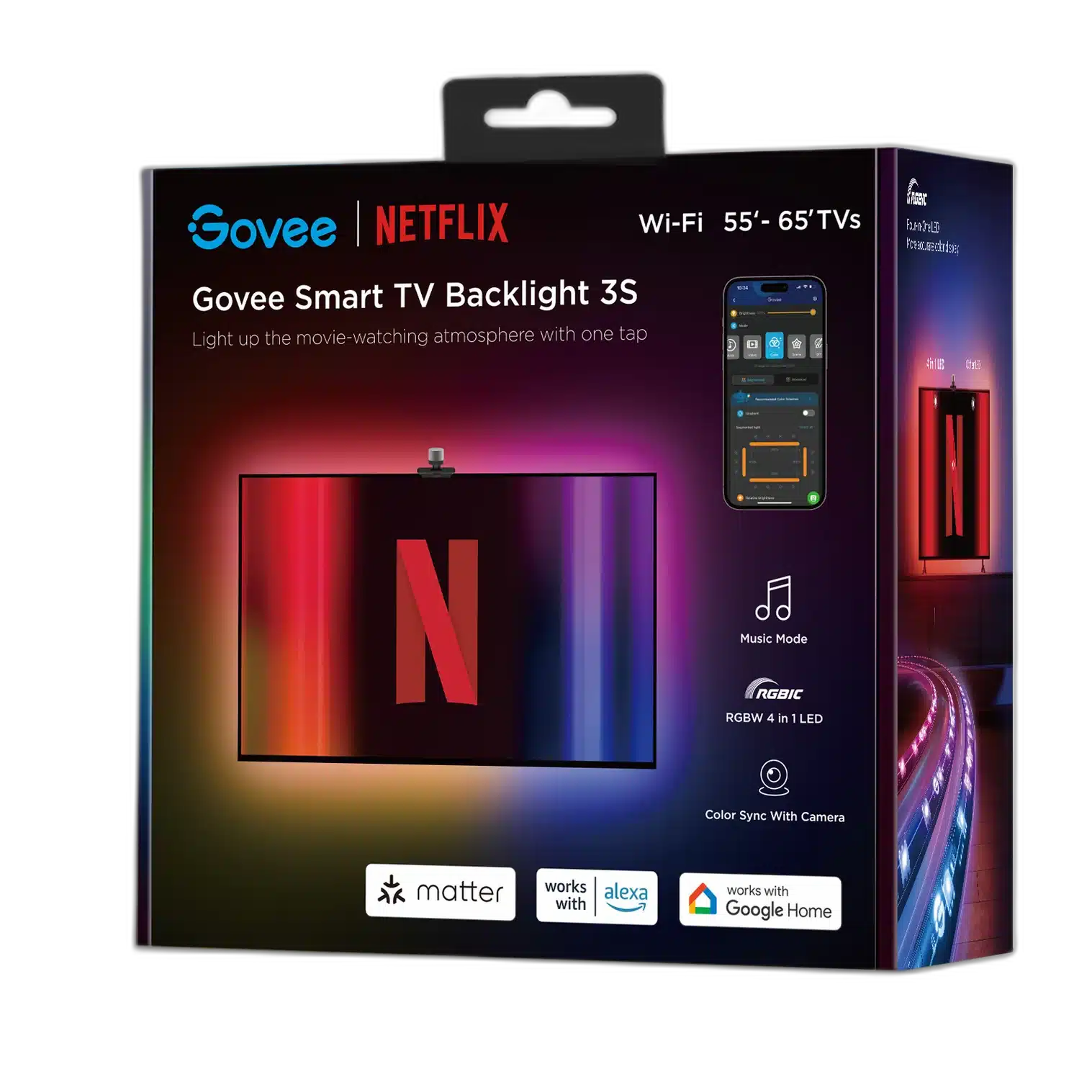
Check whether the exact item is a complete starter kit or an expansion. Match its power supply, controller and supported ecosystem before adding panels, strips or other accessories. Compare related options such as Govee H6098 Envisual TV Backlight 3S Netflix Edition or Govee H605C Envisual TV Backlight for 55-65 Inch TVs, keeping the exact model and configuration in the decision. For the wider setup, explore Govee H10D2 Neon Rope Light 2 Clips 5-Pack and check the connection, size or mounting requirements before pairing accessories. Browse the Govee range at AX for more choices.
Govee H6609 Setup Choices
Check whether the exact item is a complete starter kit or an expansion. Match its power supply, controller and supported ecosystem before adding panels, strips or other accessories.
Frequently Asked Questions
What lighting technology does this model use?
Lighting technology: RGBIC.
How is the lighting controlled or connected?
Controls: Supported screen-matching software; Govee app.
Which monitor size is this configuration for?
Selected monitor size: 27–34 inches. Screen coverage: Four sides.
How does screen matching and light synchronization work?
Screen color matching: Software-based; VibraMatch. Lighting synchronization: Up to 10 compatible Govee lights.
Build Your Setup with AX Store
Explore computers, displays and accessories for your workspace at AX Store. For help choosing the right model or checking an accessory, contact AX Store.
THE DETAILS
Technical specifications
Model and Confirmed Features
Govee
H6609
27–34 inches
RGBIC
Software-based; VibraMatch
Four sides
123
4
Up to 10 compatible Govee lights
Supported screen-matching software; Govee app
COMPLETE YOUR SETUP
Pairs well with