HyperX
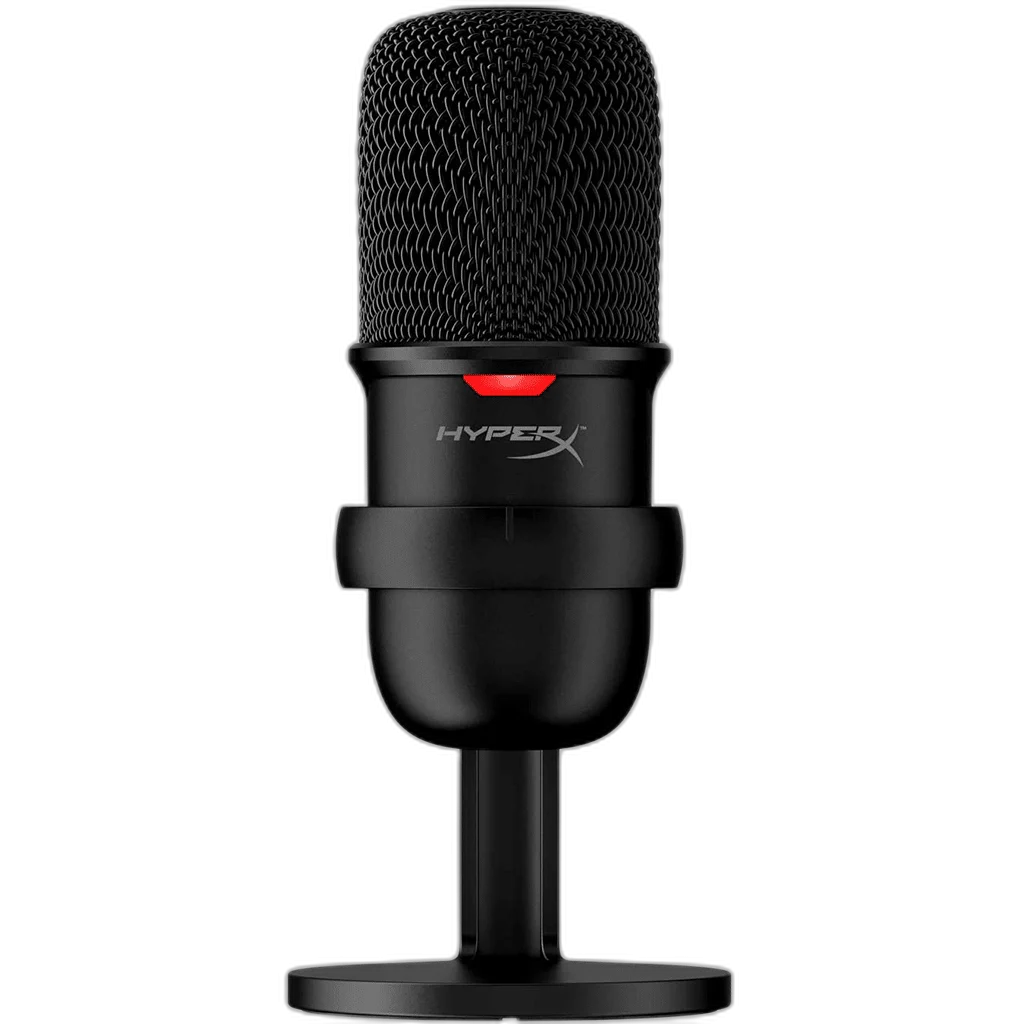
HyperX SoloCast USB Condenser Gaming Microphone
Keep your voice setup compact with the black HyperX SoloCast. A cardioid condenser capsule, simple USB connection and tap-to-mute control make it a practical microphone for gaming chat, calls and solo content creation.
Regular price
20.000 KWD
or 4 payments of 5.000 KWD with
Pay with card & save


19.000 KWD
Save 1.000 KWD
Overview
HYPERX SOLOCAST USB CONDENSER GAMING MICROPHONE
HyperX SoloCast Black
HyperX SoloCast Black: Keep your voice setup compact with the black HyperX SoloCast. A cardioid condenser capsule, simple USB connection and tap-to-mute control make it a practical microphone for gaming chat, calls and solo content creation. Explore this model at AX Store in Kuwait.
Condenser
Microphone Type
Cardioid
Pickup Pattern Options
Up to 24-bit / 96 kHz with supported firmware
USB Recording Format
USB
Microphone Connection
Focus on one speaker
The cardioid pattern favors sound in front of the microphone, making placement straightforward for a single voice. Choose a comfortable speaking position, then check the selected input and recording level in the application before beginning the session.
Quick mute feedback
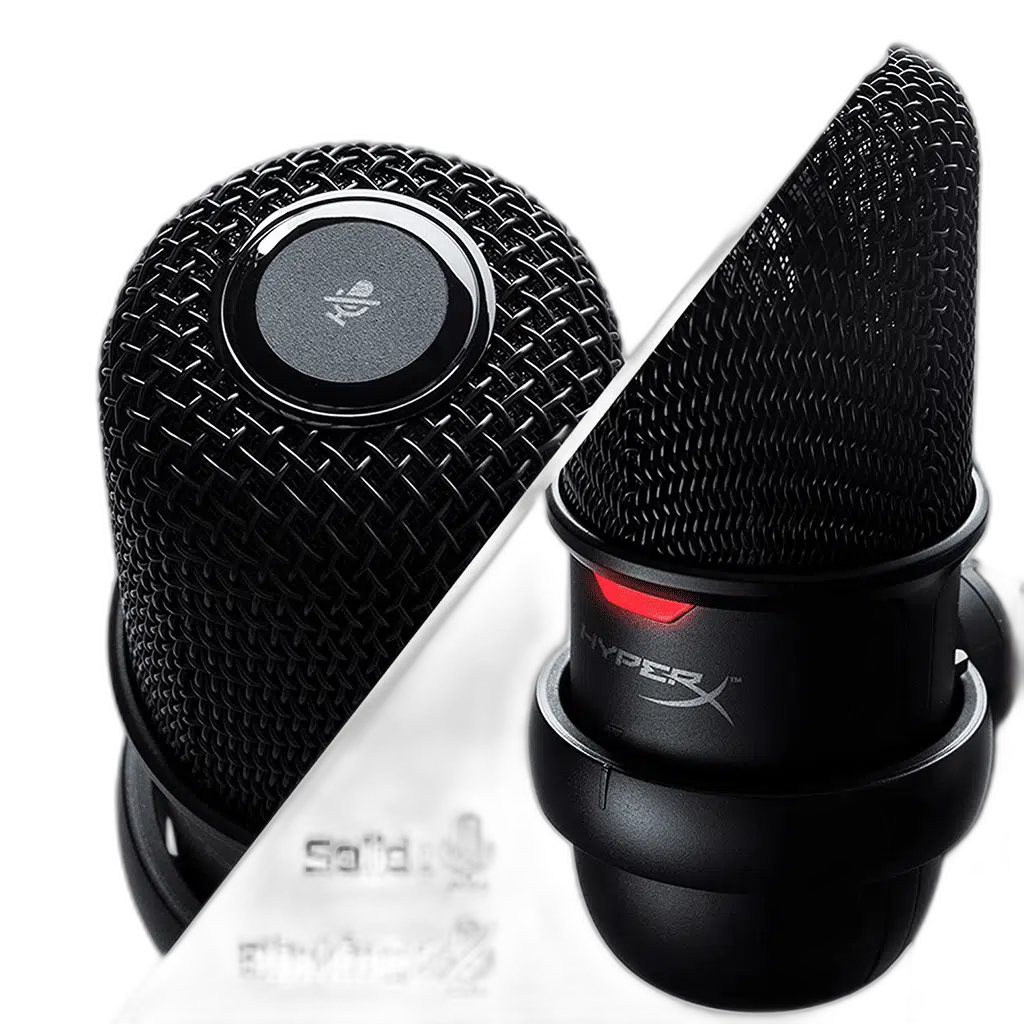
Tap the top sensor to mute. The flashing LED makes the current status easy to check. Choose a comfortable speaking position, then check the selected input and recording level in the application before beginning the session.
Fit a smaller desk
The adjustable stand lets you tilt and swivel the microphone. Built-in threads support compatible 3/8-inch and 5/8-inch mounts. Choose a comfortable speaking position, then check the selected input and recording level in the application before beginning the session.
Update for higher-resolution audio
The original model supports 16-bit recording. HyperX provides a NGENUITY firmware update enabling up to 24-bit/96 kHz capture. Choose a comfortable speaking position, then check the selected input and recording level in the application before beginning the session.
Select the Recording Format for Your Session
The USB recording format is Up to 24-bit / 96 kHz with supported firmware. Choose a supported setting in the host and recording application, checking firmware requirements where stated. Leave enough input headroom for changes in speaking level rather than treating format resolution as protection against every overload.
Match the Connection to the Recording Setup
Connect the microphone through its stated USB cable route, then select it as the input in the supported application. Check the computer’s recording device and gain settings before the session so the application captures this microphone rather than another available input.
Build a Direct Computer Recording Setup
Check the supported computer connection, microphone controls and headphone-monitoring arrangement. Set the intended input in your recording application and choose a mount with the correct thread and supported load. Compare related options such as Elgato Wave 3 MK.2 USB Condenser Microphone - Wave FX / Black or SteelSeries Alias USB-C Gaming Microphone, RGB, keeping the exact model and configuration in the decision. For the wider setup, explore Audio-Technica ATH-M40X 40mm Closed-Back Studio Headphones and check the connection, size or mounting requirements before pairing accessories. Browse the HyperX range at AX for more choices.
HyperX SoloCast Black Setup Choices
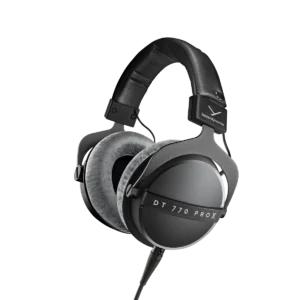
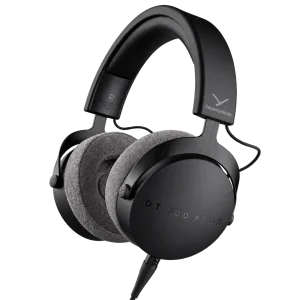
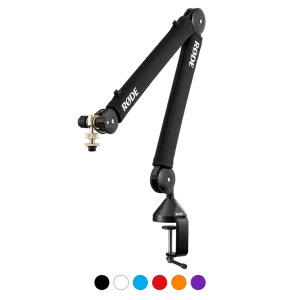
Check the supported computer connection, microphone controls and headphone-monitoring arrangement. Set the intended input in your recording application and choose a mount with the correct thread and supported load. Explore RØDE PSA1+ Professional Studio Microphone Boom Arm, beyerdynamic DT 770 PRO X Closed-Back Studio Headphones 48 Ohm, beyerdynamic DT 700 Pro X Studio Headphones.
Frequently Asked Questions
How does this microphone connect?
Connect the microphone by USB to a supported computer and select it in the recording application. USB provides the microphone’s digital audio route and power; a separate XLR microphone input is not required for that connection.
Which pickup patterns are available?
Cardioid. Choose the pattern and speaking position for the session. Directional pickup does not remove every room sound; distance, gain and placement still matter.
Which recording format should I select?
Up to 24-bit / 96 kHz with supported firmware. Use a supported host, firmware and recording application setting. A maximum USB format does not by itself promise unclippable recording or eliminate the need to set levels.
How can I monitor my recording?
Check the selected microphone input and listen through the supported computer or recording setup. Do not assume a USB connection also provides a headphone jack on the microphone.
What mounting or supplied-item details should I check?
Microphone, desktop stand and USB cable. Match any separate support to the exact thread, microphone and mount weight, and desk clearance.
How is the higher-resolution format enabled?
The original format is 16-bit up to 48 kHz. Use the supported HyperX NGENUITY firmware update and compatible host settings to enable up to 24-bit/96 kHz.
Build Your Setup with AX Store
Explore computers, displays and accessories for your workspace at AX Store. For help choosing the right model or checking an accessory, contact AX Store.
THE DETAILS
Technical specifications
Microphone
Electret condenser
Cardioid
20 Hz–20 kHz
-6 dBFS (1 V/Pa at 1 kHz)
≤-74 dBFS, A-weighted
USB and control
USB-C
USB 2.0, full speed
16-bit; up to 48 kHz
Up to 24-bit / 96 kHz via HyperX NGENUITY firmware update
47 mA
Tap-to-mute with LED indicator
Adjustable desktop stand; 3/8-inch and 5/8-inch threaded mounts
Physical and package
261 g
125 g
429.9 g
2 m USB-C to USB-A
Microphone, desktop stand and USB cable
COMPLETE YOUR SETUP