Kingston
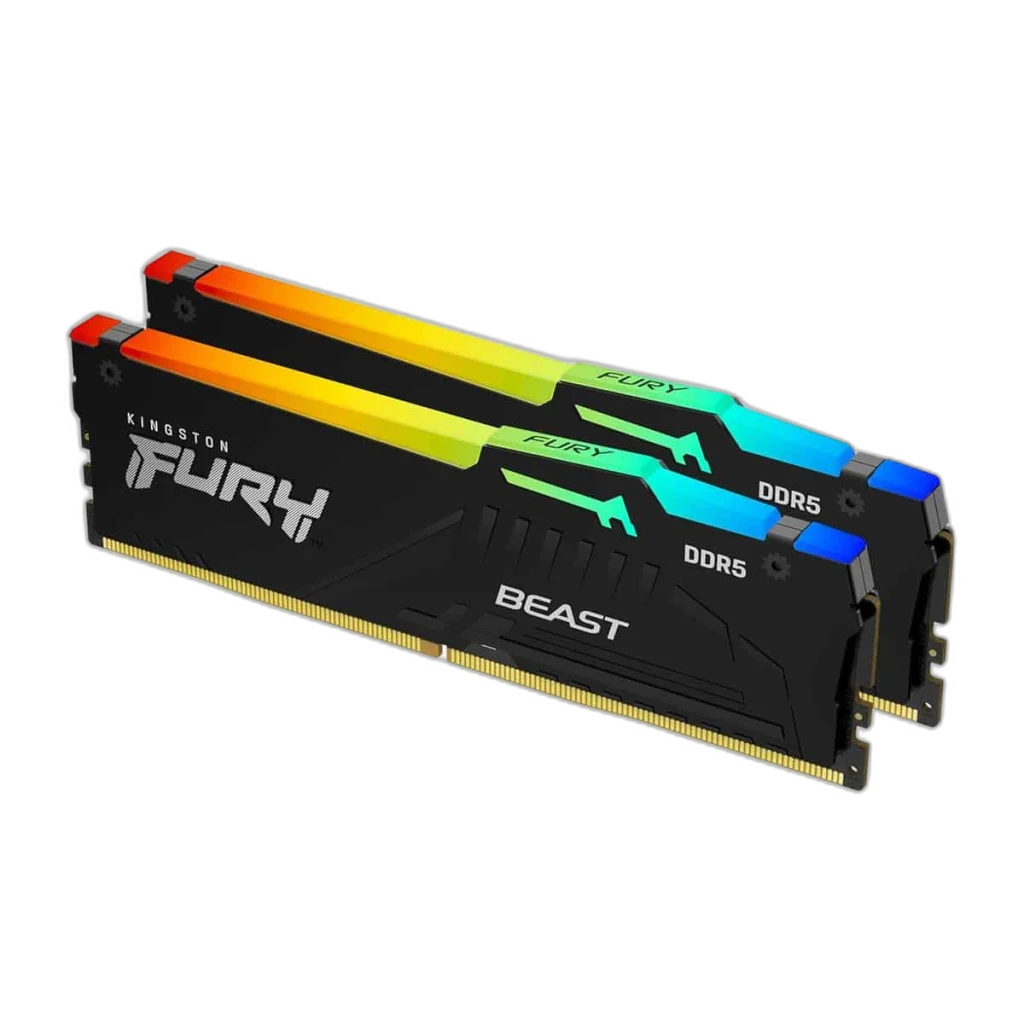
Kingston Fury Beast RGB 32GB DDR5 6000MHz Memory Kit
Kingston FURY Beast RGB 32GB DDR5-6000 provides 2 × 16 GB of desktop memory for a compatible DDR5 platform. Its rated profile combines up to 6000 MT/s with CL30 latency, while AMD EXPO 1.1 and Intel XMP 3.0 supplies the supported memory-profile format for configuration in the motherboard BIOS.
Regular price
218.500 KWD
or 4 payments of 54.625 KWD with
Pay with card & save


208.000 KWD
Save 10.500 KWD
Overview
KINGSTON FURY BEAST RGB 32GB DDR5-6000
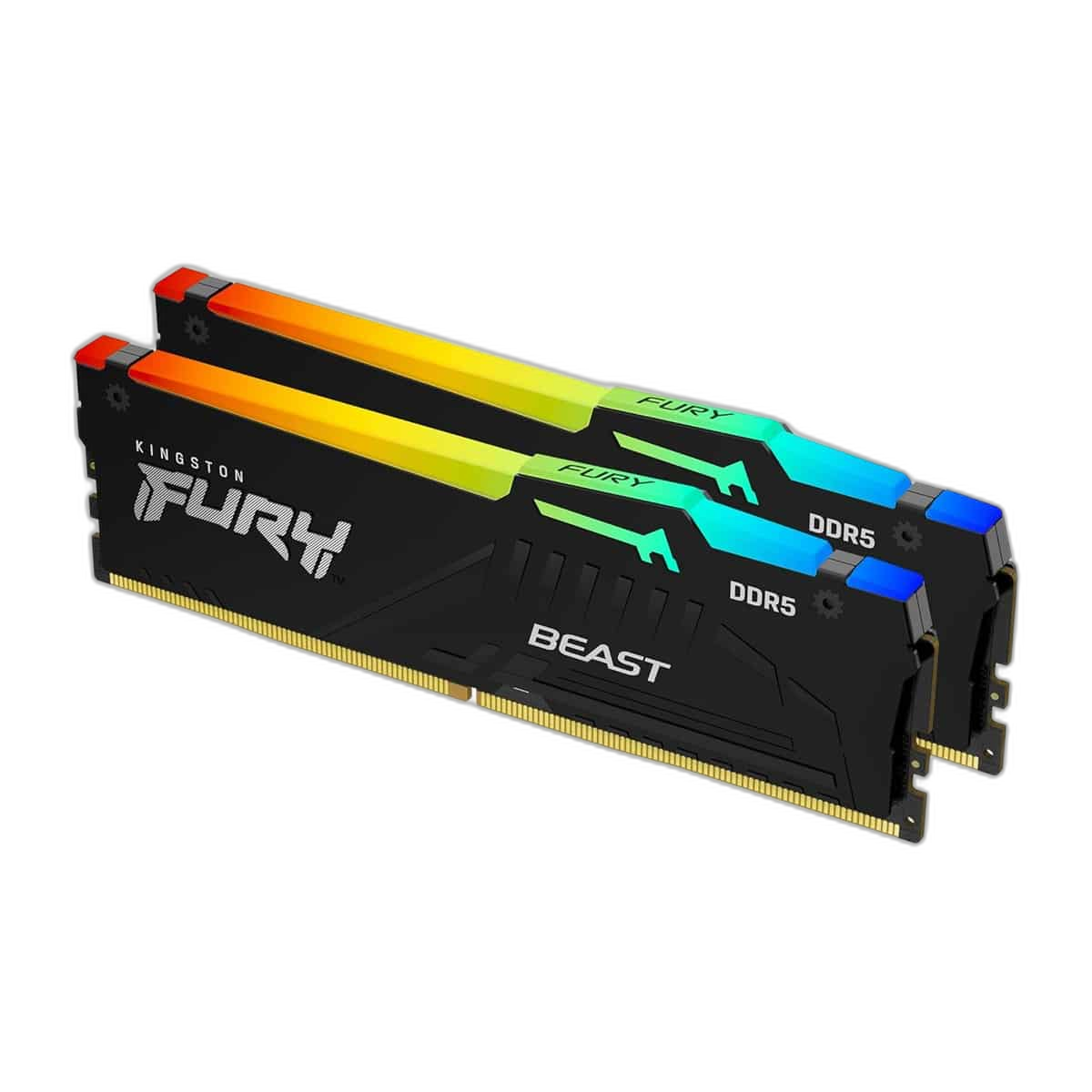
Kingston FURY Beast RGB 32GB DDR5-6000
Kingston FURY Beast RGB 32GB DDR5-6000 provides 2 × 16 GB of desktop memory for a compatible DDR5 platform. Its rated profile combines up to 6000 MT/s with CL30 latency, while AMD EXPO 1.1 and Intel XMP 3.0 supplies the supported memory-profile format for configuration in the motherboard BIOS. Explore this model at AX Store in Kuwait.
32 GB
Total supplied capacity
6000 MT/s
Rated profile data rate
CL30
Rated CAS latency
2 DIMMs
Supplied modules
Capacity and Module Arrangement
The 32 GB total is supplied as 2 matched 16 GB modules. Install the supplied modules together in the slots recommended by the motherboard manual, allowing the platform to use its supported channel arrangement. Consider the working-memory requirements of the applications you run alongside the space already installed in the computer. A matched kit provides its stated total across the supplied modules; it is not that capacity per stick.
A Rated 6000 MT/s Profile
The rated memory profile is up to 6000 MT/s, with 30-36-36 timings at 1.4 V. These values describe the tested profile rather than an automatic setting on every computer. Choose a processor and motherboard that support the intended memory configuration, then use the board’s documented profile controls to configure the system.
Profile Support and Startup Settings
AMD EXPO 1.1 and Intel XMP 3.0 is the supported profile format for this model. The default SPD/JEDEC configuration is DDR5-4800 CL40-39-39 at 1.1V. The computer may start at its default memory settings before a profile is selected. The available operating speed depends on the processor’s memory controller, installed BIOS, module population and the exact kit support offered by the board.
A DDR5 Desktop DIMM Match
This is DDR5 desktop memory in the 288-pin DIMM format. Match both the memory generation and physical module type with the motherboard before installation. DDR4 and DDR5 use different electrical arrangements and cannot be interchanged. Check the board’s memory support list and maximum supported module capacity when selecting the kit for the complete platform.
Heat Spreader and Build Clearance
The Beast RGB design includes RGB lighting and a heat spreader, with a specified overall height of 42.23 mm. Check the space around the DIMM slots, particularly where a large CPU cooler or its fan extends over the memory. Account for the complete module and heat-spreader height when planning that arrangement. A suitable case airflow path also helps the surrounding motherboard and cooling hardware work as intended during longer sessions.
Manufacturer part
KF560C30BBEAK2-32
Product family
Kingston FURY Beast RGB
Memory generation
DDR5
Install and Configure the Memory Together
Follow the motherboard’s installation and BIOS guidance when fitting the 2 × 16 GB arrangement. Keep the supplied kit together instead of assuming that two separately purchased kits will operate as one matched set. After configuration, confirm the detected capacity and operating settings in the system. Profile operation and attainable speed depend on the complete hardware combination.
Match Memory to the Platform
Check the motherboard and processor requirements, memory generation, module count and full kit part number. Treat different kits as alternative purchases; matching advertised capacity or speed alone does not establish compatibility. Compare related options such as G.SKILL Ripjaws M5 Neo RGB 32GB (2x16GB) DDR5-6000 CL36 – White or Kingston Fury Beast 16GB DDR4 3200MT/s Memory Kit, keeping the exact model and configuration in the decision. For the wider setup, explore Corsair MP700 PRO NVMe M.2 SSD with Air Cooler and check the connection, size or mounting requirements before pairing accessories. Browse the Kingston range at AX for more choices.
Kingston FURY Beast RGB 32GB DDR5-6000 Setup Choices
Check the motherboard and processor requirements, memory generation, module count and full kit part number. Treat different kits as alternative purchases; matching advertised capacity or speed alone does not establish compatibility.
Frequently Asked Questions
How many modules are supplied?
2 × 16 GB. The total kit capacity is 32 GB.
Will it automatically run at the rated data rate?
The default configuration is DDR5-4800 CL40-39-39 at 1.1V. Using the up-to 6000 MT/s profile requires compatible hardware and appropriate BIOS configuration.
Which profile format is supported?
AMD EXPO 1.1 and Intel XMP 3.0.
What are the rated timings and voltage?
30-36-36 at 1.4 V.
Can it fit a DDR4 motherboard?
No. This model requires DDR5 desktop DIMM support. Check the exact kit and module capacity against the motherboard’s compatibility guidance.
Build Your Setup with AX Store
Explore computers, displays and accessories for your workspace at AX Store. For help choosing the right model or checking an accessory, contact AX Store.
Compare XPG Lancer Blade RGB 16GB DDR5 6000MHz CL36 Memory. Match the exact model, connection and configuration to your setup.
THE DETAILS
Technical specifications
Memory Kit Specifications
KF560C30BBEAK2-32
Kingston FURY Beast RGB
DDR5
32 GB
2 × 16 GB
Up to 6000 MT/s; compatible hardware and BIOS profile required
30-36-36
1.4 V
AMD EXPO 1.1 and Intel XMP 3.0
DDR5-4800 CL40-39-39 at 1.1V
288-pin DIMM
The Beast RGB design includes RGB lighting and a heat spreader, with a specified overall height of 42.23 mm.
42.23 mm including heat spreader
DDR5-4800 CL40-39-39 @1.1V; DDR5-6000 CL30-36-36 @1.4V; DDR5-5600 CL40-40-40 @1.25V; DDR5-6000 CL30-36-36 @1.4V; DDR5-5600 CL40-40-40 @1.25V
1Rx8
On-die ECC
COMPLETE YOUR SETUP
Pairs well with
