Lian LI
Lian Li STRIMER L-Connect 3 Controller
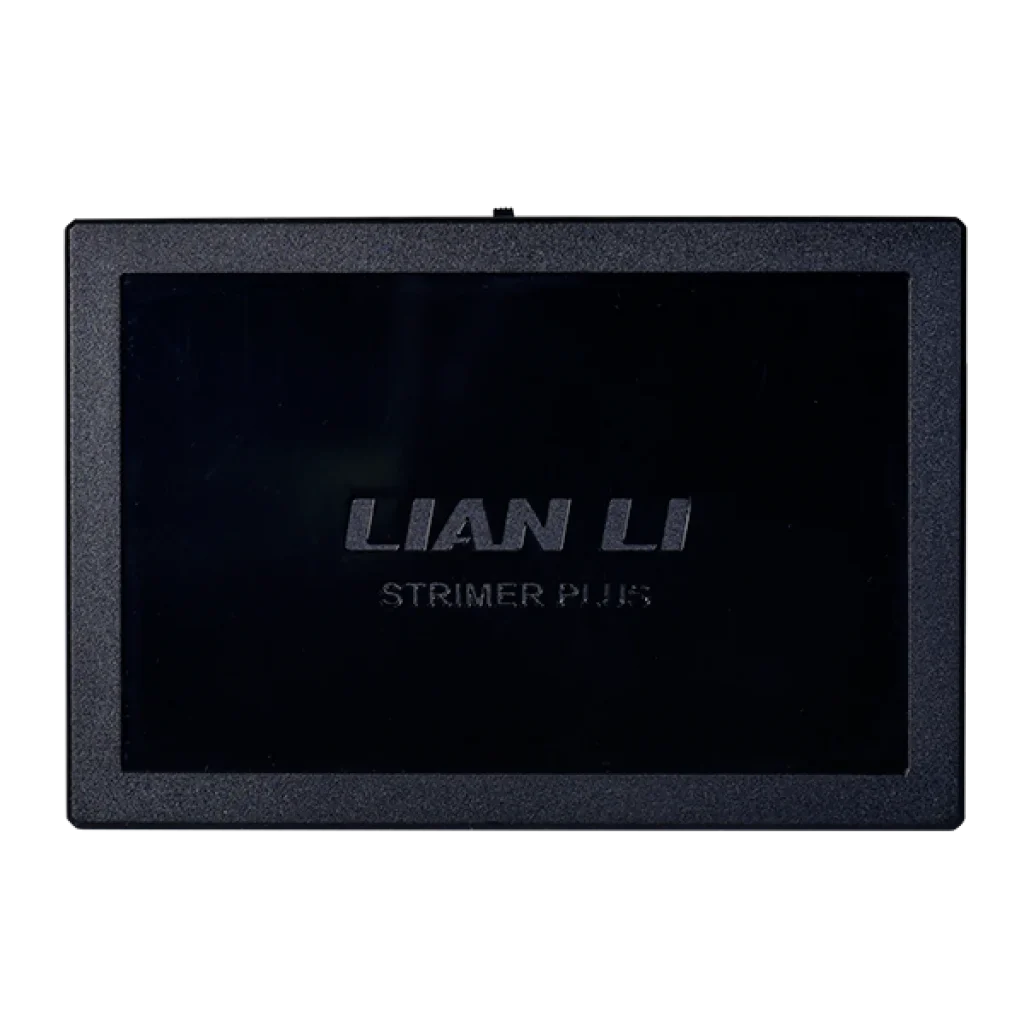
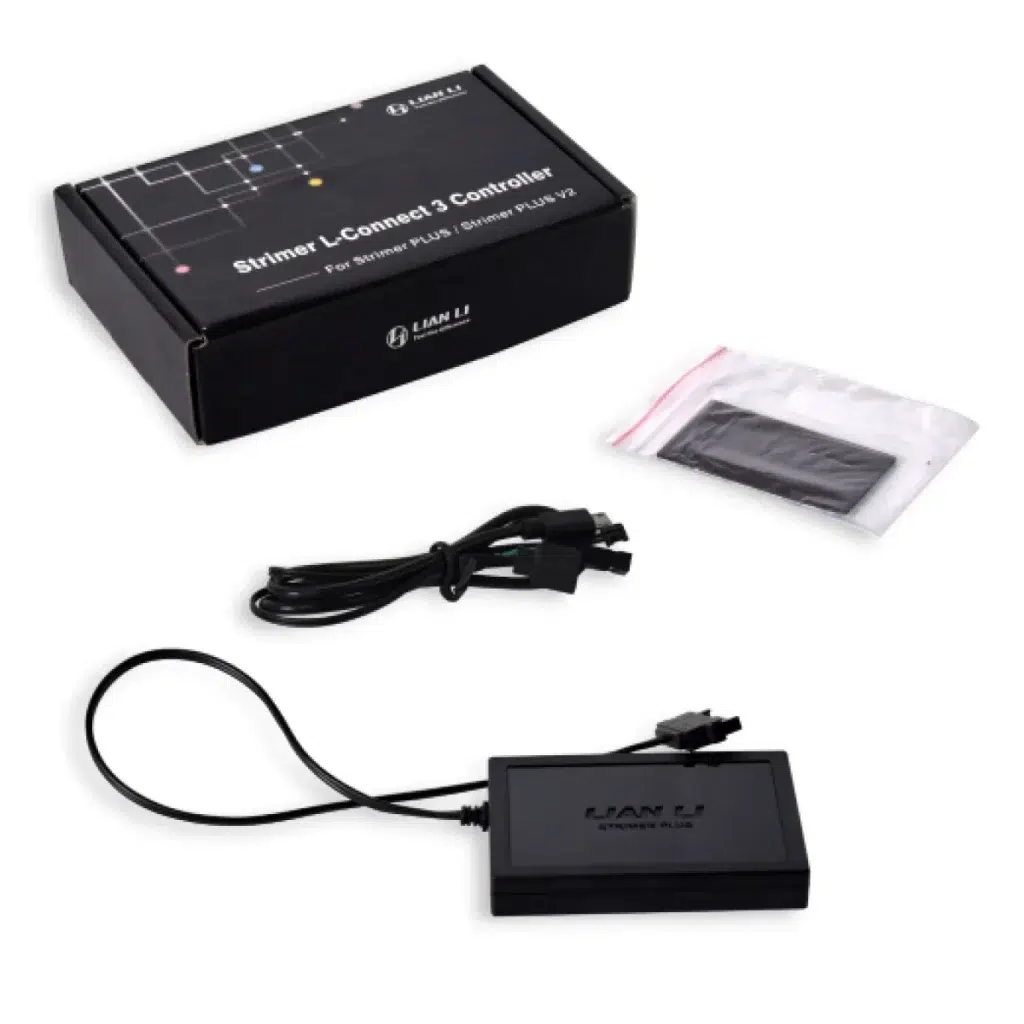
Lian Li STRIMER L-Connect 3 Controller brings software lighting control to compatible STRIMER Plus and Plus V2 24-pin, dual 8-pin and triple 8-pin cables. Configure individual channels, combined effects and supported synchronisation through L-Connect 3. Controller only; STRIMER extension cables sold separately.
Regular price
6.000 KWD
or 4 payments of 1.500 KWD with
Pay with card & save


5.600 KWD
Save 0.400 KWD
Overview
LIAN LI STRIMER L-CONNECT 3 CONTROLLER
Lian Li STRIMER L-Connect 3 Controller
Lian Li STRIMER L-Connect 3 Controller: Control the lighting on compatible STRIMER Plus and STRIMER Plus V2 cables through L-Connect 3 with this dedicated Lian Li controller. It supports the listed 24-pin motherboard, dual 8-pin GPU and triple 8-pin GPU cable formats, giving an existing STRIMER setup access to software effects, individual lighting channels and synchronisation options. Available from AX Store in Kuwait.
PW24PV2-1
Controller Model
L-Connect 3
Lighting Software
Plus / Plus V2
Listed STRIMER Families
Controller Only
Cables Sold Separately
Connect the compatible STRIMER cable formats
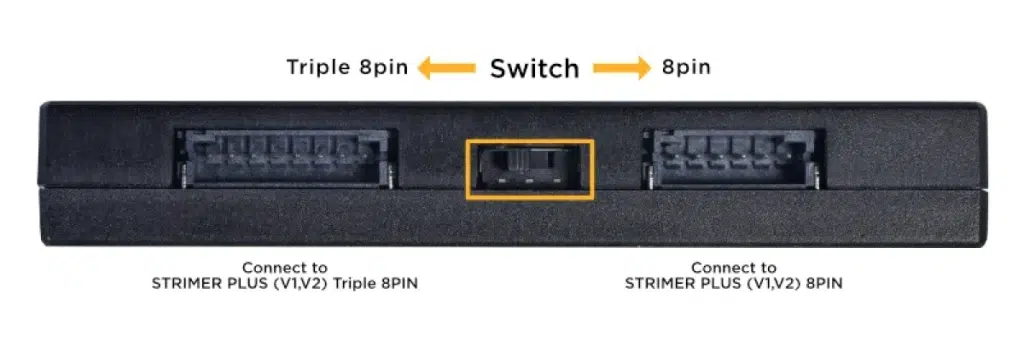
Lian Li lists compatibility with STRIMER Plus and STRIMER Plus V2 in 24-pin, dual 8-pin and triple 8-pin formats. The controller can manage a motherboard 24-pin lighting cable alongside a compatible GPU lighting cable. Check the exact STRIMER version and connector format you own when choosing the controller, rather than assuming every illuminated extension uses the same control system.
Set and preview lighting through L-Connect 3
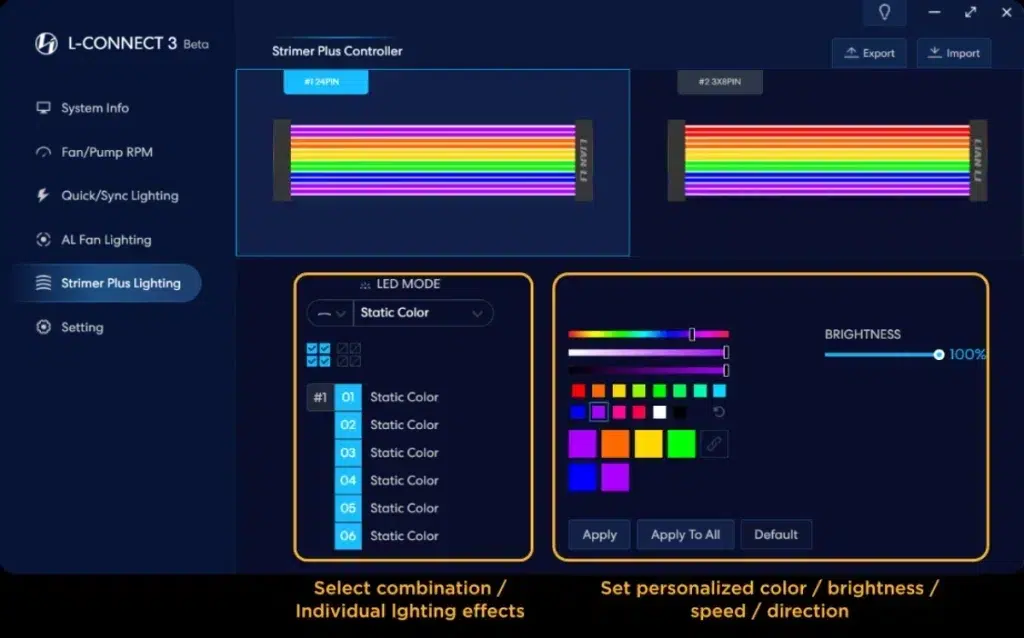
Use L-Connect 3 to choose and preview the lighting effects for your connected STRIMER setup. The manufacturer lists eleven individual modes and thirteen combined lighting modes. This gives you a software-based way to change the appearance of the cables without opening the case each time you want to adjust an effect.
Work with individual lighting channels
The software also allows effects to be configured at channel level, with a channel representing two light strips. Lian Li lists six channels for the 24-pin cable, four for the dual 8-pin and six for the triple 8-pin. Those options let you work with sections of the lighting design as well as applying a combined effect to the whole arrangement.
Synchronise a wider compatible lighting setup
Quick Sync is designed to coordinate lighting with compatible UNI FAN SL and AL devices, and the system also offers motherboard-software synchronisation. Choose the control approach that matches the equipment in your build. The controller manages the lighting of compatible STRIMER cables; it is separate from the power-delivery function of the extension cables themselves.
Plan the power and motherboard connections
The manufacturer shows SATA power from the PSU, a motherboard USB 2.0 header and a motherboard five-volt ARGB connection in the wiring guidance. Account for those connections when planning the installation. Lian Li gives specific SATA power-routing guidance for frequent static-white lighting, including avoiding a shared SATA cable with another ARGB device.
A separate controller for an existing setup
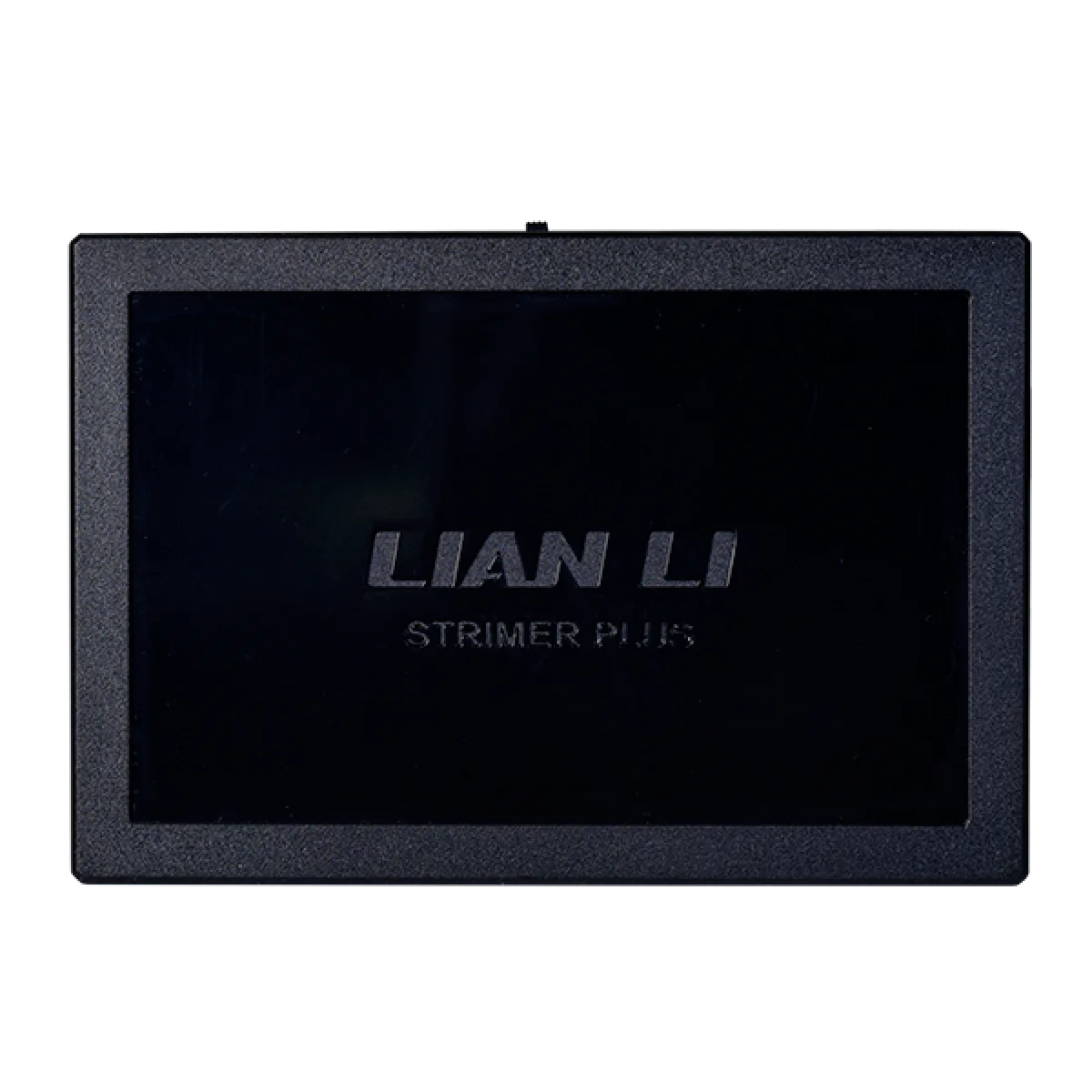
This listing is the PW24PV2-1 controller rather than a set of STRIMER extension cables. Lian Li also includes this controller with the STRIMER Plus V2 24-pin product and offers it separately for compatible earlier STRIMER Plus setups. Check what is already included with your cable kit so you choose the additional equipment you actually need.
Match the Accessory to the Actual System
Check the device connection, mounting or control requirements against your computer and applications. Use the exact model information when choosing another component or accessory. Compare related options such as ASUS Rog XH01 Herculx Graphics Card Holder with RGB Lighting, keeping the exact model and configuration in the decision. For the wider setup, explore GravaStar Mercury V75 Pro 75% Hall Effect Gaming Keyboard, Neon Graffiti and check the connection, size or mounting requirements before pairing accessories. Browse the Lian LI range at AX for more choices.
Lian Li STRIMER L-Connect 3 Controller Setup Choices
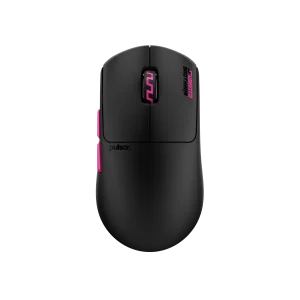
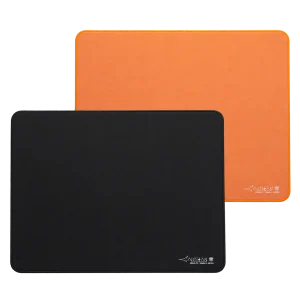
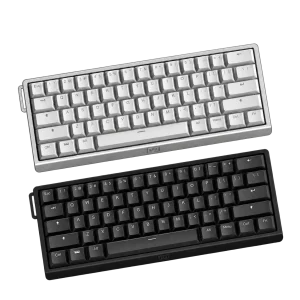
Check the device connection, mounting or control requirements against your computer and applications. Use the exact model information when choosing another component or accessory. Explore Wooting 60HE v2 60% Gaming Keyboard, Aluminium, Pulsar Pro Series Susanto-X Wireless Gaming Mouse Size 2, 50g, ARTISAN NINJA FX ZERO Gaming Mousepad – SOFT/XSOFT, XL/XXL.
Frequently Asked Questions
Which STRIMER series are listed?
STRIMER Plus and STRIMER Plus V2.
Which cable formats are listed?
Motherboard 24-pin; GPU dual 8-pin; GPU triple 8-pin.
What installation connections are shown?
PSU SATA power; motherboard USB 2.0 header; motherboard 5 V ARGB.
Are power extension cables included?
Lighting controller; STRIMER extension cables sold separately.
Build Your Setup with AX Store
Explore computers, displays and accessories for your workspace at AX Store. For help choosing the right model or checking an accessory, contact AX Store.
THE DETAILS
Technical specifications
Controller and compatibility
Lian Li STRIMER L-Connect 3 Controller
PW24PV2-1
G89.PW24PV2-1.00
85 × 58 × 13.3 mm
STRIMER Plus and STRIMER Plus V2
Motherboard 24-pin; GPU dual 8-pin; GPU triple 8-pin
Lighting controller; STRIMER extension cables sold separately
Lighting and connections
L-Connect 3
Eleven
Thirteen
Six
Four
Six
Compatible UNI FAN SL and AL lighting
PSU SATA power; motherboard USB 2.0 header; motherboard 5 V ARGB
Use a SATA power connection close to the PSU and avoid sharing the SATA cable with another ARGB device
COMPLETE YOUR SETUP
Pairs well with