Logitech
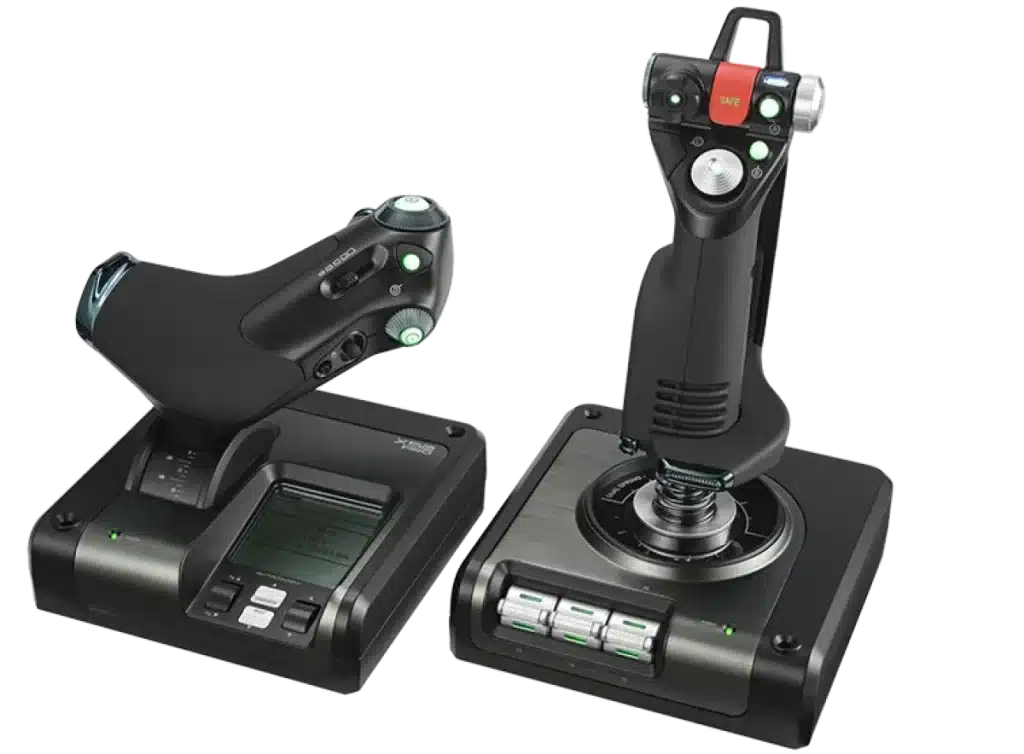
Logitech G SAITEK X52 PRO Flight Control System
Logitech G X52 Pro H.O.T.A.S. combines a dedicated flight stick and adjustable throttle with an illuminated LCD, five-position grip adjustment and lockable twist rudder control. A dual-spring centring mechanism adds progressive resistance as you move the stick. USB 2.0 connectivity for your flight simulation setup.
Regular price
68.500 KWD
or 4 payments of 17.125 KWD with
Pay with card & save


65.000 KWD
Save 3.500 KWD
Overview
LOGITECH G SAITEK X52 PRO FLIGHT CONTROL SYSTEM
Bring your cockpit controls into your hands
The Logitech G X52 Pro H.O.T.A.S. combines a separate flight stick and adjustable throttle for flight and space simulation. Its dual-spring mechanism adds progressive resistance, while the illuminated controls and multifunction LCD keep important information nearby. Adjust the handle, throttle tension and rudder-control arrangement to fit the way you fly.
Stick + Throttle
Separate Controls
LCD
Multifunction Display
Twist Rudder
Lockable Axis
Dual Spring
Joystick Mechanism
A dual-spring stick with progressive resistance
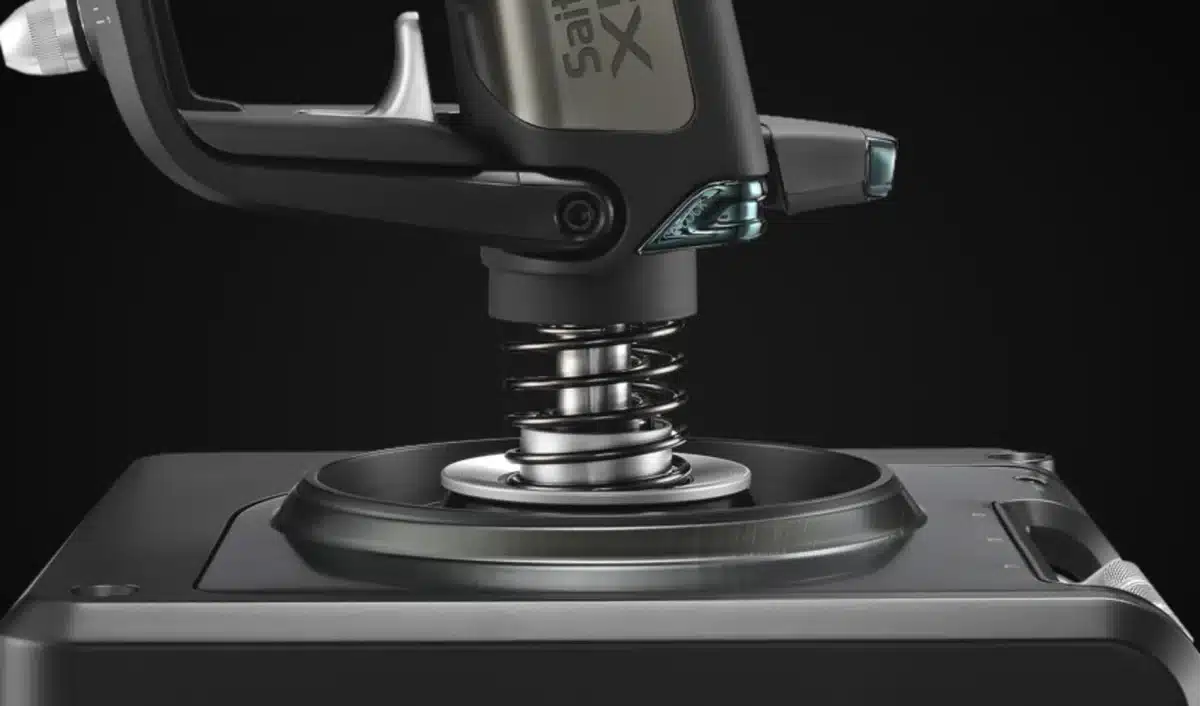
The X52 Pro uses a dual-spring centring mechanism that becomes more resistant as the stick moves farther from its centre position. This gives you a progressive feel as you make larger inputs. Non-contact sensing on the X and Y axes supports control through the stick’s movement, while the centring mechanism brings it back toward neutral after you let go.
Tune the throttle to your preferred feel
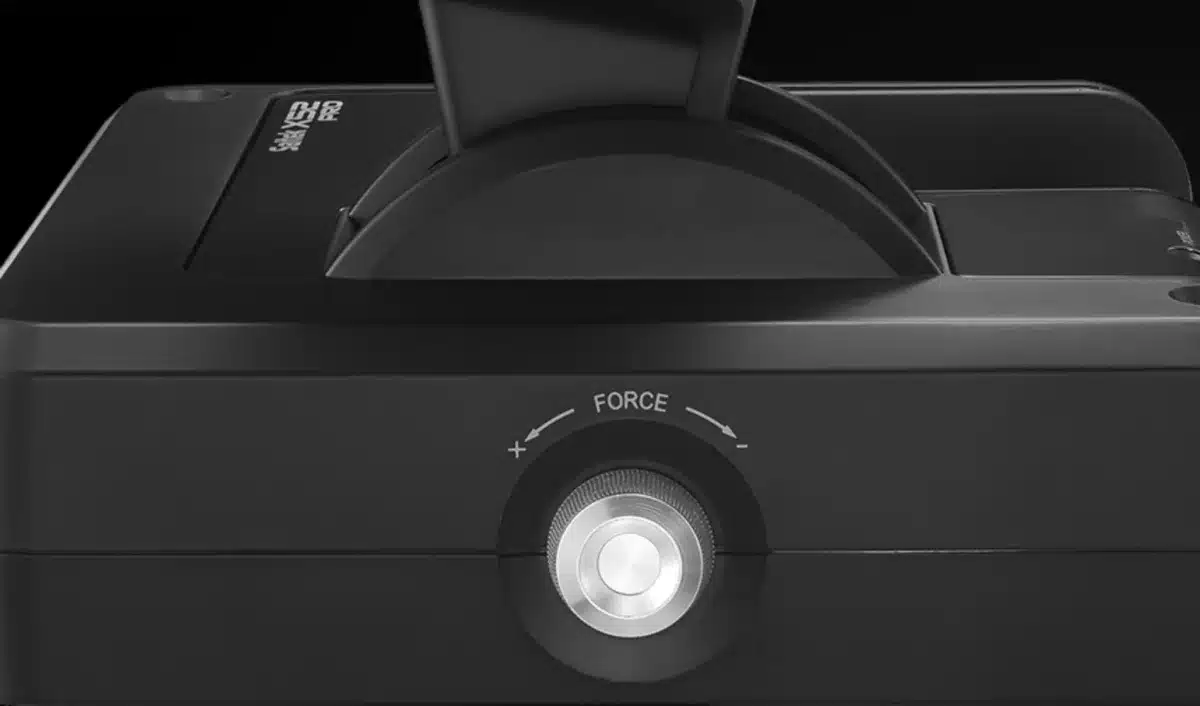
The separate throttle has a tension-adjustment dial, so you can change its resistance to suit the way you fly. Physical detents give you reference points for functions such as idle, reverse thrust or afterburners when configured in your simulator. The combination gives you a control you can adjust by feel while keeping your attention on the flight.
Use twist rudder control or add separate pedals
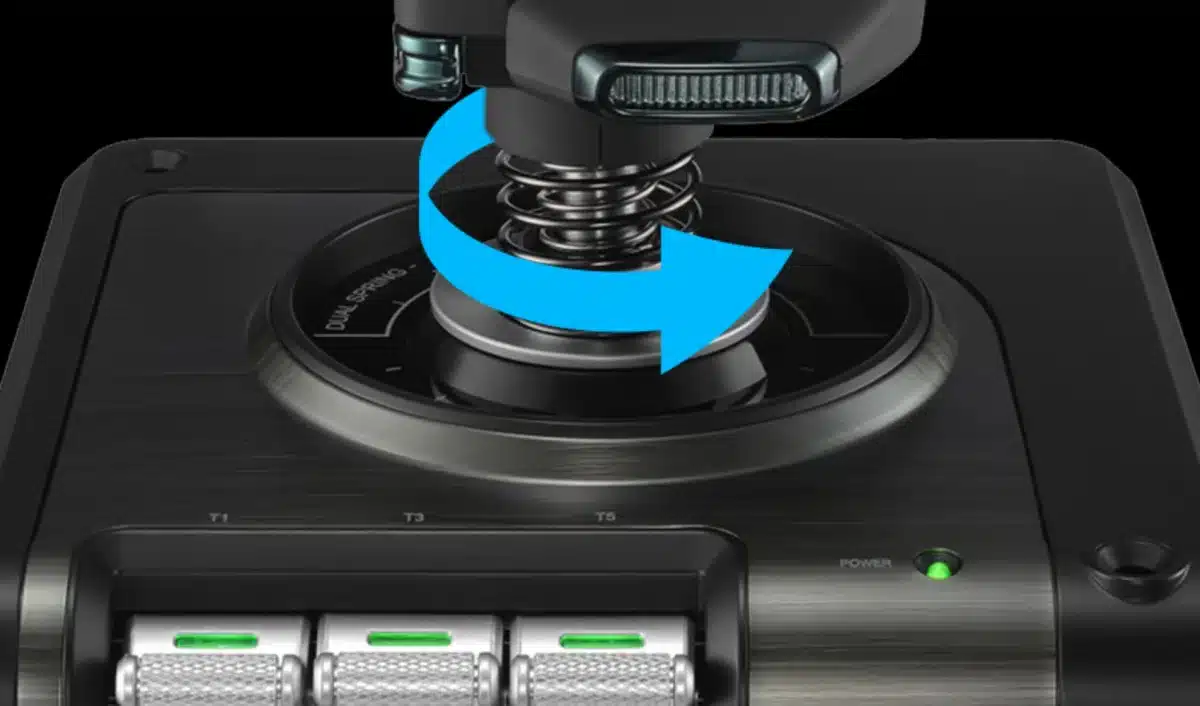
The stick includes a twist axis for rudder input, bringing another flight control into your hands. If you prefer to use separate rudder pedals, the rudder-lock switch disables that twist movement and leaves the X and Y axes available. Pedals are optional and sold separately, so you can begin with the stick and throttle and expand your cockpit later.
Adjust the grip before a longer session
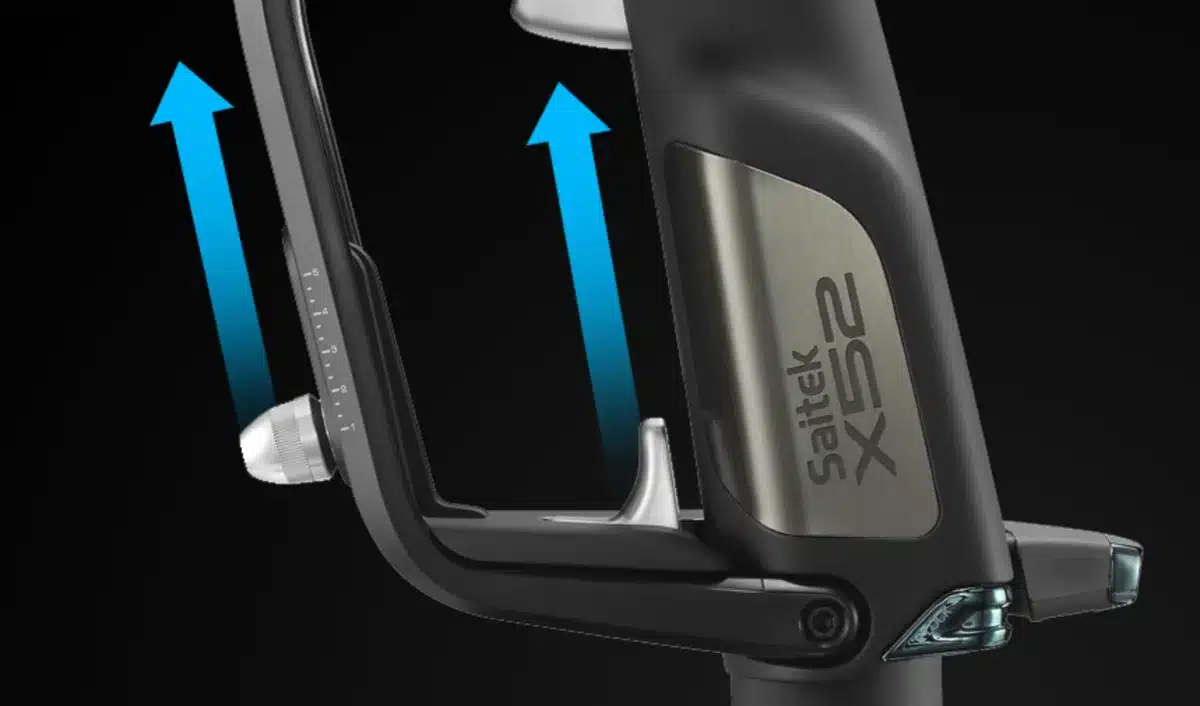
A five-position handle-adjustment system lets you set the stick to suit your hand size and grip. The contoured handle is designed around the fingers, giving you a consistent place to hold the controller as you work through different manoeuvres. Taking time to set this adjustment helps you make the most of the stick’s controls during a longer flight.
Keep controls and flight information close
Illuminated buttons help you find important inputs on the stick and throttle, and the LCD has adjustable backlighting. The Pro display can also show and interact with radio-stack information in supported flight simulators, including FSX, X-Plane and Prepar3D. This feature depends on simulator support, rather than applying automatically to every game.
Plan your desktop cockpit
The system connects through USB 2.0 and includes a 1.4 m cable. The stick measures 278 × 170 × 170 mm, while the throttle measures 190 × 170 × 170 mm, so allow room for both units when planning your desk. The controller has no built-in USB hub. Check your simulator’s supported controls and configuration options before setting up your preferred button assignments.
Complete Your Workspace
Explore gaming gear, gaming PCs for your setup. Suggested equipment is sold separately. Match the exact host, software, game and audio connectors before choosing accessories. Keyboards, mice, pads and control decks are independent gaming or production-desk additions. Configure the flight controls on a supported computer and simulation. Separate listening and desk equipment does not establish console support or add rudder pedals to the package.
Frequently Asked Questions
How does it connect?
USB 2.0; full-speed.
What centring system is used?
Dual-spring mechanism; non-contact X/Y sensing.
How is rudder controlled?
Twist axis with lock switch.
Does it have USB expansion ports?
None.
Build Your Setup with AX Store Kuwait
Explore computers, displays and accessories for your workspace at AX Store Kuwait. For help choosing the right model or checking an accessory, contact AX Store.
THE DETAILS
Technical specifications
Overview
Logitech G
X52 Professional H.O.T.A.S.
945-000003
Separate flight stick and throttle
USB 2.0; full-speed
Backlit LCD
Yes
None
Flight controls
Dual-spring mechanism; non-contact X/Y sensing
Adjustable resistance with detents
Twist axis with lock switch
Five positions
Dimensions and cable
278 × 170 × 170 mm
905 g
190 × 170 × 170 mm
728 g
1.4 m
COMPLETE YOUR SETUP