Logitech
Logitech MX Anywhere 3 Bluetooth Mouse for Mac - Space Gray
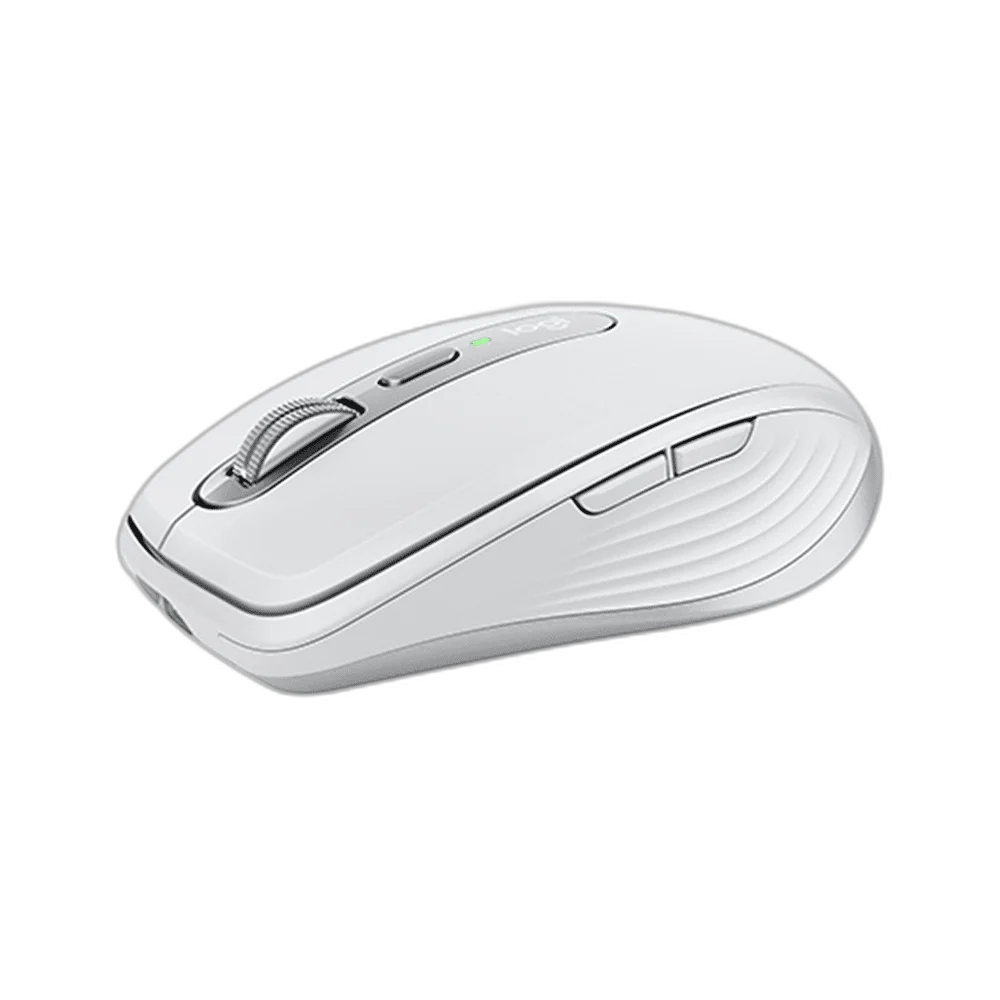
Logitech MX Anywhere 3 for Mac pairs a compact rechargeable body with MagSpeed scrolling and a Darkfield sensor adjustable up to 4,000 DPI. It provides wireless control for a small desk or travel workspace, with six buttons and a USB-C charging connection. Bluetooth supports compatible Mac and iPad systems.
Color
Regular price
20.000 KWD
or 4 payments of 5.000 KWD with
Pay with card & save


18.900 KWD
Save 1.100 KWD
Overview
LOGITECH MX ANYWHERE 3 FOR MAC
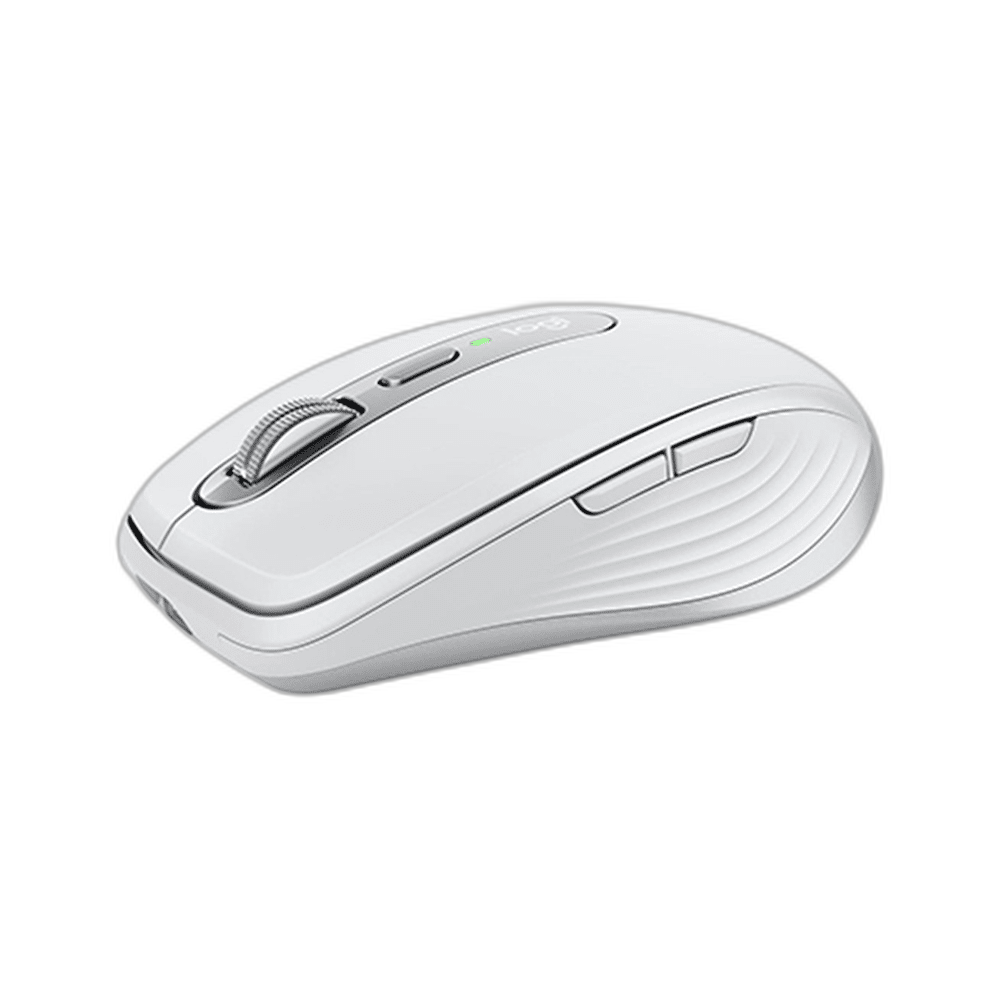
Logitech MX Anywhere 3 for Mac
Logitech MX Anywhere 3 for Mac pairs a compact rechargeable body with MagSpeed scrolling and a Darkfield sensor adjustable up to 4,000 DPI. It provides wireless control for a small desk or travel workspace, with six buttons and a USB-C charging connection. Bluetooth supports compatible Mac and iPad systems. Available from AX Store in Kuwait.
4,000 DPI
Maximum sensor resolution
MagSpeed
Electromagnetic scroll wheel
99 g
Weight including battery
70 Days
Maximum rated battery life
MagSpeed in a Compact Mouse
The electromagnetic scroll wheel supports controlled stepping and fast scrolling through longer documents. Keep a compact mouse beside a notebook without giving up a dedicated wheel for navigating dense pages, spreadsheets or project notes. The wheel does not use a tilt mechanism, so its physical controls remain easy to identify.
Original 4,000 DPI Darkfield Sensor
The sensor offers a 200 to 4,000 DPI adjustment range in 50 DPI increments. Set a lower value for deliberate pointer movement or increase it for a larger desktop area. The original Anywhere 3 hardware provides precise wireless navigation without requiring a larger full-size mouse body.
Six Buttons for Everyday Actions
Six buttons provide the main pointer and navigation controls. Compatible Logitech software can expose supported application settings and productivity functions. Arrange frequently used commands to suit the programs you actually use, while keeping standard pointer movement available through the ordinary operating-system mouse connection.
Wireless Connections for Your Devices
Bluetooth Low Energy connects the Mac-oriented model to a compatible Mac or iPad. The manufacturer lists macOS 10.15 or later and iPadOS 13.4 or later for this generation. Check current software requirements separately when advanced customisation is needed.
Recharge through USB-C
The built-in lithium-polymer battery is rated for up to 70 days under Logitech test conditions, with actual duration depending on usage. A full charge takes approximately two hours. The USB-C connection is for charging, so a charging cable should not be treated as a separate wired mouse mode.
Dimensions
100.5 × 65 × 34.4 mm
Weight including battery
99 g
Charging port
USB-C; charging connection
A 99 g Travel Footprint
At 100.5 × 65 × 34.4 mm and 99 g including the battery, the mouse fits a smaller work area. Its low body and rechargeable power make it convenient to move between home, office and travel setups. Choose a comfortable position and leave enough space for the sensitivity setting you prefer.
Match the Mouse to Your Grip and Desk
Compare shell size, grip and connection before choosing a mouse. Check the receiver or cable arrangement for the exact model and leave enough mousepad area for your normal movement. Compare related options such as Logitech G PRO X3 SUPERSTRIKE Wireless Mouse or Logitech G303 Shroud Edition Wireless Gaming Mouse, keeping the exact model and configuration in the decision. For the wider setup, explore Logitech G640 G502 Anniversary Edition Cloth Gaming Mouse Pad and check the connection, size or mounting requirements before pairing accessories. Browse the Logitech range at AX for more choices.
Logitech MX Anywhere 3 for Mac Setup Choices
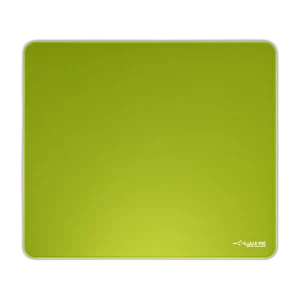
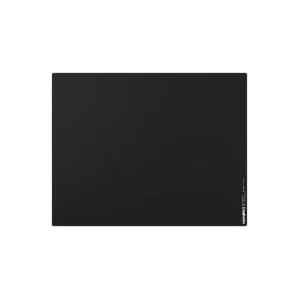
Compare shell size, grip and connection before choosing a mouse. Check the receiver or cable arrangement for the exact model and leave enough mousepad area for your normal movement. Explore ARTISAN NINJA FX ZERO Gaming Mousepad – SOFT/XSOFT, XL/XXL, ARTISAN NINJA FX TYPE-99 SOFT XL Mousepad – Matcha, Pulsar Superglide V3 Glass Mousepad - Type S.
Frequently Asked Questions
Is this the original Anywhere 3 or the 3S?
This is the original MX Anywhere 3 generation, with a maximum 4,000 DPI Darkfield sensor.
Does USB-C provide a wired mouse connection?
The USB-C connection is used to charge the built-in battery. Normal mouse operation uses its supported wireless connection.
How large is the mouse?
The body measures 100.5 × 65 × 34.4 mm and weighs 99 g including the battery.
Which connection should I use?
Use Bluetooth Low Energy with a compatible Mac or iPad.
Build Your Setup with AX Store
Explore computers, displays and accessories for your workspace at AX Store. For help choosing the right model or checking an accessory, contact AX Store.
THE DETAILS
Technical specifications
Mouse and Wireless
Original MX Anywhere 3 for Mac
Darkfield
200–4,000 DPI; 50 DPI increments
6
MagSpeed electromagnetic scrolling; no tilt
Bluetooth Low Energy
macOS 10.15+; iPadOS 13.4+
Approximately 10 m; environment dependent
Power and Physical
USB-C; charging connection
Built-in rechargeable lithium-polymer
Up to 70 days; usage dependent
Approximately 2 hours
100.5 × 65 × 34.4 mm
99 g
COMPLETE YOUR SETUP
Pairs well with