RAZER
Razer Audio Mixer AIO Digital Mixer
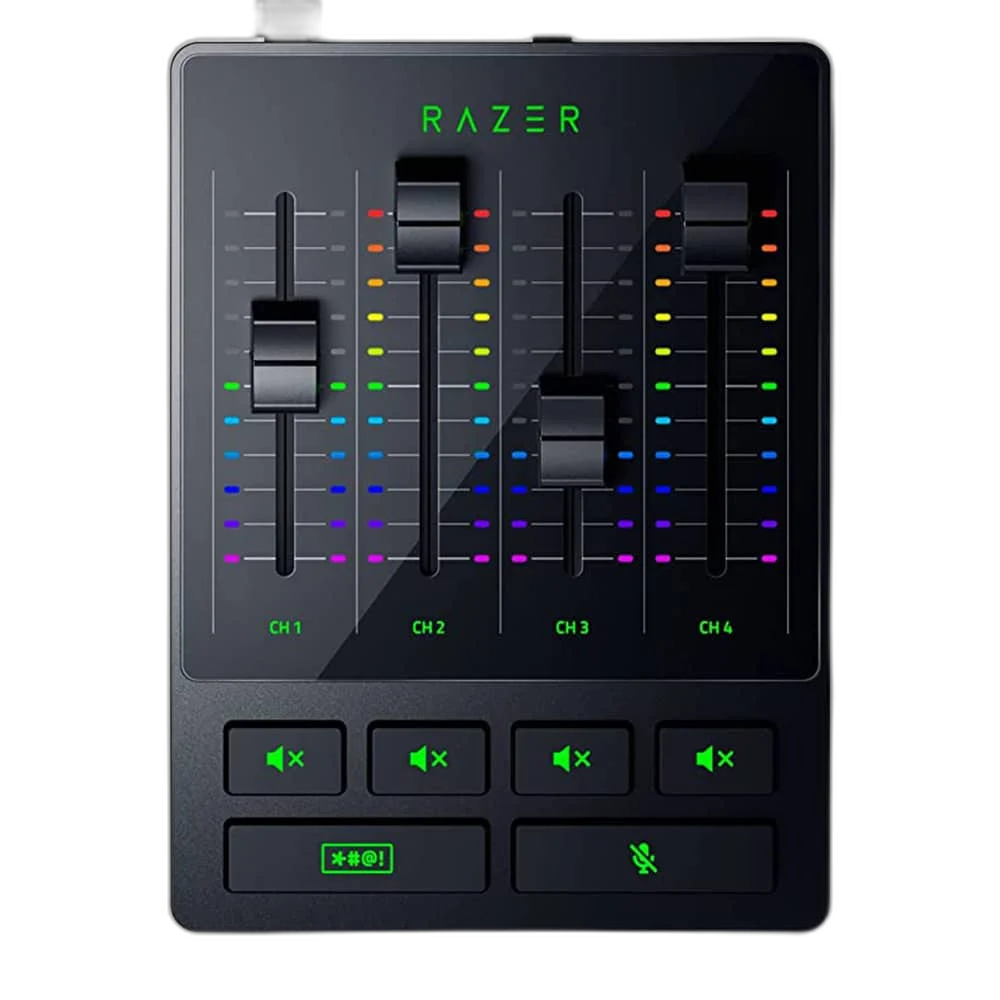
Bring microphone, game and chat levels under your fingertips. The Razer Audio Mixer combines four assignable faders, individual mute buttons and an XLR input for a Windows streaming setup.
Regular price
89.500 KWD
or 4 payments of 22.375 KWD with
Pay with card & save


85.000 KWD
Save 4.500 KWD
Overview
RAZER AUDIO MIXER AIO DIGITAL MIXER
Razer Audio Mixer
Bring microphone, game and chat levels under your fingertips. The Razer Audio Mixer combines four assignable faders, individual mute buttons and an XLR input for a Windows streaming setup. Explore this model at AX Store in Kuwait.
4 Faders
Channel Level Controls
XLR / 3.5 mm
Stated Microphone Connections
24-bit / 48 kHz
Conversion Format
Windows
Supported Computer Platform
Connect an XLR microphone and shape your voice
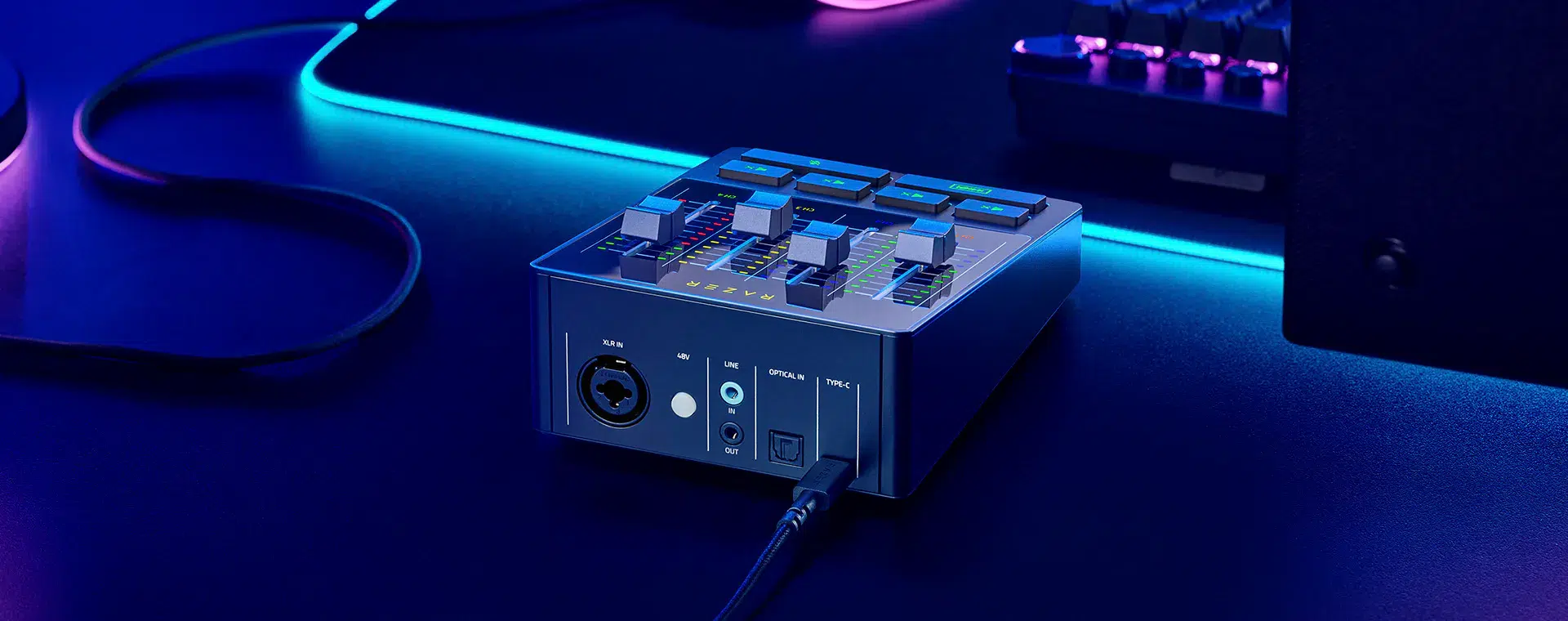
The microphone preamp provides adjustable gain, with 48 V phantom power for microphones that require it. Razer Synapse gives access to EQ, compression and noise-gate settings alongside routing controls.
Adjust the mix without leaving the stream
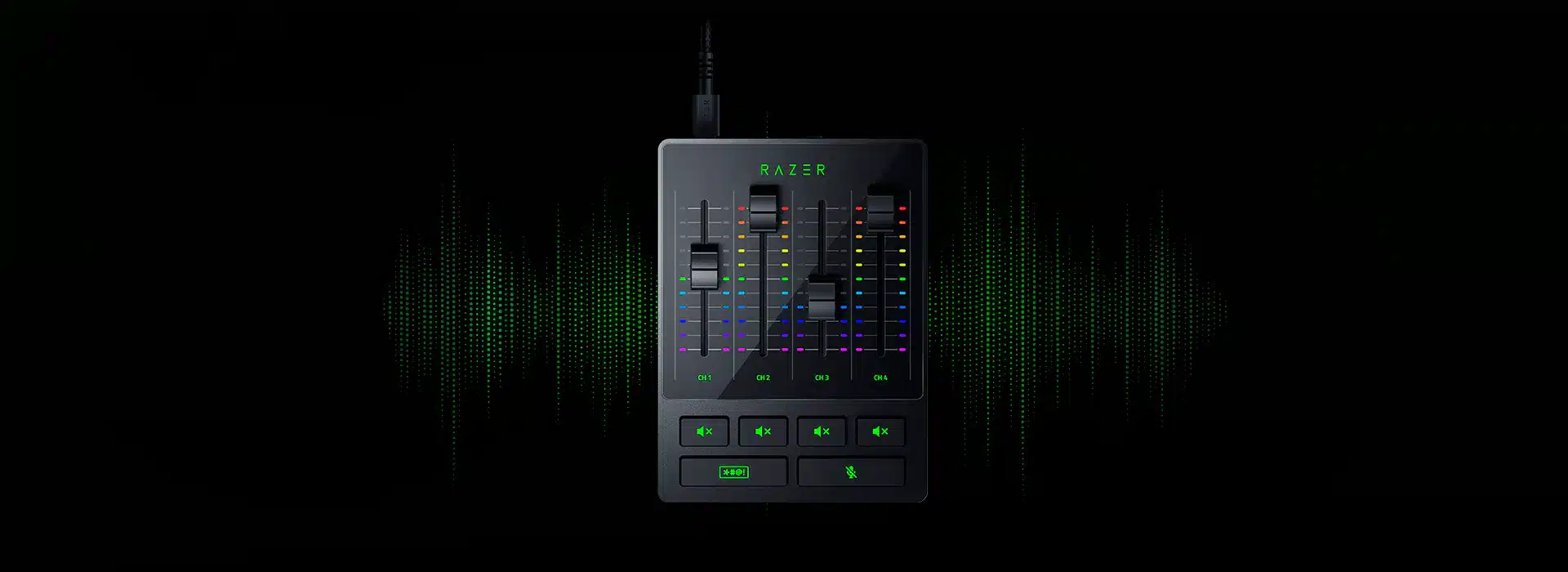
Map audio sources to the four faders, mute channels independently and use the bleep button when needed. Customisable Chroma lighting helps identify channel levels and control states.
Configure playback and stream audio
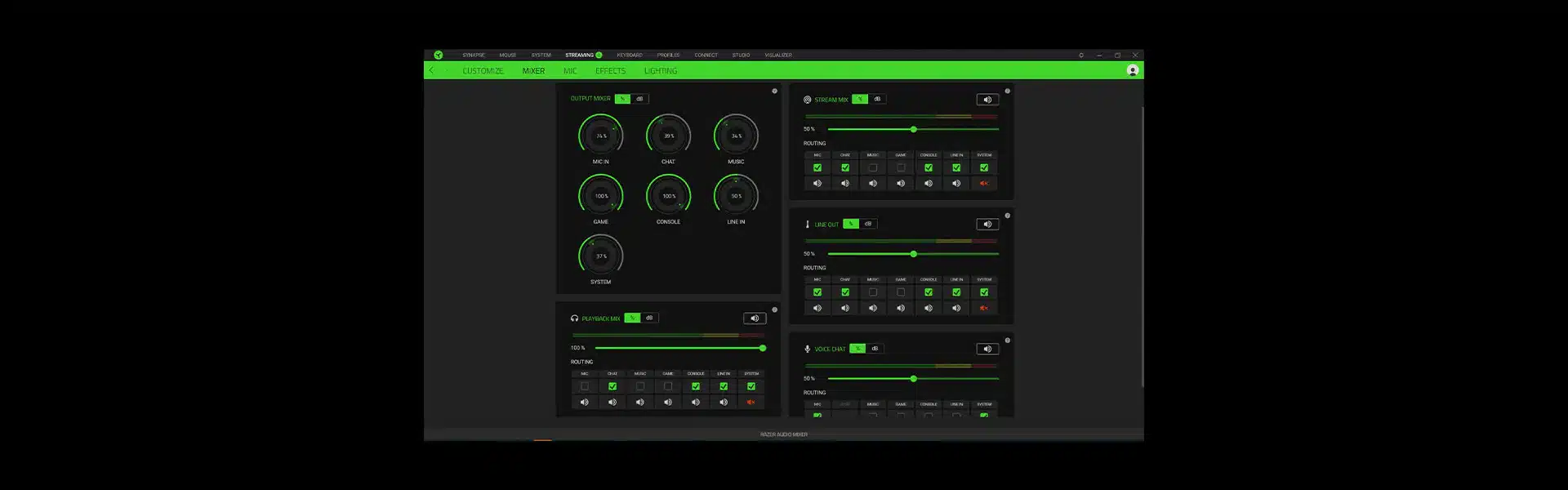
Use Razer Synapse to set up your playback and stream mixes. Analogue line connections and an optical input provide routing options for compatible equipment. Choose the appropriate source connection and check the recording level in the application before beginning the performance or recording session.
Keep Hardware Inputs Separate from Fader Assignments
The mixer provides a microphone route, line input and optical input with software routing. Four channel faders are controls, not a claim of four microphone preamps. Check the selected physical microphone route and Synapse configuration. Select the required analogue source and configure the supported software routing so microphone, playback and stream levels follow the intended signal paths.
Use the Supported Windows Software Setup
The Razer Audio Mixer uses Razer Synapse on Windows 10 or later and does not list macOS support. Configure the gate, compressor, EQ and other available voice effects in the supported application, checking the selected microphone input and listening output.
Match the Microphone to the Analogue Input
Use the appropriate XLR or supported 3.5 mm microphone connection and check the microphone’s own power requirement. A passive adapter does not turn USB microphone data into an analogue signal for the mixer’s microphone preamp.
Choose Inputs and Monitoring Around the Session
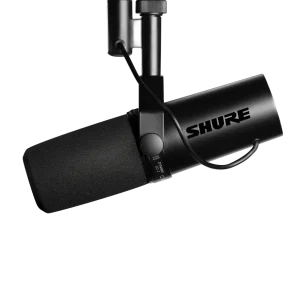
Count the microphone and instrument inputs you need, then plan headphone monitoring, computer connections and any recording destination. Choose one deliberate audio route so playback and commentary reach the intended outputs. Compare related options such as AUDIENT EVO 4 2-Channel Audio Interface or Audient iD14 MKII 10-In/6-Out USB-C Audio Interface, keeping the exact model and configuration in the decision. For the wider setup, explore SHURE MV7X Dynamic Broadcast Microphone (XLR Only) and check the connection, size or mounting requirements before pairing accessories. Browse the RAZER range at AX for more choices.
Razer Audio Mixer Setup Choices
Count the microphone and instrument inputs you need, then plan headphone monitoring, computer connections and any recording destination. Choose one deliberate audio route so playback and commentary reach the intended outputs. Explore Shure SM7B Dynamic Microphone, XLR, Shure SM7dB Dynamic Vocal Microphone with Built-in Preamp, RØDE PodMic USB Dynamic Microphone – USB-C & XLR – Black / White.
Frequently Asked Questions
Are the four faders four microphone inputs?
The mixer provides a microphone route, line input and optical input with software routing. Four channel faders are controls, not a claim of four microphone preamps. Check the selected physical microphone route and Synapse configuration.
Does it support Mac?
Windows 10 or later; not macOS. The supported setup uses Razer Synapse.
Can a USB microphone plug into its XLR input?
Use a suitable analogue microphone connection. A USB microphone’s digital audio cannot be connected to the analogue XLR input with a passive plug adapter.
Which processing functions are listed?
Noise gate, compressor, EQ, echo, reverb and voice effects. Configure the supported software and microphone route for the desired stream and monitoring mix.
Build Your Setup with AX Store
Explore computers, displays and accessories for your workspace at AX Store. For help choosing the right model or checking an accessory, contact AX Store.
THE DETAILS
Technical specifications
Controls and connectivity
RZ19-03860
4
4
Microphone mute, bleep and 48 V phantom power
XLR balanced / 6.35 mm TRS balanced combo; 3.5 mm TS unbalanced
3.5 mm TRS
3.5 mm TRS
3.5 mm TRS
USB 2.0 via USB-C
TOSLINK
48 V switchable
Audio performance
24-bit / 48 kHz
10 Hz–20 kHz
>110 dB
>100 dB
<−90 dB
<−90 dB
−12 dB to +39.7 dB
0.75 dB
Software and power
Razer Synapse
Windows 10 or later; not macOS
Noise gate, compressor, EQ, echo, reverb and voice effects
Razer Chroma RGB
USB; 5 V / 500 mA
11 LED levels per channel
COMPLETE YOUR SETUP