
USB Microphones
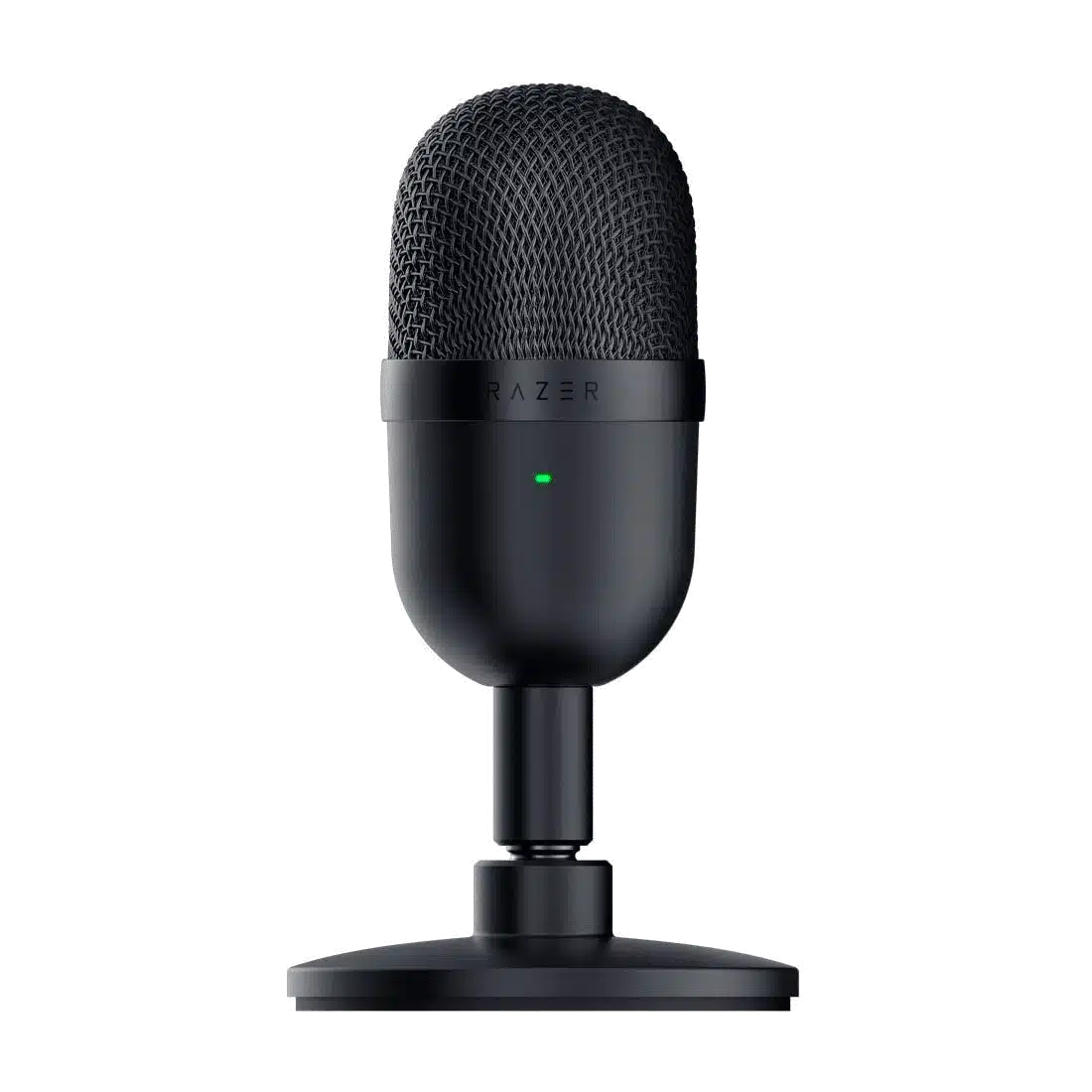
Razer Seiren Mini Portable USB Microphone
Keep your voice setup small and straightforward with the Razer Seiren Mini. Its supercardioid condenser capsule focuses pickup toward the speaker, while a tilting desktop stand makes it easy to position for calls, gaming chat and streaming.
Color
Connectivity
Regular price
21.000 KWD
or 4 payments of 5.250 KWD with
Pay with card & save


19.900 KWD
Save 1.100 KWD
Overview
RAZER SEIREN MINI PORTABLE USB MICROPHONE
Razer Seiren Mini
Keep your voice setup small and straightforward with the Razer Seiren Mini. Its supercardioid condenser capsule focuses pickup toward the speaker, while a tilting desktop stand makes it easy to position for calls, gaming chat and streaming.
Condenser
Microphone Type
Supercardioid
Pickup Pattern Options
16-bit / 44.1 or 48 kHz
USB Recording Format
USB
Microphone Connection
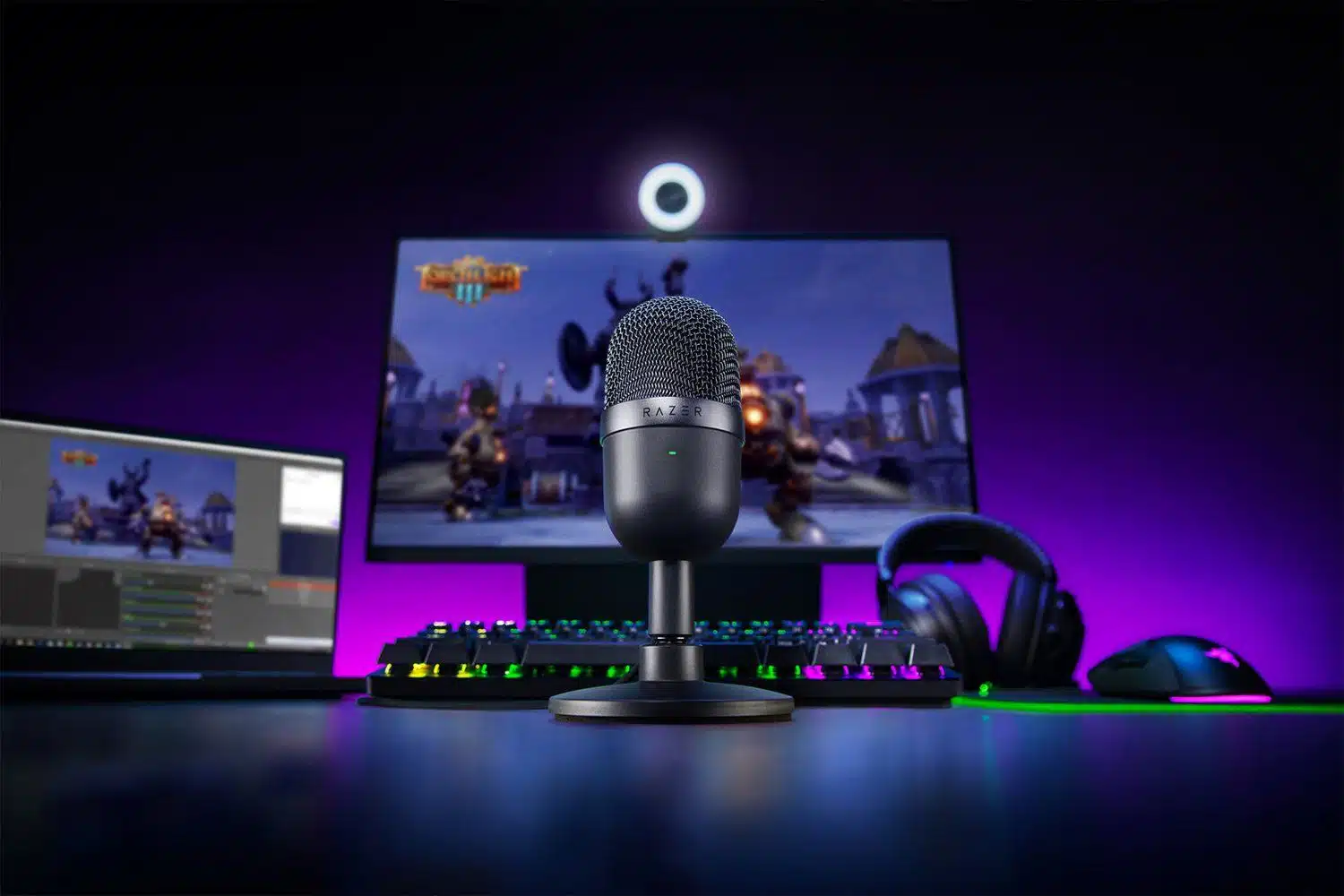
Focused pickup for a single voice
The supercardioid pattern helps reduce pickup from the sides. Aim the microphone toward your voice and keep keyboard placement away from its main pickup area.
A compact fit on the desk
The small body and detachable stand suit desks where space matters. Tilt the microphone to bring the capsule toward your speaking position. Choose a comfortable speaking position, then check the selected input and recording level in the application before beginning the session.
Built-in vibration protection
An internal shock mount helps reduce the effect of accidental bumps and vibrations reaching the capsule. Choose a comfortable speaking position, then check the selected input and recording level in the application before beginning the session.
Simple USB operation
Connect over USB and choose the microphone in your recording or calling app. Level adjustments and mute are handled in software; this original Mini has no tap-to-mute sensor.
Select the Recording Format for Your Session
The USB recording format is 16-bit / 44.1 or 48 kHz. Choose a supported setting in the host and recording application, checking firmware requirements where stated. Leave enough input headroom for changes in speaking level rather than treating format resolution as protection against every overload.
Match the Connection to the Recording Setup
Connect the microphone through its stated USB cable route, then select it as the input in the supported application. Check the computer’s recording device and gain settings before the session so the application captures this microphone rather than another available input.
Complete Your Workspace
Explore microphones, microphone accessories for your setup. Suggested products are sold separately. Compare each microphone alternative’s capsule, pickup patterns, connection modes, software and included support before choosing; a microphone-only model does not automatically include the arm or stand supplied with a different kit. Beyerdynamic and Audio-Technica headphones are alternative listening choices, with Elgato controls and Pulsar or ARTISAN products for a compatible computer desk. Choose any microphone arm separately for the exact thread and the total microphone-and-mount weight. Use a microphone headphone output only where that model provides one; otherwise choose a suitable computer or interface listening output. USB-only microphones do not plug into an XLR microphone preamp.
Frequently Asked Questions
How does this microphone connect?
Connect the microphone by USB to a supported computer and select it in the recording application. USB provides the microphone’s digital audio route and power; a separate XLR microphone input is not required for that connection.
Which pickup patterns are available?
Supercardioid. Choose the pattern and speaking position for the session. Directional pickup does not remove every room sound; distance, gain and placement still matter.
Which recording format should I select?
16-bit / 44.1 or 48 kHz. Use a supported host, firmware and recording application setting. A maximum USB format does not by itself promise unclippable recording or eliminate the need to set levels.
How can I monitor my recording?
Check the selected microphone input and listen through the supported computer or recording setup. Do not assume a USB connection also provides a headphone jack on the microphone.
Does the original Seiren Mini have tap-to-mute?
The original Mini uses software for microphone level and mute. Do not apply the Seiren V3 Mini tap sensor or 24-bit/96 kHz format to this model.
Build Your Setup with AX Store Kuwait
Explore computers, displays and accessories for your workspace at AX Store Kuwait. For help choosing the right model or checking an accessory, contact AX Store.
THE DETAILS
Technical specifications
Microphone
14 mm condenser
Supercardioid
20 Hz–20 kHz
17.8 mV/Pa at 1 kHz
44.1 kHz / 48 kHz
16-bit
Connection and design
USB Micro-B
5 V, 500 mA
1.8 m
Microphone level and mute controlled in software
Detachable tilting desktop stand
Built-in shock mount
COMPLETE YOUR SETUP
Pairs well with
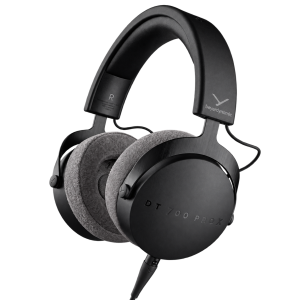
Beyerdynamic
beyerdynamic DT 700 Pro X Studio Headphones
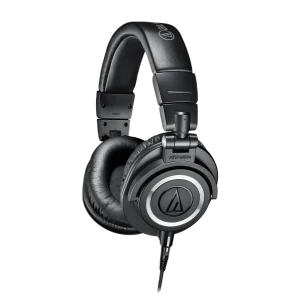
AUDIO-TECHNICA
Audio-Technica ATH-M50x 45mm Closed-Back Studio Headphones