SADES
SADES Viper SA-MS01 Dual Monitor Arm - 32-inch / 9kg Per Arm
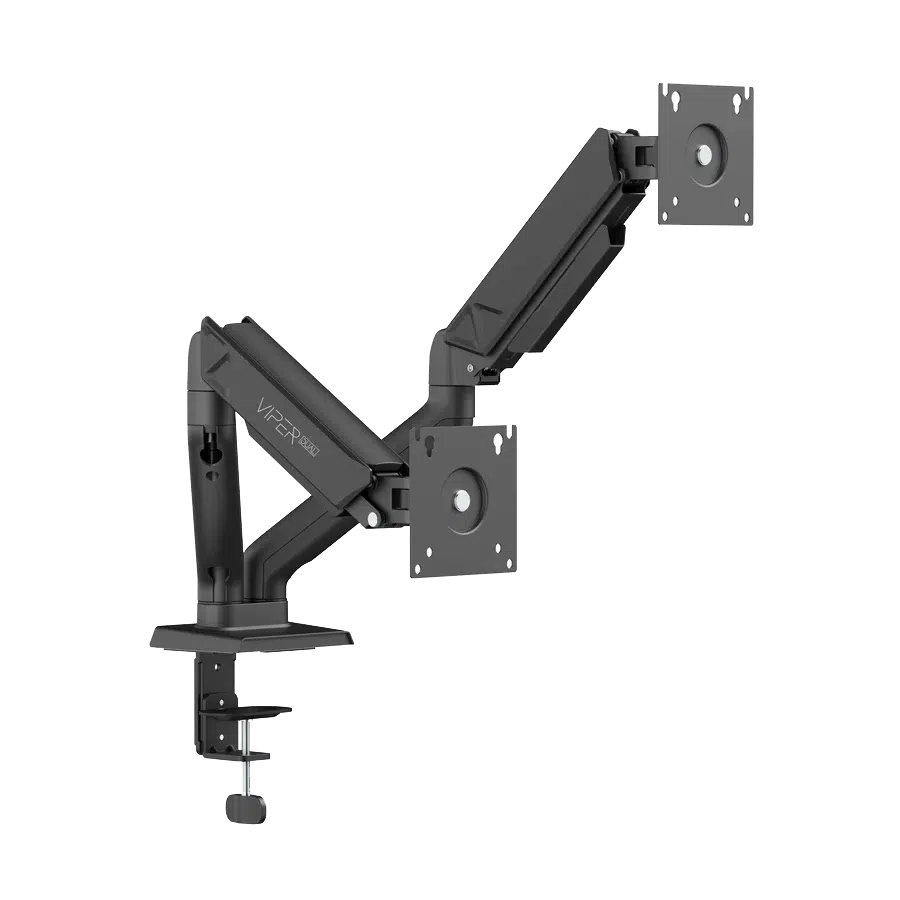
SADES Viper Dual Monitor Arm supports two monitors up to 32 inches each, using 75 × 75 or 100 × 100 mm VESA patterns. The 2–9 kg per arm load arrangement and adjustable joints support a planned desktop display layout.
Color
Regular price
19.000 KWD
or 4 payments of 4.750 KWD with
Pay with card & save


17.900 KWD
Save 1.100 KWD
Overview
SADES VIPER DUAL MONITOR ARM
SADES Viper Dual Monitor Arm
SADES Viper Dual Monitor Arm supports two monitors up to 32 inches each, using 75 × 75 or 100 × 100 mm VESA patterns. The 2–9 kg per arm load arrangement and adjustable joints support a planned desktop display layout. Available from AX Store in Kuwait.
2
Monitor positions
32 inch
Maximum per screen
75 / 100 mm
VESA patterns
9 kg
Maximum per supported position
Plan the Number of Displays
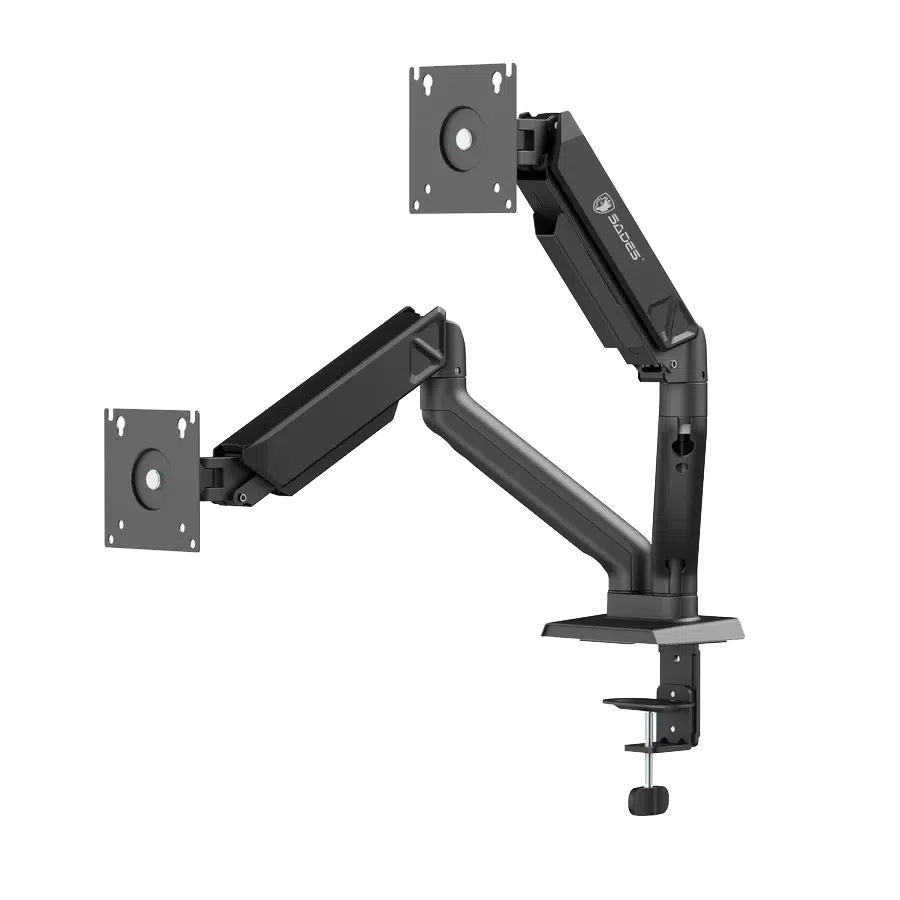
SADES Viper Dual Monitor Arm supports two monitors, with a maximum 32-inch screen class for each supported position. Select the monitor count around the actual desk and working arrangement. The product is mounting hardware, with screens chosen separately; the arm count does not mean that monitors are included in the package.
Check Each Monitor’s Load
The listed load arrangement is 2–9 kg per arm. Measure the actual monitor weight with its original stand removed and compare it with the appropriate arm limit. A gas-spring arm also needs the monitor to meet its stated minimum load for the intended tension adjustment. Include the mounting hardware and any accessory load specified by the installation instructions.
Match the VESA Connection
The supported VESA patterns are seventy-five by seventy-five millimetres and one hundred by one hundred millimetres. Compare the monitor’s rear mounting pattern, recess and screw requirements with the supplied mounting parts. A matching screen size alone does not confirm compatibility, and a mount should not be attached through an unsuitable adapter or unsupported rear housing.
Position the Screens within the Joint Ranges
The tilt range is +90° / -90°, with ninety-degree left/right screen swivel and one-hundred-and-eighty-degree rotation in either direction. These ranges describe the joints rather than guaranteed clearance around every monitor. Check the neighbouring screen, wall and desk when planning the final height, angle and portrait or landscape position.
A Defined Mechanical Arm Design
The gas-spring arrangement supports repositioning within the arm’s documented movement range. Use the tension adjustment around the actual installed monitor load. Move the display through its intended path after installation and keep the cable route clear of the joints.
Model
SADES Viper Dual Monitor Arm
Monitor positions
2
Maximum screen class
32 inch per monitor
Install on a Suitable Desk
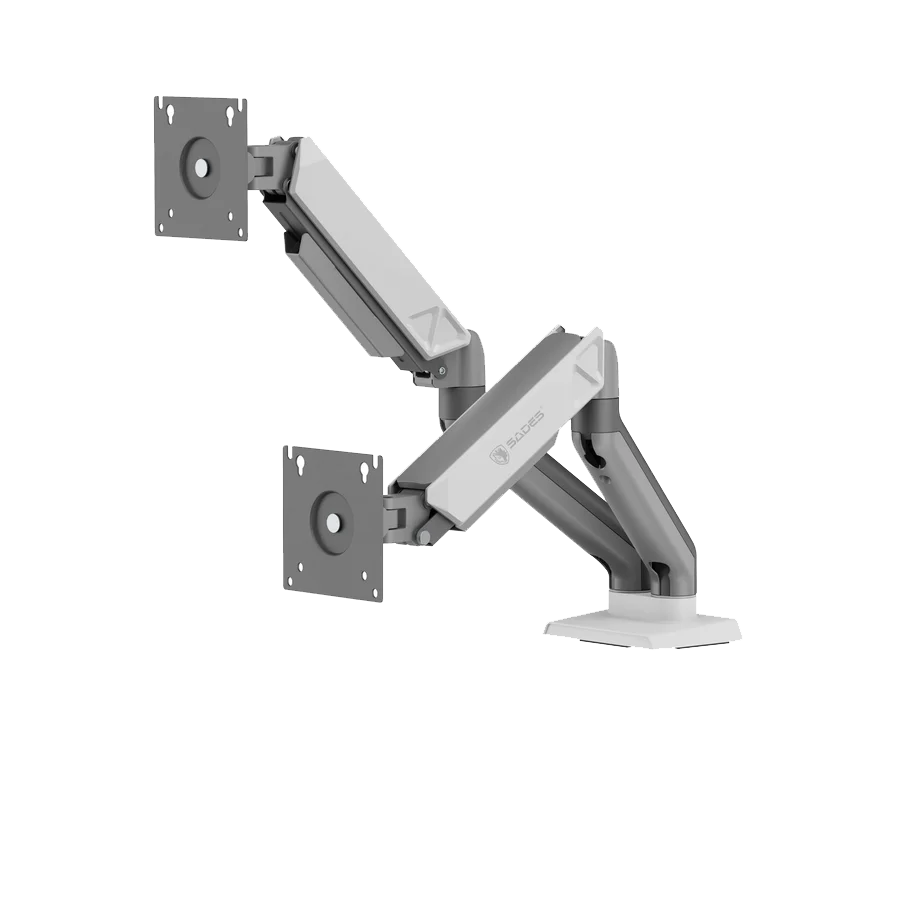
Desk clamp for 10–45 mm desk thickness. Confirm the desk material, thickness and mounting edge or hole before installation. Integrated cable management helps organise the connected leads; leave enough slack for the arm’s full intended movement. Secure the hardware using the supplied instructions and adjust spring tension with the actual monitor installed.
Match the Display, Arm and Desk
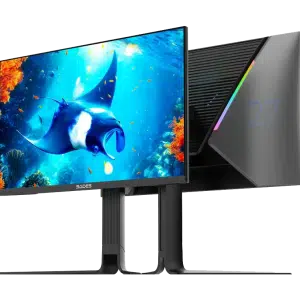
Check the monitor weight without its stand, VESA pattern and the arm’s minimum and maximum load. Match the desk clamp or grommet arrangement and allow clearance for movement and cables. Compare related options such as SADES Cobra Dual Monitor Arm - Up to 40 Inch / 12KG Per Arm or SADES Apep SA-MA02 RGB Single Monitor Arm - Aluminum / Gas Spring - White, keeping the exact model and configuration in the decision. For the wider setup, explore SADES BN-Dolphin Mini 25" QHD Gaming Monitor - 320Hz / Mini LED / 0.5ms and check the connection, size or mounting requirements before pairing accessories. Browse the SADES range at AX for more choices.
SADES Viper Dual Monitor Arm Setup Choices
Check the monitor weight without its stand, VESA pattern and the arm’s minimum and maximum load. Match the desk clamp or grommet arrangement and allow clearance for movement and cables. Explore SADES Reef Manta-27 27-inch QHD 240Hz Fast IPS Gaming Monitor.
Frequently Asked Questions
Are screens included?
No. The product is the monitor-arm hardware.
Which VESA patterns fit?
75 × 75 mm and 100 × 100 mm; check the actual monitor recess and screw requirements.
What monitor load is supported?
2–9 kg per arm.
Which desk thickness is supported?
Desk clamp for 10–45 mm desk thickness.
Does screen size alone establish compatibility?
No. Check screen size, stand-removed weight, VESA interface and the complete desk installation.
Build Your Setup with AX Store
Explore computers, displays and accessories for your workspace at AX Store. For help choosing the right model or checking an accessory, contact AX Store.
THE DETAILS
Technical specifications
Compatibility and Movement
SADES Viper Dual Monitor Arm
2
32 inch per monitor
2–9 kg per arm
75 × 75 mm; 100 × 100 mm
+90° / -90°
+90° / -90°
+180° / -180°
Desk clamp for 10–45 mm desk thickness
Integrated
Screens selected separately
COMPLETE YOUR SETUP
Pairs well with