SAMSUNG
Samsung M9 M90SF 32" 4K QD-OLED Smart Monitor - 165Hz
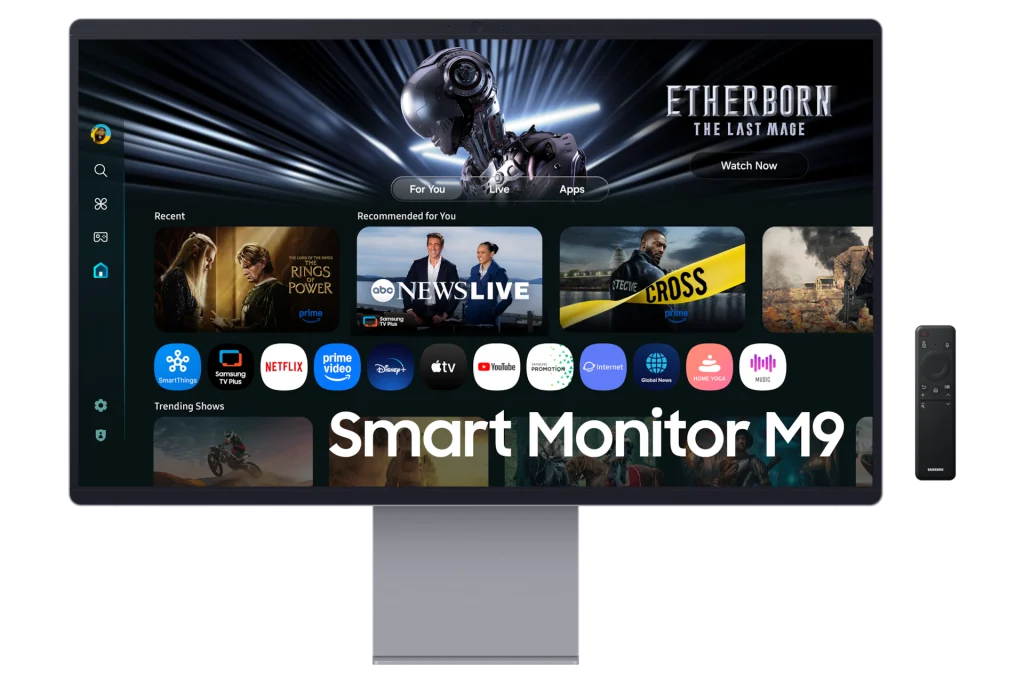
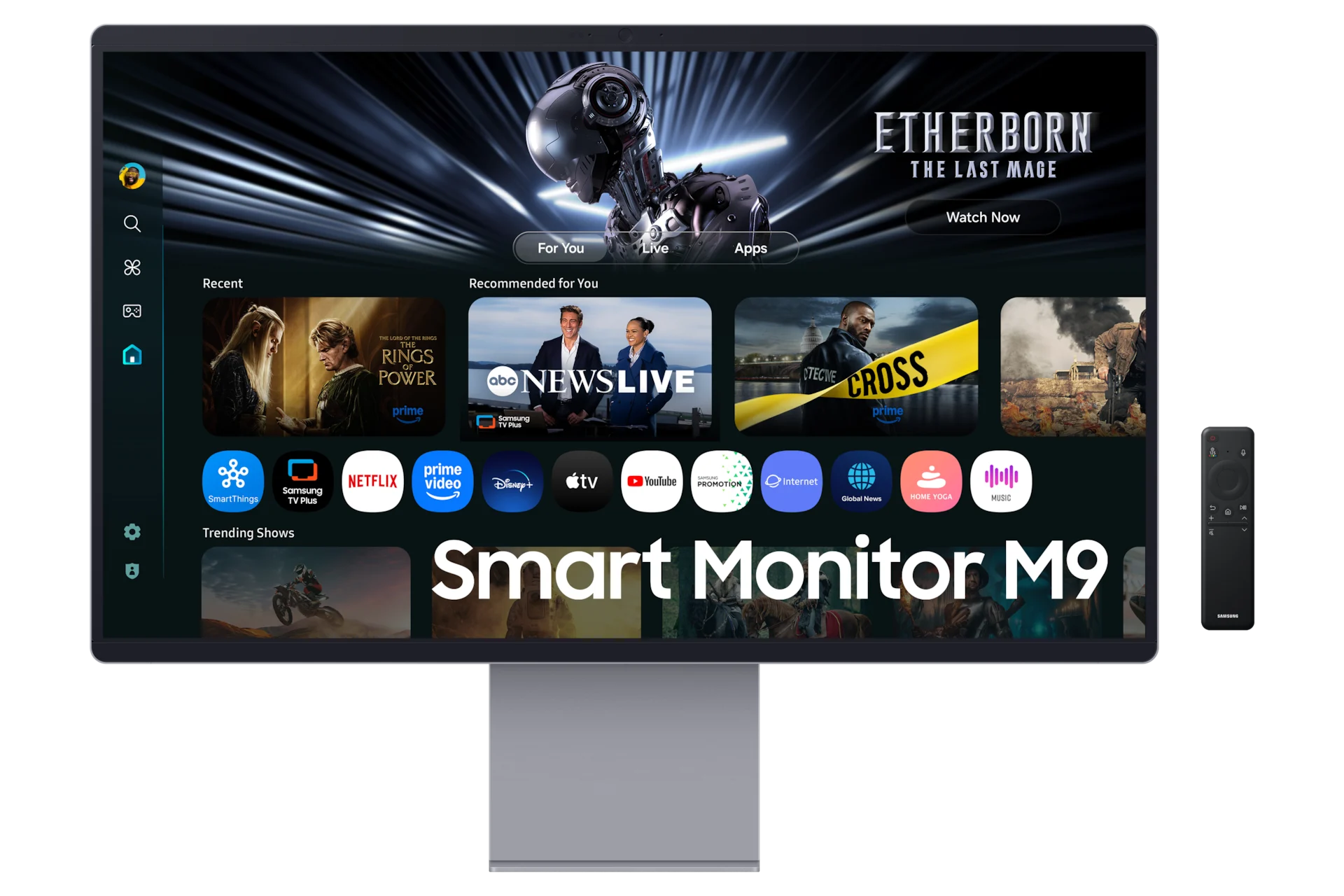
Samsung M9 M90SF combines a 32-inch 4K OLED display with 165Hz refresh, Tizen smart features and USB-C charging up to 90W. A built-in 5MP IR camera, microphone and 10W speakers support an all-in-one desktop setup.
Regular price
523.000 KWD
or 4 payments of 130.750 KWD with
Pay with card & save


498.000 KWD
Save 25.000 KWD
Overview
SAMSUNG M9 M90SF 32" 4K QD-OLED SMART MONITOR - 165HZ
samsung smart monitor m9 m90sf
samsung smart monitor m9 m90sf: Samsung M9 M90SF combines a 32-inch 4K OLED display with 165Hz refresh, Tizen smart features and USB-C charging up to 90W. A built-in 5MP IR camera, microphone and 10W speakers support an all-in-one desktop setup. Available from AX Store in Kuwait.
32-inch Class
Display Size
4K (3,840 x 2,160)
Native Resolution
Max 165Hz
Maximum Supported Refresh
OLED
Panel Technology
4K OLED with room for fast play
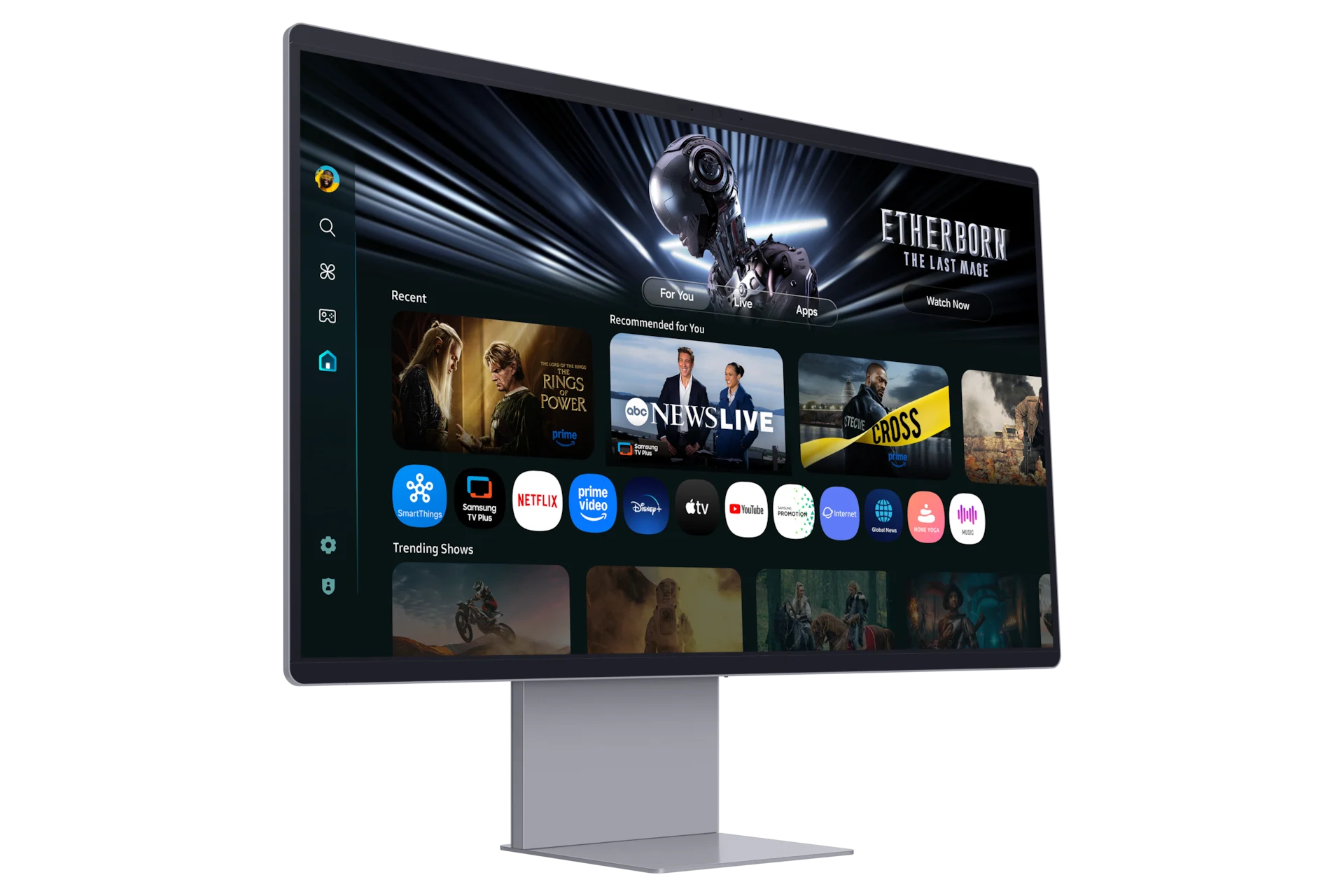
A 3840 × 2160 panel pairs 165Hz refresh with a rated 0.03ms GtG response. DisplayHDR True Black 400 and OLED contrast add depth to compatible games and films, while G-SYNC compatibility and FreeSync Premium Pro support variable refresh.
Your desktop, with fewer connections
USB-C connects a compatible laptop and supplies up to 90W charging. DisplayPort 1.4, HDMI 2.1 and two USB-A downstream ports give you additional connection options. Confirm that your laptop supports video output and charging over USB-C.
Smart entertainment without a separate PC
Tizen supports compatible streaming apps and smart features, with Wi-Fi 5 and Bluetooth 5.2 built in. Samsung Vision AI and 4K AI Upscaling Pro enhance supported content. App availability, subscriptions and AI features vary by region and service.
Ready for calls and everyday sound
The regional LS32FM902SMXUE configuration includes a 5MP IR camera with microphone and 10W speakers. Height, tilt and pivot adjustment help set up a comfortable workspace; the monitor also supports a 100 × 100 mm VESA mount.
Choose the Mode for the Actual Source
USB-C supports video and up to 90 W charging with a compatible laptop and cable. Higher-power computers may still need their own charger. Tizen apps, subscriptions and AI functions depend on the supported region and service; check those separately from ordinary computer display use.
Connect Each Port for Its Intended Role
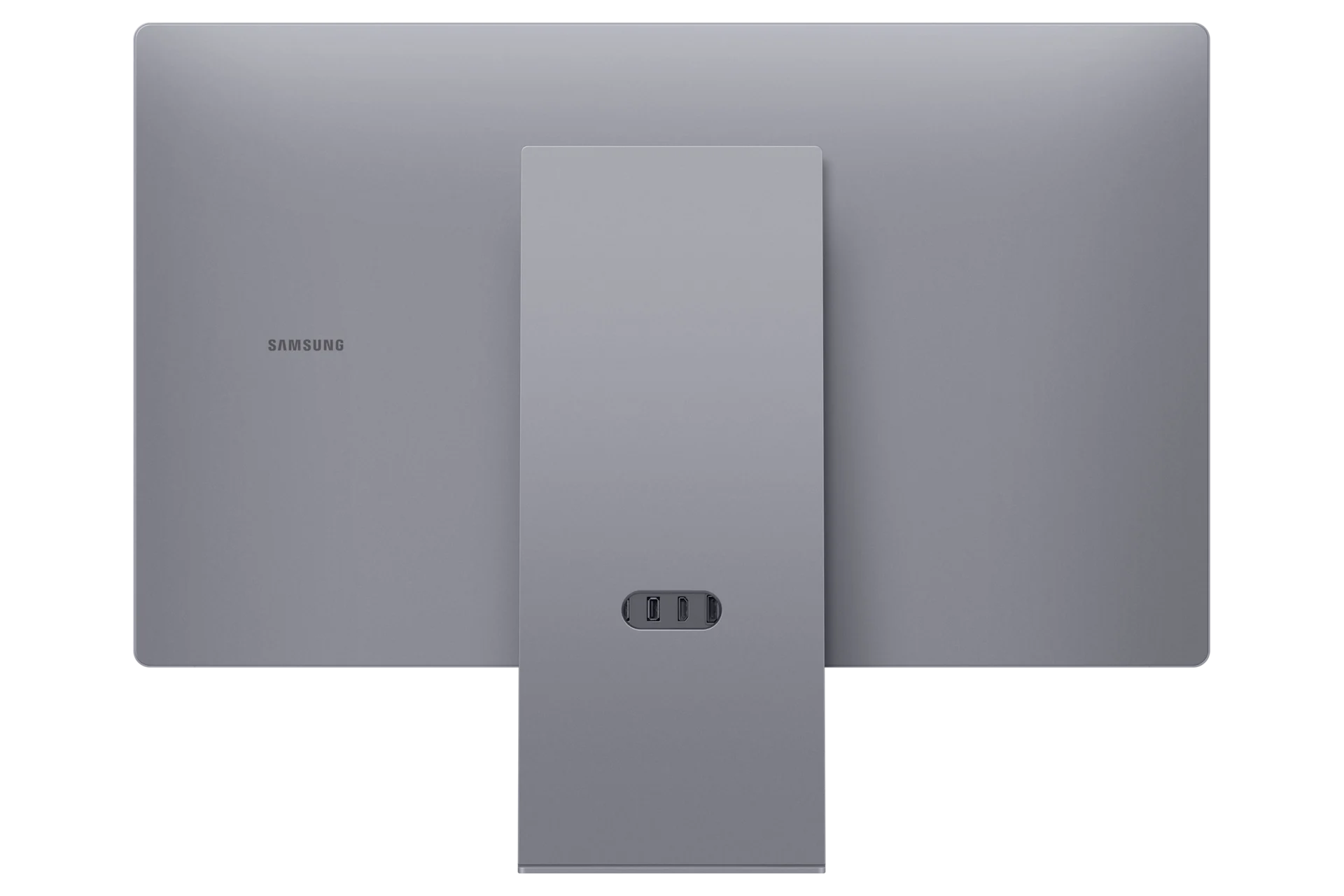
The connection details are HDMI-CEC: Yes; HDMI: 1 EA; USB-C: 1 EA. Match the video output, cable and selected monitor input before choosing the target resolution and refresh rate. A USB data or charging connection should be used only for its stated role.
Plan the Display and the Rest of Your Desk
Compare resolution, refresh rate, screen size and the input you will actually use. Match the computer or console output to the chosen display mode, and leave room for the monitor stand and mouse movement. Compare related options such as Samsung Odyssey OLED G8 G81SF 27 inch 4K 240Hz Gaming Monitor or Samsung Odyssey OLED G9 G93SD 49" DQHD Gaming Monitor - 240Hz / 0.03ms, keeping the exact model and configuration in the decision. For the wider setup, explore Logitech G PRO Wireless LIGHTSPEED Gaming Mouse - Black and check the connection, size or mounting requirements before pairing accessories. Browse the SAMSUNG range at AX for more choices.
samsung smart monitor m9 m90sf Setup Choices
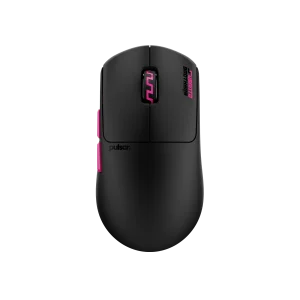
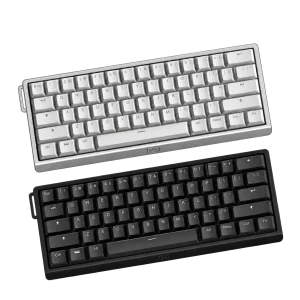
Compare resolution, refresh rate, screen size and the input you will actually use. Match the computer or console output to the chosen display mode, and leave room for the monitor stand and mouse movement. Explore Wooting 60HE v2 60% Gaming Keyboard, Aluminium, Pulsar Pro Series Susanto-X Wireless Gaming Mouse Size 2, 50g, ARTISAN NINJA FX ZERO Gaming Mousepad – SOFT/XSOFT, XL/XXL.
Frequently Asked Questions
What native resolution is specified?
4K (3,840 x 2,160).
What should I check for the highest refresh rate?
USB-C supports video and up to 90 W charging with a compatible laptop and cable. Higher-power computers may still need their own charger. Tizen apps, subscriptions and AI functions depend on the supported region and service; check those separately from ordinary computer display use.
Which connection details should I check?
HDMI-CEC: Yes; HDMI: 1 EA; USB-C: 1 EA.
What mounting pattern should an arm match?
100 x 100. Match the arm’s supported screen size and load to the actual monitor, including the required clearance and any mounting hardware.
Build Your Setup with AX Store
Explore computers, displays and accessories for your workspace at AX Store. For help choosing the right model or checking an accessory, contact AX Store.
THE DETAILS
Technical specifications
Display and gaming
16:9
250 cd/㎡
1,000,000:1(Static)
4K (3,840 x 2,160)
0.03ms(GTG)
178˚/178˚
Max 165Hz
32
Flat
699.48 x 394.73 mm
OLED
200 cd/㎡
Mega DCR
VESA DisplayHDR True Black 400
HDR10+
Max 1B
99% (CIE1931)
Yes
Yes
Yes
FreeSync Premium Pro
Yes
Yes
Yes
Auto Source Switch+
Yes
2.2
Yes
G-SYNC Compatible
Smart features
Yes
Smart
Tizen™
Yes
Yes
Yes
Mobile to Screen, Screen initiate mirroring, Sound Mirroring, Wireless On, Tap View
upto 2 videos
Basic
Yes
Yes
Yes
Connections and audio
Yes
1 EA
1.4
1 EA
2.1
2.2
1 EA
90W
2
2.0
2.2
Yes(WiFi5)
Yes(5.2)
Yes(5MP, IR Camera, Mic)
Yes
10W
Adaptive Sound Pro
Yes
Stand and dimensions
HAS PIVOT
120.0 mm (±5.0 mm)
-2.0 (±2.0) - 25.0˚ (±2.0˚)
-92.0 (±2.0) - 92.0˚ (±2.0˚)
100 x 100
AC 100 - 240 V (50/60Hz)
240 W
717.2 x 601.6 x 200.0 mm
717.2 x 432.3 x 42.5 mm
8.4 kg
5.3 kg
1.5 m
Yes
COMPLETE YOUR SETUP
Pairs well with