SteelSeries
SteelSeries Alias Pro XLR Gaming Microphone with Stream Mixer
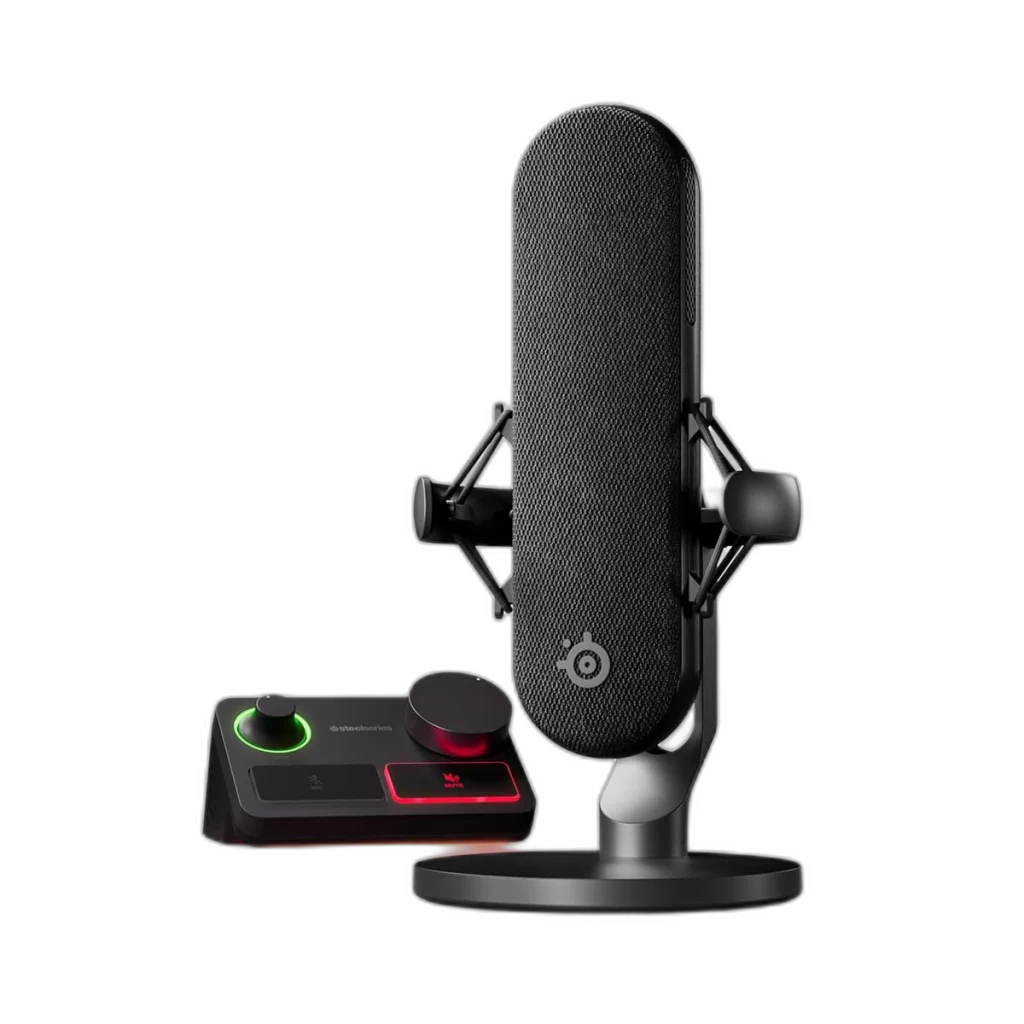
Take control of your stream with the SteelSeries Alias Pro XLR microphone and included Stream Mixer. A 25mm cardioid condenser capsule, dual USB connections, headphone monitoring and programmable controls bring voice capture and desktop mixing together.
Regular price
131.500 KWD
or 4 payments of 32.875 KWD with
Pay with card & save


125.000 KWD
Save 6.500 KWD
Overview
STEELSERIES ALIAS PRO XLR GAMING MICROPHONE WITH STREAM MIXER

SteelSeries Alias Pro
SteelSeries Alias Pro combines a 25mm cardioid condenser microphone with the included XLR Stream Mixer. Capture your voice, monitor through headphones and manage a single-PC or dual-PC streaming setup from a compact desktop control centre. Available from AX Store in Kuwait.
25 mm
Cardioid Condenser Capsule
XLR
Microphone Output
24-bit / 48 kHz
Included Stream Mixer
2 USB-C
Mixer Computer Connections
A dedicated microphone for your voice
The 1-inch ClearCast capsule uses a cardioid pickup pattern to focus on sound in front of the microphone. The included shock mount helps reduce desk-borne vibration.
Mix from your desk
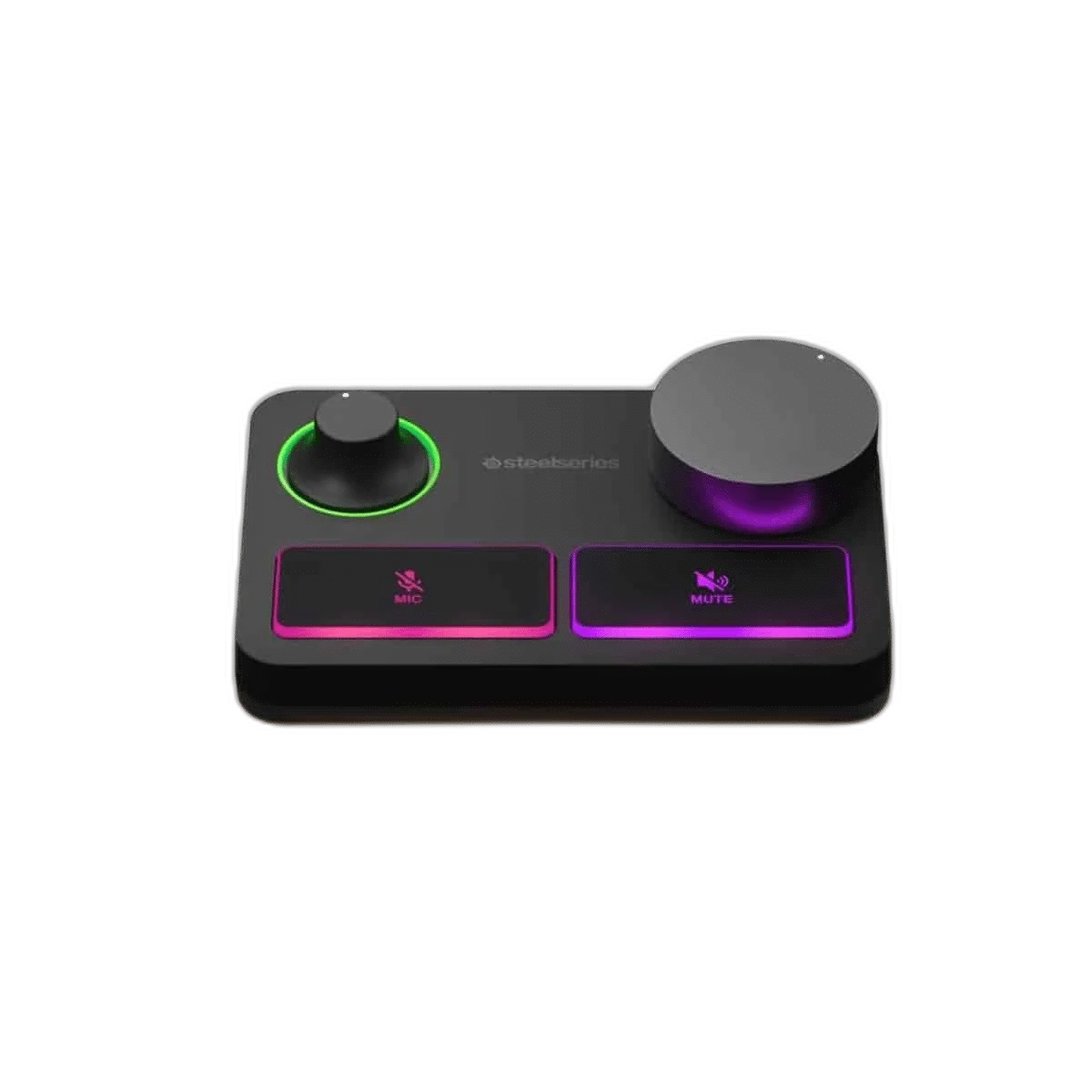
The Stream Mixer puts microphone gain, mute and headphone control close at hand. Its programmable dial and button let you adapt the controls to your workflow, with an RGB level ring for quick visual feedback.
Ready for two computers
Two USB-C connections on the mixer support a dual-PC streaming setup. A 3.5mm headphone port provides mic monitoring, while a separate 3.5mm line output adds routing flexibility.
A complete XLR starting point
The package includes the XLR microphone, Stream Mixer, XLR cable, two USB cables, power adapter, desktop stand and boom-arm adapter. A boom arm is sold separately.
Keep the Exact Model and Signal Path Clear
Alias Pro includes an XLR condenser microphone, Stream Mixer, XLR cable, two USB cables, power adapter, stand and arm adapter. The mixer supplies the USB computer route; the microphone itself is XLR, with 48 V phantom power required.
Choose the Connected Equipment for Its Actual Role
Match the product’s stated input and output connections to the source and destination. Keep microphone preamps, digital converters and headphone amplifiers in their appropriate roles, checking cable wiring and power requirements before completing the recording or listening chain.
Plan the Recording Path for This Microphone
Use the output and power requirements of this exact microphone to choose the recording route. Match the microphone input, monitoring arrangement and mount before selecting an interface or mixer; accessories are separate choices. Compare related options such as Shure SM7dB Dynamic Vocal Microphone with Built-in Preamp or RØDE PodMic Dynamic XLR Broadcast Microphone, White, keeping the exact model and configuration in the decision. For the wider setup, explore RØDE AI-1 USB-C Audio Interface and check the connection, size or mounting requirements before pairing accessories. Browse the SteelSeries range at AX for more choices.
SteelSeries Alias Pro Setup Choices
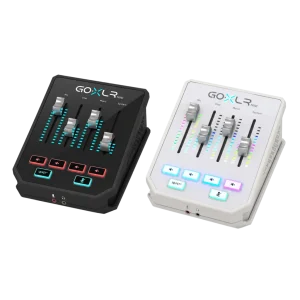
Use the output and power requirements of this exact microphone to choose the recording route. Match the microphone input, monitoring arrangement and mount before selecting an interface or mixer; accessories are separate choices. Explore RODE RODECaster Duo Integrated Audio Production Studio, TC-Helicon GoXLR Mini USB Mixer & Audio Interface – 4 Faders, MIDAS Preamp, RØDE PSA1+ Professional Studio Microphone Boom Arm.
Frequently Asked Questions
Which signal path and version should I plan for?
Alias Pro includes an XLR condenser microphone, Stream Mixer, XLR cable, two USB cables, power adapter, stand and arm adapter. The mixer supplies the USB computer route; the microphone itself is XLR, with 48 V phantom power required.
What listening connection is provided?
The supplied Stream Mixer provides a 3.5 mm headphone monitoring port.
How should I choose a microphone arm?
Match the mounting thread, microphone and mount weight, desk fit and clearance. Include any shock mount in the total load, rather than choosing an arm from the microphone weight alone.
How should I set recording level?
Set the supported microphone or interface gain for normal speech or the intended source, leaving headroom for louder moments. Place the microphone for the stated pickup pattern and check the actual recording input before starting.
Is a boom arm included?
A desktop stand and boom-arm thread adapter are supplied; the boom arm itself is a separate purchase. The adapter supports 3/8-inch and 5/8-inch threads.
Build Your Setup with AX Store
Explore computers, displays and accessories for your workspace at AX Store. For help choosing the right model or checking an accessory, contact AX Store.
THE DETAILS
Technical specifications
Other
Anti-Vibration Shock Mount
3/8 inch and 5/8 inch thread (Boom Arm not included)
720g (with stand) / 169.5g (without stand)
W110 x D130 x H230mm (Stand mounted)
W110 x D93 x H60mm
XLR Microphone
Condenser
1 inch/25mm ClearCast
Cardioid
24 bit/48 KHz
50 Hz - 20 KHz
120 dB
+48V DC Phantom Power
Stream Mixer
RGB Level Indicator Ring
3.5 mm Headphone Port
Ambient Base Light (Prism)
3.5 mm Port
Microphone Gain Dial, Microphone Mute Button, Programmable Mute Button and Volume Dial (default Headphone)
USB-C x2 (Plug & Play)
In the Box
XLR Microphone, Stream Mixer, XLR Cable, 2x USB-C to USB-A cable, Power Adapter, Desktop Stand, Boom Arm Adapter, Product Information Guide
COMPLETE YOUR SETUP
Pairs well with

Beyerdynamic
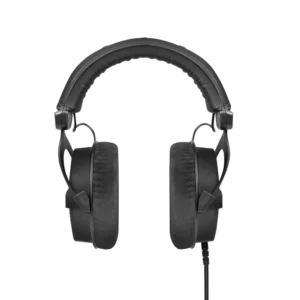
beyerdynamic DT 990 PRO Black Edition – 80 Ohm
Beyerdynamic