SteelSeries
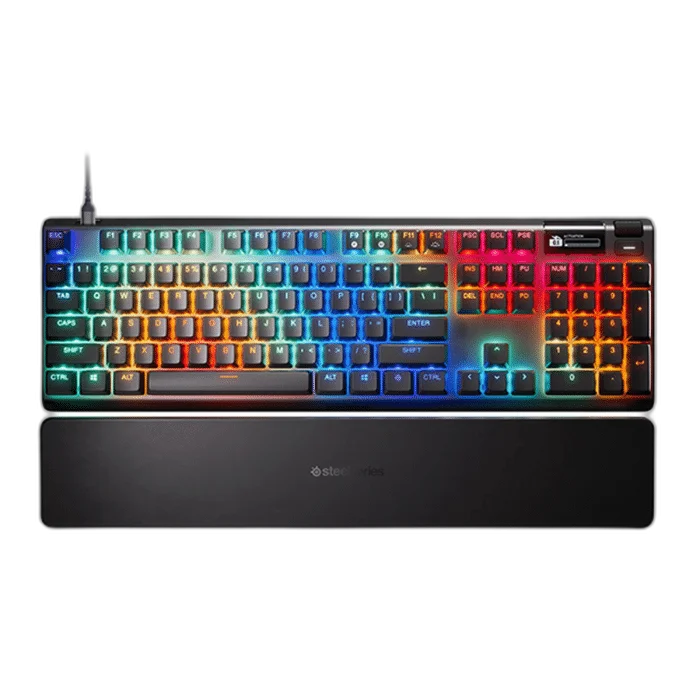
SteelSeries Apex Pro Gen 3 Full Size Wired Gaming Keyboard
The SteelSeries Apex Pro Gen 3 combines OmniPoint 3.0 adjustable magnetic switches, Rapid Trigger and an OLED Smart Display in a full-size layout. Includes double-shot PBT keycaps, a detachable USB cable and wrist rest.
Overview
STEELSERIES APEX PRO GEN 3 FULL SIZE WIRED GAMING KEYBOARD
SteelSeries Apex Pro Gen 3
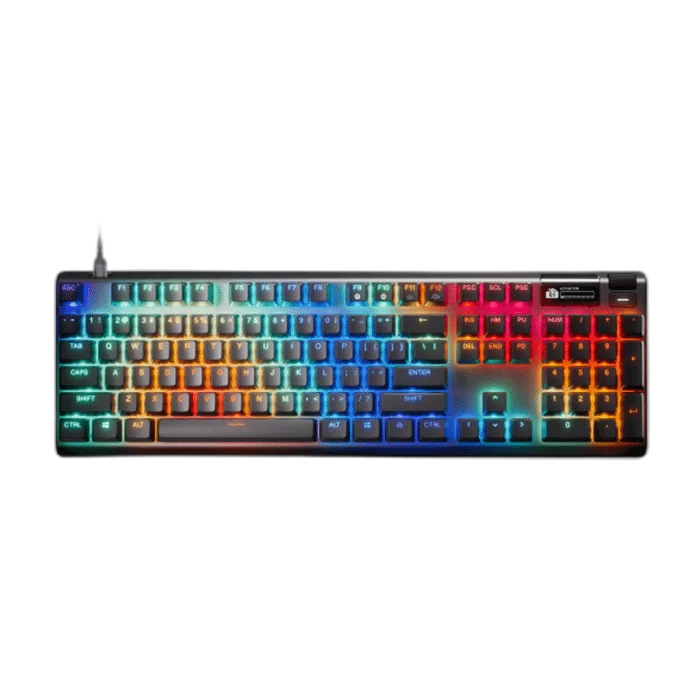
The SteelSeries Apex Pro Gen 3 pairs OmniPoint 3.0 Hall Effect switches with adjustable actuation from 0.1mm to 4.0mm. Its full-size layout keeps a dedicated number pad for work and play. Available from AX Store in Kuwait.
OmniPoint 3.0
Adjustable Magnetic Main Keys
0.1–4.0 mm
Adjustable Actuation
Full Size
Keyboard Layout
5 Profiles
Onboard Memory
Tune the feel of every press
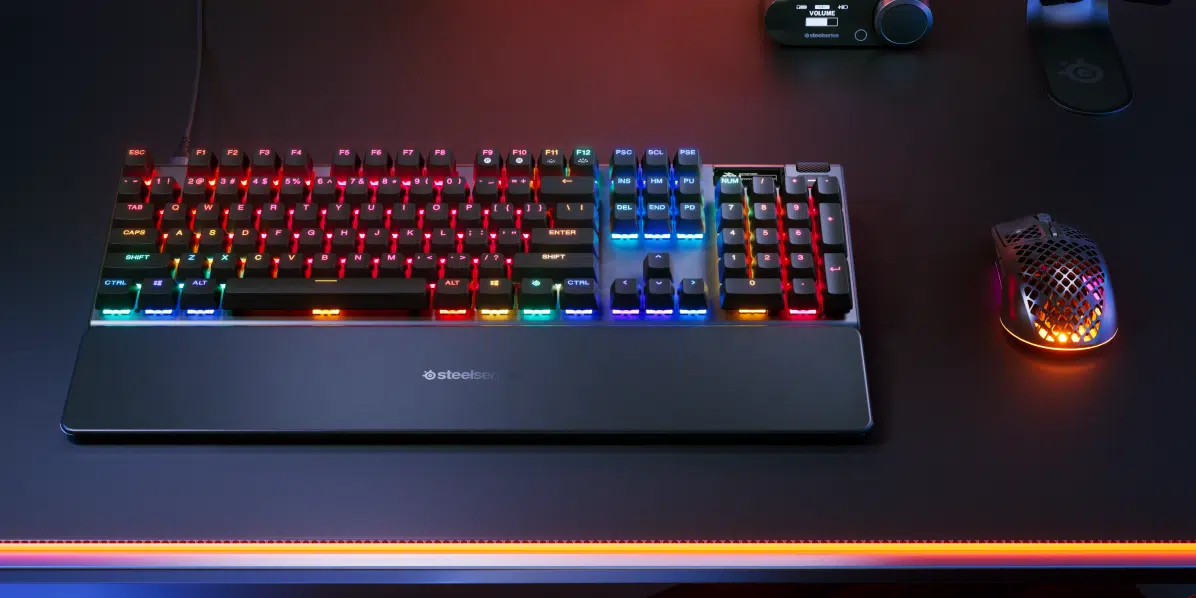
Adjust the actuation point to suit a light gaming touch or a more deliberate press. Rapid Trigger dynamically resets keys as you release them, helping with repeated inputs and direction changes.
Useful control on the keyboard
Use the OLED Smart Display to access settings without leaving your game. Five onboard profiles let you keep different configurations ready for different tasks. Match the installation space and chosen settings to the actual computer and intended workload, keeping the relevant connections and controls accessible.
Built for a more comfortable session
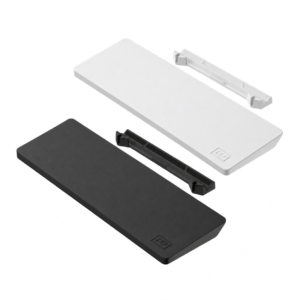
Double-shot PBT keycaps, sound-dampening foam and lubricated switches refine the typing experience. The included wrist rest and adjustable feet help you set up your desk.
A direct wired connection
Connect with the detachable braided USB-C to USB-A cable. The full-size layout includes a dedicated number pad for data entry and everyday shortcuts. Match the installation space and chosen settings to the actual computer and intended workload, keeping the relevant connections and controls accessible.
Choose the Input Settings for Your Play
Rapid Trigger and Protection Mode provide supported options for the magnetic controls. Configure the relevant settings around your own keypresses, then test the result in the application you use before saving it to a preferred profile.
Set the Keyboard Around the Workload
Use the onboard profiles to keep preferred settings available, and arrange the Full Size layout beside your mouse. Configure compatible software features on the supported host, selecting actuation and lighting settings that suit your daily use.
Choose Your Keyboard and Mouse Arrangement
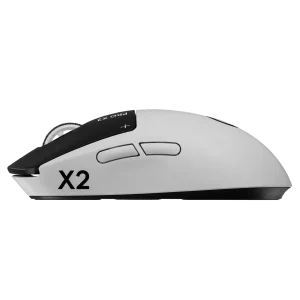
Choose the layout, switch type, key language and connection that suit your work and games. Measure the space left for mouse movement; a different keyboard format changes the desk arrangement as well as the keys available. Compare related options such as SteelSeries Apex 3 Full-Size RGB Gaming Keyboard - Black or SteelSeries Apex Pro TKL Gen 3 Gaming Keyboard, White, keeping the exact model and configuration in the decision. For the wider setup, explore Logitech G PRO X SUPERLIGHT 2 LIGHTSPEED Wireless Gaming Mouse - Black and check the connection, size or mounting requirements before pairing accessories. Browse the SteelSeries range at AX for more choices.
SteelSeries Apex Pro Gen 3 Setup Choices
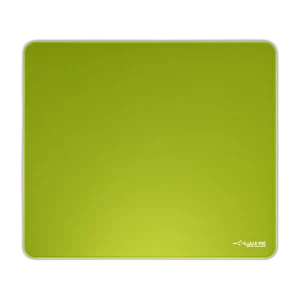
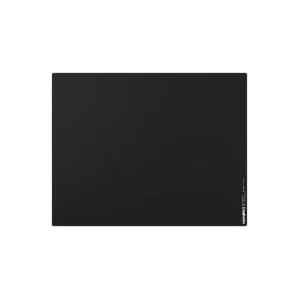
Choose the layout, switch type, key language and connection that suit your work and games. Measure the space left for mouse movement; a different keyboard format changes the desk arrangement as well as the keys available. Explore ARTISAN NINJA FX ZERO Gaming Mousepad – SOFT/XSOFT, XL/XXL, ARTISAN NINJA FX TYPE-99 SOFT XL Mousepad – Matcha, Pulsar Superglide V3 Glass Mousepad - Type S.
Frequently Asked Questions
Are all keys adjustable OmniPoint switches?
The main QWERTY keys use OmniPoint 3.0. SteelSeries identifies the number pad, arrows, function and navigation keys as conventional Red switches; adjustable-actuation functions apply to the OmniPoint keys.
Does it support Rapid Trigger?
Rapid Trigger is supported on the relevant magnetic keys. Set the actuation and release behaviour for your preference, and check the input rules of the game or event you use.
Which connection modes are available?
Wired. Use the correct cable or receiver for the chosen mode.
What is included?
Apex Pro Gen 3 Gaming Keyboard; Detachable Braided USB-C to USB-A Cable; Keycap Puller; Wrist Rest; Product Information Guide.
Build Your Setup with AX Store
Explore computers, displays and accessories for your workspace at AX Store. For help choosing the right model or checking an accessory, contact AX Store.
Compare SteelSeries Apex Pro Mini Wired Gaming Keyboard - OmniPoint 3.0. Match the exact model, connection and configuration to your setup.
THE DETAILS
Technical specifications
Technical Specifications
OmniPoint 3.0 Adjustable HyperMagnetic Switches (Analog Hall Effect Magnetic Sensor)
Up to 100 million keystrokes
5 Custom Profiles
32 bit ARM
0.1 mm - 4.0 mm
0.7 ms
Wired
Design
437 mm / 17.2 in
139 mm / 5.5 in
41 mm / 1.6 in
1403 g / 3.1 lbs
Per Key RGB Illumination
Controls and Construction
English (US), full-size with number pad
Black
Double-shot PBT
OLED Smart Display
Supported
Supported
Included
In the Box
Apex Pro Gen 3 Gaming Keyboard; Detachable Braided USB-C to USB-A Cable; Keycap Puller; Wrist Rest; Product Information Guide
COMPLETE YOUR SETUP
Pairs well with