Twisted Minds
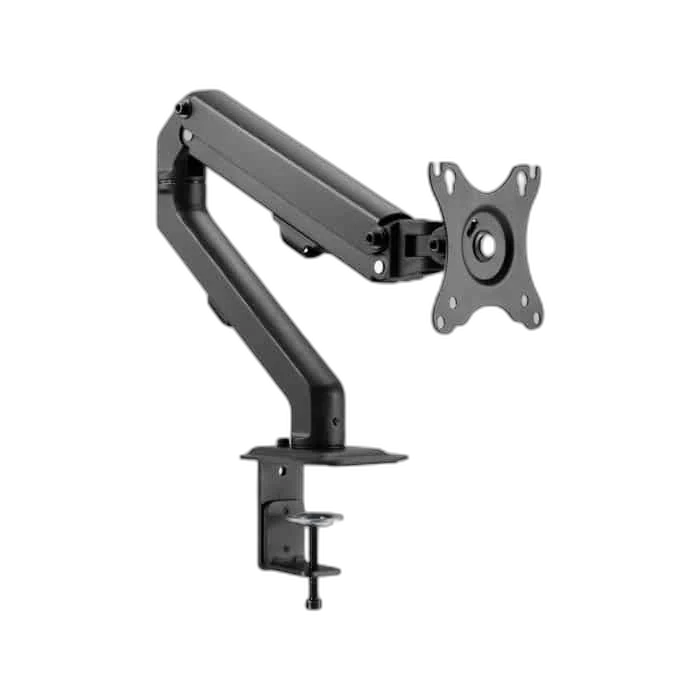
Twisted Minds Minimalist Monitor Arm 17"-27" Spring Arm
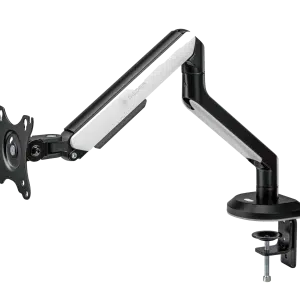
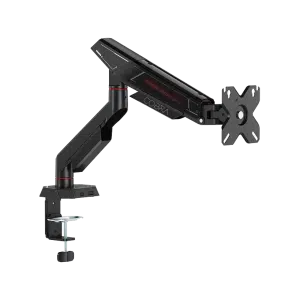
Twisted Minds TM-45-C06 one-monitor spring-assisted arm for 17–27 inches screens, with 2–7 kg support.
Regular price
10.500 KWD
or 4 payments of 2.625 KWD with
Pay with card & save


10.000 KWD
Save 0.500 KWD
Overview
TWISTED MINDS TM-45-C06
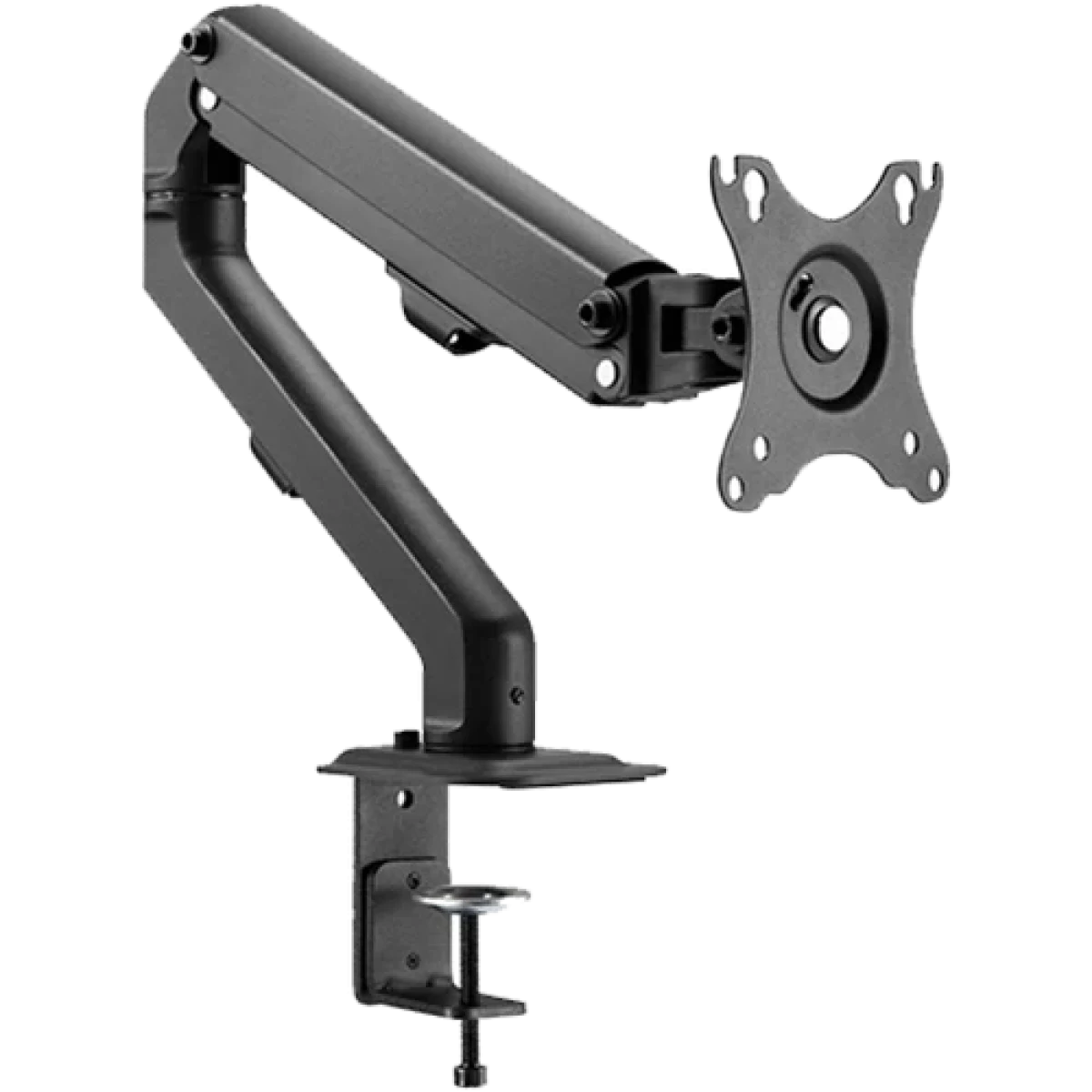
Minimalist Support with Adjustable Screen Angles
Twisted Minds TM-45-C06 provides spring-assisted positioning for one monitor. The manufacturer lists a 17–27 inches screen range and 2–7 kg load range. Arrange the arm around the desk, screen connections and viewing position you use, then follow the exact model guide for fitting and adjustment.
1
Screens Supported
17–27 inches
Screen Size Range
2–7 kg
Capacity per Screen
75x75, 100x100
VESA Patterns
Match the Monitor Configuration
The published screen range is 17–27 inches, with a load range of 2–7 kg. Check the display’s physical mounting requirements and the model guide before assembly. For a multi-screen setup, review each monitor individually so the screen size, load and attachment requirements are considered together.
Adjust the Screen Position
The manufacturer lists +90° to −45° tilt, +90° to −90° swivel and +180° to −180° screen rotation. Configure these angles around the desk and viewing position, checking that the screen and connections remain clear as the arm moves. Review the final display position from your normal seat, then make small changes while following the model guide.
Screen and Desk Attachment
The arm supports the listed 75 × 75 mm and 100 × 100 mm VESA patterns. Match the monitor’s mounting-hole pattern and weight to those requirements, then follow the model-specific guide for the desk attachment and screen installation. Plan the installation around the actual desktop and monitor connections, leaving access to the parts needed for assembly and later adjustment.
Construction and Model Features
The single-monitor arm combines aluminum, plastic and steel with a fine-texture black powder-coated finish. Its minimalist design gives you an adjustable support option for a monitor within the stated load range. Consider these features alongside the screen fit and desktop arrangement when choosing how the arm will work with the equipment that shares the workspace.
Plan Cable Routes and Movement
Arrange power and video cables around the monitor positions before completing the setup. Leave enough slack for the movements you intend to use, then check the connections as you change the display angle. A planned route helps keep the screens, keyboard and other desk equipment accessible without placing unnecessary tension on the connected cables.
Finish the Desk Arrangement
Set the screens around your usual viewing position and the applications you use, then arrange the keyboard and mouse beneath the display area. Review the arm position whenever the monitor configuration or desk layout changes. Use the exact model’s installation and adjustment instructions to keep the support configured for the screens and work surface you have chosen.
Complete Your Workspace
Explore Monitor Arms & Mounts at AX Store and choose the configuration or accessories that fit your setup.
Frequently Asked Questions
Which screen quantity and size range apply?
Screen quantity: 1. Screen size range: 17–27 inches.
What weight limits should I compare with the display?
Capacity: 2–7 kg.
Which VESA pattern and movement ranges are listed?
VESA Compatible: 75x75, 100x100. Tilt Range: +90°~-45°. Swivel Range: +90°~-90°. Screen Rotation: +180°~-180°.
Which frame finish and materials are specified?
Material: Aluminium, Plastic, Steel. Color: Fine Texture Black.
Build Your Setup with AX Store Kuwait
Explore computers, displays and accessories for your workspace at AX Store Kuwait. For help choosing the right model or checking an accessory, contact AX Store.
THE DETAILS
Technical specifications
Manufacturer Technical Specifications
Aluminium, Plastic, Steel
Powder Coating
Fine Texture Black
2-7kg
75x75, 100x100
+90°~-45°
+90°~-90°
+180°~-180°
TM-45-C06
Exact Model Fit and Features
1
17–27 inches
2–7 kg
Spring-assisted; gas spring described in model body
COMPLETE YOUR SETUP