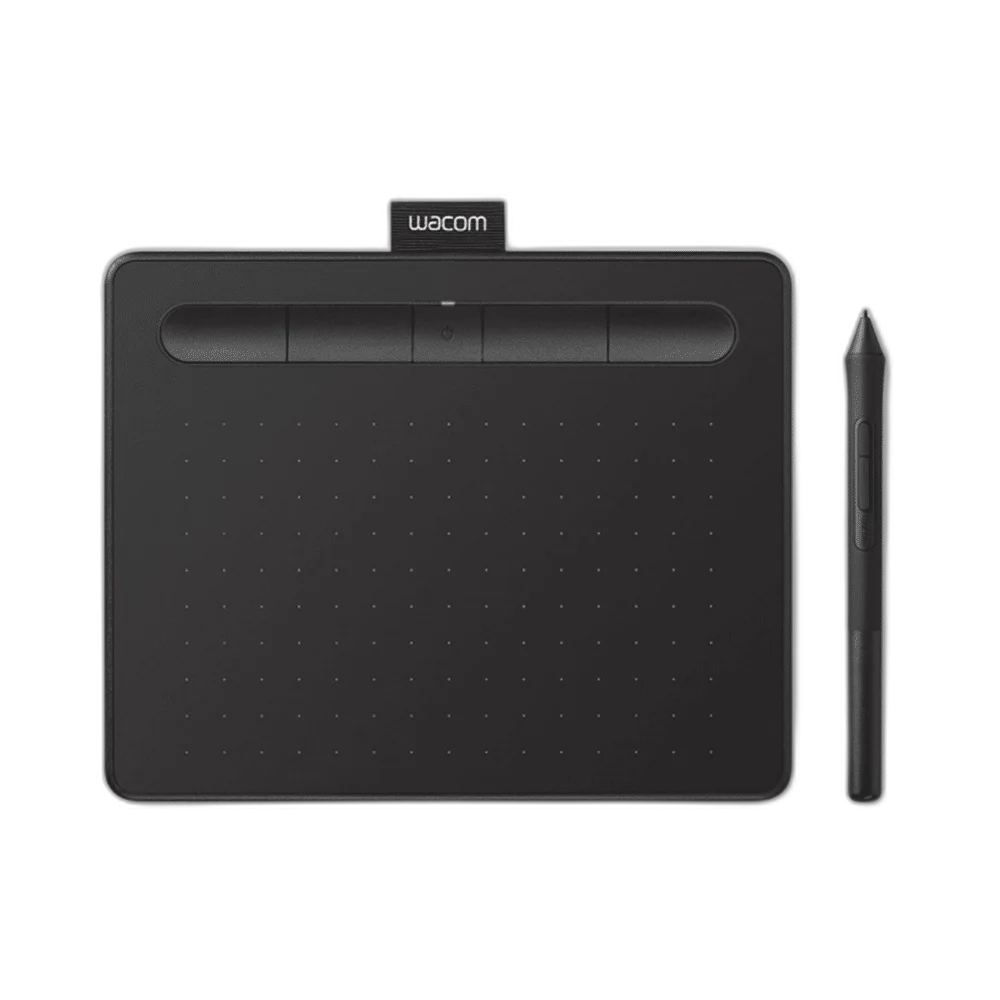
WACOM Intuos Creative Pen Tablet Small - Black
Wacom Intuos Small Black, CTL-4100K-N, with 152 × 95 mm active area, battery-free 4,096-level Pen 4K, four ExpressKeys and USB connectivity.
or 4 payments of 6.000 KWD with
Pay with card & save


Overview
WACOM INTUOS SMALL — BLACK
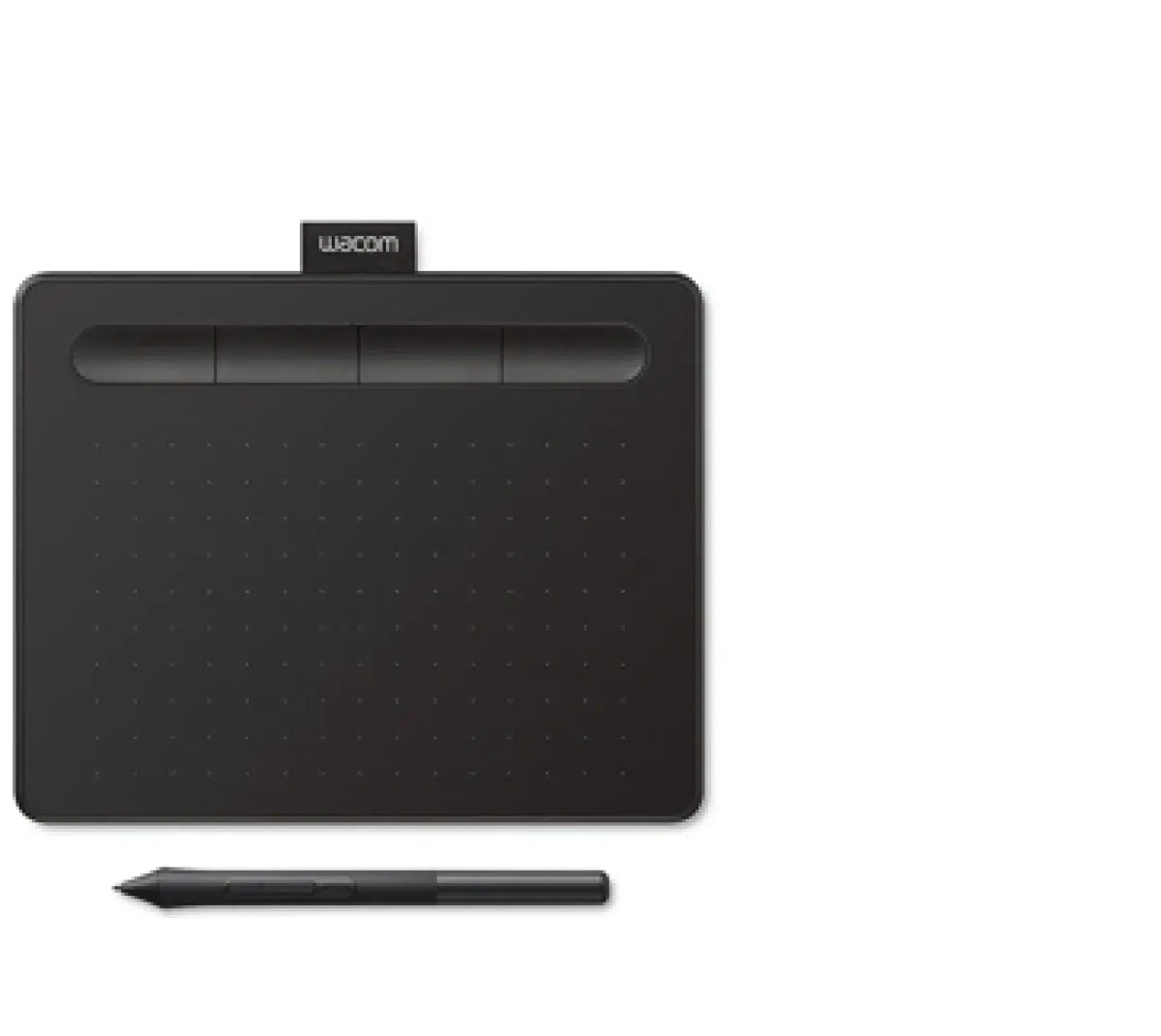
Wacom Intuos CTL-4100K-N
Wacom Intuos CTL-4100K-N: Wacom Intuos Small pairs a pressure-sensitive, battery-free pen with a 152 × 95 mm active drawing area. This Black CTL-4100K-N configuration connects over USB. Four customizable ExpressKeys and software controls let you arrange shortcuts around drawing, painting or photo-editing tasks while you work on the connected device’s screen. Explore this model at AX Store in Kuwait.
Pen Pressure Levels
Active Area
ExpressKeys
Tablet Connection
The Small Drawing Area
The tablet provides a 152 × 95 mm active area inside a 200 × 160 × 8.8 mm body. Its approximate weight is 230 g. Compare the working area and overall dimensions when planning how the tablet fits beside a keyboard or notebook. The pen input is mapped to the connected display, so arrange the tablet and screen together around your preferred drawing position.
Battery-Free Wacom Pen 4K
Wacom Pen 4K uses electromagnetic resonance technology and provides 4,096 pressure levels. The cordless pen requires no battery, with pressure-sensitive input available in compatible creative applications. Configure the application and driver around the pen behaviour you prefer, then adjust brush or editing settings for the drawing, painting or retouching work you want to create.
Four Customizable ExpressKeys
Four ExpressKeys support application-specific settings on Windows PC and Mac. Use the driver controls to assign actions around your regular tools, keeping common commands close to the drawing area. Wacom also lists a radial menu, display toggle and on-screen keypad as productivity controls; configure the supported options around the applications and display arrangement you use.
USB Connection and Cable
The CTL-4100 connects through the supplied 1.5 m USB-A to Micro-B cable, which has an L-shaped connector and cable tidy. Position the tablet around the cable route and available computer port. A suitable adapter may be needed for a USB-C-only computer; review the connection and driver requirements before setting up the pen and application controls.
Pen Input Specifications
The Intuos specification lists 2,540 lines per inch resolution and a maximum pen report rate of 133 points per second. The technical document gives a 7 mm reading height and ±0.25 mm centre accuracy. These figures describe the pen-tablet input system; configure compatible creative software to use pressure sensitivity and the available pen controls.
Compatibility and Pen Maintenance
Wacom lists support for compatible Windows PCs, Macs, current ChromeOS devices and Android devices with USB OTG requirements. Check the current driver and connection guidance for your exact device before setup. Three spare standard nibs are stored inside the pen, with a nib-removal tool at its end, providing replacement writing tips for the pen-tablet surface.
Wacom Intuos CTL-4100K-N Setup Choices
Choose the exact model, connection and included accessories for the equipment you already own. Check the stated requirements before adding another component. Browse the WACOM range at AX.
Frequently Asked Questions
Which pen is included and does the pen need a battery?
Pen model: LP-1100K / Wacom Pen 4K. Technology: Electromagnetic resonance; cordless; battery-free. Pressure levels: 4,096.
How does the tablet connect and what controls does it have?
Connectivity: USB. ExpressKeys: 4; customizable application-specific settings on Windows PC/Mac. Multi-touch: No.
Which computer or mobile connections should I check?
Computer compatibility: Windows PC and macOS with supported Wacom driver; verify current OS/driver requirements. ChromeOS: Compatible devices running current ChromeOS; see manufacturer guidance. Android: Compatible Android phone/tablet with USB OTG; suitable adapter/connection required. Driver download: Internet access required for Windows/Mac driver download.
What is included?
Included items: Intuos tablet; Wacom Pen 4K; USB cable; 3 spare standard nibs; nib-removal tool; quick-start and regulatory documents.
Build Your Setup with AX Store
Explore computers, displays and accessories for your workspace at AX Store. For help choosing the right model or checking an accessory, contact AX Store.
THE DETAILS
Technical specifications
Exact Tablet Configuration
CTL-4100K-N
Small
Black
Pen tablet with pressure-sensitive, cordless, battery-free pen
200 × 160 × 8.8 mm
152 × 95 mm
230 g
USB
1.5 m; USB-A to Micro-B; L-shaped connector; cable tidy; PVC-free
DC 5 V / 500 mA
4; customizable application-specific settings on Windows PC/Mac
Radial menu; display toggle; on-screen keypad
No
Tether slot
5–40 °C
−20–60 °C
30–80%; non-condensing
30–90%; non-condensing
Included Wacom Pen 4K
LP-1100K / Wacom Pen 4K
Electromagnetic resonance; cordless; battery-free
4,096
2,540 lpi / 100 lines per mm
133 pps
7 mm; centre area
±0.25 mm; centre area
143.2 × 12 mm
11.2 g
3 standard nibs stored inside pen
On end of pen
Compatibility and Package
Windows PC and macOS with supported Wacom driver; verify current OS/driver requirements
Compatible devices running current ChromeOS; see manufacturer guidance
Compatible Android phone/tablet with USB OTG; suitable adapter/connection required
Internet access required for Windows/Mac driver download
Intuos tablet; Wacom Pen 4K; USB cable; 3 spare standard nibs; nib-removal tool; quick-start and regulatory documents