Category
Gaming Cables & Adapters
30 PRODUCTS
USB, HDMI, DisplayPort and coiled keyboard cables, plus adapters and extensions to keep your gaming setup connected.


Showing 30 of 30 products
CABLES AND ADAPTERS AT AX
Clean connections, full bandwidth.
DisplayPort 1.4 and HDMI 2.1 cables for high-refresh monitors, USB-C and coiled keyboard cables, extensions and adapters from UGREEN, Cable Matters and Belkin.
DisplayPort 1.4 for high-refresh PC monitors, HDMI 2.1 for consoles and 4K 120Hz TVs, and a coiled USB-C cable for a detachable keyboard. The wrong cable version caps your refresh rate.
HDMI 2.1
4K 120Hz and 8K
DisplayPort 1.4
1440p 240Hz, 4K 144Hz
USB-C · Coiled
keyboard and charging cables
GAMING CABLES AND ADAPTERS FAQ
Before you buy.
Straight answers to the questions we hear most about gaming cables and adapters.
HDMI or DisplayPort: which cable should I use for my gaming monitor?
On a PC, DisplayPort is usually the simpler route to high refresh rates, and a DisplayPort 1.4 or 2.1 cable covers most gaming monitors. Consoles like the PlayStation 5 connect over HDMI, so use an HDMI 2.1 cable when you want 4K at 120Hz.
What is the difference between TRS and TRRS 3.5mm cables?
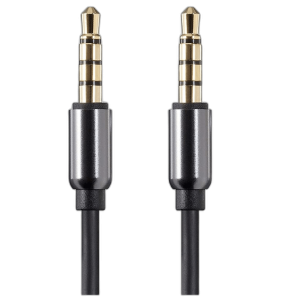
A TRS plug has three contacts and carries stereo audio, so cables like the Monoprice Onyx Series 3.5mm TRS suit speakers, DACs and headphones. A TRRS plug adds a fourth contact for a microphone, which headsets with a built-in mic need, as with the Monoprice Onyx 3.5mm TRRS cable.
How do I get rid of buzzing or humming from my speakers?
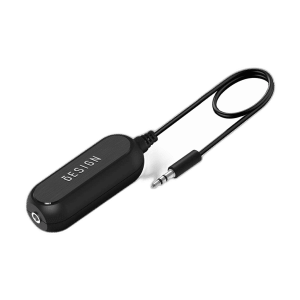
A steady hum or buzz from speakers connected to a PC is often caused by a ground loop. A ground loop noise isolator like the BESIGN model goes inline on the 3.5mm connection between the source and the speakers and usually removes the noise.
Can I use a USB extension cable or hub for my peripherals?
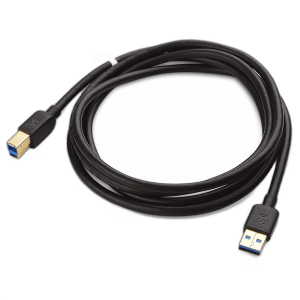
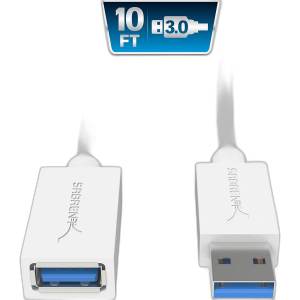
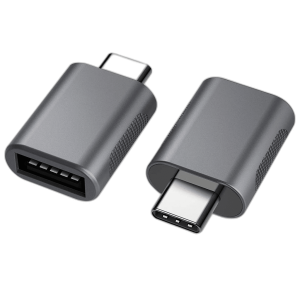
Yes. A USB 3.0 extension like the Sabrent 3m cable helps reach a webcam or wireless receiver, and a USB-C hub such as the UGREEN Uno 6-in-1 adds ports to a laptop. For capture cards, VR headsets and other high-bandwidth devices, plug directly into the PC when you can.