
Apple
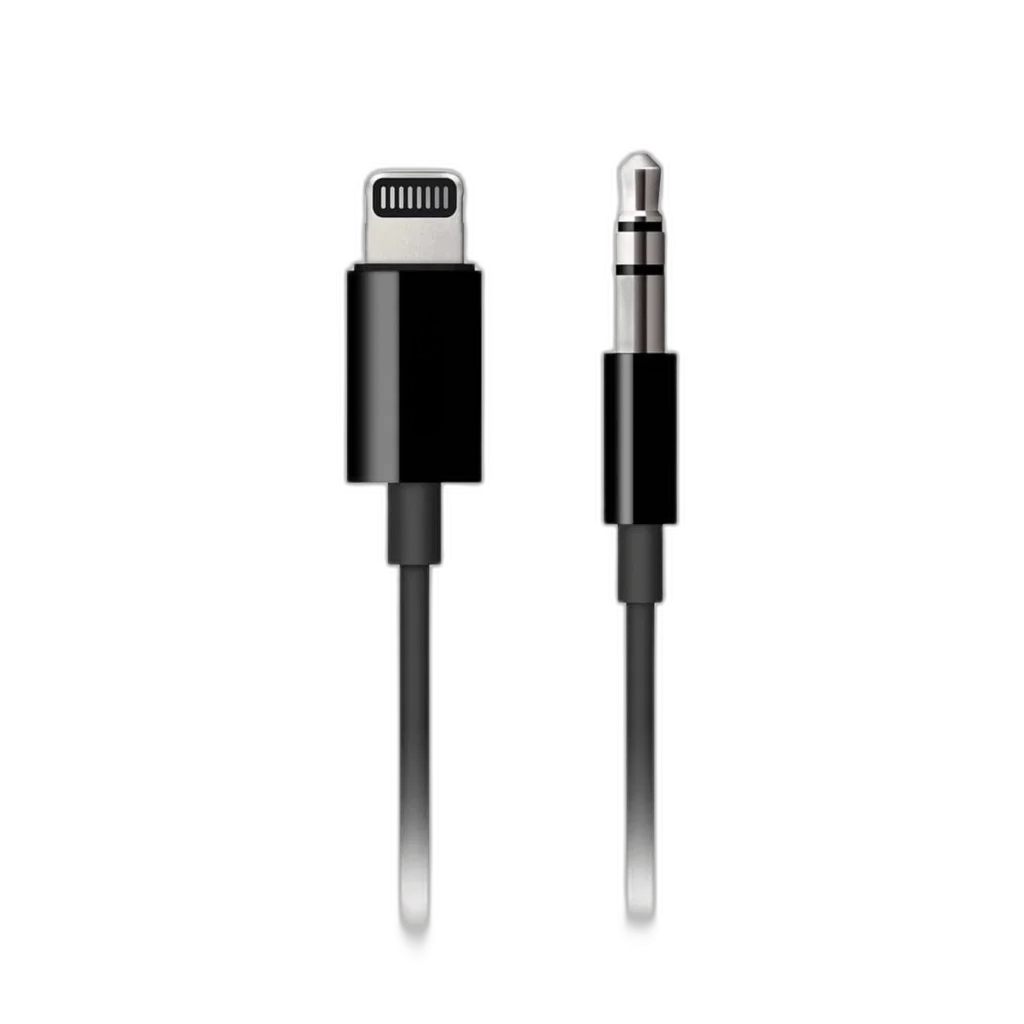
Apple Lightning to 3.5MM Audio Jack Cable, 1.2m, Black
Apple's 1.2 m Lightning to 3.5 mm Audio Cable in black connects AirPods Max with Lightning to an analogue audio source. Check your headphone connector: USB-C AirPods Max require a different cable.
Regular price
10.000 KWD
or 4 payments of 2.500 KWD with
Pay with card & save


9.400 KWD
Save 0.600 KWD
Overview
APPLE LIGHTNING TO 3.5MM AUDIO JACK CABLE, 1.2M, BLACK
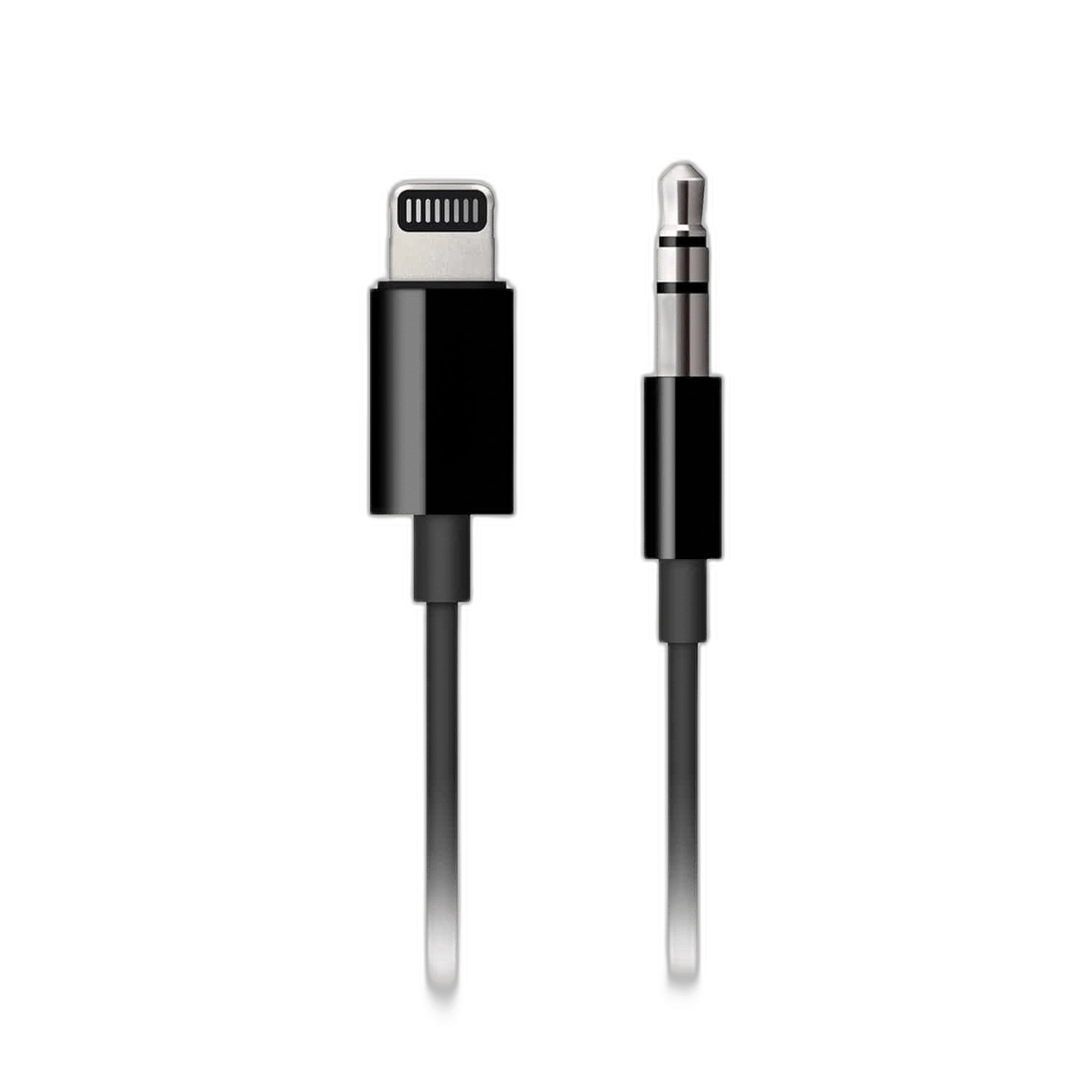
Apple Lightning to 3.5 mm Audio Cable
Apple Lightning to 3.5 mm Audio Cable: Connect AirPods Max with a Lightning port to a 3.5 mm analogue audio source using Apple's Lightning to 3.5 mm Audio Cable. The 1.2 m black cable provides a practical wired listening option for compatible equipment. Available from AX Store in Kuwait.
Lightning
Headphone Connector
3.5 mm
Analogue Source Connector
1.2 m
Cable Length
Black
Cable Colour
Match the cable to your headphones
This version has a Lightning connector for AirPods Max with Lightning. AirPods Max with USB-C require a USB-C audio cable instead, so check the port on your headphones before choosing your cable.
Connect to an analogue source
Plug the Lightning end into your compatible AirPods Max and the 3.5 mm end into the audio source. The cable is designed for audio listening; this listing is the 1.2 m black version.
Choose the Lightning AirPods Max Version
Check the headphone connector before ordering this cable. Its confirmed headphone match is AirPods Max with Lightning; the USB-C version needs a different USB-C audio cable for the appropriate wired listening arrangement.
Use a Suitable Analogue Audio Source
The source end uses a male 3.5 mm audio plug. Check that the device provides the intended analogue headphone output, then route the cable with enough slack for the way you sit and listen.
A Defined Cable Length for Listening
This listing is the black 1.2-metre cable. Measure the route from the audio source to the headphones before choosing it, especially when the source sits below a desk or beside a seat.
Keep the Role of the Cable Clear
This accessory provides the listed wired audio connection for compatible equipment. It does not change the headphone port type, so choose the correct cable generation before adding adapters or planning a different source connection.
Match the Accessory to Your Exact Apple Model
Check the device generation, supported ports, power and display requirements before ordering. Keep the model number and included cable or adapter with the comparison. Compare related options such as Apple Magic Mouse USB-C – Bluetooth, Multi-Touch – Black or Apple Magic Keyboard for iPad Air 11" M4/M3/M2 – Arabic/English – White, keeping the exact model and configuration in the decision. For the wider setup, explore SanDisk Extreme 128 GB microSDXC Memory Card + SD Adapter and check the connection, size or mounting requirements before pairing accessories. Browse the Apple range at AX for more choices.
Apple Lightning to 3.5 mm Audio Cable Setup Choices
Check the device generation, supported ports, power and display requirements before ordering. Keep the model number and included cable or adapter with the comparison. Explore Wooting 60HE v2 60% Gaming Keyboard, Aluminium, Pulsar Pro Series Susanto-X Wireless Gaming Mouse Size 2, 50g, ARTISAN NINJA FX ZERO Gaming Mousepad – SOFT/XSOFT, XL/XXL.
Frequently Asked Questions
Which headphones are confirmed compatible?
AirPods Max with Lightning connector.
Does this fit USB-C AirPods Max?
Requires a USB-C audio cable instead.
How long is the cable?
1.2 m.
Which source output is required?
3.5 mm analogue audio output.
Build Your Setup with AX Store
Explore computers, displays and accessories for your workspace at AX Store. For help choosing the right model or checking an accessory, contact AX Store.
THE DETAILS
Technical specifications
Product specifications
Apple
Lightning to 3.5 mm Audio Cable
MR2C2ZM/A
1.2 m
Black
Lightning and 3.5 mm male audio plug
AirPods Max with Lightning connector
3.5 mm analogue audio output
Requires a USB-C audio cable instead
COMPLETE YOUR SETUP
Pairs well with




