ASTRO
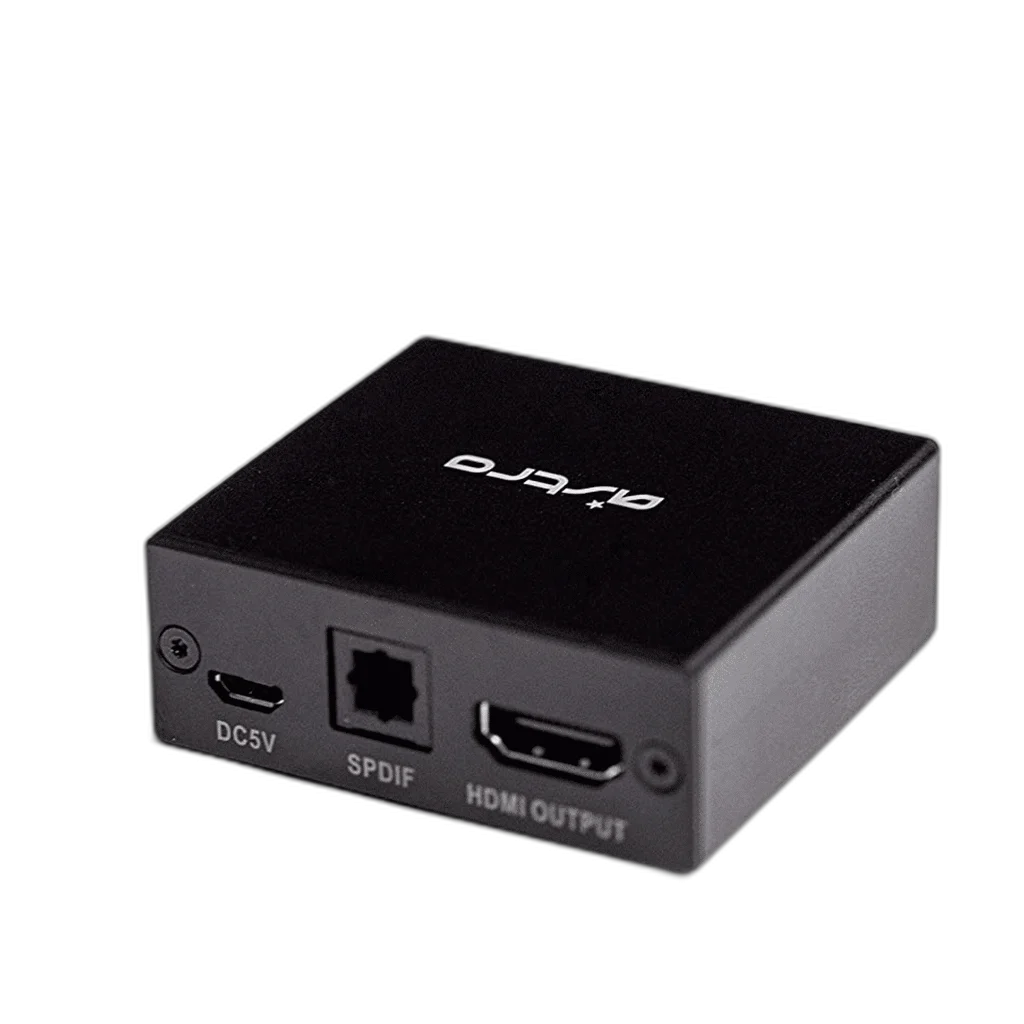
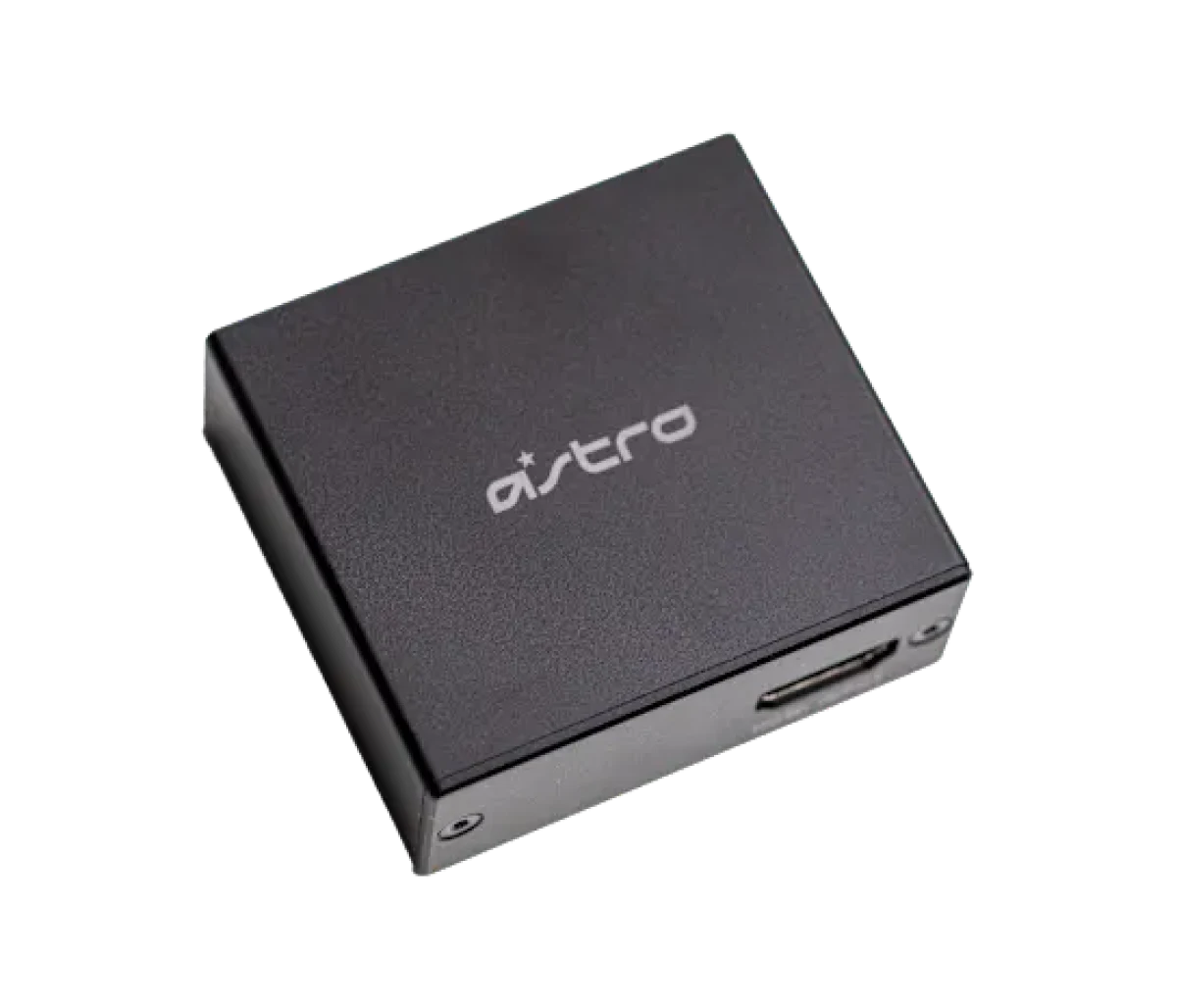
ASTRO Gaming HDMI Adapter for PlayStation 5
ASTRO HDMI Adapter for PS5 enables Game:Voice Balance with A50 Base Station Gen 3/4, MixAmp Pro TR Gen 3/4 and A20 Wireless Gen 1.
Regular price
18.500 KWD
or 4 payments of 4.625 KWD with
Pay with card & save


17.500 KWD
Save 1.000 KWD
Overview
ASTRO HDMI ADAPTER FOR PLAYSTATION 5
Keep Compatible ASTRO Audio in Your PS5 Setup
The ASTRO HDMI Adapter for PlayStation 5 connects supported ASTRO audio equipment to a PS5 setup that needs an optical audio connection. It enables full Game:Voice Balance with compatible A50 Base Stations, MixAmp Pro TR units and the original A20 Wireless headset generation. Check your exact ASTRO hardware generation before planning the connection.
PlayStation 5
Console
Optical Audio
Supported ASTRO Setup
Game:Voice
Compatible Audio Control
Gen 3 / 4
Listed MixAmp Pro TR
Optical Audio for a PS5 Setup
The adapter provides the connection path needed by supported ASTRO devices that rely on an optical port. This lets you arrange compatible audio equipment around a PlayStation 5 console. Identify the console, display and ASTRO unit in your setup before connecting them so each part of the audio path is accounted for.
Game and Voice Balance
With supported ASTRO hardware, the adapter enables full Game:Voice Balance. This is useful when you want to manage the relationship between game audio and voice communication through compatible equipment. The function depends on using one of the supported ASTRO device generations and arranging the console and audio connections correctly.
MixAmp Pro TR Compatibility
Both MixAmp Pro TR Gen 3 and MixAmp Pro TR Gen 4 are included in the compatibility list. If your setup uses one of these units, check the generation before adding the adapter. Identifying the MixAmp correctly is a practical first step when planning how the console, headset and audio controls will work together.
A50 Base Stations and A20 Wireless
The supported wireless products are A50 Base Station Gen 3, A50 Base Station Gen 4 and A20 Wireless Headset Gen 1. These are specific generations, so check the model information on your existing unit. This compatibility guidance helps you match the adapter to the ASTRO equipment you intend to keep using in your PS5 setup.
Build a Clear Connection Layout
Place the adapter as part of the console’s HDMI and audio connection arrangement, keeping the required ports accessible. Plan the routes between the PS5, display and compatible ASTRO device before organizing the cables at your desk or television. A clear layout makes it easier to revisit the connections if you rearrange your gaming equipment later.
Check the Complete Audio Setup
The adapter serves a specific purpose within a compatible ASTRO system, so choose it around the audio equipment you already have. Confirm the exact unit and generation against the compatibility list below. Then follow the connection guidance for that equipment so you can use its supported game-audio and voice-balancing functions within your PlayStation 5 setup.
Complete Your Workspace
Explore Gaming Cables & Adapters at AX Store and choose the configuration or accessories that fit your setup.
Frequently Asked Questions
Which console and audio setup is this adapter intended for?
Console: PlayStation 5. Purpose: Connection for supported ASTRO devices requiring an optical port.
Which MixAmp and A50 generations are listed?
MixAmp Compatibility: MixAmp Pro TR Gen 3 and Gen 4. A50 Compatibility: A50 Base Station Gen 3 and Gen 4.
Which A20 generation is listed?
A20 Compatibility: A20 Wireless Headset Gen 1.
What Game:Voice control is supported?
Audio Control: Full Game:Voice Balance with compatible hardware.
Build Your Setup with AX Store Kuwait
Explore computers, displays and accessories for your workspace at AX Store Kuwait. For help choosing the right model or checking an accessory, contact AX Store.
THE DETAILS
Technical specifications
Compatibility and Function
ASTRO HDMI Adapter for PlayStation 5
PlayStation 5
Connection for supported ASTRO devices requiring an optical port
Full Game:Voice Balance with compatible hardware
MixAmp Pro TR Gen 3 and Gen 4
A50 Base Station Gen 3 and Gen 4
A20 Wireless Headset Gen 1
COMPLETE YOUR SETUP
Pairs well with



Cable Matters
Cable Matters SuperSpeed USB 3.0 Type A to B Cable, 2M

Cable Matters
Cable Matters 8K Mini DisplayPort to DisplayPort Cable