ASUS
ASUS M602 ROG Falchion Ace 65% RGB Mechanical Gaming Keyboard, Black & White
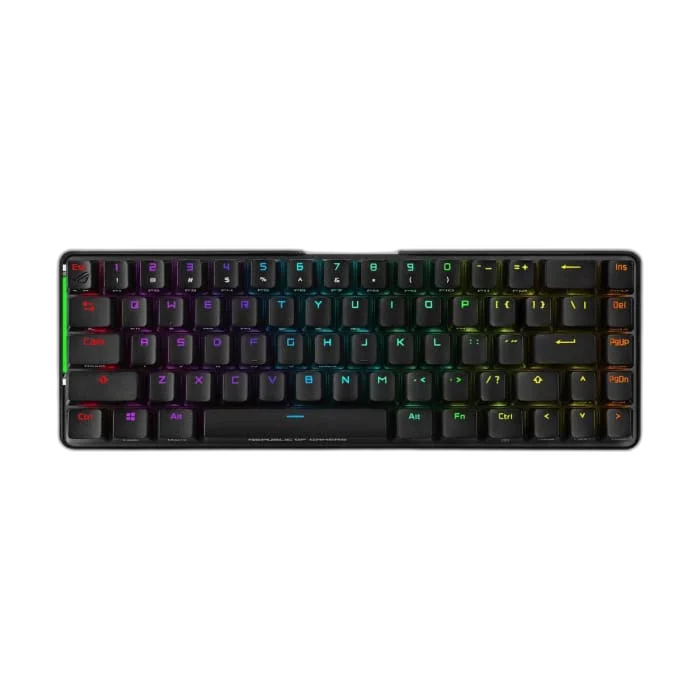
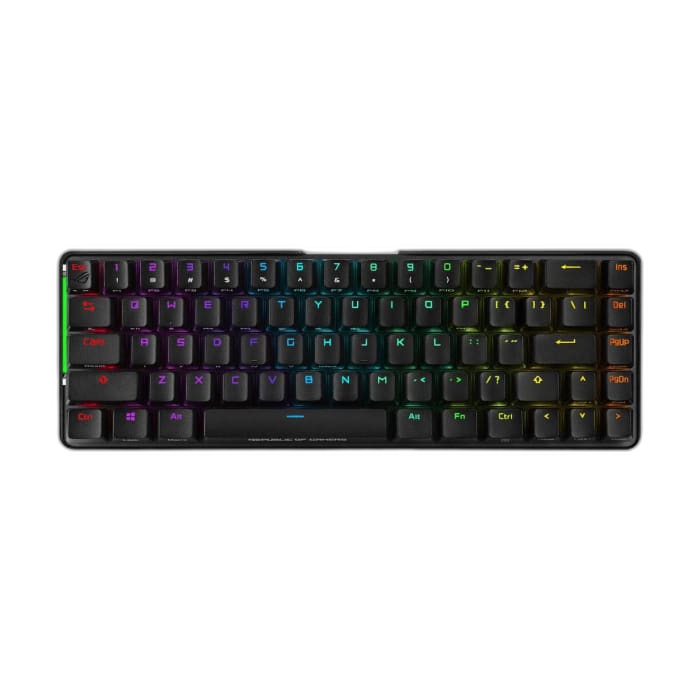
The ROG Falchion Ace fits a 65% layout with arrow and navigation keys into a compact frame. Pre-lubricated ROG NX mechanical switches, sound-dampening foam and an interactive touch panel bring gaming controls and everyday convenience to a smaller desk footprint.
Color
Overview
ASUS M602 ROG FALCHION ACE 65% RGB MECHANICAL GAMING KEYBOARD, BLACK & WHITE
ASUS ROG Falchion Ace
ASUS ROG Falchion Ace: The ROG Falchion Ace fits a 65% layout with arrow and navigation keys into a compact frame. Pre-lubricated ROG NX mechanical switches, sound-dampening foam and an interactive touch panel bring gaming controls and everyday convenience to a smaller desk footprint. Available from AX Store in Kuwait.
65%
Keyboard Format
ROG NX
Mechanical Switch Family
1000 Hz
Report Rate
Dual USB-C
Two-Computer Switching
More control in less space
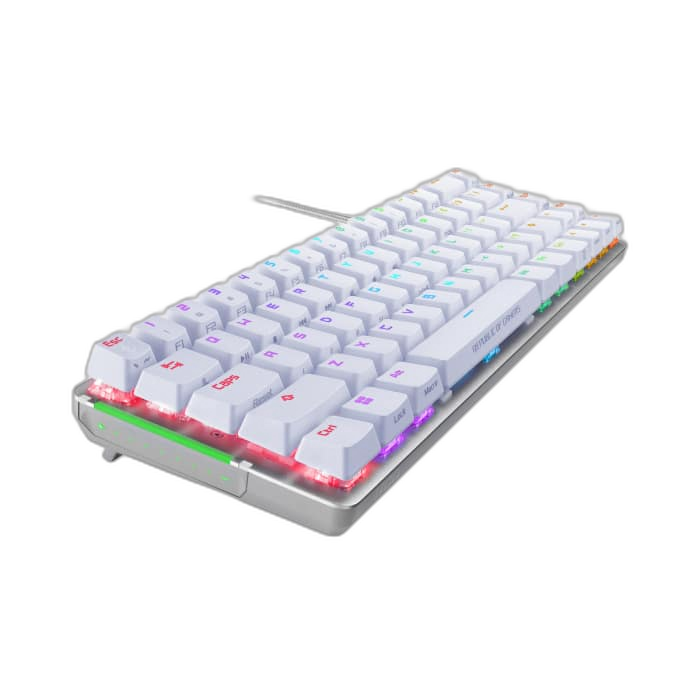
Keep dedicated arrow keys while freeing room for mouse movements. Per-key RGB, Aura Sync and on-the-fly macro recording let you personalise the keyboard, with a 1,000 Hz USB report rate and 100% anti-ghosting.
Flexible desk setup
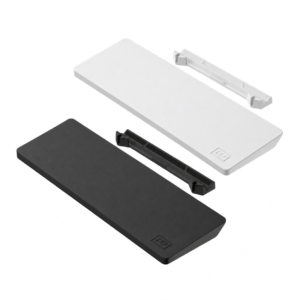
Dual USB-C ports allow flexible cable placement and switching between two connected PCs. Three tilt angles help you choose a comfortable position, and the protective cover is useful when transporting the keyboard.
Keep Switches and Compatibility Together
The listed switch configuration is Pre-lubricated ROG NX mechanical. Keep the exact switch option with your comparison. Actuation, travel and sound can differ between switch versions, so judge the supplied configuration as the model described here.
Read the Reporting Rate in Context
Report rate: 1,000 Hz. Use the reporting rate stated for the supported connection. Compare it with the setup and settings available for your keyboard, keeping the exact model and connection together.
Lighting and Everyday Controls
Lighting: Per-key RGB; Aura Sync. Programmable keys: All keys except Fn; on-the-fly macro recording. Profiles: Five custom profiles plus default. Use the available controls and supported settings for the way you work and play. Keep any listed profile, key-programming or lighting limits attached to this model when setting it up.
Check the Configuration Method and System
Configuration: Armoury Crate. Listed system support: Windows 10; Windows 11. Basic key input and advanced configuration can have different requirements. Use the listed platform and configuration method for the functions you want to adjust, keeping those requirements with the exact keyboard.
Choose Your Keyboard and Mouse Arrangement
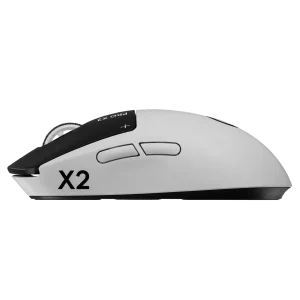
Choose the layout, switch type, key language and connection that suit your work and games. Measure the space left for mouse movement; a different keyboard format changes the desk arrangement as well as the keys available. Compare related options such as ASUS ROG Azoth 75% Wireless DIY Mechanical Gaming Keyboard, Black or ASUS ROG Strix Scope II 96 RGB ROG NX Snow Switch Wireless Gaming Keyboard, keeping the exact model and configuration in the decision. For the wider setup, explore ASUS ROG HARPE ACE EXTREME Wireless Gaming Mouse and check the connection, size or mounting requirements before pairing accessories. Browse the ASUS range at AX for more choices.
ASUS ROG Falchion Ace Setup Choices
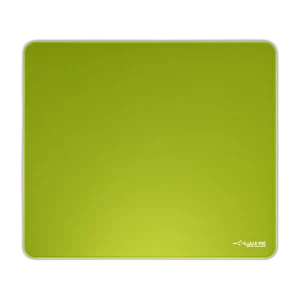
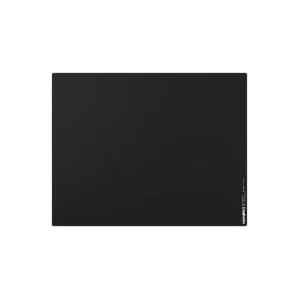
Choose the layout, switch type, key language and connection that suit your work and games. Measure the space left for mouse movement; a different keyboard format changes the desk arrangement as well as the keys available. Explore ARTISAN NINJA FX ZERO Gaming Mousepad – SOFT/XSOFT, XL/XXL, ARTISAN NINJA FX TYPE-99 SOFT XL Mousepad – Matcha, Pulsar Superglide V3 Glass Mousepad - Type S.
Frequently Asked Questions
What keyboard arrangement or key layout is listed?
65%.
How does it connect?
Wired USB 2.0, USB-C to USB-A. Report rate: 1,000 Hz.
Which switches and swap support are listed?
Pre-lubricated ROG NX mechanical.
Which software or operating systems are listed?
Configuration: Armoury Crate. System support: Windows 10; Windows 11.
Which accessories are included?
Keyboard; detachable braided cable; quick start guide; ROG sticker; warranty booklet.
Build Your Setup with AX Store
Explore computers, displays and accessories for your workspace at AX Store. For help choosing the right model or checking an accessory, contact AX Store.
Compare ASUS ROG Falchion ACE HFX ZywOo Edition Gaming Keyboard, Black. Match the exact model, connection and configuration to your setup.
THE DETAILS
Technical specifications
Product specifications
ASUS ROG
Falchion Ace
65%
Pre-lubricated ROG NX mechanical
Wired USB 2.0, USB-C to USB-A
Dual USB-C; switching between two PCs
1,000 Hz
Per-key RGB; Aura Sync
100%
All keys except Fn; on-the-fly macro recording
Five custom profiles plus default
Interactive side touch panel
Three angles
Sound-dampening foam; stabilised long keys
305.79 × 101 × 37.5 mm
Approximately 593 g with ABS or 599 g with PBT, excluding cable
Armoury Crate
Windows 10; Windows 11
Keyboard; detachable braided cable; quick start guide; ROG sticker; warranty booklet
COMPLETE YOUR SETUP
Pairs well with