ASUS
ASUS ROG Moonstone Ace L Gaming Mouse Pad, 500x400mm Glass Surface
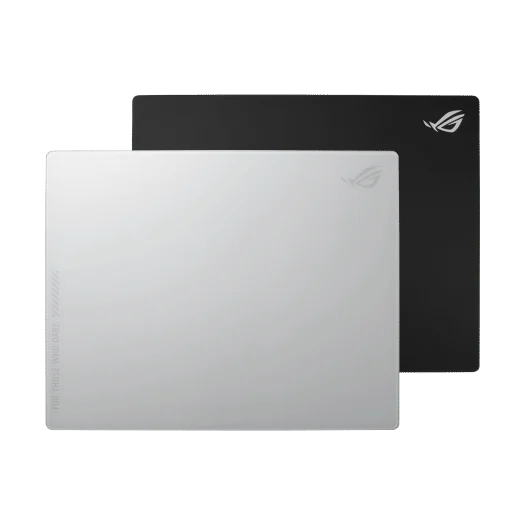
The 500 × 400 mm Moonstone Ace L combines a smooth matte glass surface with a full silicone base. Select Black or White to suit your setup.
Color
Overview
ASUS ROG MOONSTONE ACE L GAMING MOUSE PAD, 500X400MM GLASS SURFACE
ROG Moonstone Ace L
ROG Moonstone Ace L: The 500 × 400 mm Moonstone Ace L combines a smooth matte glass surface with a full silicone base. Select Black or White to suit your setup. Explore this model at AX Store in Kuwait.
500 × 400 mm
Footprint
4 mm
Thickness
Tempered Glass
Surface
Silicone
Full Anti-Slip Base
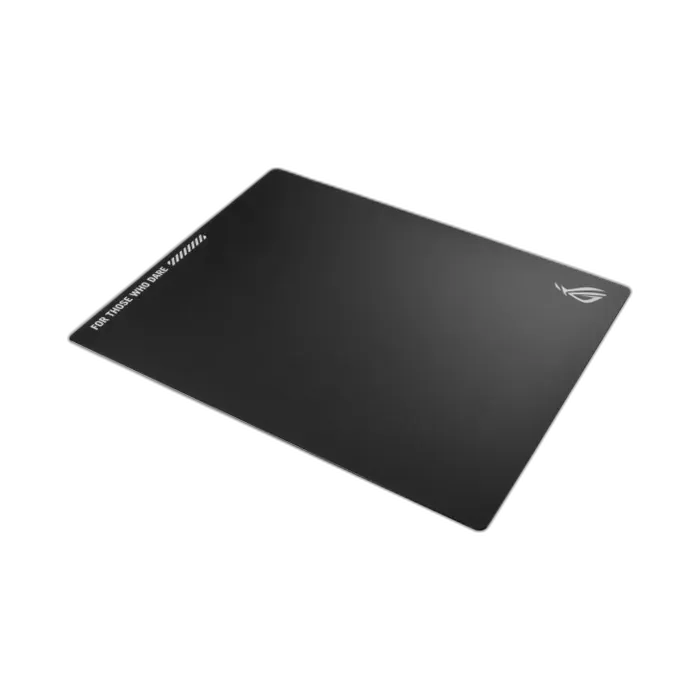
A rigid surface for fast glides
Tempered glass delivers a consistent tracking surface with impact and scratch resistance. The noise-reducing design helps quiet mouse swipes. Compare the stated construction with your normal desk layout and the equipment you plan to use alongside it.
Stable support across the pad
A full anti-slip silicone base anchors the 4 mm-thick mat. The large format leaves room for broad movements without changing the surface feel. Compare the stated construction with your normal desk layout and the equipment you plan to use alongside it.
Plan the Mouse Area
The listed physical reference is 500 × 400 × 4 mm. Measure the available desk area before choosing your final position, leaving enough clear space for the mouse movements you normally make.
Choose the Surface Construction
The surface is specified as Matte tempered glass. Match that construction to the feel you prefer for aiming and everyday movement, taking your mouse feet and sensitivity settings into account.
Support across the Working Area
The listed base is Full anti-slip silicone. Place the pad on a suitable clean, level desk so the base rests evenly underneath the surface while you arrange the nearby keyboard and mouse.
Use Suitable Feet on the Glass
The manufacturer recommends suitable original mouse feet or equivalent PTFE replacements for this glass surface. Avoid glass mouse feet, and keep the playing surface clean so particles do not interfere with the glide.
ROG Moonstone Ace L Setup Choices
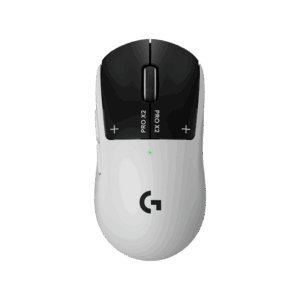
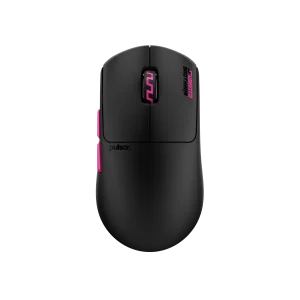
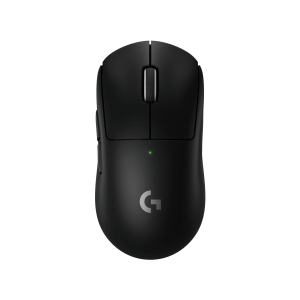
Compare surface material, pad size and base feel with the mouse feet and hand pressure you use. Measure the usable desk area, including the space taken by the keyboard, before choosing a size. Explore Wooting 60HE v2 60% Gaming Keyboard, Aluminium, Logitech G PRO X2 SUPERSTRIKE Wireless Gaming Mouse, Pulsar Pro Series Susanto-X Wireless Gaming Mouse Size 2, 50g.
Frequently Asked Questions
What space should I allow?
500 × 400 × 4 mm. Compare the selected size with your desk.
Which surface is specified?
Matte tempered glass.
What base supports the pad?
Full anti-slip silicone.
Does it provide lighting?
No lighting function is specified for this listing.
Which mouse feet are recommended?
Use the original suitable mouse feet or equivalent PTFE replacements. Do not pair glass feet with this glass pad.
Build Your Setup with AX Store
Explore computers, displays and accessories for your workspace at AX Store. For help choosing the right model or checking an accessory, contact AX Store.
THE DETAILS
Technical specifications
Product specifications
ASUS ROG
ROG Moonstone Ace L
500 × 400 × 4 mm
Matte tempered glass
Full anti-slip silicone
Impact- and scratch-resistant
Noise-reducing design
Black / White
Mouse pad; ROG logo sticker
COMPLETE YOUR SETUP
Pairs well with