ASUS
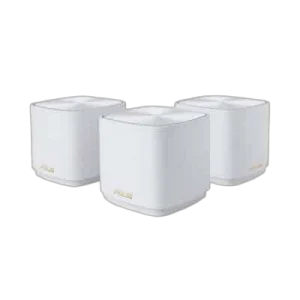
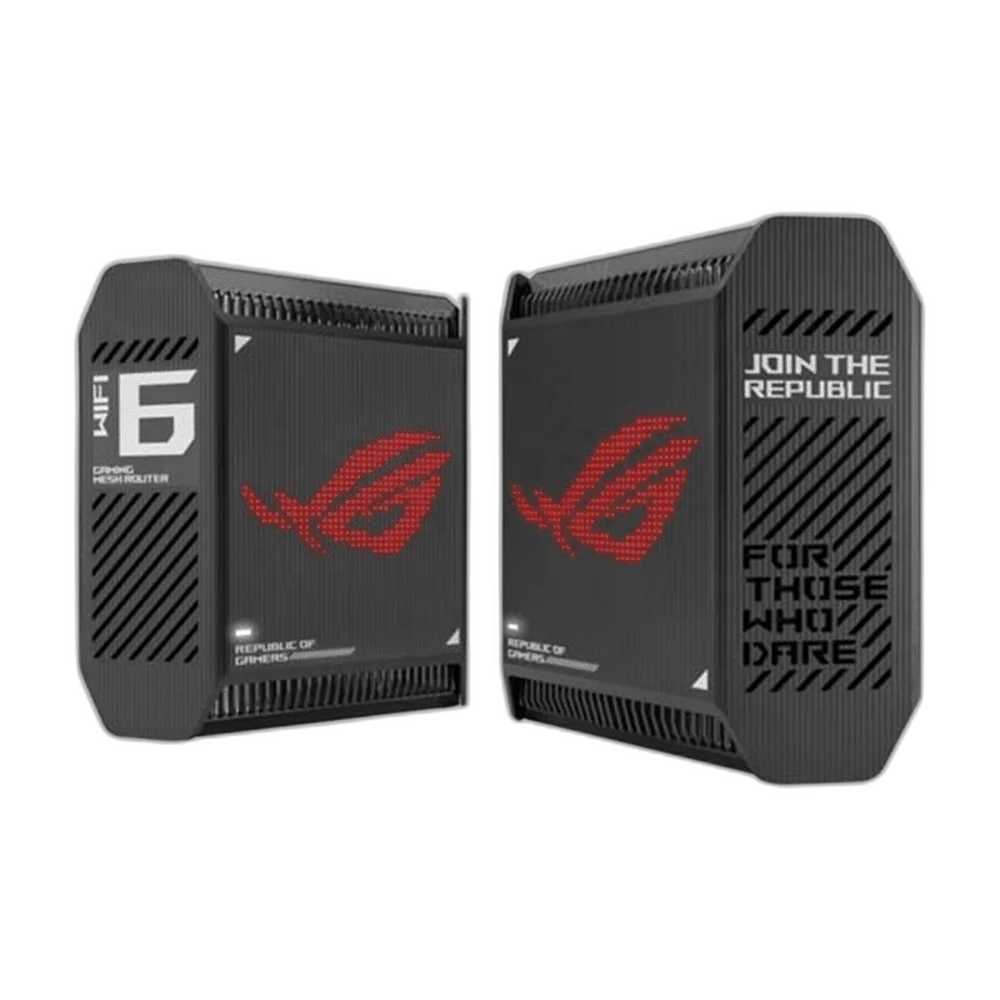
ASUS ROG Rapture GT6 Mesh Wi-Fi 6 System - 2-Pack System
ASUS ROG Rapture GT6 AX10000 Wi-Fi 6 two-unit mesh Wi-Fi system with AiMesh support, wired Ethernet connections, Adaptive QoS and AiProtection Pro. See the specifications for the exact band layout, maximum link rates and port configuration.
Color
Regular price
138.500 KWD
or 4 payments of 34.625 KWD with
Pay with card & save


132.000 KWD
Save 6.500 KWD
Overview
ASUS ROG RAPTURE GT6
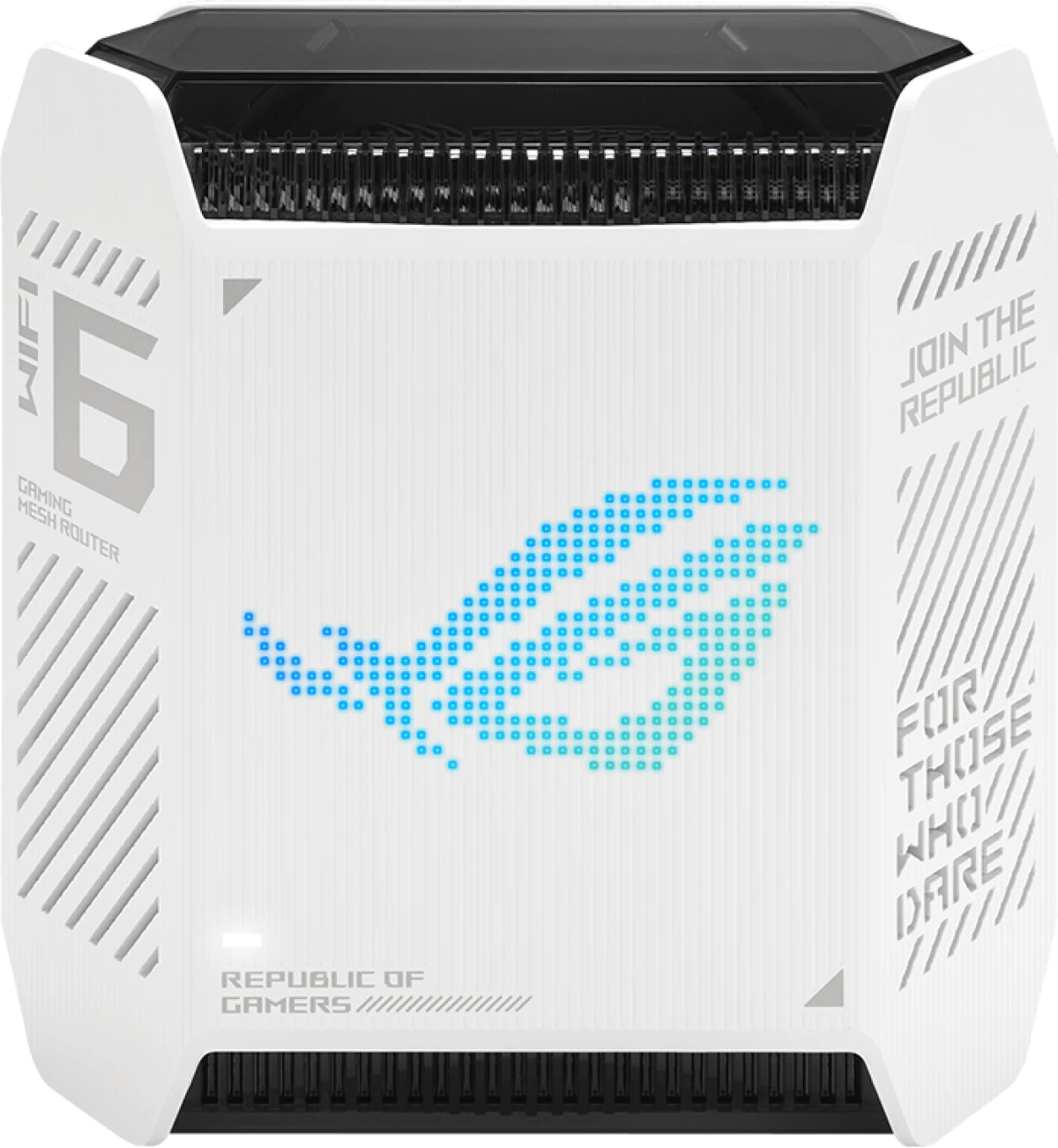
Tri-Band Wi-Fi 6 in a Two-Unit GT6 Mesh System
The ASUS ROG Rapture GT6 two-pack brings two tri-band Wi-Fi 6 units to a compatible AiMesh network. Each node combines AX10000-class radio specifications, internal antennas and a 2.5G WAN connection. The pair gives you a starting point for a multi-node layout, with gaming tools and traffic controls available as you configure the network around your devices.
Wi-Fi 6
Wireless Generation
AX10000
Wireless Speed Class
1.7 GHz Tri Core
Processor
2.5 GbE
Fastest Ethernet Port
Wireless Bands for Compatible Devices
Each GT6 combines one 2.4 GHz radio with two 5 GHz radios. The listed link rates are up to 574 Mbps on 2.4 GHz and 4804 Mbps on each 5 GHz band. This tri-band Wi-Fi 6 design supports a dedicated high-performance wireless backhaul when used in a compatible mesh arrangement, alongside connections for your regular wireless devices.
Wired Connections Around Your Setup
Each unit provides one 2.5G WAN port, three Gigabit LAN ports and a USB 3.2 Gen 1 port. The wired interfaces give you connection points for an upstream network and local equipment. This listing contains two GT6 units, allowing you to plan an initial router-and-node layout around the rooms and devices you want to connect.
Hardware and Physical Design
A 1.7 GHz tri-core processor works with 512 MB of DDR4 RAM and 256 MB of flash in each node. Nine internal antennas keep the exterior free from projecting antenna arms. A unit measures 172.3 × 78.1 × 176.75 mm and weighs 880 g, making its footprint easy to compare with the available network shelf space.
Gaming and Traffic Management
Game Boost, Game Radar, OpenNAT and a gaming port provide configuration tools aimed at gaming setups. Adaptive QoS and traffic monitoring add ways to review and prioritize network use. Configure these around your actual connected devices, particularly when a gaming computer or console shares the same connection with downloads, video streaming and other activity in the home.
Expand with Compatible AiMesh Equipment
AiMesh support allows the router to work as a primary AiMesh router or a node in a compatible ASUS mesh network. It also supports access point operation. Choose the mode that matches your existing equipment and intended layout, then place the router where the wireless connection and wired uplink can serve the devices you want to connect.
Network Controls in One Place
AiProtection Pro, parental controls and guest-network settings are listed in the router’s features. VPN client and server options add ways to configure supported remote connections. Wireless figures are maximum link rates; actual throughput depends on clients and network conditions. Available bands and channel widths also depend on regional settings, so select the supported options during setup.
Complete Your Workspace
Explore Network at AX Store and choose the configuration or accessories that fit your setup.
Frequently Asked Questions
Which wireless standards and bands are supported?
Network Standard: WiFi 6 (802.11ax); IPv4; IPv6; Backwards compatible with 802.11a/b/g/n/ac Wi-Fi. Operating Frequency: 2.4G Hz 5 GHz-1 5 GHz-2. Band availability depends on local regulations and compatible client devices.
What do the wireless speed-class figures mean?
This model is listed in the AX10000 wireless class. 2.4GHz AX: 2x2 (Tx/Rx) 1024 QAM 20/40MHz, up to 574Mbps; 5GHz-1 AX: 4x4 (Tx/Rx) 1024 QAM 20/40/80/160MHz, up to 4804Mbps; 5GHz-2 AX: 4x4 (Tx/Rx) 1024 QAM 20/40/80/160MHz, up to 4804Mbps. These are wireless link-rate figures, rather than a guaranteed internet download rate.
Which Ethernet and USB ports are available?
1 x 2.5 Gigabit WAN Port 3 x Gigabit LAN Ports 1 x USB 3.2 Gen 1x1 Port.
Which operating modes and mesh functions are listed?
Operating Mode: Wireless router mode Access point mode Aimesh mode. AiMesh: AiMesh; • Primary AiMesh Router; • AiMesh Node.
How many units are in this configuration?
2 GT6 units; hardware dimensions, weight and ports are per unit.
What channel-width restriction should I check?
OFDMA (Orthogonal Frequency Division Multiple Access) Beamforming: standard-based and universal 1024-QAM high data rate 20/40/80/160 MHz bandwidth * The 160MHz bandwidth may be unavailable in the 5GHz band in some regions / countries due to regulatory restrictions..
Build Your Setup with AX Store Kuwait
Explore computers, displays and accessories for your workspace at AX Store Kuwait. For help choosing the right model or checking an accessory, contact AX Store.
THE DETAILS
Technical specifications
Wireless and Hardware
GT6
WiFi 6 (802.11ax), IPv4, IPv6, Backwards compatible with 802.11a/b/g/n/ac Wi-Fi
AX10000 ultimate AX performance
2.4GHz AX: 2x2 (Tx/Rx) 1024 QAM 20/40MHz, up to 574Mbps, 5GHz-1 AX: 4x4 (Tx/Rx) 1024 QAM 20/40/80/160MHz, up to 4804Mbps, 5GHz-2 AX: 4x4 (Tx/Rx) 1024 QAM 20/40/80/160MHz, up to 4804Mbps
Internal antenna x 9
2.4GHz 2x2, 5GHz-1 4x4, 5GHz-2 4x4
1.7GHz tri-core processor
256MB Flash 512MB DDR4 RAM
OFDMA (Orthogonal Frequency Division Multiple Access) Beamforming: standard-based and universal 1024-QAM high data rate 20/40/80/160 MHz bandwidth * The 160MHz bandwidth may be unavailable in the 5GHz band in some regions / countries due to regulatory restrictions.
2.4G Hz 5 GHz-1 5 GHz-2
Wireless router mode Access point mode Aimesh mode
Connections and Physical Specifications
2 GT6 units; hardware dimensions, weight and ports are per unit
1 x 2.5 Gigabit WAN Port 3 x Gigabit LAN Ports 1 x USB 3.2 Gen 1x1 Port
WPS Button Reset Button Power Switch
Power x 1
AC Input : 110V~240V(50~60Hz) DC Output : 19 V with max. 2.37 A current / 19.5 V with max. 2.31 A current
880 g
172.3 x 78.1 x 176.75 mm
Network Features
AiMesh, • Primary AiMesh Router, • AiMesh Node
Game Boost / Acceleration, Game Radar, WTFast, ROG_First, OpenNAT (Game Profile), Gaming Port
"Allow you to block access to unwanted websites and apps.", Parental Control Customized Internet Schedule
"The Guest Network provides Internet connection for guests but restricts access to your local network.", Guest Network Connection time limit
WPA3 Personal, WPA2 Personal, WPA Personal, WPA Enterprise, WPA2 Enterprise, Open System, WPS, Let's Encrypt, DNS-over-TLS, SSH, Security Scan, Firewall, Max 64 rules, Max 32 rules, Max 64 rules
AiProtection Pro, • Router Security Assessment, • Malicious Site Blocking, • Two-Way IPS, • Infected Device Prevention and Blocking
VPN Client L2TP, VPN Client Open VPN, VPN Client PPTP, VPN Client WireGuard, VPN Server IPSec, VPN Server Open VPN, VPN Server PPTP, VPN Server WireGuard, VPN Fusion
Adaptive QoS, • Bandwidth Monitor, • Bandwidth Limiter, Traditional QoS, Traffic Monitor, • Real-time Traffic Monitor, • Wired Traffic Monitor, • Wireless Traffic Monitor, Traffic Analyzer, Daily, Weekly, Monthly, • Website History
Dual WAN, 3G / 4G LTE Dongle, 4G / 5G Auto Mobile Tethering, Port Forwarding, 64, Port Triggering, 32, DMZ, DDNS, PPTP, L2TP, IPSec, RTSP, H.323, SIP Passthrough, PPPoE relay
DHCP Server, IGMP Snooping, IPTV, LAN Link Aggregation, Manually Assign IP Address, Wake on LAN (WOL)
MU-MIMO, UTF-8 SSID, WiFi MAC Address Filter, 64, Wireless Scheduler, Wi-Fi Radar, Airtime Fairness, RADIUS Client, Universal Beamforming, Explicit Beamforming
4G / 5G Auto Mobile Tethering, HFS+, NTFS, vFAT, ext2, ext3, ext4, Safely Remove Disk, AiCloud, Download Master, AiDisk, Media Server, Time Machine, Samba Server, FTP Server, Shared Folder Privileges
Configuration Backup and Restore, Diagnosis Tools, Feedback System, System Log, New Device Connect Notification, Login Captcha, Connection Diagnosis, Auto Firmware Update
COMPLETE YOUR SETUP
Pairs well with