Elgato
Elgato Stream Deck MK.2, 15-Key Customizable Controller
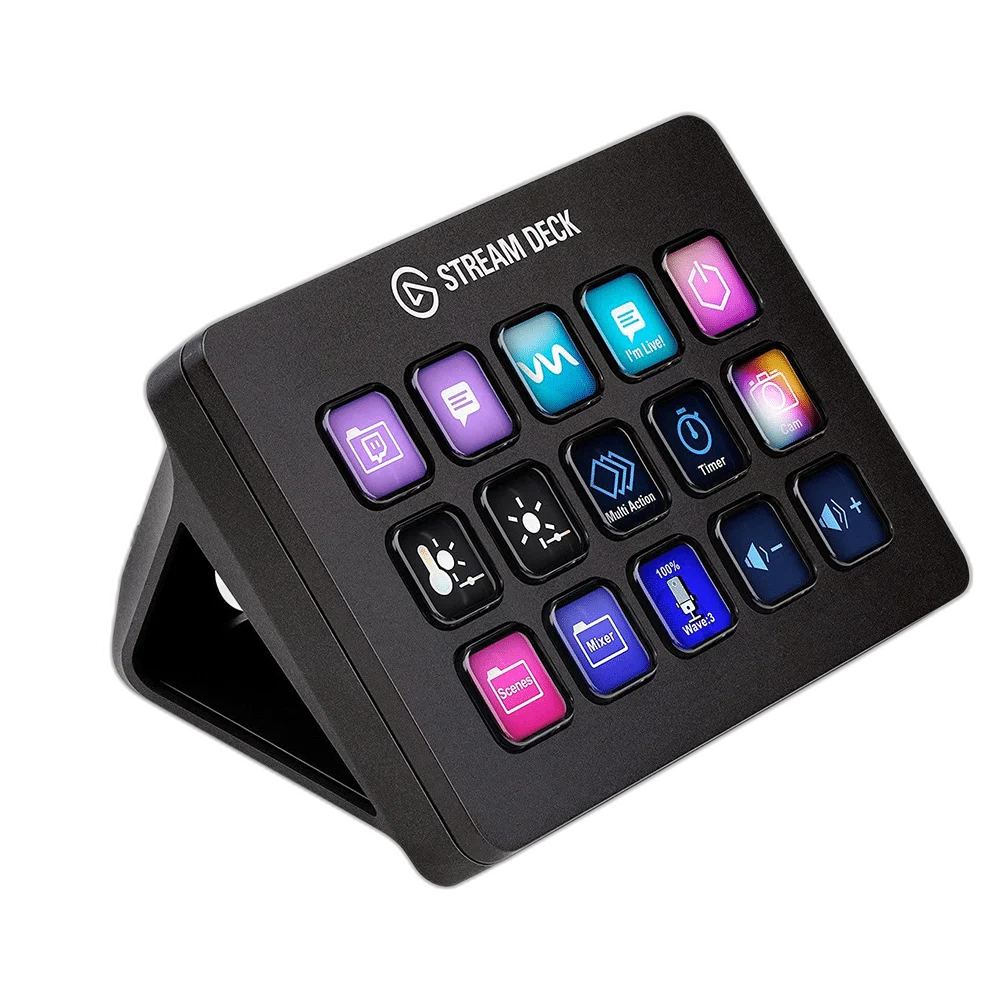
Elgato Stream Deck MK.2 Black. Keep everyday controls within reach. Stream Deck MK.2 gives each shortcut its own LCD key, so you can see your layout and act without searching through menus.
Regular price
63.000 KWD
or 4 payments of 15.750 KWD with
Pay with card & save


59.900 KWD
Save 3.100 KWD
Overview
ELGATO STREAM DECK MK.2 BLACK
Your next action, one key away.
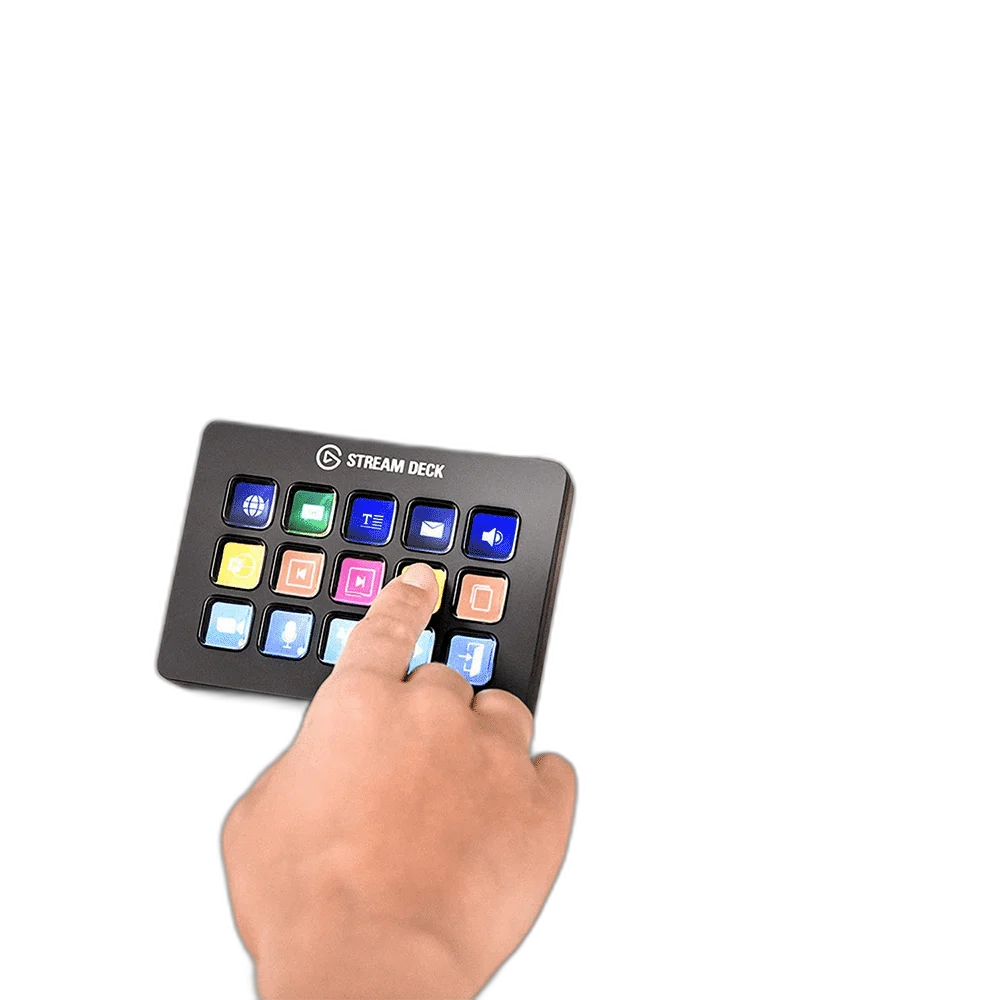
Keep everyday controls within reach. Stream Deck MK.2 gives each shortcut its own LCD key, so you can see your layout and act without searching through menus.
15 LCD keys
Customisable controls
USB 2.0
Host connection
Detachable stand
Desktop positioning
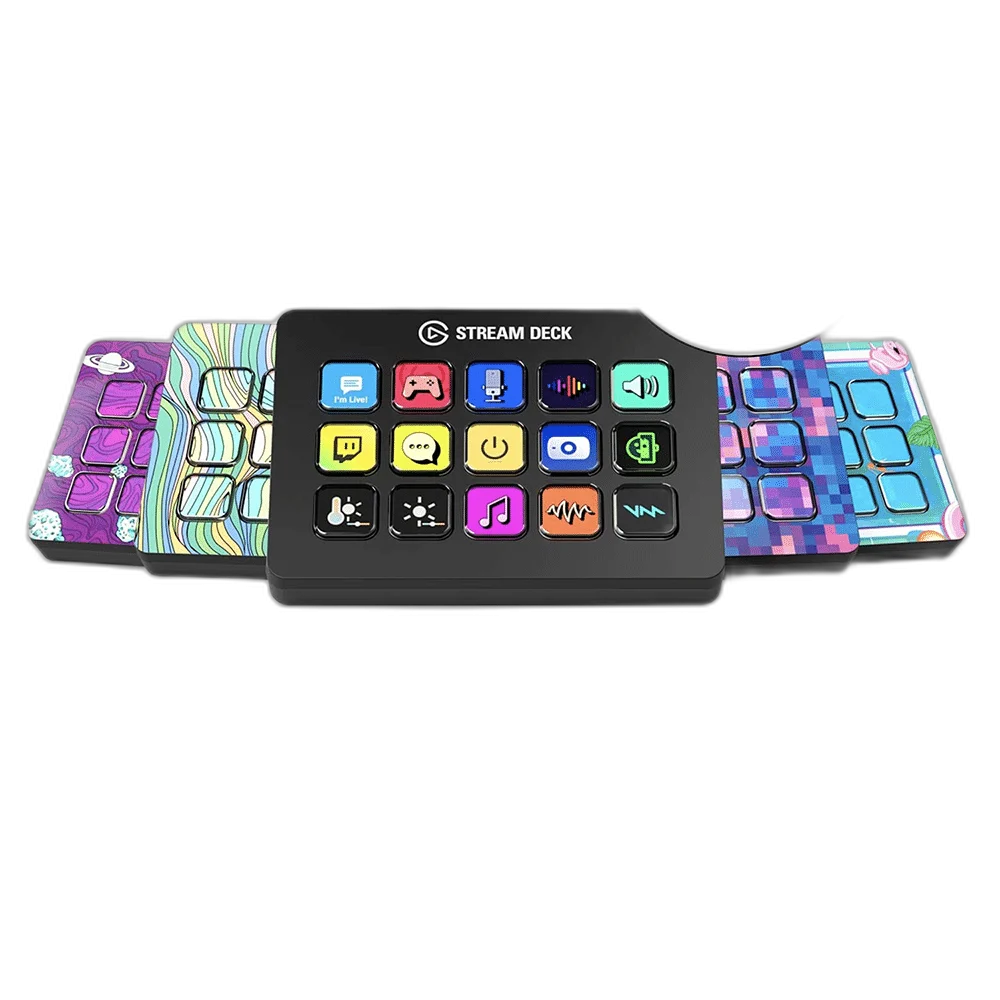
Interchangeable
Faceplate
Build a layout that makes sense to you
Assign icons, create folders and switch profiles for streaming, editing or daily work. Compatible plugins add deeper control of your favourite apps. Check the intended equipment position and connections before the session, keeping the controls and cable route accessible from the normal working position.
Make repeat tasks easier
Multi Actions combine several steps into one press. The detachable stand and interchangeable faceplate let the controller fit your desk and style. Check the intended equipment position and connections before the session, keeping the controls and cable route accessible from the normal working position.
Organise Actions Around the Way You Work
Use the Stream Deck application to give frequently used commands a clear place on the control surface. Keep related actions together and choose recognisable icons. Profiles and supported software actions make the layout useful beyond streaming, with the exact capabilities depending on the applications and plugins used.
Check Plugin and Application Support
An LCD key is an assignable control rather than a promise that every installed application can be controlled in the same way. Choose supported integrations or appropriate hotkeys, check the current plugin requirements and test important actions in the actual program before relying on them live.
Prepare Repeatable Workflows
Where the software supports them, arrange profiles, folders and Multi Actions around repeated tasks. Give each control a clear purpose and test the sequence in the intended application. A useful layout keeps routine commands easy to recognise while leaving room for the work that still needs manual judgement.
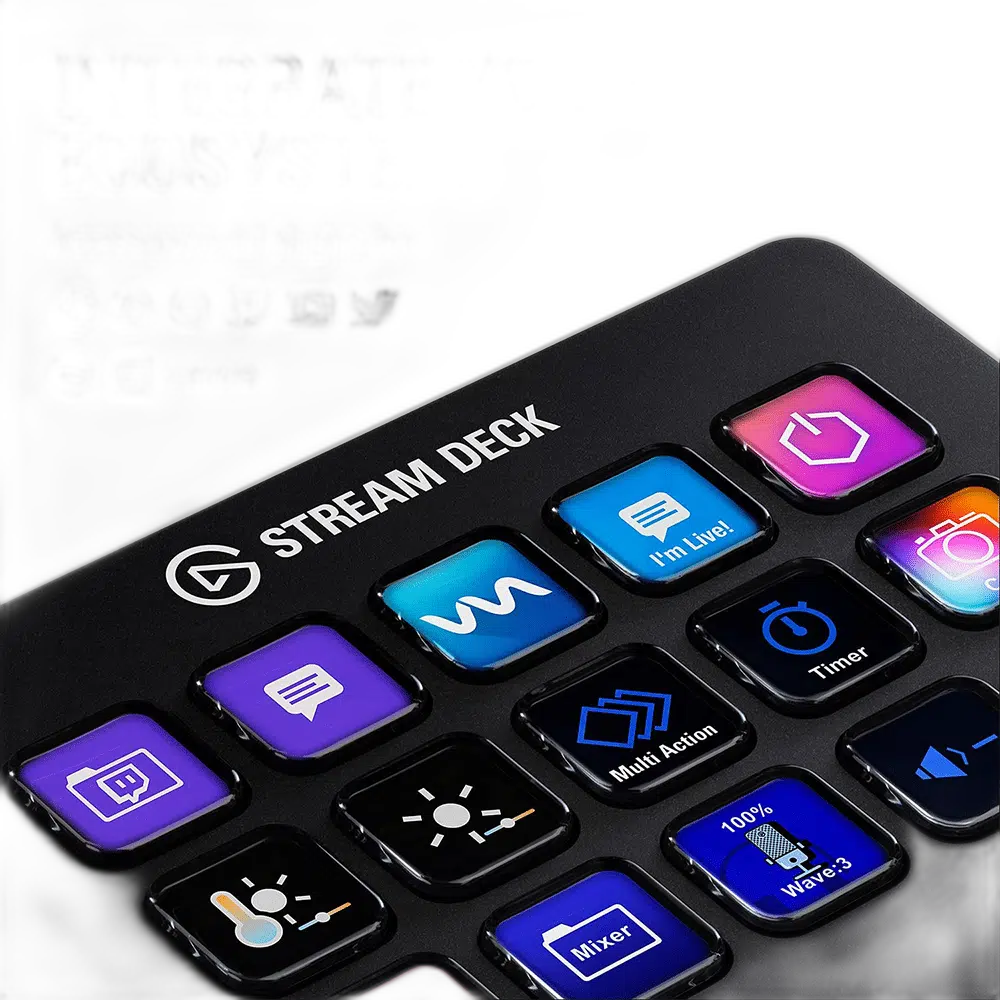
Choose the Controls for the Actual Workspace
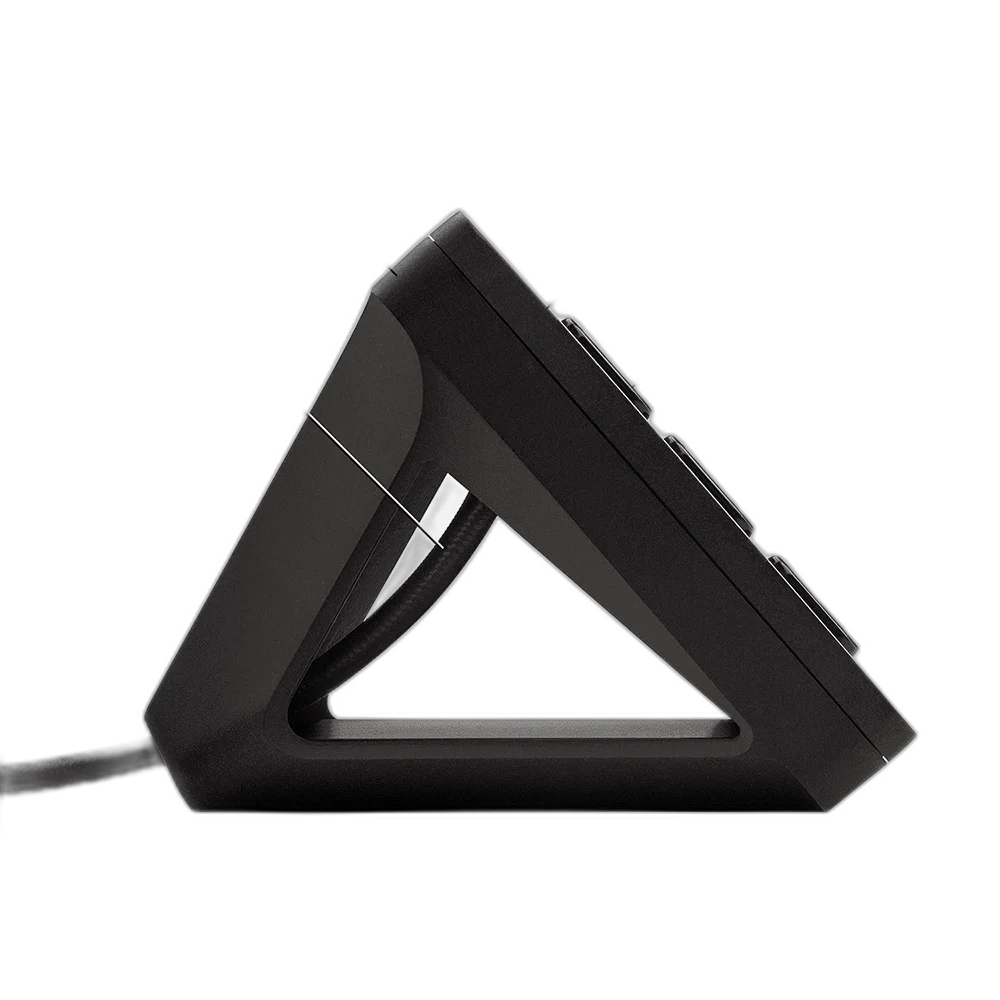
MK.2 uses a detachable desktop stand, a detachable USB connection and an interchangeable faceplate. Position the controller within easy reach, keep the cable route clear and choose the actual Black or White version of this listing rather than treating the finish as another hardware generation.
Complete Your Workspace
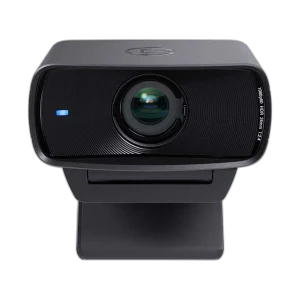
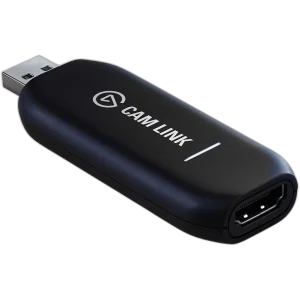
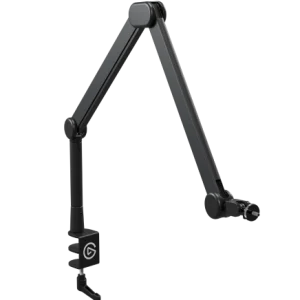
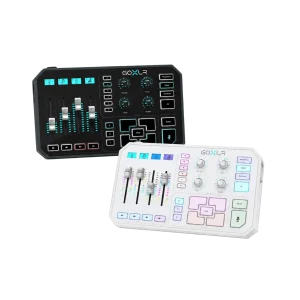
Choose a microphone for the recording path and suitable monitoring headphones. Stream Decks and mounting accessories add optional control and positioning. The recommendations are alternative setup choices; check the exact generation, connection and supporting mount.
Frequently Asked Questions
How many physical controls are provided?
Fifteen customisable LCD keys are provided. Profiles and folders organise actions without adding more physical keys.
Does it work without a computer application?
Use the supported Stream Deck app and a compatible Windows or macOS computer. Check the current software and plugin requirements for the actions you want to assign.
Can it replace a capture card or audio interface?
It is a control surface. Video capture and microphone recording still need their own appropriate hardware and connections.
Are all plugins included or supported forever?
Plugin and application requirements vary. Check the current integration, version and any licence requirements before building an important workflow around it.
Is Stream Deck Plus simply a larger key grid?
Plus combines fewer LCD keys with dials and a touch strip. Choose that alternative for its control style; a user needing many visible keys should compare the actual physical key count.
How should I set up the first page?
Begin with the actions used most often, choose clear icons and test each control in its actual application. Keep live-session controls distinct from shortcuts that close, mute or stop work.
Build Your Setup with AX Store Kuwait
Explore computers, displays and accessories for your workspace at AX Store Kuwait. For help choosing the right model or checking an accessory, contact AX Store.
THE DETAILS
Technical specifications
Controls
15 customizable keys
Elgato Stream Deck
Hotkeys, plugins, profiles, folders and Multi Actions
Windows and macOS
USB 2.0
Physical
118 × 84 × 25 mm
145 g without stand; 270 g with stand
1.5 m
Detachable
Interchangeable
COMPLETE YOUR SETUP
Pairs well with