AUDIO-TECHNICA
Same-day delivery · Official warranty · Taly & Deema
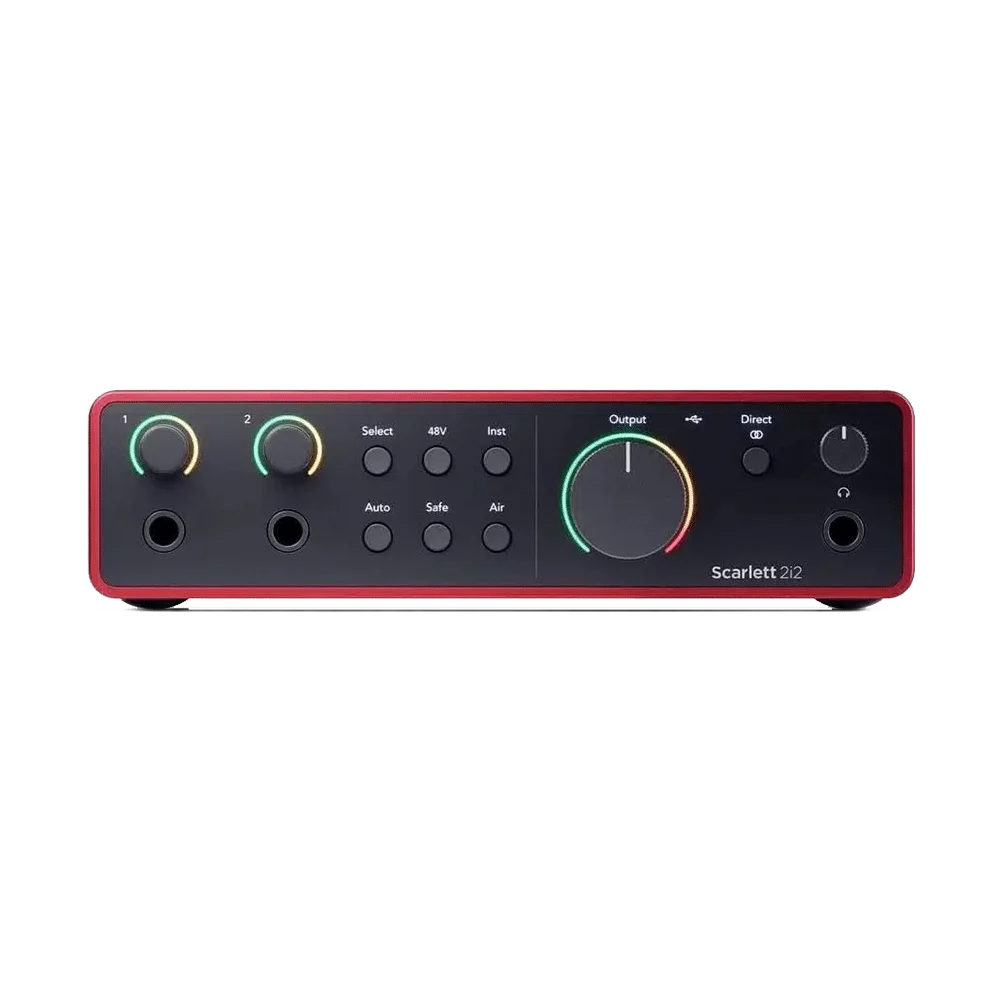
Record vocals, instruments and computer audio with the Focusrite Scarlett 2i2 4th Gen. Two mic preamps with 69dB gain, Auto Gain, Clip Safe, Air modes and loopback give creators a flexible USB-C interface with recording up to 24-bit/192kHz.
FOCUSRITE SCARLETT 2I2 4TH GEN USB AUDIO INTERFACE, 120DB DYNAMIC RANGE
Create a dedicated recording space with two analogue input channels and hands-on controls. The Scarlett 2i2 brings microphones, instruments and computer audio into a compact desktop workflow.
Analogue Recording Channels
Microphone Preamps
Maximum Recording Format
Interface USB Connector
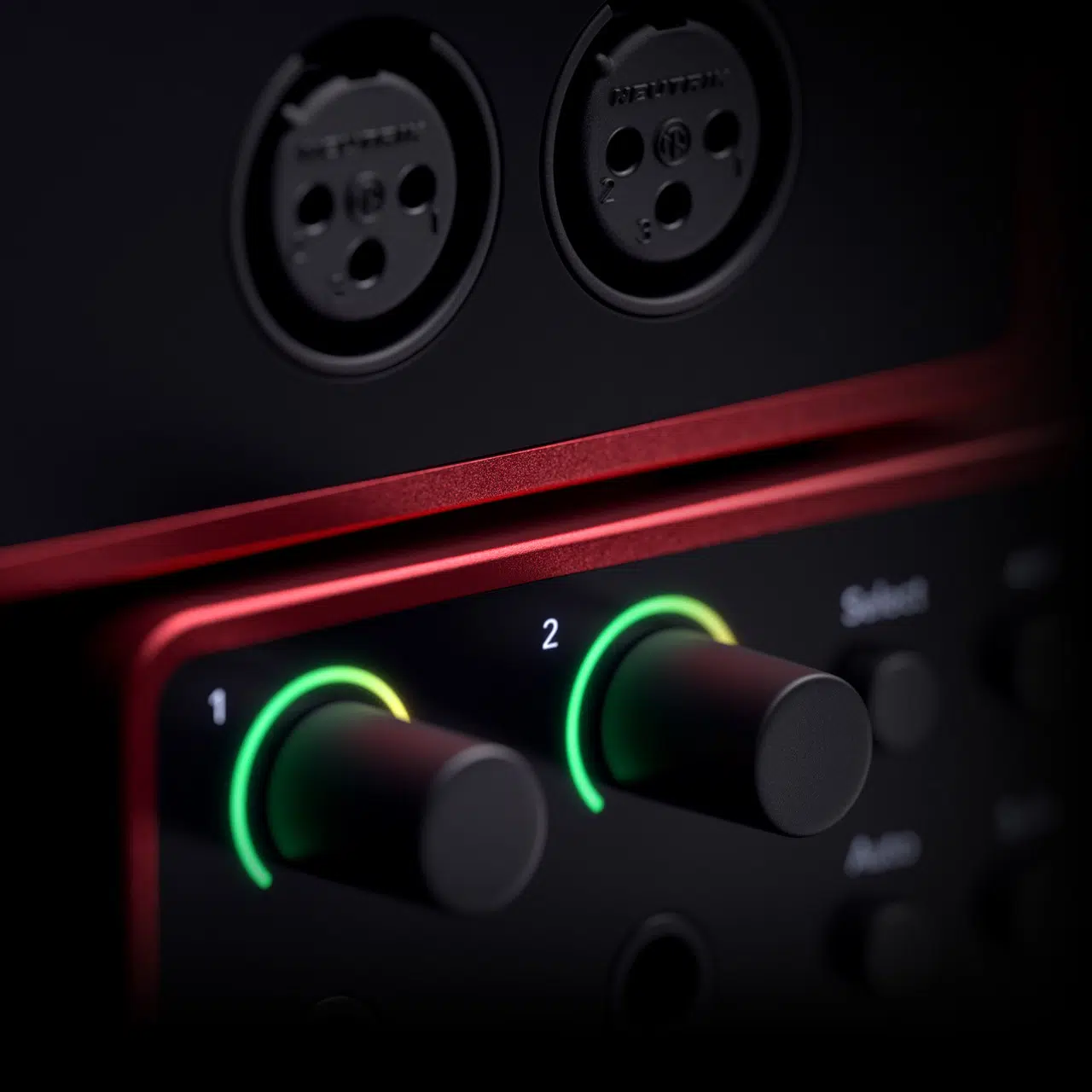
Use the rear XLR microphone inputs or front line/instrument inputs for guitars and synths. The connections share two recording channels, making this a practical choice for voice-and-instrument sessions.
Auto Gain helps set recording levels, while Clip Safe can lower gain when clipping is approaching. Air offers Presence and Harmonic Drive modes for a different tonal character.
Listen through the headphone output or feed powered speakers from the two line outputs. Loopback brings computer audio into your recording workflow, with Focusrite Control 2 handling supported settings.
Two microphone preamps and two physical recording channels are available. The XLR and front line/instrument sockets share those two channels; four sockets do not mean four simultaneous analogue inputs. Assign the live sources before recording and choose the appropriate microphone, instrument or line setting for the connection you use.
The power arrangement is 900mA. Use the specified cable and adequate host or external power. Check a mobile setup separately, as a matching USB connector does not guarantee the connected device supplies the required current.
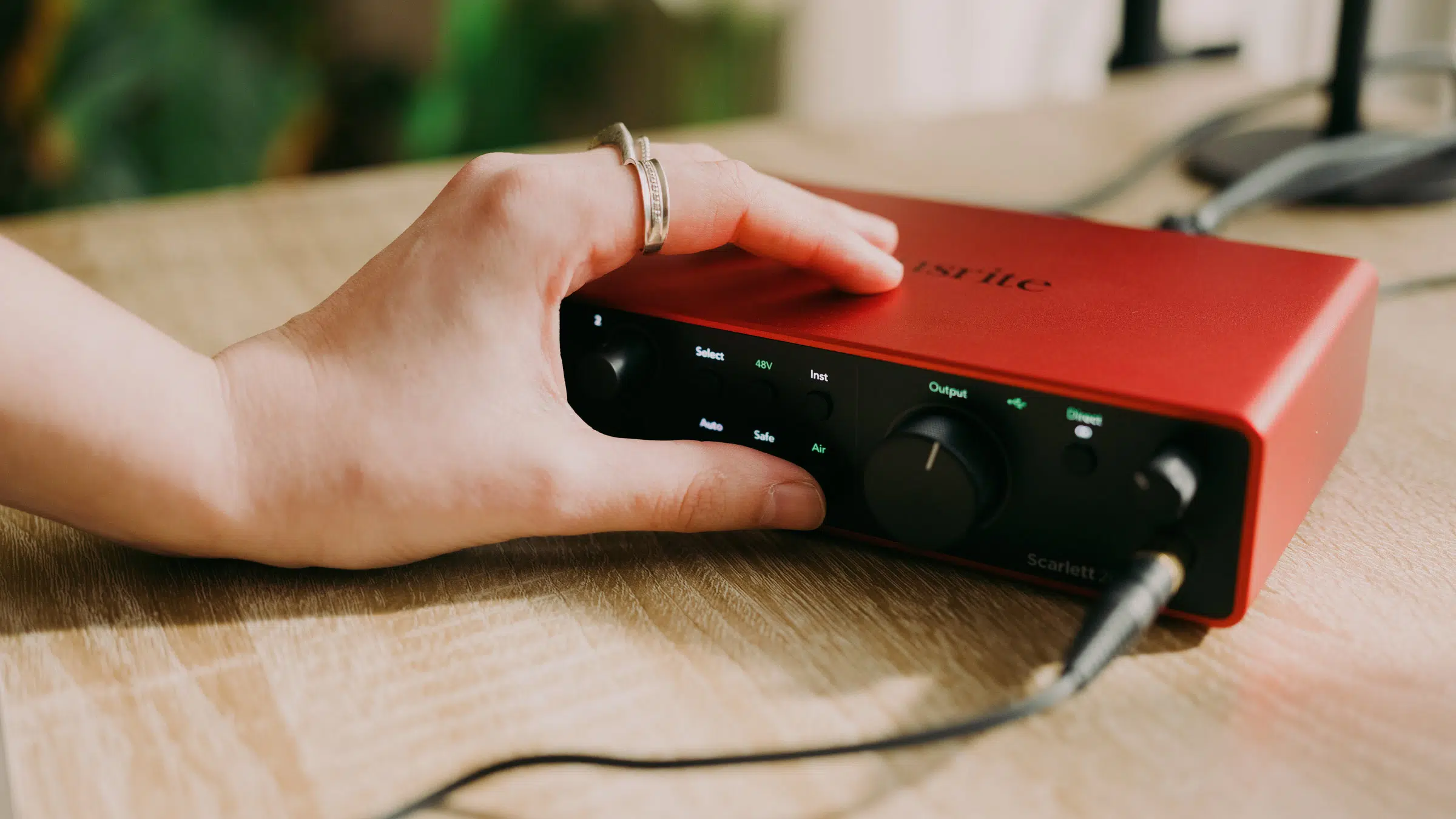
Use a suitable XLR microphone and cable for the interface’s analogue microphone input. Check whether the microphone requires 48 V phantom power, set the gain for the actual performance and keep USB microphone connections on their supported host route.

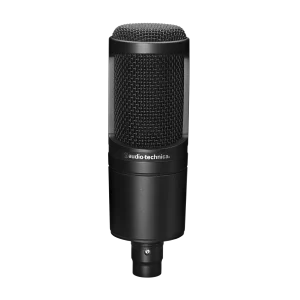
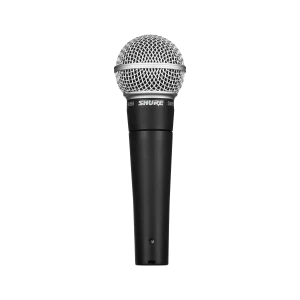
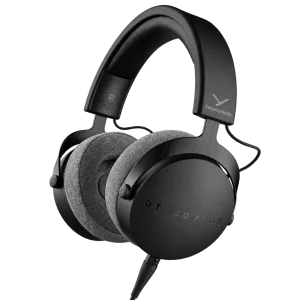
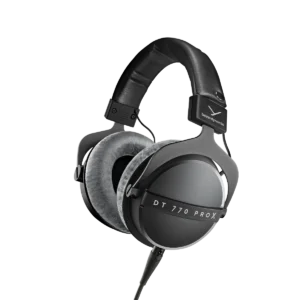
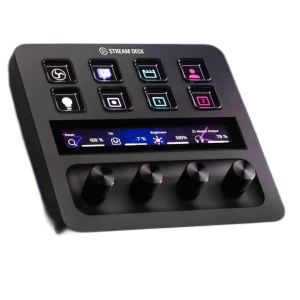
Explore Audio Interfaces & Mixers at AX Store and choose the configuration or accessories that fit your setup. Suggested products are sold separately. Check the number of analogue recording channels, microphone preamps, digital expansion, MIDI, mobile support and supplied accessories when comparing interfaces. An Audio-Technica AT2020 XLR microphone requires 48 V phantom power; a Shure SM58 is a separate dynamic microphone choice. Use the correct XLR cable and microphone input. Beyerdynamic and Audio-Technica headphones provide listening alternatives, and Elgato controls complement a supported computer workflow. iD14 MKII desktop and ADAT functions do not include iD4 MKII’s supported iOS use. Mobile setups may require an adapter and external power. Choose the actual cables and recording software for the selected host.
Two microphone preamps and two physical recording channels are available. The XLR and front line/instrument sockets share those two channels; four sockets do not mean four simultaneous analogue inputs.
USB-C is the stated connection family. 900mA. Check the required cable, host power and current driver support.
Connect an analogue XLR microphone to the supported microphone input. Use switchable 48 V phantom power only for a microphone or active accessory that requires it. USB microphones connect to their supported host separately.
Up to 24-bit / 192 kHz. Select a compatible sample rate and bit depth in the application; the stated maximum does not replace input-gain setup or guarantee an unclippable recording.
No. The microphone and line/instrument sockets share two analogue input channels. Loopback adds virtual computer-audio inputs.
No. The connector is USB-C, but the interface uses the USB 2.0 protocol and requires adequate USB power.
Explore computers, displays and accessories for your workspace at AX Store Kuwait. For help choosing the right model or checking an accessory, contact AX Store.
THE DETAILS
Focusrite
Scarlett 2i2
4th
2
2
69dB
2; share the two analogue input channels
Switchable 48V
Presence; Presence and Harmonic Drive
Yes
Yes
Yes
2 balanced outputs
1
24-bit / 192kHz
USB-C, USB 2.0
900mA
Focusrite Control 2 for supported Windows and macOS systems
180 × 117 × 47.5mm
595g
Scarlett 2i2 interface, 1m USB-C to USB-A cable
COMPLETE YOUR SETUP
AUDIO-TECHNICA
Beyerdynamic
Added to cart
Subscribed
We'll email you as soon as it's back in stock.
Saved to wishlist

