HyperX
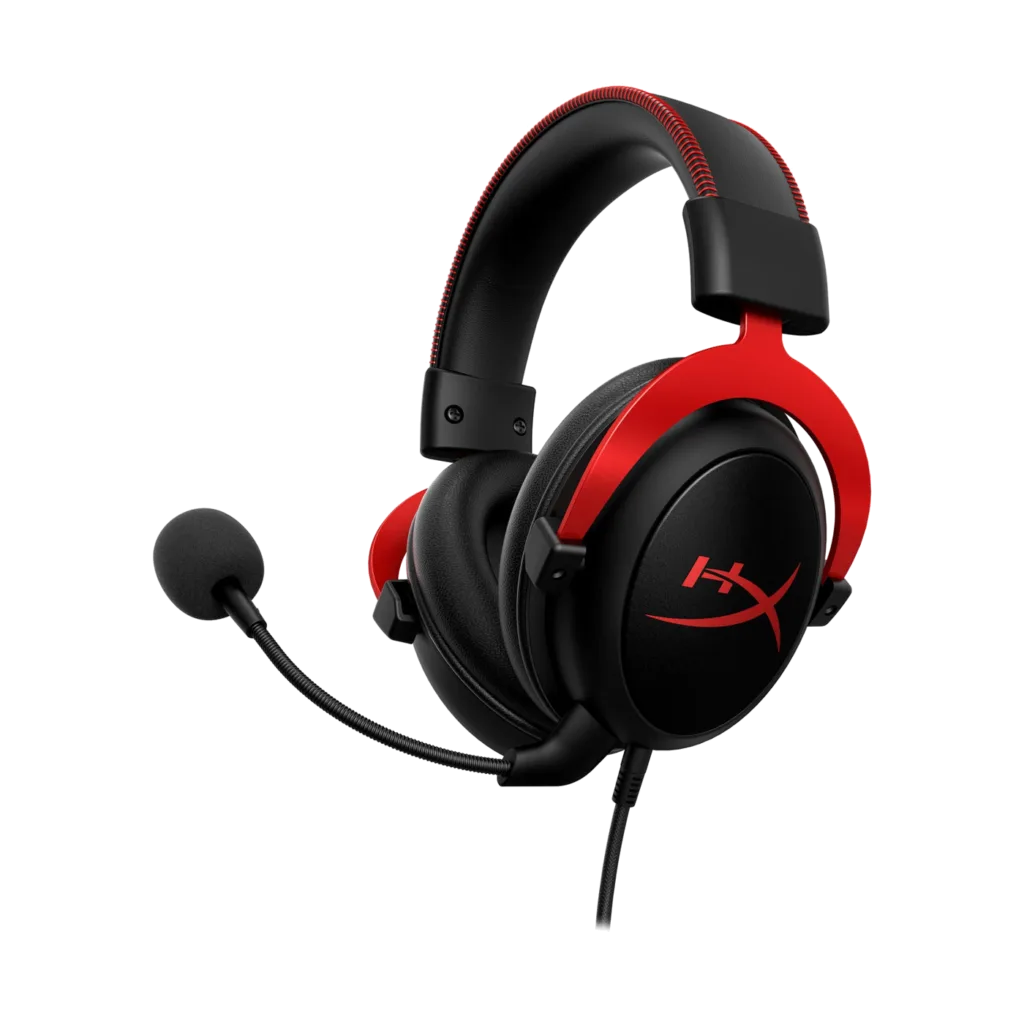
HyperX Cloud II Pro Wired Gaming Headset in Red
A wired gaming headset with 53 mm drivers, a detachable microphone and a USB audio control box. Cloud II combines padded memory foam ear cushions with virtual 7.1 surround sound.
Regular price
31.500 KWD
or 4 payments of 7.875 KWD with
Pay with card & save


30.000 KWD
Save 1.500 KWD
Overview
HYPERX CLOUD II PRO WIRED GAMING HEADSET IN RED
HyperX Cloud II Black/Red
HyperX Cloud II Black/Red: A wired gaming headset with 53 mm drivers, a detachable microphone and a USB audio control box. Cloud II combines padded memory foam ear cushions with virtual 7.1 surround sound. Explore this model at AX Store in Kuwait.
53 mm
Dynamic Drivers
60 Ω
Headphone Impedance
3.5 mm / USB
Supported Audio Routes
Virtual 7.1
USB-Processed Stereo Signal
Comfort through long sessions
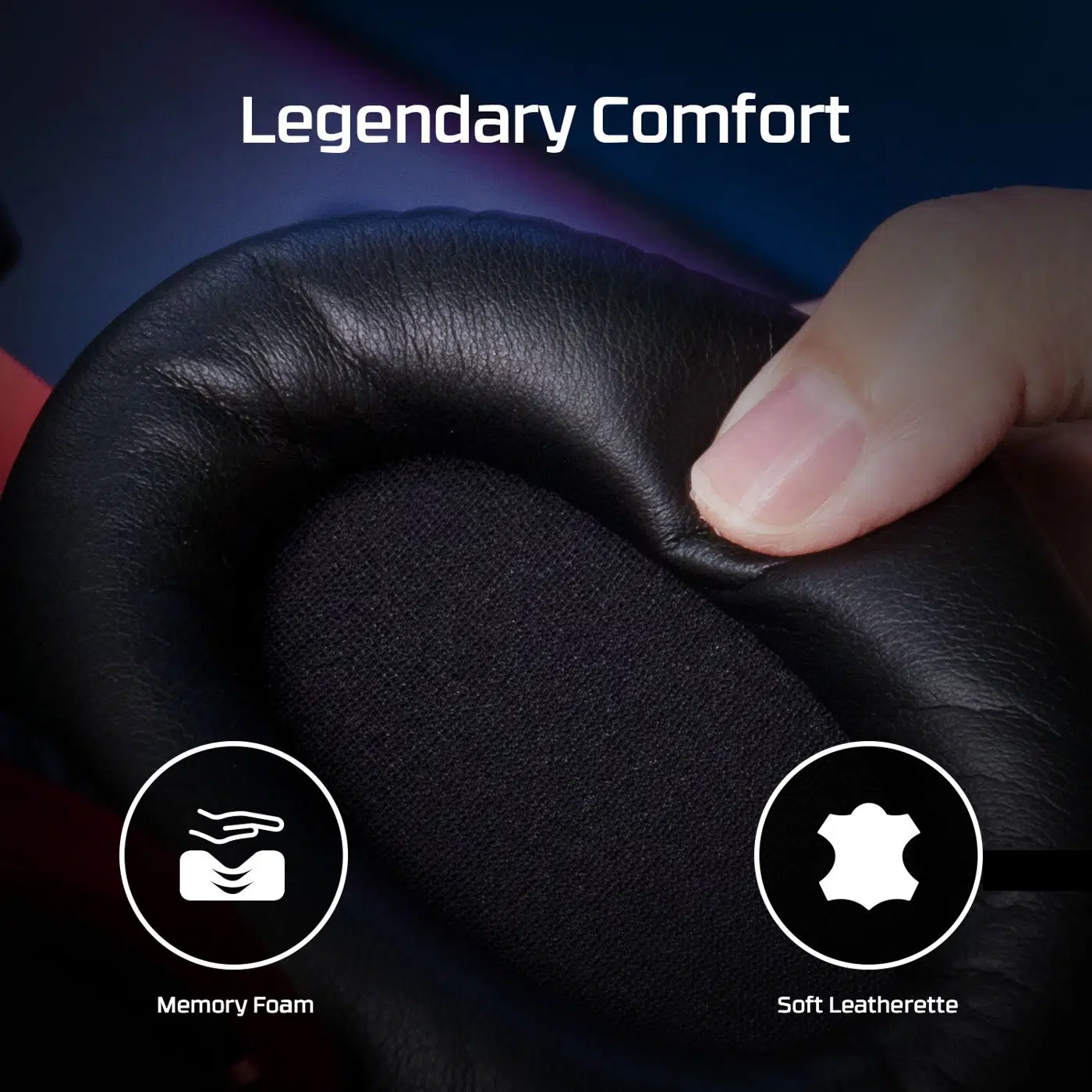
Memory foam cushions and an adjustable aluminium frame support everyday play. Check the selected connection and host settings before starting the session, keeping the appropriate controls and the intended listening route available.
Keep audio controls close
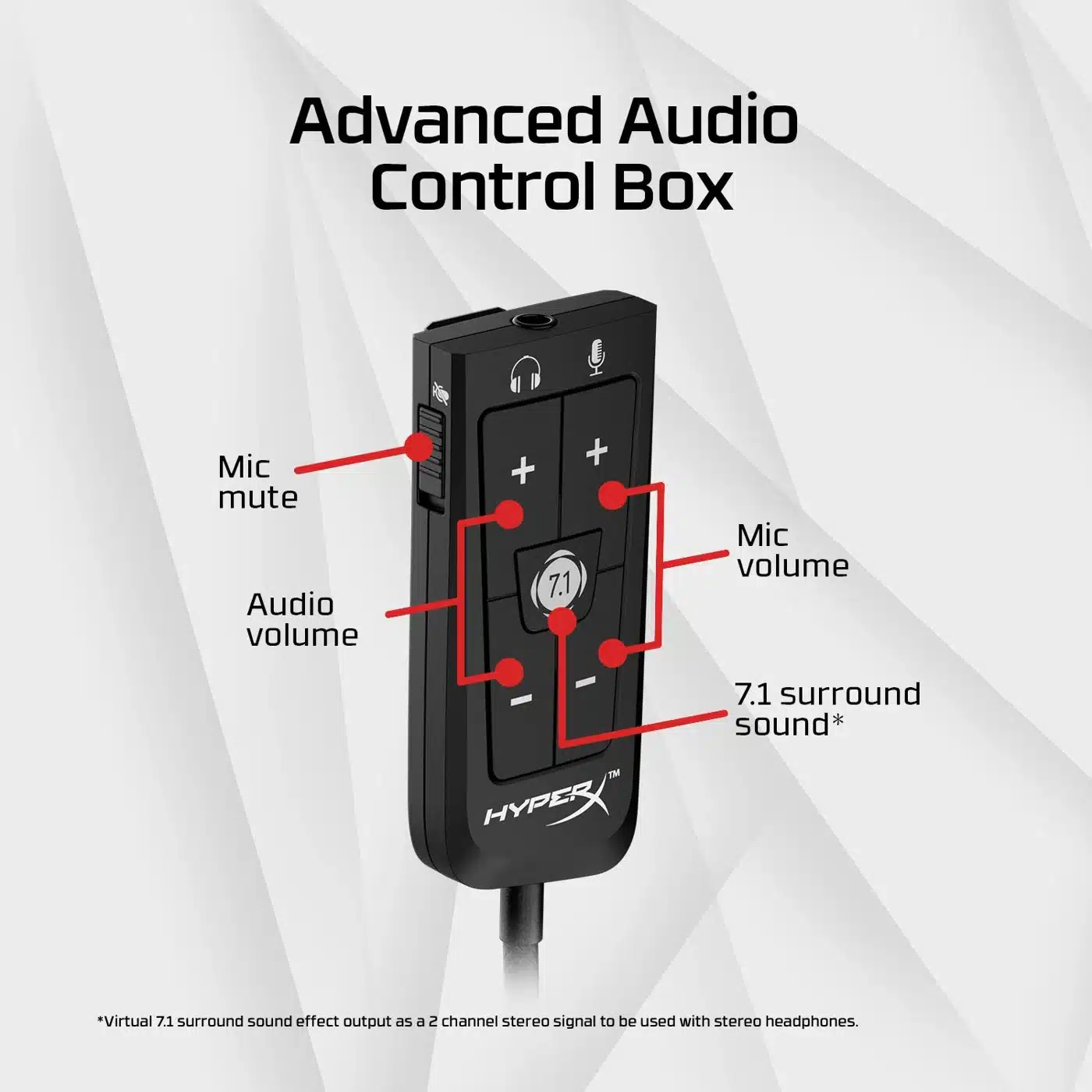
Adjust sound through the USB control box. For Xbox controllers, connect through the 3.5 mm jack; USB functions are not available through that connection.
Use the Features of the Selected Model
Cloud II uses a 3.5 mm headset cable and its separate USB audio control box. Virtual 7.1 is a processed two-channel headphone signal, not seven physical speakers. Xbox controller audio uses 3.5 mm rather than the USB control-box functions.
Keep the Audio and Microphone Routes Clear
Choose the supported headset output and microphone input for the actual host and connection. Check mute and the listening level before joining a call, keeping any stated limitations of an alternate analogue or USB route in mind.
Match Software Processing to Its Supported Host
Configure optional PC processing only through the supported application and connection for this exact model. Console listening follows the console’s available audio settings instead, so do not assume that every desktop software feature follows the headset to another device.
Set the Headset Up for the Session
Adjust the headband and earcup position, then place the microphone where it can capture normal speech. Keep the cable or wireless adapter clear of the seating area and check the host audio selection after changing the connection.
Plan the Platform and Chat Connection
Choose the exact platform version and check whether its connection uses USB, a wireless receiver or an analogue headset socket. Set the playback and microphone devices deliberately in your game or chat application. Compare related options such as HyperX Cloud Alpha Pro Wired Gaming Headset, Dual Chamber Drivers or HyperX Cloud Flight 2 Wireless Gaming Headset, keeping the exact model and configuration in the decision. For the wider setup, explore SHURE MV7X Dynamic Broadcast Microphone (XLR Only) and check the connection, size or mounting requirements before pairing accessories. Browse the HyperX range at AX for more choices.
HyperX Cloud II Black/Red Setup Choices
Choose the exact platform version and check whether its connection uses USB, a wireless receiver or an analogue headset socket. Set the playback and microphone devices deliberately in your game or chat application. Explore Wooting 60HE v2 60% Gaming Keyboard, Aluminium, ARTISAN NINJA FX ZERO Gaming Mousepad – SOFT/XSOFT, XL/XXL, Logitech G PRO X2 SUPERSTRIKE Wireless Gaming Mouse.
Frequently Asked Questions
Which model and connection does this listing describe?
Cloud II uses a 3.5 mm headset cable and its separate USB audio control box. Virtual 7.1 is a processed two-channel headphone signal, not seven physical speakers. Xbox controller audio uses 3.5 mm rather than the USB control-box functions.
Do PC software features work on every console?
Use the supported software and host for the selected model. PC processing features are separate from ordinary analogue or USB headset audio on a console; choose the connection required by that exact edition.
What should I check for team chat?
Connect through the supported microphone route, select the correct input on the host and check mute before joining the conversation. Headphone playback through an alternate connection does not by itself establish microphone support on that route.
How should I set up the fit and boom?
Adjust the headband and earcup position, then place the supplied boom for speech. Use the model’s detachable or retractable microphone arrangement as specified, keeping the cable or transmitter clear during use.
Build Your Setup with AX Store
Explore computers, displays and accessories for your workspace at AX Store. For help choosing the right model or checking an accessory, contact AX Store.
THE DETAILS
Technical specifications
Technical details
Dynamic 53 mm, neodymium magnets
Over-ear, closed back
60 Ω
<2%
Aluminium
Memory foam and leatherette
Detachable electret condenser, unidirectional noise-cancelling
3.5 mm (4-pole CTIA); USB audio control box
USB 2.0; 16-bit
8, 16, 32, 44.1 and 48 kHz
Virtual 7.1; processed two-channel headphone signal
1 m
2 m
PC, PS5, PS4, Xbox Series X|S, Xbox One, Nintendo Switch and compatible mobile devices; connection-dependent
COMPLETE YOUR SETUP
Pairs well with