HyperX
HyperX Cloud Flight 2 Wireless Gaming Headset
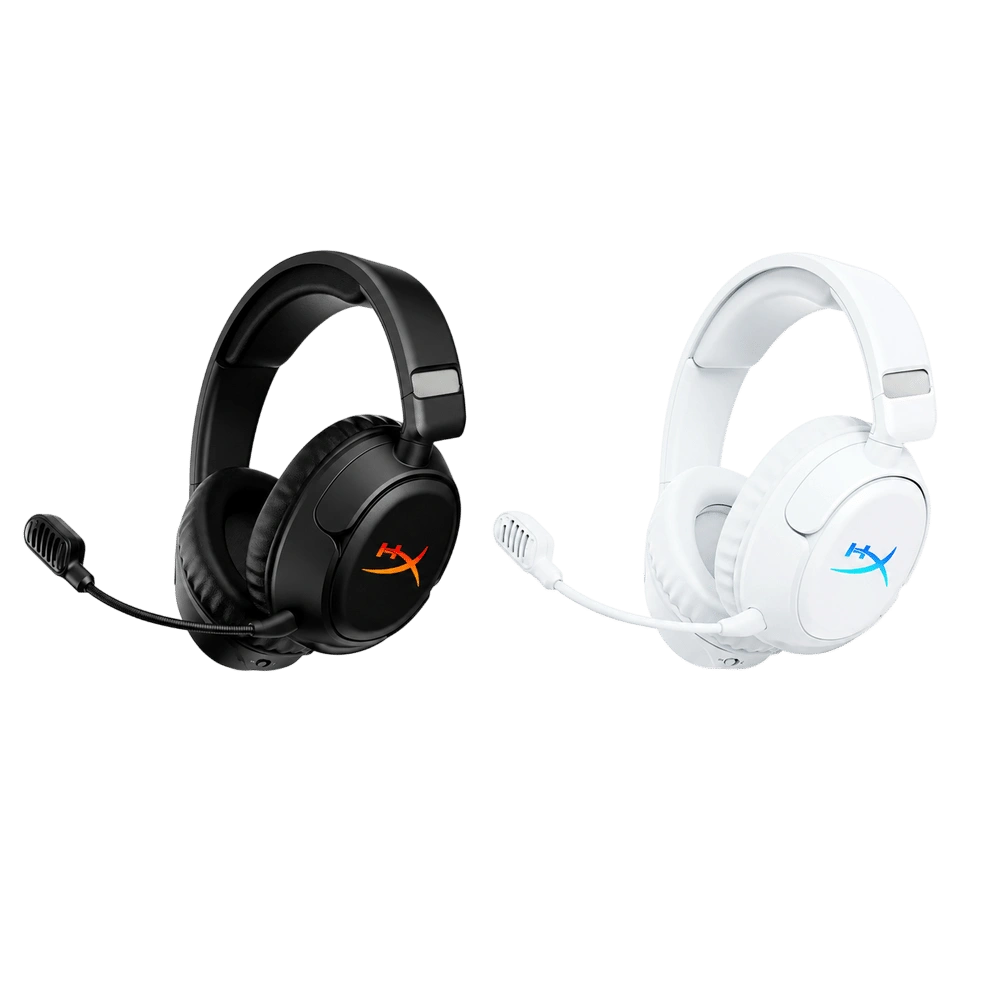
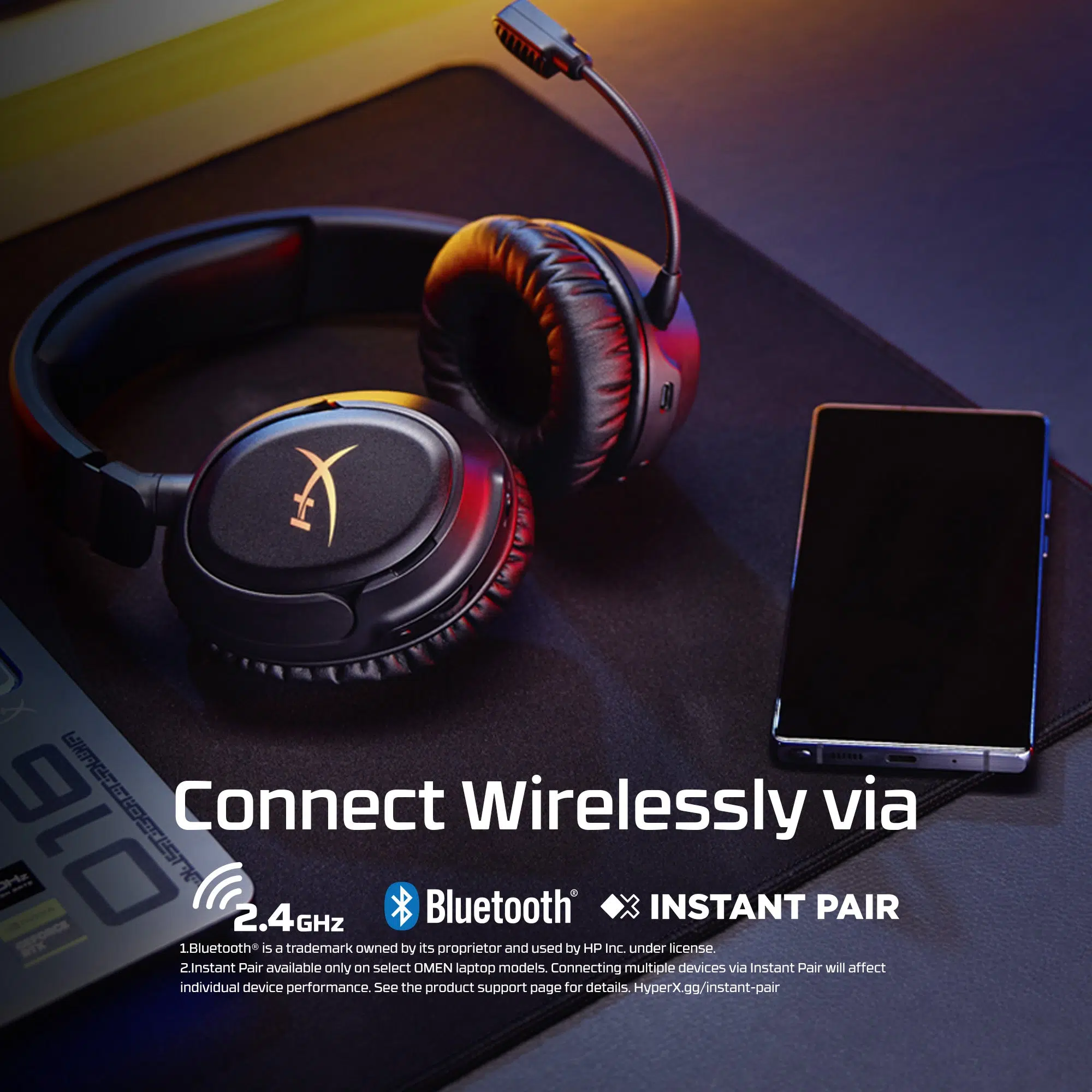
Build your wireless gaming setup around the Cloud Flight 2. Choose Black or White, enjoy RGB earcup lighting and switch between 2.4 GHz, Bluetooth and Instant Pair on compatible OMEN laptops.
Color
Overview
HYPERX CLOUD FLIGHT 2 WIRELESS GAMING HEADSET
HyperX Cloud Flight 2 Wireless
HyperX Cloud Flight 2 Wireless: Build your wireless gaming setup around the Cloud Flight 2. Choose Black or White, enjoy RGB earcup lighting and switch between 2.4 GHz, Bluetooth and Instant Pair on compatible OMEN laptops. Available from AX Store in Kuwait.
50 mm
Angled Drivers
Up to 100 h
2.4 GHz; LEDs Off
Up to 150 h
Bluetooth; LEDs Off
RGB
Ear-Cup Lighting
Personalise the earcups
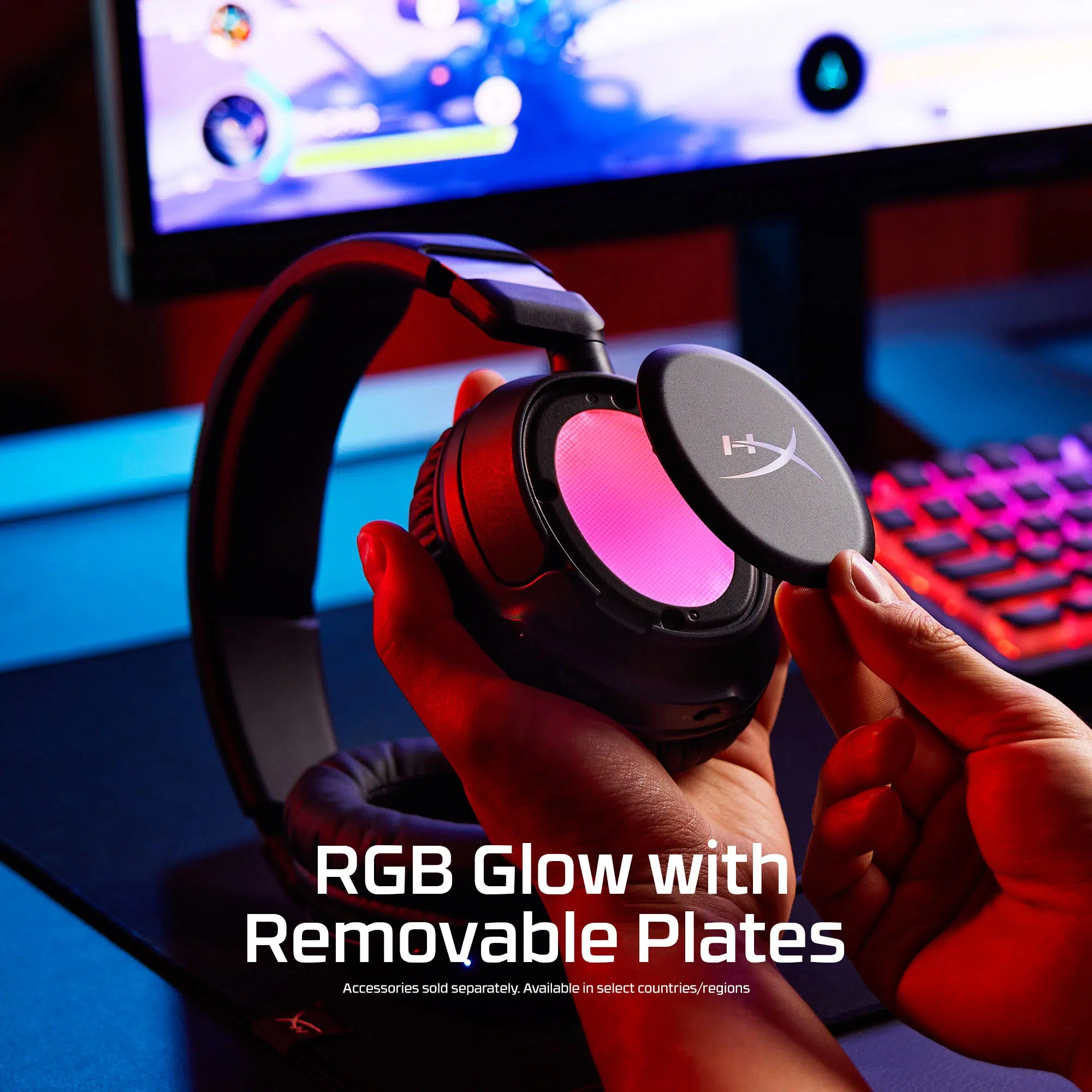
RGB lighting and removable magnetic earcup plates bring a custom look to your setup. Angled 50 mm drivers deliver the sound, while memory foam cushions provide comfort.
Connect across your devices
Use the USB adapter for 2.4 GHz audio or Bluetooth for compatible devices. Battery life is up to 100 hours over the adapter or 150 hours over Bluetooth with lighting off; lighting on reduces these figures to 20 and 23 hours respectively. Instant Pair requires a compatible OMEN laptop.
Choose the Connection for the Actual Host
The listed connection is 2.4 GHz USB adapter; Bluetooth; Instant Pair on compatible OMEN laptops. Match the computer, console or mobile device to that route, and check microphone support rather than assuming a charging connector or another headset version provides the same audio connection.
Set the Microphone for the Session
The microphone is specified as Electret condenser microphone. Position it appropriately and select the intended input in the supported application or console settings, then check the mute control before joining a call or game chat.
Check Optional Software Features Separately
Use the current manufacturer software only where this exact model and host support it. Spatial audio, equalisation and microphone processing can have separate requirements, so first confirm the ordinary playback and voice connection for the device.
Adjust the Fit before a Longer Session
Set the headband and earcup position for a comfortable fit and keep the connection cable or wireless receiver suitably placed. Leave access to the volume and microphone controls used during normal gaming, listening or voice sessions.
Plan the Platform and Chat Connection
Choose the exact platform version and check whether its connection uses USB, a wireless receiver or an analogue headset socket. Set the playback and microphone devices deliberately in your game or chat application. Compare related options such as HyperX Cloud Stinger 3 Wireless Gaming Headset or HyperX Cloud MIX 2 Gaming Headset – Black, keeping the exact model and configuration in the decision. For the wider setup, explore Shure SM58-LCE Cardioid Dynamic Vocal Microphone, XLR and check the connection, size or mounting requirements before pairing accessories. Browse the HyperX range at AX for more choices.
HyperX Cloud Flight 2 Wireless Setup Choices
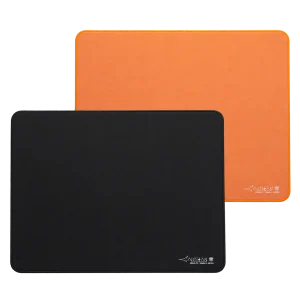
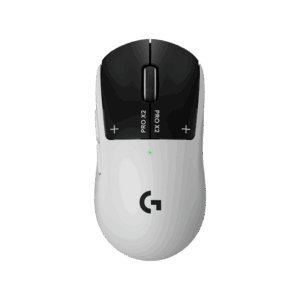
Choose the exact platform version and check whether its connection uses USB, a wireless receiver or an analogue headset socket. Set the playback and microphone devices deliberately in your game or chat application. Explore Wooting 60HE v2 60% Gaming Keyboard, Aluminium, ARTISAN NINJA FX ZERO Gaming Mousepad – SOFT/XSOFT, XL/XXL, Logitech G PRO X2 SUPERSTRIKE Wireless Gaming Mouse.
Frequently Asked Questions
Which wireless modes are listed?
2.4 GHz USB adapter; Bluetooth; Instant Pair on compatible OMEN laptops.
What are the battery figures by mode and lighting?
Up to 100 hours (LED off); Up to 20 hours (LED on) - Adapter Mode. Up to 150 hours (LED off), Up to 23 hours (LED on) - Bluetooth Mode.
What test volume applies?
50% volume; battery life varies with use.
Which microphone types are supplied?
Electret condenser microphone.
Is a built-in microphone also fitted?
The listed boom microphone is an electret condenser, and the built-in microphone is MEMS with an omnidirectional pickup pattern. Select the intended microphone and connection mode for the session.
Build Your Setup with AX Store
Explore computers, displays and accessories for your workspace at AX Store. For help choosing the right model or checking an accessory, contact AX Store.
THE DETAILS
Technical specifications
Wireless headset
Over-ear (circumaural); closed back
20 Hz to 20 kHz
PC, PS5, PS4, Nintendo Switch, Mac, Mobile; Software Compatibility: NGENUITY
103 dB SPL/ mW at 1 kHz
≤ 2%
Plastic
Memory foam (padding material)
Electret condenser microphone
Uni-directional
100 Hz to 10 kHz
-42 dBV (0 dB=1 V/ Pa, 1 kHz)
MEMS
Omni-directional
100 Hz to 10 kHz
-15 dBV
USB 2.0 Type-C
24-bit (Playback); 16-bit (Microphone)
Volume; multifunction button; mic mute/mic monitoring; wireless mode switch
Up to 100 hours (LED off); Up to 20 hours (LED on) - Adapter Mode. Up to 150 hours (LED off), Up to 23 hours (LED on) - Bluetooth Mode.
3.5 hours
5.3
Up to 20 m
SBC; MPEG-2; AAC
AVRCP; A2DP; HFP; HSP
Headset: .74 lb; Boom mic: .024 lb; USB wireless dongle: .017 lb
1.64 ft
Angled 50 mm
2.4 GHz USB adapter; Bluetooth; Instant Pair on compatible OMEN laptops
50% volume; battery life varies with use
COMPLETE YOUR SETUP
Pairs well with