HyperX
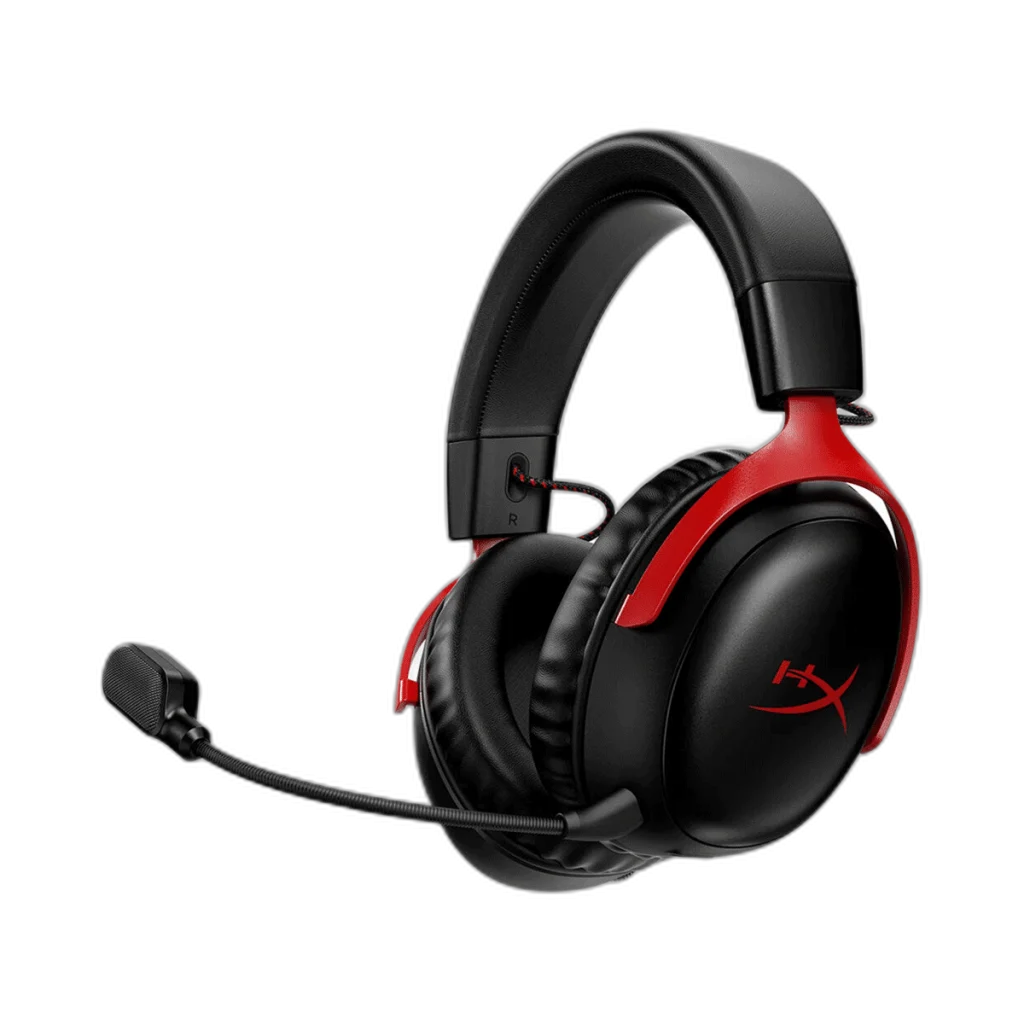
HyperX Cloud III Gaming Headset, Wired and Wireless Options
Choose the Cloud III connection that fits your setup: wired 3.5 mm and USB connectivity, or 2.4 GHz wireless with up to 120 hours of battery life. Both models feature 53 mm drivers, memory foam cushions and a detachable microphone.
Connectivity
Overview
HYPERX CLOUD III GAMING HEADSET, WIRED AND WIRELESS OPTIONS
HyperX Cloud III Wired or Wireless
HyperX Cloud III Wired or Wireless: Choose the Cloud III connection that fits your setup: wired 3.5 mm and USB connectivity, or 2.4 GHz wireless with up to 120 hours of battery life. Both models feature 53 mm drivers, memory foam cushions and a detachable microphone. Available from AX Store in Kuwait.
53 mm
Shared Driver Size
Wired / Wireless
Select the Exact Model
Up to 120 h
Wireless at 50% Volume
Detachable
Boom Microphone
Comfort built around your game
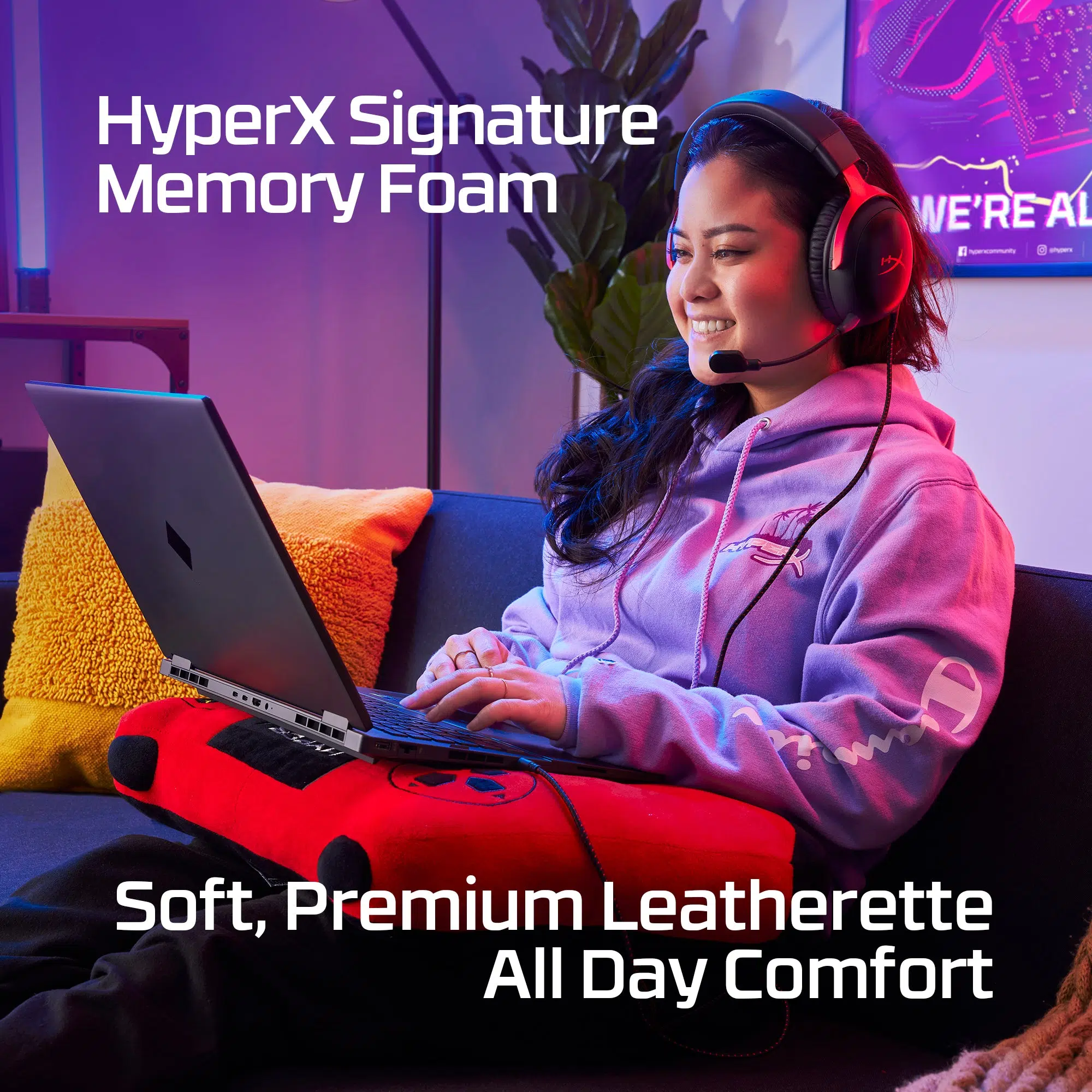
Angled 53 mm drivers and memory foam cushions bring sound and comfort together. The wired option connects by 3.5 mm, USB-C or USB-A, with platform support depending on the connection.
Choose the right connection
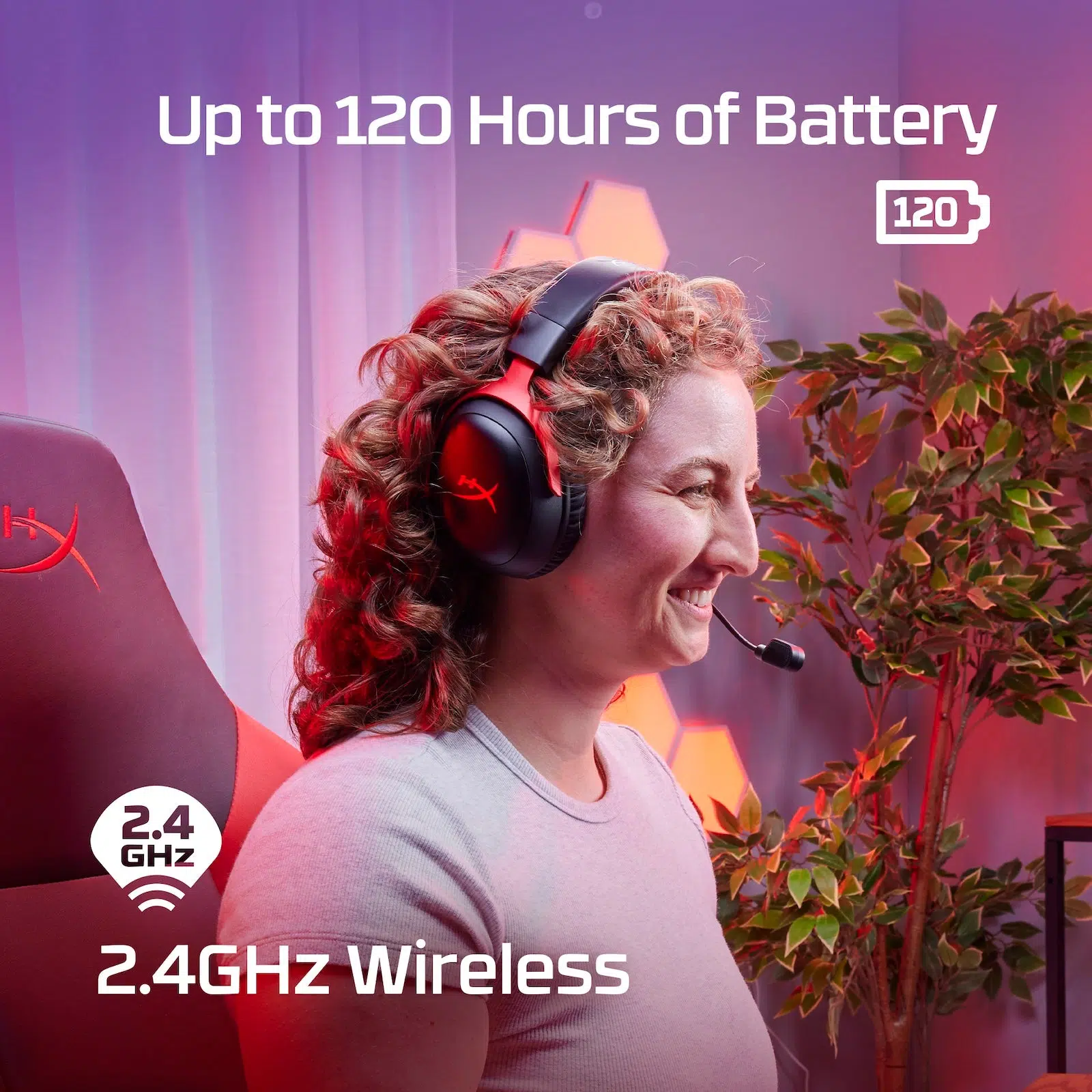
The Wireless option uses a 2.4 GHz USB adapter and supports PC, PS5, PS4 and Nintendo Switch. Its battery lasts up to 120 hours at 50% volume; actual use varies. Wireless battery features do not apply to the wired model.
Use the Features of the Selected Model
Wired uses 3.5 mm or the USB-C/USB-A audio route. Wireless uses its 2.4 GHz USB adapter and is rated up to 120 hours at 50 percent volume. Select the exact model; the wireless runtime and wireless platform list do not describe the Wired option.
Keep the Audio and Microphone Routes Clear
Choose the supported headset output and microphone input for the actual host and connection. Check mute and the listening level before joining a call, keeping any stated limitations of an alternate analogue or USB route in mind.
Match Software Processing to Its Supported Host
Configure optional PC processing only through the supported application and connection for this exact model. Console listening follows the console’s available audio settings instead, so do not assume that every desktop software feature follows the headset to another device.
Set the Headset Up for the Session
Adjust the headband and earcup position, then place the microphone where it can capture normal speech. Keep the cable or wireless adapter clear of the seating area and check the host audio selection after changing the connection.
Plan the Platform and Chat Connection
Choose the exact platform version and check whether its connection uses USB, a wireless receiver or an analogue headset socket. Set the playback and microphone devices deliberately in your game or chat application. Compare related options such as HyperX Cloud III Wired Gaming Headset, DTS Headphone Support or HyperX Cloud Alpha Pro Wired Gaming Headset, Dual Chamber Drivers, keeping the exact model and configuration in the decision. For the wider setup, explore Shure SM7dB Dynamic Vocal Microphone with Built-in Preamp and check the connection, size or mounting requirements before pairing accessories. Browse the HyperX range at AX for more choices.
HyperX Cloud III Wired or Wireless Setup Choices
Choose the exact platform version and check whether its connection uses USB, a wireless receiver or an analogue headset socket. Set the playback and microphone devices deliberately in your game or chat application. Explore Wooting 60HE v2 60% Gaming Keyboard, Aluminium, ARTISAN NINJA FX ZERO Gaming Mousepad – SOFT/XSOFT, XL/XXL, Logitech G PRO X2 SUPERSTRIKE Wireless Gaming Mouse.
Frequently Asked Questions
Which model and connection does this listing describe?
Wired uses 3.5 mm or the USB-C/USB-A audio route. Wireless uses its 2.4 GHz USB adapter and is rated up to 120 hours at 50 percent volume. Select the exact model; the wireless runtime and wireless platform list do not describe the Wired option.
Do PC software features work on every console?
Use the supported software and host for the selected model. PC processing features are separate from ordinary analogue or USB headset audio on a console; choose the connection required by that exact edition.
What should I check for team chat?
Connect through the supported microphone route, select the correct input on the host and check mute before joining the conversation. Headphone playback through an alternate connection does not by itself establish microphone support on that route.
How should I set up the fit and boom?
Adjust the headband and earcup position, then place the supplied boom for speech. Use the model’s detachable or retractable microphone arrangement as specified, keeping the cable or transmitter clear during use.
Do both Model options have the same accessories and battery?
Choose the exact Wired or Wireless option before ordering. The included cables, USB audio hardware, weight and any battery features belong to that selected model; the parent description explains both choices.
Build Your Setup with AX Store
Explore computers, displays and accessories for your workspace at AX Store. For help choosing the right model or checking an accessory, contact AX Store.
THE DETAILS
Technical specifications
Wired model
Dynamic, 53mm with Neodymium magnets
Over ear, circumaural, closed back.
10Hz-21kHz
PC, PS5, PS4, Xbox Series X|S, Xbox One, Nintendo Switch, Mac, Mobile.
100dBSPL/mW at 1kHz
< 2%
Aluminum
Memory foam and premium leatherette
Electret condenser microphone
Uni-directional, Noise-cancelling
-42dBV (0dB=1V/Pa at 1kHz)
USB 2.0
16 bit, 24 bit
Onboard audio controls
0.67lb; Weight with microphone: 0.70lb
3.93ft headset cable; 4.26ft USB dongle cable | USB cable Type-C
3.5 mm, USB-C and USB-A
Wireless model
Dynamic 53 mm, neodymium magnets
Over-ear, closed back
10 Hz–21 kHz
PC, PS5, PS4, Nintendo Switch
111.94 dB SPL/mW at 1 kHz
<2%
Steel and aluminium
Memory foam and premium leatherette
Electret condenser, unidirectional, noise-cancelling
−21.5 dBV (0 dB = 1 V/Pa at 1 kHz)
USB 2.0
16-bit, 24-bit
Onboard audio controls
2.4 GHz wireless through USB adapter
Up to 120 hours at 50% volume; varies with use
4.5 hours
Up to 20 m; environment-dependent
0.727 lb; 0.753 lb with microphone
1.64 ft USB cable
COMPLETE YOUR SETUP
Pairs well with