
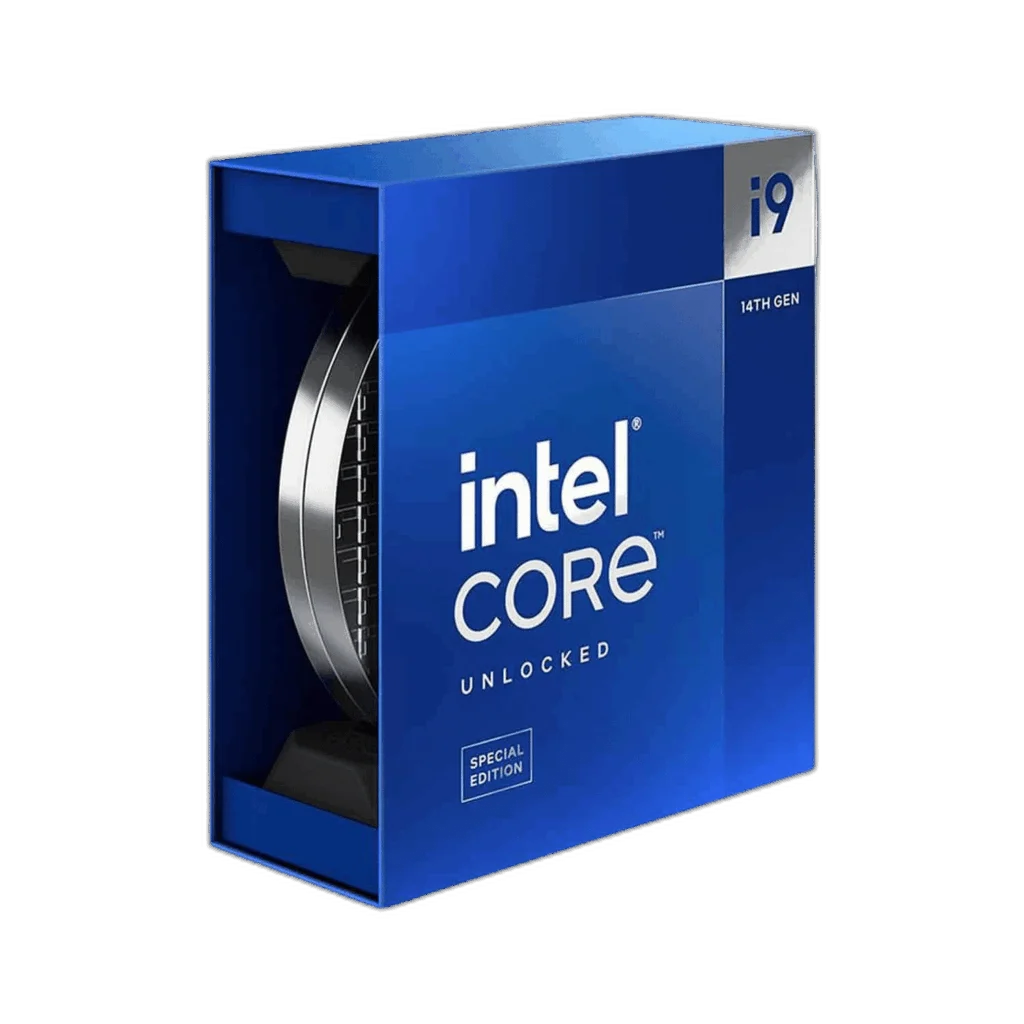
Intel
Intel Core i9-14900KS Special Edition Processor 14th Gen
The Intel Core i9-14900KS combines 8 Performance-cores and 16 Efficient-cores for 24 cores and 32 threads. Thermal Velocity Boost reaches up to 6.2 GHz under suitable conditions, with integrated UHD Graphics 770.
Regular price
251.000 KWD
or 4 payments of 62.750 KWD with
Pay with card & save


239.000 KWD
Save 12.000 KWD
Overview
INTEL CORE I9-14900KS SPECIAL EDITION PROCESSOR 14TH GEN
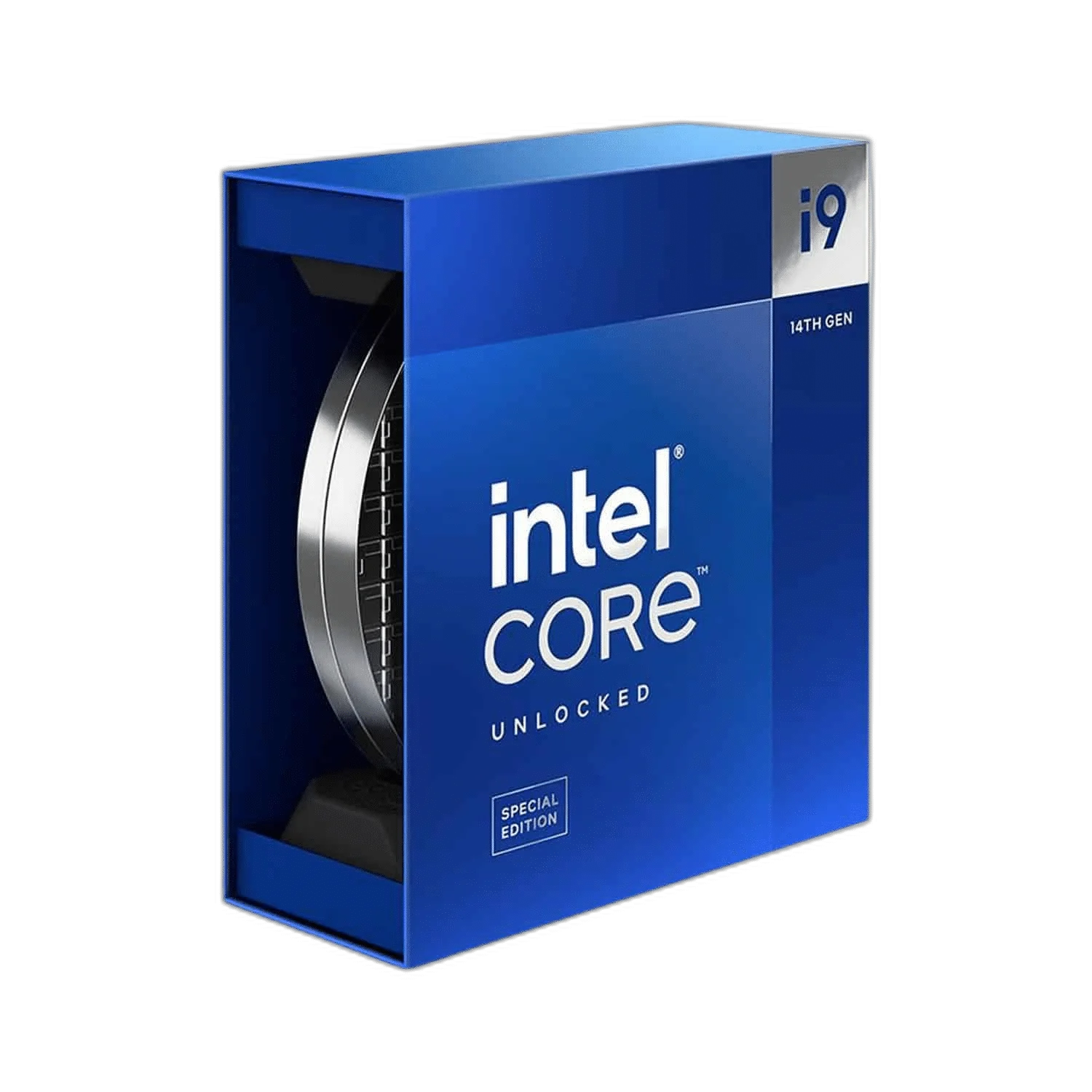
Intel Core i9-14900KS
The Intel Core i9-14900KS combines 8 Performance-cores and 16 Efficient-cores for 24 cores and 32 threads. Thermal Velocity Boost reaches up to 6.2 GHz under suitable conditions, with integrated UHD Graphics 770. Available from AX Store in Kuwait.
24 (8 Performance + 16 Efficient)
CPU Cores
32
Processing Threads
6.2 GHz
Maximum Boost / Turbo
LGA 1700
Processor Socket
Plan a compatible build
Match the Special Edition processor with a supported LGA 1700 board and cooling designed for its power demands. Choose DDR4 or DDR5 according to the motherboard; the two memory types are not interchangeable. Check the motherboard CPU support list and required BIOS version before installation. Boost speeds depend on workload, cooling and system configuration.
Choose the Processing Layout for Your Work
Intel Core i9-14900KS provides 24 (8 Performance + 16 Efficient) cores and 32 threads. Its Raptor Lake / Intel 7 architecture forms the processing platform. Choose the processor around the games and applications you use, alongside the appropriate graphics hardware and memory.
Match Clock Speed to Real Workloads
The maximum boost or turbo frequency is 6.2 GHz. Cooling, power settings, application behaviour and active cores affect the actual operating frequency. Compare processors using the whole workload and configuration, rather than treating this peak figure as a sustained all-core speed.
Build Around the Correct Memory and Socket
Use a LGA 1700 motherboard with explicit support for this exact model and the required BIOS. Memory support is DDR5-5600 or DDR4-3200, depending on motherboard. Match the motherboard’s slots and validated memory configuration before buying the modules; a matching processor socket alone does not establish every part of compatibility.
Use the Cache as Part of the Whole Platform
The processor has 36 MB Intel Smart Cache L3 or Intel Smart Cache and 32 MB L2 cache. Cache supports the processor’s access to working data, alongside system memory. Choose the complete platform for your application instead of assuming one cache figure predicts every game or project.
Allow for the Processor’s Thermal Requirements
The stated power rating is 150 W base / 253 W maximum turbo. Choose cooling that fits the exact processor version and the intended power configuration. Check the socket mounting kit, case clearance and airflow for the expected workload.
Match the Processor to the Complete Platform
Check the motherboard socket, supported firmware and cooling requirements for the exact processor. Compare the complete build rather than choosing by core count alone. Compare related options such as Intel Core i7-14700K 14th Gen – 20-Core, Up to 5.6GHz, LGA1700 or Intel Core i9-14900K 14th Gen – 24 Cores, 32 Threads, Up to 6.0GHz, keeping the exact model and configuration in the decision. For the wider setup, explore NZXT Kraken X63 RGB 280mm AIO Liquid Cooler, White and check the connection, size or mounting requirements before pairing accessories. Browse the Intel range at AX for more choices.
Intel Core i9-14900KS Setup Choices
Check the motherboard socket, supported firmware and cooling requirements for the exact processor. Compare the complete build rather than choosing by core count alone. Explore Wooting 60HE v2 60% Gaming Keyboard, Aluminium, Pulsar Pro Series Susanto-X Wireless Gaming Mouse Size 2, 50g, ARTISAN NINJA FX ZERO Gaming Mousepad – SOFT/XSOFT, XL/XXL.
Frequently Asked Questions
Which motherboard should I choose?
Use a LGA 1700 motherboard whose CPU support list explicitly includes Intel Core i9-14900KS. Check its required BIOS version before installation, along with case size, power connections and cooler mounting support.
Which memory does this processor support?
DDR5-5600 or DDR4-3200, depending on motherboard. Choose the exact memory generation and validated configuration required by the motherboard. A processor’s memory support does not make DDR4 and DDR5 modules interchangeable.
Is the maximum boost speed guaranteed on every core?
The stated maximum is 6.2 GHz. Actual frequency varies with the workload, active cores, cooling, power settings and system configuration; it is not a promise that every core runs continuously at that speed.
What should I plan for cooling?
The processor power rating is 150 W base / 253 W maximum turbo. Choose a suitable cooling solution for the exact supplied processor version. Match the socket mounting kit, case clearance and intended sustained workload.
Does it have integrated graphics?
Intel UHD Graphics 770. Use a supported motherboard display output and configuration, or add a dedicated graphics card for the intended graphics workload.
Build Your Setup with AX Store
Explore computers, displays and accessories for your workspace at AX Store. For help choosing the right model or checking an accessory, contact AX Store.
THE DETAILS
Technical specifications
Processor
Intel Core i9-14900KS
Raptor Lake / Intel 7
24 (8 Performance + 16 Efficient)
32
P-core 3.2 GHz; E-core 2.4 GHz
6.2 GHz
32 MB
36 MB Intel Smart Cache
Platform
LGA 1700
DDR4 / DDR5
DDR5-5600 or DDR4-3200, depending on motherboard
192 GB
2
5.0 and 4.0; up to 20 CPU lanes
Graphics and thermal
Intel UHD Graphics 770
150 W base / 253 W maximum turbo
100°C
COMPLETE YOUR SETUP
Pairs well with



