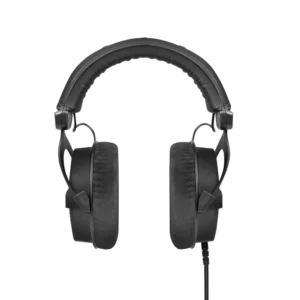
Beyerdynamic
Same-day delivery · Official warranty · Taly & Deema
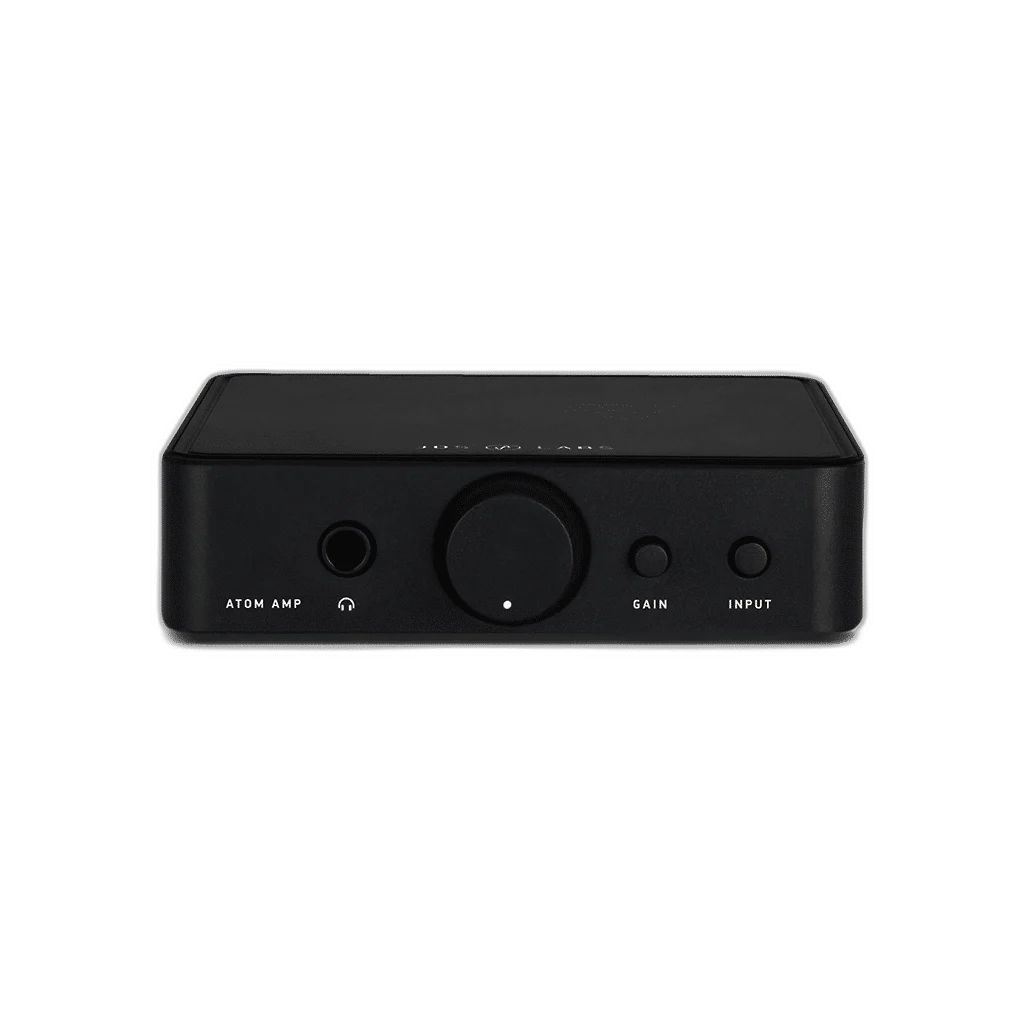
Power headphones and control a desktop audio setup with the original JDS Labs Atom Amp. Select RCA or 3.5 mm input and use the front volume control for headphones or the RCA preamp output.
or 4 payments of 12.125 KWD with
Pay with card & save


JDS LABS ATOM AMP + PREAMP - HIGH-PERFORMANCE AUDIO

Power headphones and control a desktop audio setup with the original JDS Labs Atom Amp. Select RCA or 3.5 mm input and use the front volume control for headphones or the RCA preamp output. Explore this model at AX Store in Kuwait.
Analogue Inputs
Headphone Output
Gain Settings
Mutes with Headphones Connected
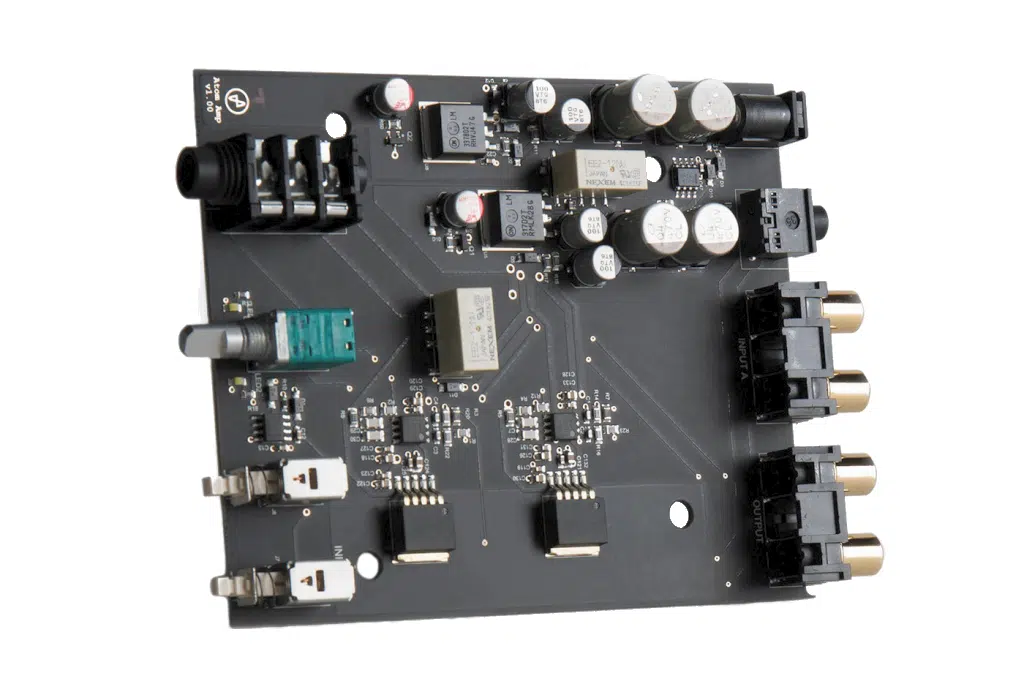
Front-mounted input and gain buttons simplify everyday listening. Choose unity gain or 4.5× amplification. Match the actual signal connection and the intended recording or listening setup, then check the relevant device controls before starting the session.
The RCA preamp output mutes when headphones are connected. Use the volume knob to control compatible powered speakers when headphones are unplugged. Match the actual signal connection and the intended recording or listening setup, then check the relevant device controls before starting the session.
The original Atom Amp takes RCA or 3.5 mm analogue input and supplies a 6.35 mm headphone output. Its RCA preamp output mutes when headphones are inserted; it is separate from the later Atom Amp 2.
Match the product’s stated input and output connections to the source and destination. Keep microphone preamps, digital converters and headphone amplifiers in their appropriate roles, checking cable wiring and power requirements before completing the recording or listening chain.
Use the model’s stated power arrangement and supported control settings for the connected devices. Choose sufficient recording headroom or a comfortable listening level, checking the source and destination rather than treating a connector shape as proof of every function.
Confirm the selected device, input route and output level before a longer session. Make a short test after changing the source, cable or recording mode, and use the exact model’s supported software and power arrangement where required.
Check the actual digital or analogue input, headphone connector and supported operating mode. Choose the source, cable and headphone together; a headphone amplifier and a microphone recording interface have different jobs. Compare related options such as Cloud Microphones Cloudlifter CL-1 Mic Activator with +25dB Gain or JDS LABS ATOM DAC 2 USB-C DAC, keeping the exact model and configuration in the decision. For the wider setup, explore beyerdynamic DT 1770 PRO MKII Closed-Back Studio Headphones 30 Ohm and check the connection, size or mounting requirements before pairing accessories.
Check the actual digital or analogue input, headphone connector and supported operating mode. Choose the source, cable and headphone together; a headphone amplifier and a microphone recording interface have different jobs. Explore beyerdynamic DT 990 PRO 80 Ohm Open-Back Studio Headphones, beyerdynamic DT 900 PRO X Studio Headphones 48 Ohm, beyerdynamic DT 770 PRO X Closed-Back Studio Headphones 48 Ohm.
The original Atom Amp takes RCA or 3.5 mm analogue input and supplies a 6.35 mm headphone output. Its RCA preamp output mutes when headphones are inserted; it is separate from the later Atom Amp 2.
Use a suitable headphone output for headphones, or a line/preamp output into compatible powered speakers or a separate amplifier. RCA line connections do not provide a passive-speaker power amplifier.
Match the actual headphone output socket, wiring and cable. A plug adapter does not convert a single-ended headphone into a balanced connection; Atom Amp 2’s 4.4 mm socket remains single-ended.
Use the format supported by the selected input, source, driver and application. USB, optical and coaxial paths may have different limits; an advertised maximum is not the format of every recording or music file.
Explore computers, displays and accessories for your workspace at AX Store. For help choosing the right model or checking an accessory, contact AX Store.
Compare sE Electronics DM1 Dynamite 1-Channel Active Inline Preamp. Match the exact model, connection and configuration to your setup.
THE DETAILS
Stereo RCA; 3.5 mm
6.35 mm (1/4 inch)
Stereo RCA; mutes with headphones connected
1.0× / 4.5×
1001 mW
502 mW
126 mW
±0.01 dB
<0.0012%
0.0008%
<0.0002%
<0.0005%
−114 dBu
0.7 Ω
COMPLETE YOUR SETUP
Beyerdynamic


AUDIO-TECHNICA

Gator Frameworks
AUDIO-TECHNICA
Added to cart
Subscribed
We'll email you as soon as it's back in stock.
Saved to wishlist