Logitech
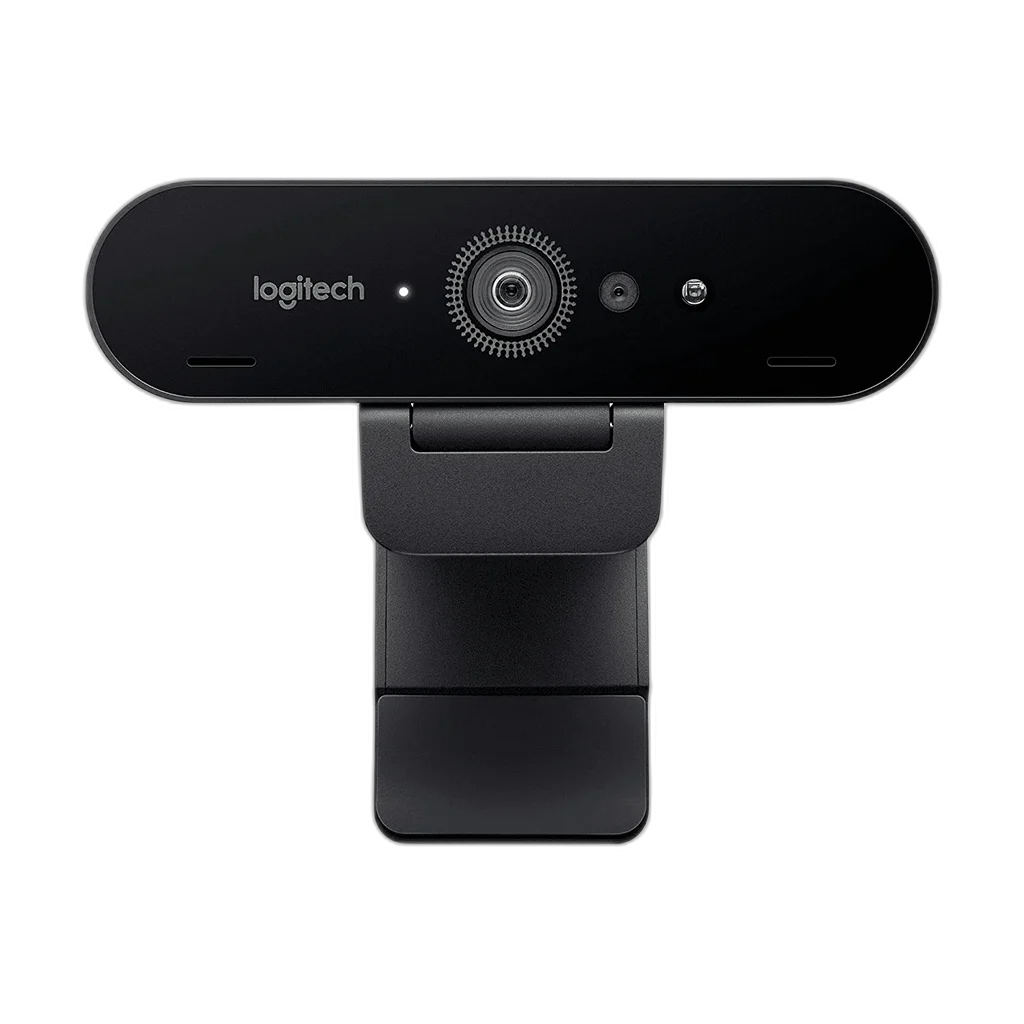
Logitech BRIO Webcam with 4K Ultra HD Video & HDR
Step up to 4K video with Logitech BRIO. Autofocus, RightLight 3 lighting correction and an adjustable field of view help you frame a professional-looking image for meetings, presentations and recorded content.
Regular price
62.000 KWD
or 4 payments of 15.500 KWD with
Pay with card & save


59.000 KWD
Save 3.000 KWD
Overview
LOGITECH BRIO WEBCAM WITH 4K ULTRA HD VIDEO & HDR
A sharper presence in calls and recordings
Step up to 4K video with Logitech BRIO. Autofocus, RightLight 3 lighting correction and an adjustable field of view help you frame a professional-looking image for meetings, presentations and recorded content.
4K30
Maximum 4K Mode
1080p60
Maximum Full HD Mode
Autofocus
Glass Lens
USB 3.x
Required for 4K
Choose detail or smoother motion
Record at up to 4K30, switch to Full HD at up to 60fps, or use 720p at up to 90fps when your application supports it. The available output depends on your USB connection, software and computer.
Frame the conversation
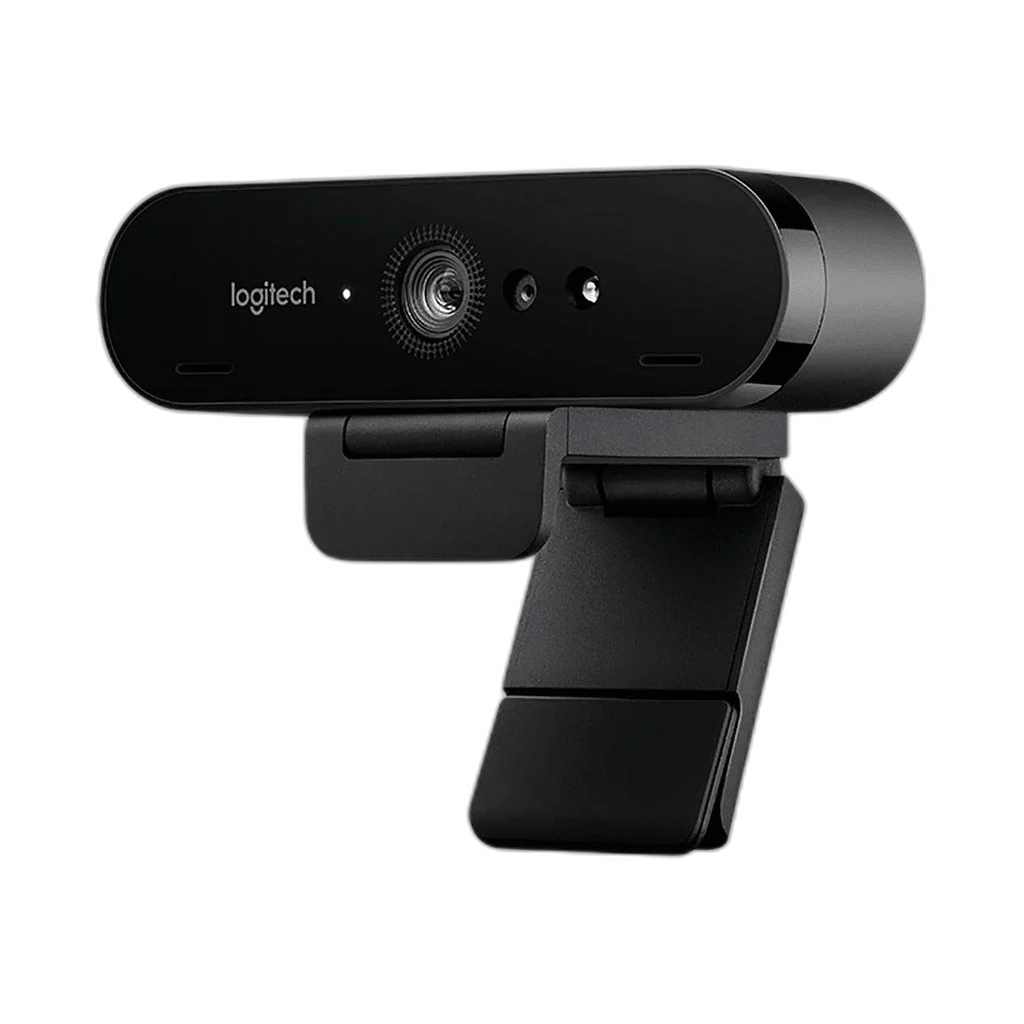
Choose a 65°, 78° or 90° diagonal field of view to focus on yourself or include more of your surroundings. The glass autofocus lens and up to 5× digital zoom give you flexible framing without moving your entire desk setup.
Designed for everyday meetings
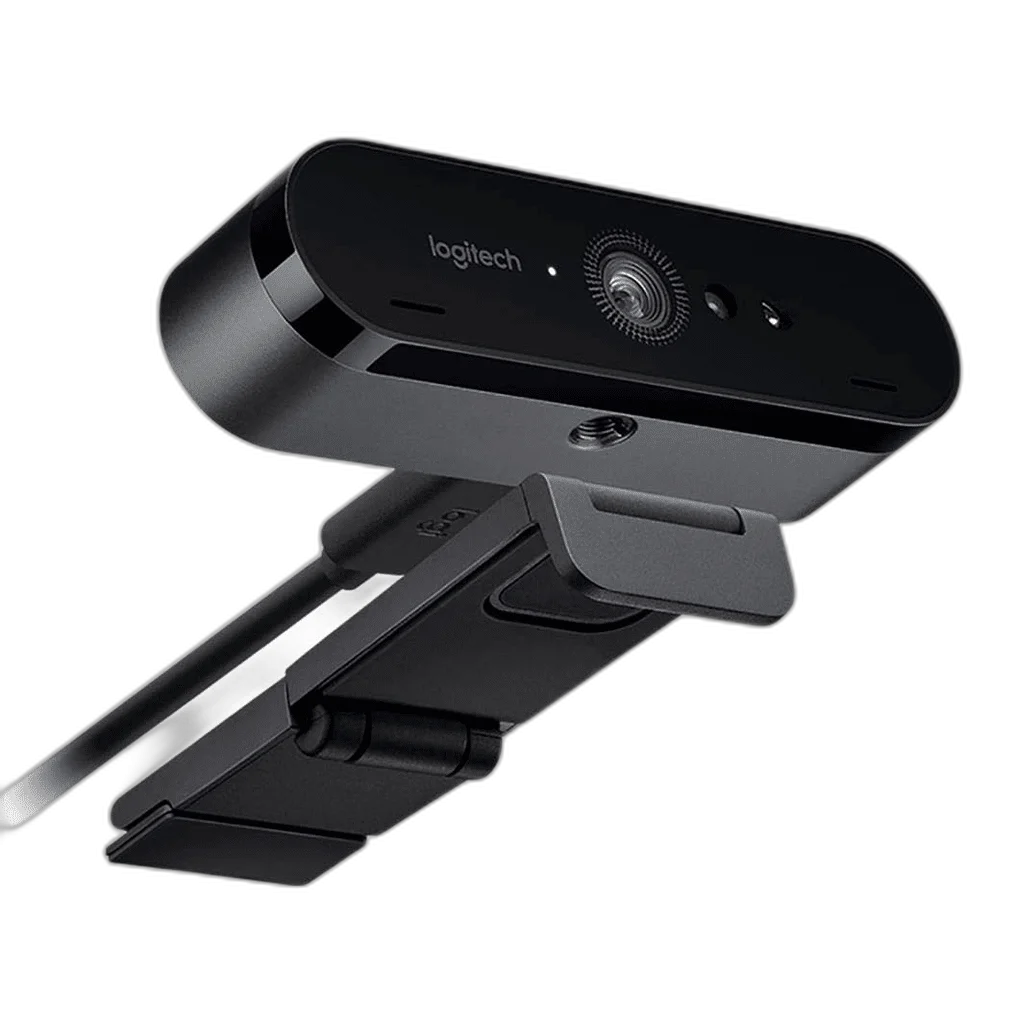
Two omnidirectional microphones support convenient calls, while the included privacy shade covers the lens when you finish. An infrared sensor supports Windows Hello on compatible Windows systems. Mount BRIO on a monitor or use its standard tripod thread.
Choose the Host Port for the Video Mode
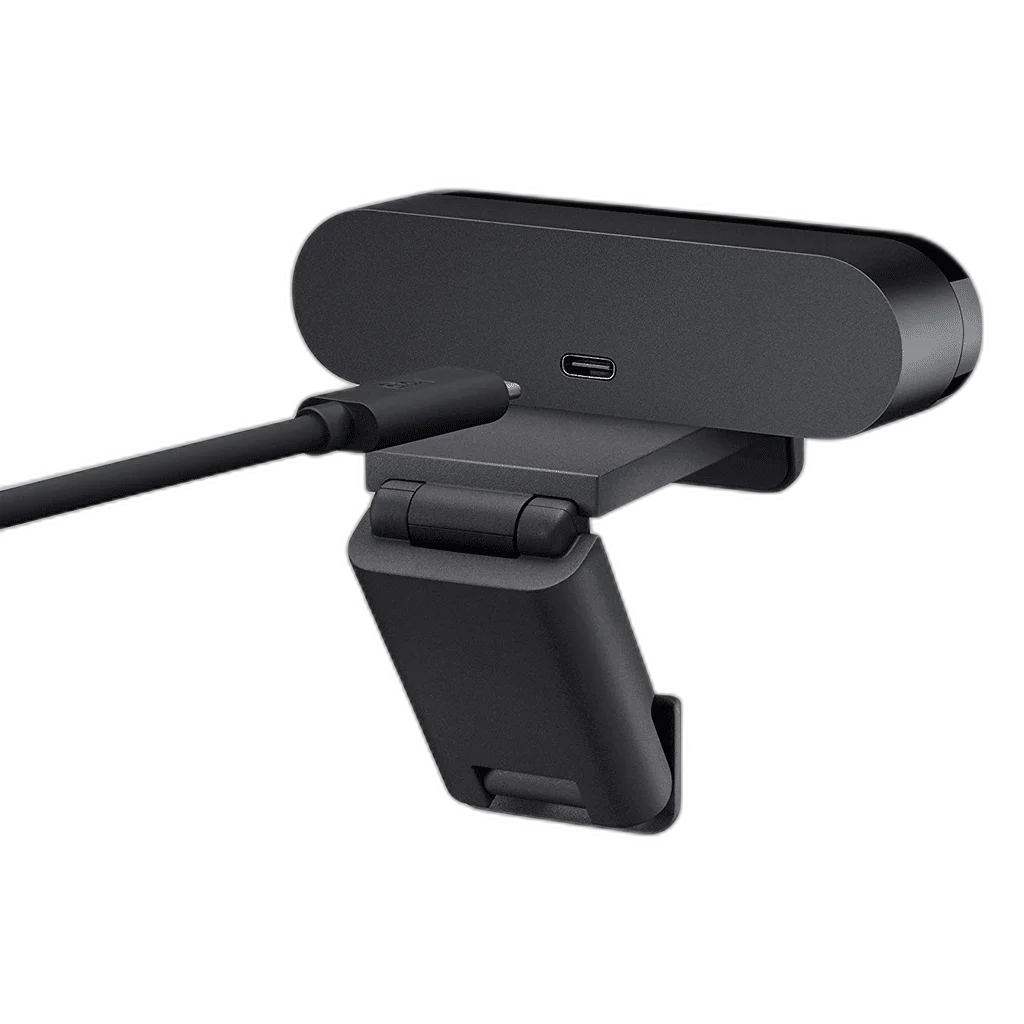
Use the computer connection specified for the required camera mode. A connector adapter does not increase host bandwidth, so check the actual USB port and application before expecting the highest listed resolution or frame rate.
Set the Framing for the Working Position
Select an available field of view and position the camera for the person or scene being recorded. Keep focus and lighting settings appropriate to the shot, and confirm the framing in the intended calling or recording application.
Keep Camera and Microphone Selection Clear
Choose the intended camera and audio devices in the application before starting a session. The built-in microphones provide one option, while a separate computer microphone can be selected when the desk setup calls for another voice arrangement.
Choose a Camera Route for Your Streaming Desk
Decide between a direct computer webcam and a separate camera workflow. Check the selected resolution, frame rate, power and connection requirements, then arrange lighting around the picture you see in the application. Compare related options such as Canon PowerShot SX740 HS 20.3MP Digital Camera – 40x Optical Zoom, 4K – Black or Logitech C922 HD Pro Streaming Webcam, keeping the exact model and configuration in the decision. For the wider setup, explore Razer Key Light Chroma - All-In-One Lighting Kit and check the connection, size or mounting requirements before pairing accessories. Browse the Logitech range at AX for more choices.
Frequently Asked Questions
What is the maximum 4K frame rate?
30 fps.
Which connection is required for 4K?
USB; USB 3.x required for 4K operation.
What field-of-view choices are available?
65° / 78° / 90°.
How does Windows Hello work?
Supported via infrared sensor on compatible Windows systems.
Build Your Setup with AX Store Kuwait
Explore computers, displays and accessories for your workspace at AX Store Kuwait. For help choosing the right model or checking an accessory, contact AX Store.
Compare DJI OSMO POCKET 3 Standard Combo, 3-Axis Stabilization & 4K120 Video. Match the exact model, connection and configuration to your setup.
THE DETAILS
Technical specifications
Camera specifications
BRIO / BRIO 4K
30 fps
Up to 60 fps
Up to 90 fps; application support required
13 MP
Glass
Autofocus
65° / 78° / 90°
Up to 5×
RightLight 3
Supported
2 omnidirectional microphones with noise cancellation
Supported via infrared sensor on compatible Windows systems
UVC compatible
USB; USB 3.x required for 4K operation
1.5 m
Attachable privacy shade
Adjustable monitor clip; 1/4-inch tripod thread
27 × 102 × 26.5 mm
65 g
Logi Tune; Logitech Sync
Windows, macOS and ChromeOS; application requirements apply
COMPLETE YOUR SETUP
Pairs well with