
Logitech
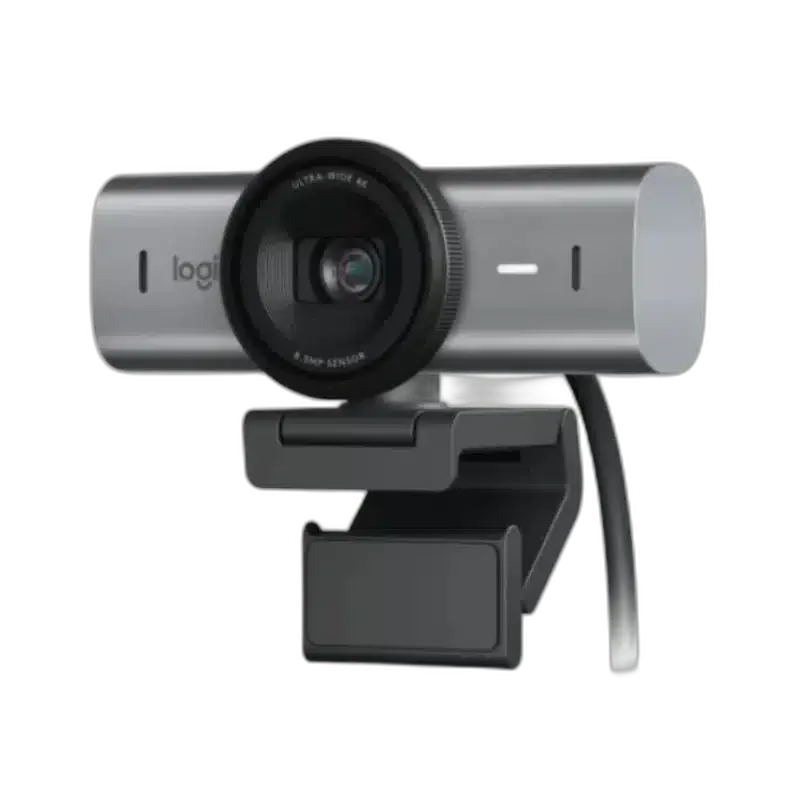
Logitech MX BRIO 4K Ultra HD Webcam, Dual Mics & Auto Light Correction
Logitech MX Brio webcam with 4K/30 fps or 1080p/60 fps video, an 8.5 MP Sony STARVIS sensor, advanced autofocus, dual beamforming mics, Show Mode and a built-in privacy shutter. USB-C 3.0 connection.
Regular price
68.000 KWD
or 4 payments of 17.000 KWD with
Pay with card & save


64.900 KWD
Save 3.100 KWD
Overview
LOGITECH MX BRIO
Logitech MX Brio
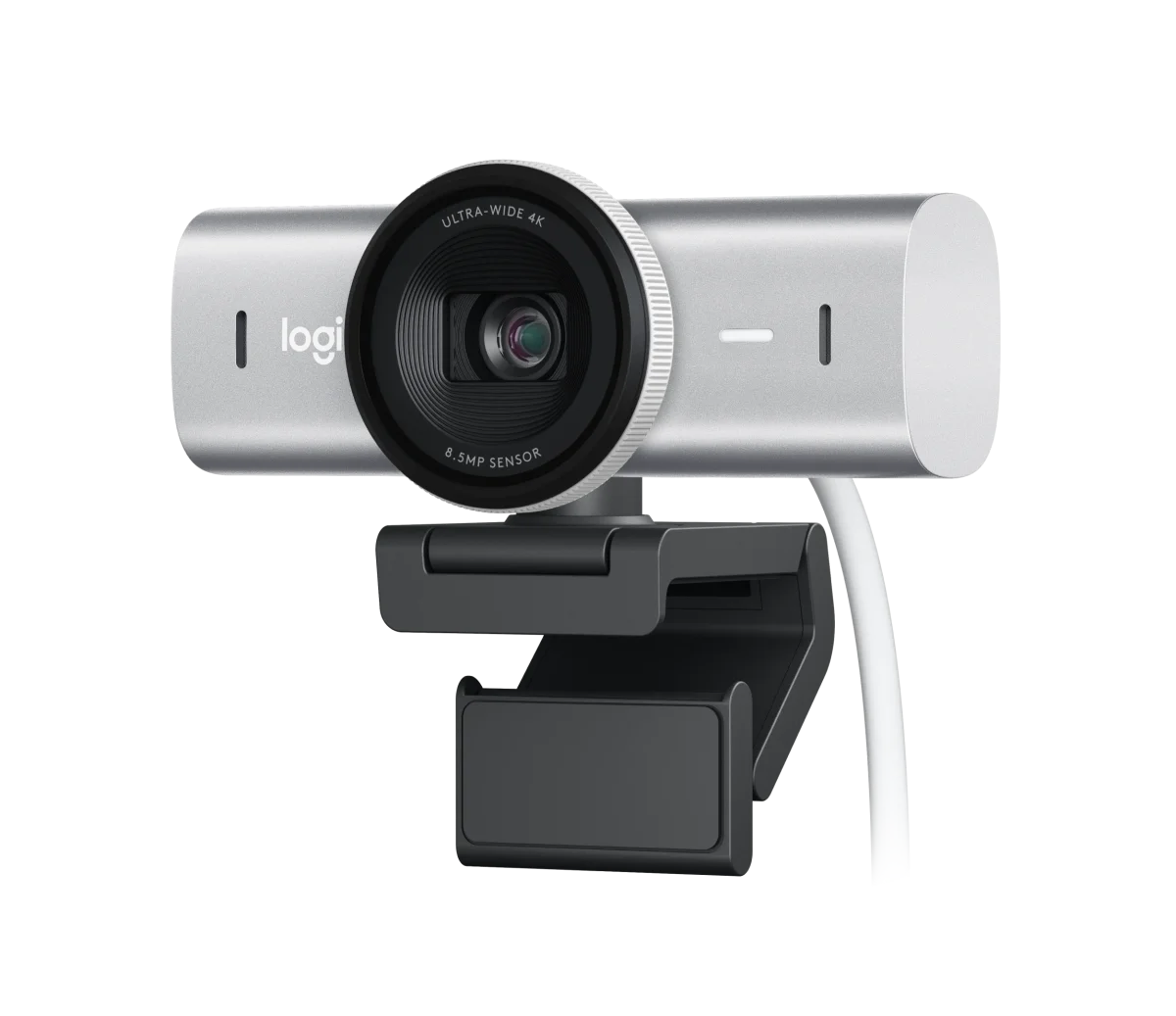
The Logitech MX Brio brings UHD 4K video, face-based image enhancement and dual beamforming microphones to a desktop camera setup. Choose 4K at 30 fps for detail or Full HD at 60 fps for smoother motion. Advanced image controls, Show Mode and a built-in privacy shutter make it useful for calls, collaboration and streaming from the same workspace. Explore this model at AX Store in Kuwait.
4K30
Maximum 4K Video
1080p60
Full HD Video
Autofocus
Focus System
Dual
Beamforming Microphones
Choose Detail or Smoother Motion
The supported video modes include 3840 × 2160 at 30 frames per second and 1920 × 1080 at 60 frames per second. Choose the mode appropriate to the application, connection and session. The 8.5 MP Sony STARVIS sensor and glass lens provide the imaging hardware, while advanced autofocus keeps the camera ready as you move within the scene.
Image Enhancement for Your Lighting
RightLight 5 combines face-based image enhancement with automatic exposure, white balance and HDR-related processing. These functions help adapt the picture to a range of lighting conditions, including a dim room or a brighter background. You can start with automatic adjustments for a straightforward meeting setup, then refine the image if you want a more specific look.
Set the Frame and Fine Controls
Selectable diagonal fields of view of 90°, 78° and 65° help you choose how much of the room appears in the picture. The camera also supports up to 4× digital zoom. Optional Logi Options+ or G HUB software provides fine image controls, including lighting, ISO, shutter speed, tint and white balance, so you can tailor the view to your workspace.
Show Work on Your Desk
Show Mode lets you tilt the webcam downward to share notes, sketches or other suitable material on the desk during a call. The detachable mounting clip fits compatible laptops, monitors and LCD displays, while a standard ¼-inch tripod thread supports another mounting arrangement. This gives you several ways to position the camera for a face-to-face conversation or a practical demonstration.
Dual Microphones and Built-In Privacy
Two beamforming microphones provide noise-reducing voice capture, with a stated pickup range of up to 1.2 m. They offer an integrated audio option for a desktop call or collaboration session. Between sessions, rotate the built-in privacy shutter to physically cover the camera, giving you a direct way to close the view when the webcam is no longer needed.
Connect to a Compatible Computer
The included detachable 1.5 m USB-C to USB-C cable supports a USB 3.0 connection. Published compatibility includes Windows 10 or later and macOS 10.15 or later, with basic UVC webcam support on ChromeOS and Linux. Logitech software customization is available for Windows and macOS; match the camera mode and controls to the features supported by your chosen calling or streaming application.
Choose a Camera Route for Your Streaming Desk
Decide between a direct computer webcam and a separate camera workflow. Check the selected resolution, frame rate, power and connection requirements, then arrange lighting around the picture you see in the application. Compare related options such as Logitech C270 HD Webcam with Light Correction or Logitech MX Brio 4K Webcam - 4K30 / 1080p60, keeping the exact model and configuration in the decision. For the wider setup, explore Razer Key Light Chroma - All-In-One Lighting Kit and check the connection, size or mounting requirements before pairing accessories. Browse the Logitech range at AX for more choices.
Logitech MX Brio Setup Choices
Decide between a direct computer webcam and a separate camera workflow. Check the selected resolution, frame rate, power and connection requirements, then arrange lighting around the picture you see in the application. Explore Elgato Wave 3 MK.2 USB Condenser Microphone - Wave FX / Black, Elgato Stream Deck MK.2, 15-Key Customizable Controller, Elgato Mini Mount Desktop Stand | Compact & Versatile.
Frequently Asked Questions
Which video modes are supported?
Supported resolutions: 4K/30fps (3840x2160 pixels), 1080p/60fps (1920x1080 pixels).
What computer port and software support are needed?
Requirements: USB-C port supporting the USB 3.0 standard Logi software on macOS and Windows*. *Requires Logi software, available for Windows and macOS at Logitech MX Brio page. Compatibility: Windows 10 or later macOS 10.15 or later ChromeOS* Linux*. *Basic webcam support using the USB Video Class (UVC) standard. No Logitech software for other systems than Windows and macOS.
How can framing and image controls be adjusted?
Diagonal field of view (dFoV): 90°/78°/65°. Show Mode: Yes. Fine image controls: With optional Logi Options+ or G HUB software.
What privacy and mounting options are built in?
Privacy shutter: Built-in privacy shutter. Mounting options: Detachable universal mounting clip. Fits laptops, LCD displays, or monitors. Tripod Thread: Standard ¼” inch thread to mount on tripods.
Build Your Setup with AX Store
Explore computers, displays and accessories for your workspace at AX Store. For help choosing the right model or checking an accessory, contact AX Store.
THE DETAILS
Technical specifications
Video
4K/30fps (3840x2160 pixels), 1080p/60fps (1920x1080 pixels).
Advanced Autofocus
Glass
90°/78°/65°
4x digital zoom
8.5MP Sony STARVIS
Audio
Dual Beamforming microphone for noise reduction
Up to 4ft (1.2m)
System Requirements
USB-C port supporting the USB 3.0 standard Logi software on macOS and Windows*. *Requires Logi software, available for Windows and macOS at Logitech MX Brio page
Windows 10 or later macOS 10.15 or later ChromeOS* Linux*. *Basic webcam support using the USB Video Class (UVC) standard. No Logitech software for other systems than Windows and macOS
Microsoft Teams, Zoom, Google Meet, Works With Chromebook, Streamlabs
Zoom, Teams, WebEx, Skype, FaceTime, Google Meet, Streamlabs, OBS
General Specifications
5 ft (1.5 m)
Detachable USB-C to USB-C cable, supporting USB 3.0 standard
Built-in privacy shutter
Detachable universal mounting clip. Fits laptops, LCD displays, or monitors.
Standard ¼” inch thread to mount on tripods
Auto-focus, HDR, white balance, exposure, for a clear image in various lighting environments ranging from low light to direct sunlight
Yes
With optional Logi Options+ or G HUB software
Dimensions
1.73 in (44 mm)
3.86 in (98 mm)
1.42 in (36 mm)
4.83 oz (137 g)
2.44 in (62 mm)
3.86 in (98 mm)
2.05 in (52 mm)
6.21 oz (176 g)
0.79 in (20 mm)
1.5 in (38 mm)
1.77 in (45 mm)
5.55 in (141 mm)
5.35 in (136 mm)
2.68 in (68 mm)
12.77 oz (362 g)
COMPLETE YOUR SETUP
Pairs well with

