NZXT
NZXT Internal USB Hub Gen 3 AC-IUSBH-M3
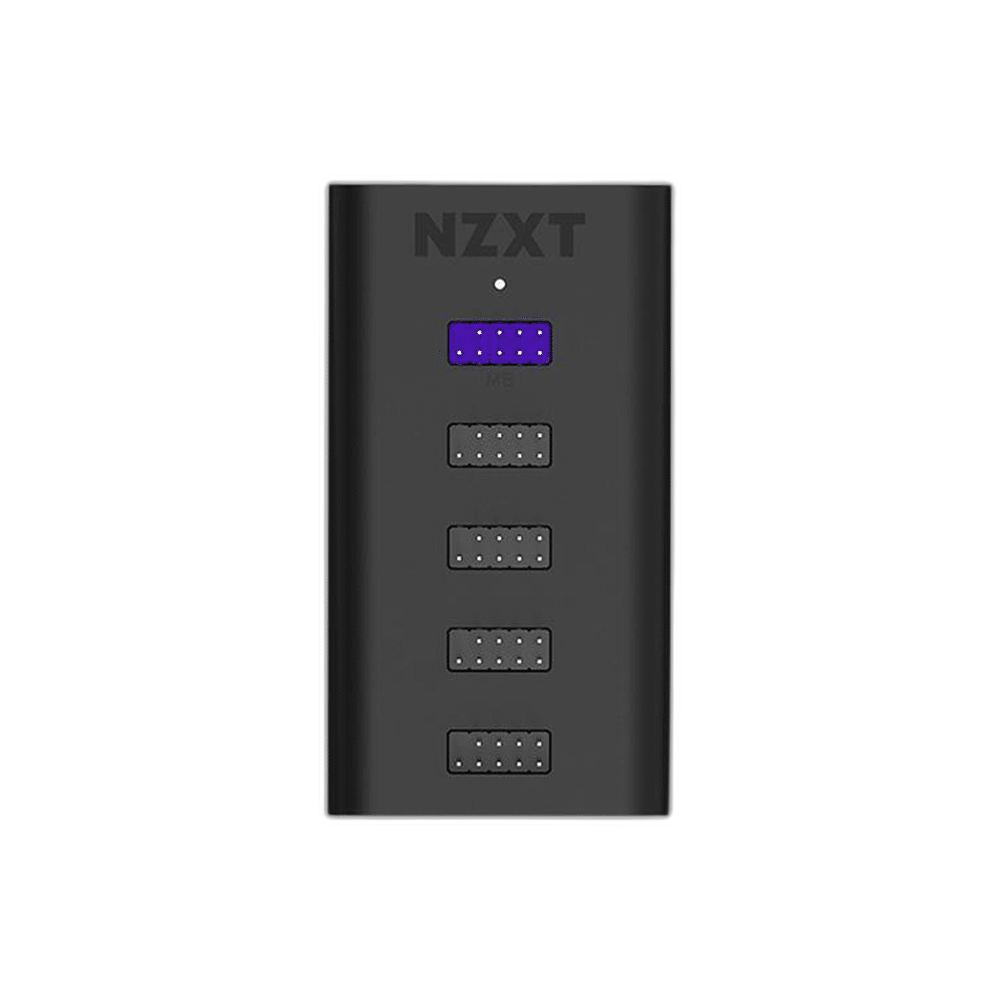
The NZXT Internal USB Hub Gen 3 expands one motherboard USB connection into four internal USB 2.0 device ports. SATA power and a compact magnetic body help organise compatible RGB controllers, coolers and other internal USB devices inside a desktop case.
Regular price
9.500 KWD
or 4 payments of 2.375 KWD with
Pay with card & save


8.900 KWD
Save 0.600 KWD
Overview
NZXT INTERNAL USB HUB GEN 3 AC-IUSBH-M3
NZXT Internal USB Hub Gen 3 AC-IUSBH-M3
NZXT Internal USB Hub Gen 3 AC-IUSBH-M3: The NZXT Internal USB Hub Gen 3 expands one motherboard USB connection into four internal USB 2.0 device ports. SATA power and a compact magnetic body help organise compatible RGB controllers, coolers and other internal USB devices inside a desktop case. Explore this model at AX Store in Kuwait.
4
Internal device ports
USB 2.0
Device interface
SATA
Power source
82 mm
Body length
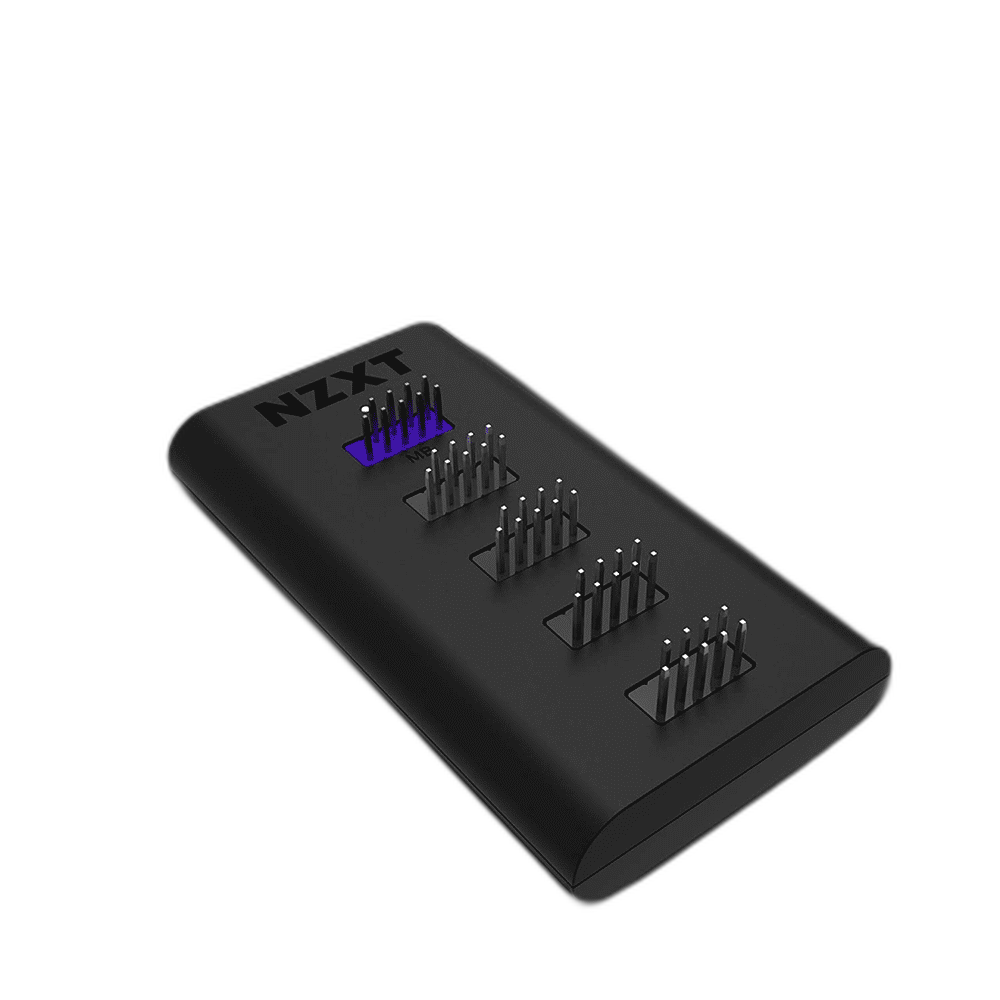
Four Internal USB Device Ports
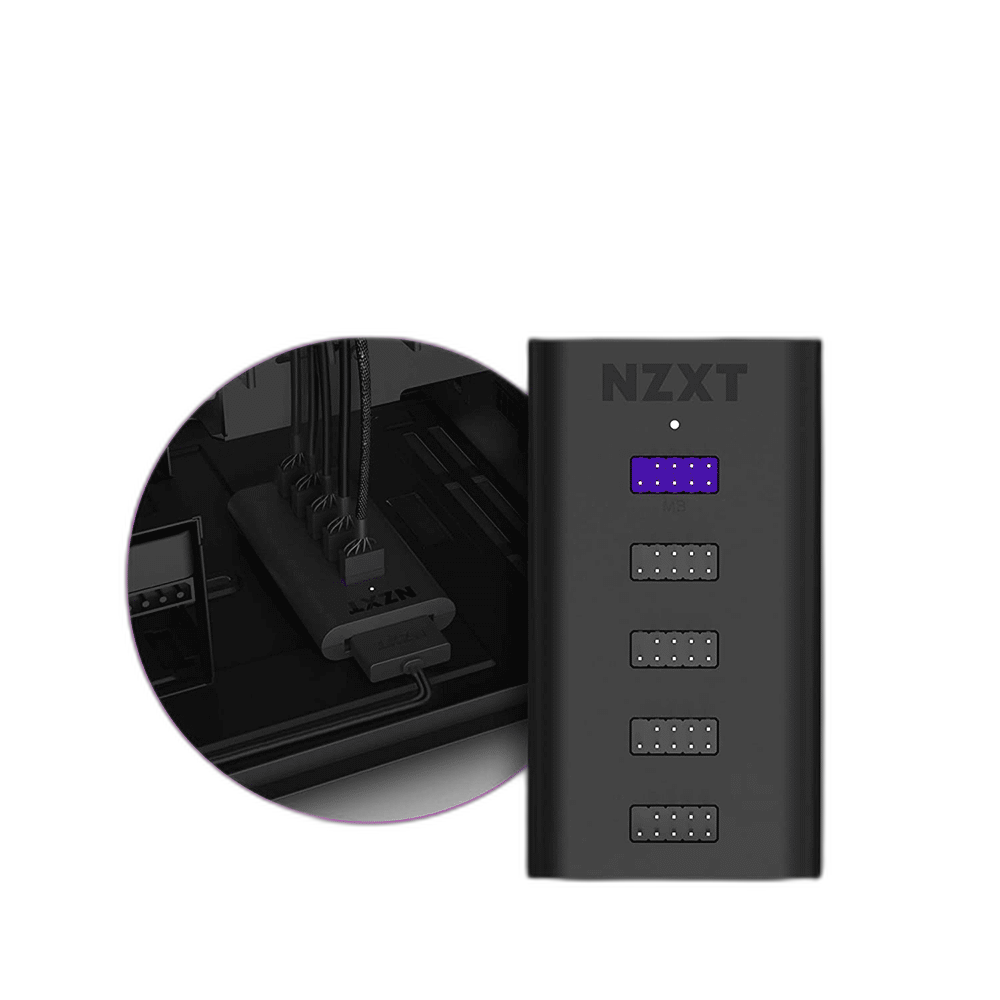
The hub provides four internal USB 2.0 ports for compatible devices, with a separate connection leading back to the motherboard. Use it when the case contains several accessories that need internal USB communication. Check each device’s connection type before assigning it to one of the available ports.
A Separate Motherboard Connection
One upstream port connects the hub to the motherboard’s internal USB interface. Keep this connection separate from the four downstream device ports when arranging the wiring. The hub expands the available internal connections so compatible accessories can communicate through the motherboard without occupying a separate motherboard header for every device.
SATA-Powered Operation
A SATA power connection supplies the hub’s power source, with the specified input channel voltage at 5 V DC. Reserve an appropriate PSU SATA connector during cable planning. Secure the power lead and connected USB cables so they remain clear of fan blades and other moving components.
Compact Dimensions
The enclosure measures 41 × 82 × 20 mm including its pins, or 41 × 82 × 14 mm without the pins. These dimensions help identify a suitable mounting location behind a motherboard tray or elsewhere inside a compatible case. Leave enough additional clearance for the connected plugs and cable bends.
Magnetic Mounting and Dual Lock
The magnetic body and 3M Dual Lock mounting system support installation inside the case. Choose a position that gives convenient access to the ports and keeps the connection leads organised. The plastic, PCB and magnet construction provides a compact form for a build with multiple internal accessories.
USB interface
Internal USB 2.0
Downstream device ports
4
Dimensions including pins
41 × 82 × 20 mm
USB 2.0 Expansion for Internal Accessories
Gen 3 identifies this version of NZXT’s internal hub; its device connections operate as USB 2.0. Match it with accessories using the appropriate internal USB interface, such as compatible lighting controllers and liquid coolers. Confirm the device count, motherboard connection and SATA power availability together before completing the wiring.
Match the Accessory to the Case and Components
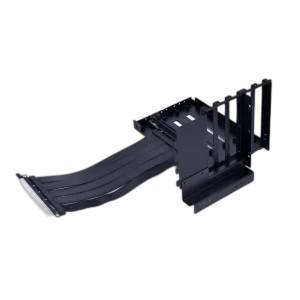
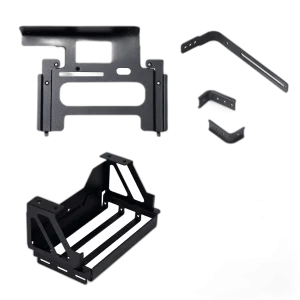
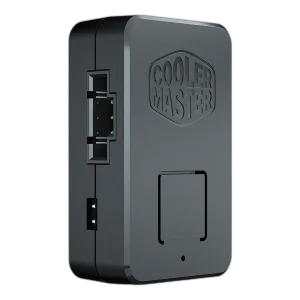
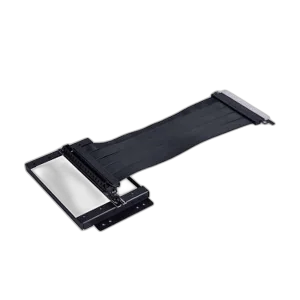
Check the exact case, mounting points and connector or controller requirements. Accessories from a similar-looking case or lighting system may use a different mounting or control arrangement. Compare related options such as Lian LI O11DXL-1 PCI-E Riser Card & Back Panel or Cooler Master Mini Addressable RGB LED Controller, keeping the exact model and configuration in the decision. For the wider setup, explore Lian LI O11 Dynamic Mid Tower Case, Tempered Glass and check the connection, size or mounting requirements before pairing accessories.
NZXT Internal USB Hub Gen 3 AC-IUSBH-M3 Setup Choices
Check the exact case, mounting points and connector or controller requirements. Accessories from a similar-looking case or lighting system may use a different mounting or control arrangement.
Frequently Asked Questions
How many devices can connect?
Four compatible internal USB 2.0 devices, with a separate upstream connection to the motherboard.
Does Gen 3 mean USB 3.0?
No. This is the third-generation hub model with internal USB 2.0 connections.
How is it powered?
Through a PSU SATA power connection.
How does it mount?
The hub uses a magnetic body and 3M Dual Lock mounting.
How much clearance is needed?
The hub measures 41 × 82 × 20 mm with its pins; leave additional room for plugs and cables.
Build Your Setup with AX Store
Explore computers, displays and accessories for your workspace at AX Store. For help choosing the right model or checking an accessory, contact AX Store.
THE DETAILS
Technical specifications
Hub Hardware
AC-IUSBH-M3
Internal USB 2.0
4
1 upstream port
SATA
5 V DC
41 × 82 × 20 mm
41 × 82 × 14 mm
Plastic; PCB; magnets
Magnetic body; 3M Dual Lock
COMPLETE YOUR SETUP