Lian LI
Lian LI O11D-1 Dynamic/Air Vertical Kit
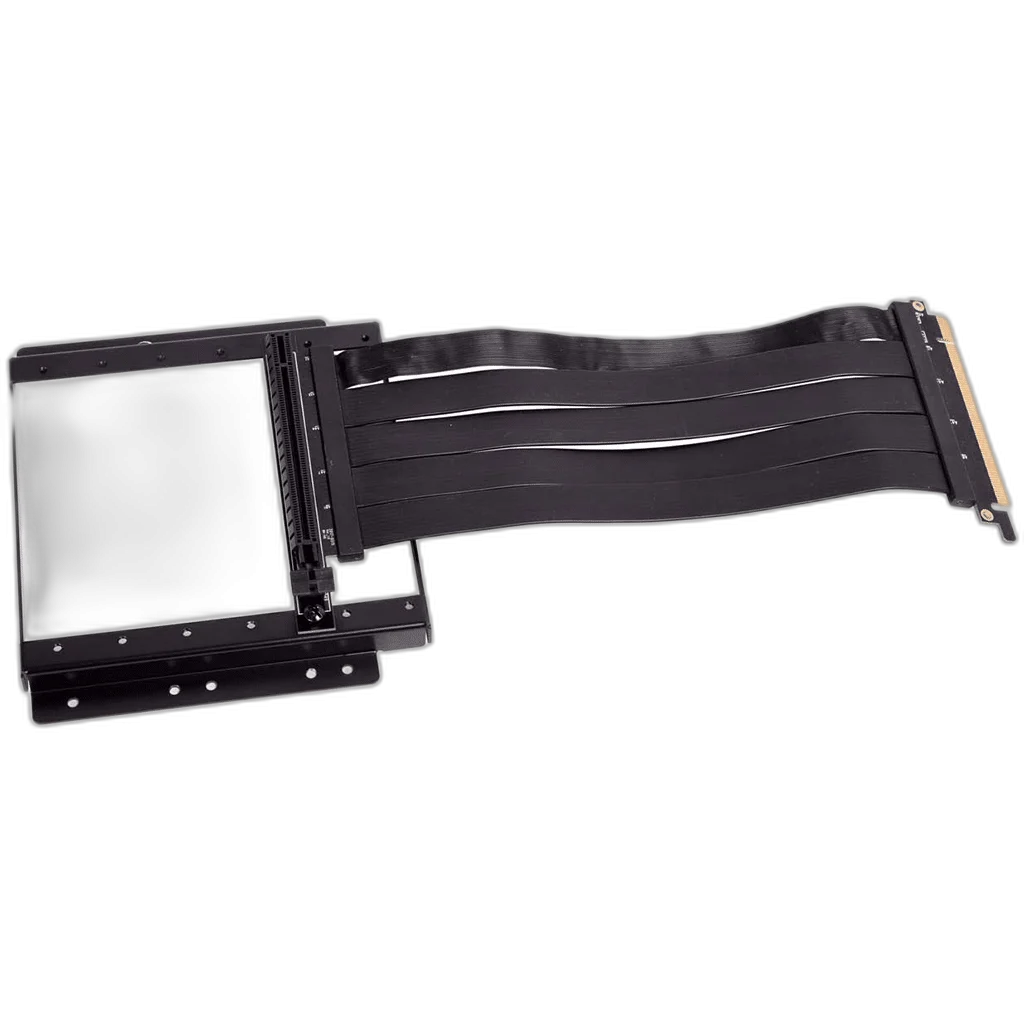
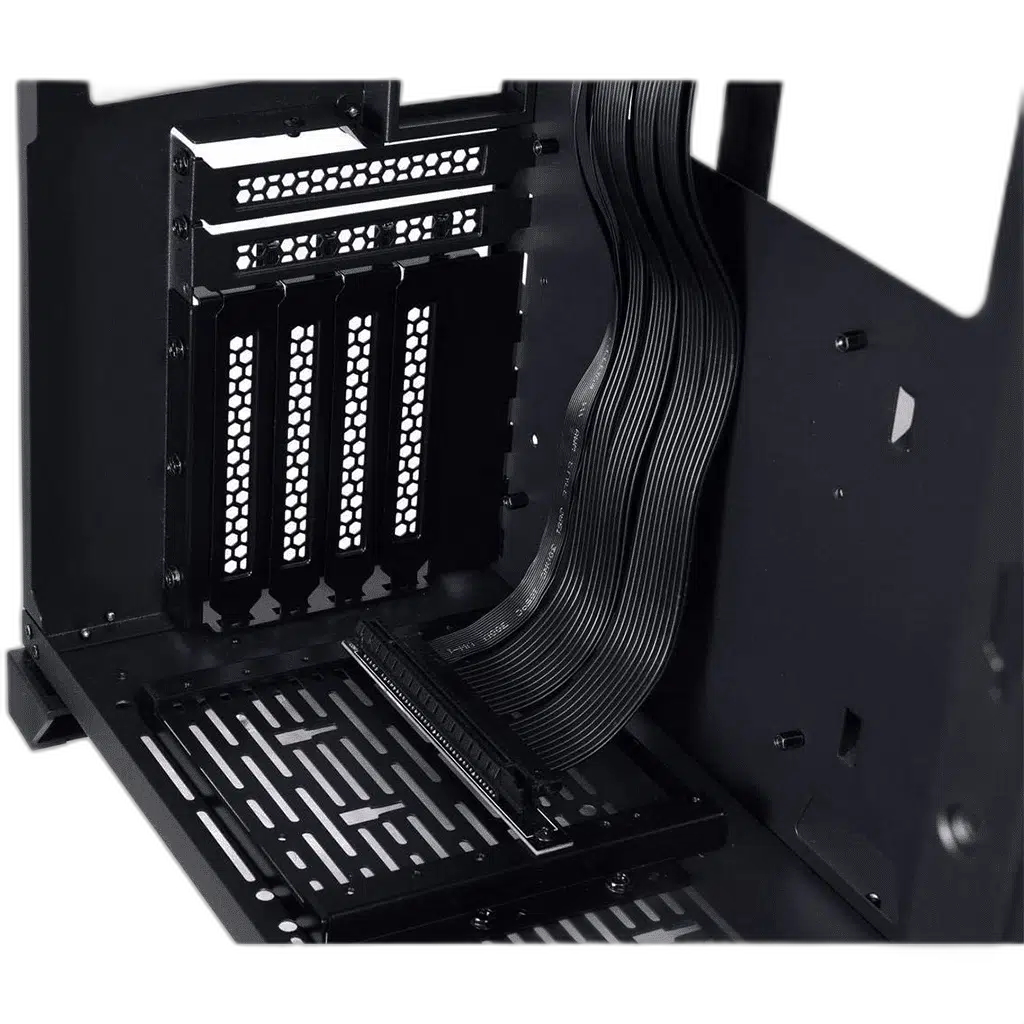
LIAN LI O11D-1 Vertical GPU Kit places a compatible graphics card in a vertical arrangement inside original O11 Dynamic. A PCIe x16 riser relocates the graphics connection from the motherboard to the vertical mounting position. Confirm the supplied cable generation for the actual kit. The bracket and GPU support structure provide the mechanical mounting arrangement for the card.
Regular price
13.500 KWD
or 4 payments of 3.375 KWD with
Pay with card & save


12.900 KWD
Save 0.600 KWD
Overview
LIAN LI O11D-1 VERTICAL GPU KIT
LIAN LI O11D-1 Vertical GPU Kit
LIAN LI O11D-1 Vertical GPU Kit places a compatible graphics card in a vertical arrangement inside original O11 Dynamic. A PCIe x16 riser relocates the graphics connection from the motherboard to the vertical mounting position. Confirm the supplied cable generation for the actual kit. The bracket and GPU support structure provide the mechanical mounting arrangement for the card. Available from AX Store in Kuwait.
O11D-1
Kit family
Vertical
GPU orientation
PCIe x16
Graphics connection
O11 Dynamic
Case family
Built for original O11 Dynamic
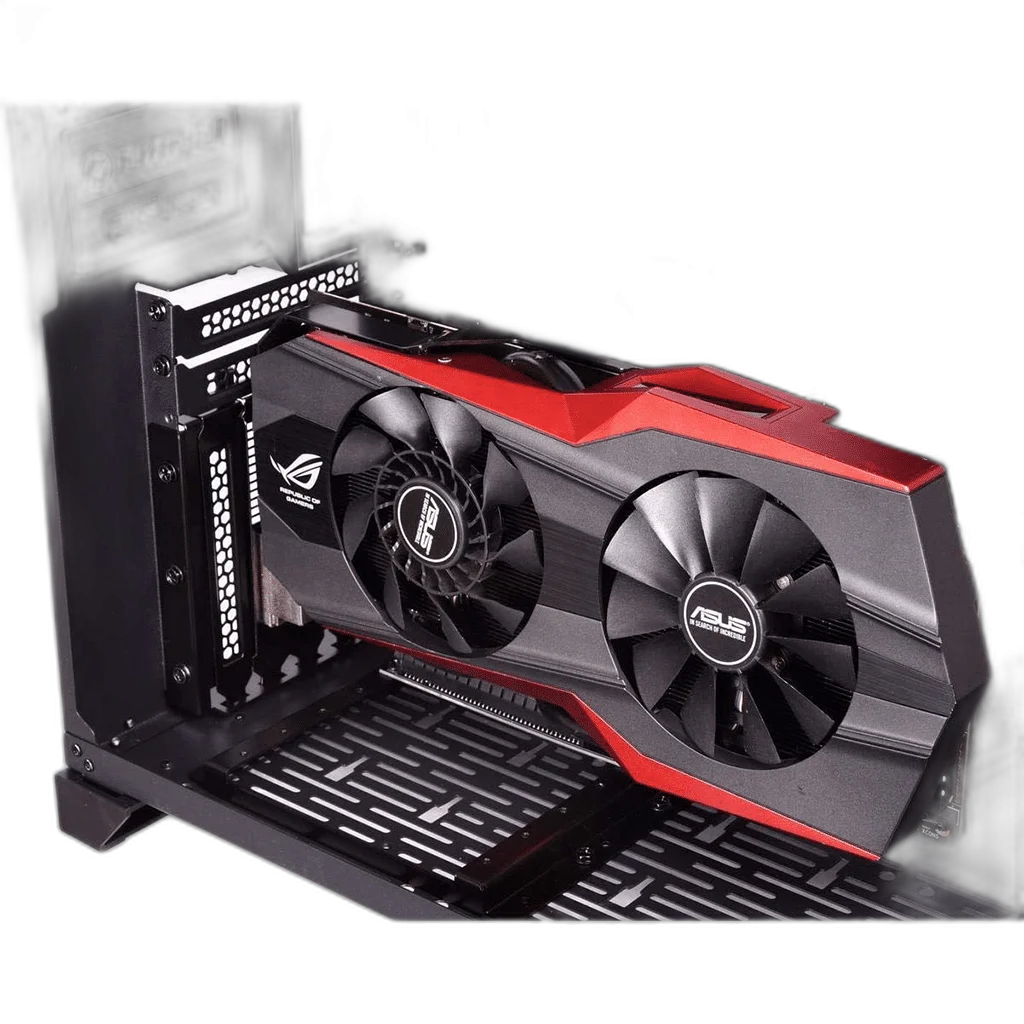
The mounting arrangement is intended for original O11 Dynamic. Use the correct case model and mounting locations when planning the installation; similar case names do not always share the same rear panel or bracket layout. Check the selected graphics card and the available space around the intended mount before assembly.
Vertical GPU Presentation
The bracket changes the position of the graphics card so its visible surfaces face a different direction within the case. Use the dedicated O11D-1 mounting arrangement and check clearance around the graphics cooler and power connectors. Choose a position that provides room for the graphics cooler, its power connections and the nearby case hardware, rather than relying only on the card’s nominal length.
The Graphics Connection
A PCIe x16 riser relocates the graphics connection from the motherboard to the vertical mounting position. Confirm the supplied cable generation for the actual kit. Match the motherboard slot, riser and graphics card to the intended PCIe link configuration. Route the connection without sharp bends or excess strain at the plugs, and follow the installation guidance for the actual cable revision supplied with or selected for the kit.
A Supported Mounting Structure
The bracket and GPU support structure provide the mechanical mounting arrangement for the card. Secure the mounting frame at the intended case attachment points before fitting the graphics card. The card’s cooler size, expansion-slot bracket and power plugs should all be considered together, with suitable access to the display connections after the system is assembled.
Leave Room for Cooling
Check the gap around the graphics-card fans, case panels and any nearby radiator or fan positions. Use the dedicated O11D-1 mounting arrangement and check clearance around the graphics cooler and power connectors. The final clearance depends on the card and cooling hardware selected for the build. Keep the GPU intake path open and leave enough room for its power cable to sit correctly.
Intended case
original O11 Dynamic
GPU orientation
Vertical
Graphics connection
A PCIe x16 riser relocates the graphics connection from the motherboard to the vertical mounting position. Confirm the supplied cable generation for the actual kit.
Plan the Complete Installation
Confirm the exact case, graphics-card dimensions and required riser arrangement before starting the installation. Follow the case and bracket installation instructions, then check that the card, bracket and connection leads are secured without putting unnecessary strain on any connector.
Match the Accessory to the Case and Components
Check the exact case, mounting points and connector or controller requirements. Accessories from a similar-looking case or lighting system may use a different mounting or control arrangement. Compare related options such as Lian Li O11D EVO Upright GPU Kit - PCIe 4.0 Riser Cable or Lian LI O11DXL-1 PCI-E Riser Card & Back Panel, keeping the exact model and configuration in the decision. For the wider setup, explore LIAN LI O11 Vision-M Micro-ATX Dual-Chamber Gaming Case and check the connection, size or mounting requirements before pairing accessories. Browse the Lian LI range at AX for more choices.
LIAN LI O11D-1 Vertical GPU Kit Setup Choices
Check the exact case, mounting points and connector or controller requirements. Accessories from a similar-looking case or lighting system may use a different mounting or control arrangement.
Frequently Asked Questions
Which case is it intended for?
original O11 Dynamic.
How is the graphics card positioned?
Vertical. Use the dedicated O11D-1 mounting arrangement and check clearance around the graphics cooler and power connectors.
What graphics connection should I use?
A PCIe x16 riser relocates the graphics connection from the motherboard to the vertical mounting position. Confirm the supplied cable generation for the actual kit.
What clearance should I check?
The graphics card’s length, width, thickness, fan intake space and power-plug clearance, together with nearby case fans or radiators.
Is a riser cable included?
Check the supplied kit and exact cable revision for this listing before choosing a PCIe link configuration.
Build Your Setup with AX Store
Explore computers, displays and accessories for your workspace at AX Store. For help choosing the right model or checking an accessory, contact AX Store.
THE DETAILS
Technical specifications
Mounting Hardware
LIAN LI O11D-1 Vertical GPU Kit
original O11 Dynamic
Vertical
A PCIe x16 riser relocates the graphics connection from the motherboard to the vertical mounting position. Confirm the supplied cable generation for the actual kit.
The bracket and GPU support structure provide the mechanical mounting arrangement for the card.
Use the dedicated O11D-1 mounting arrangement and check clearance around the graphics cooler and power connectors.
COMPLETE YOUR SETUP