
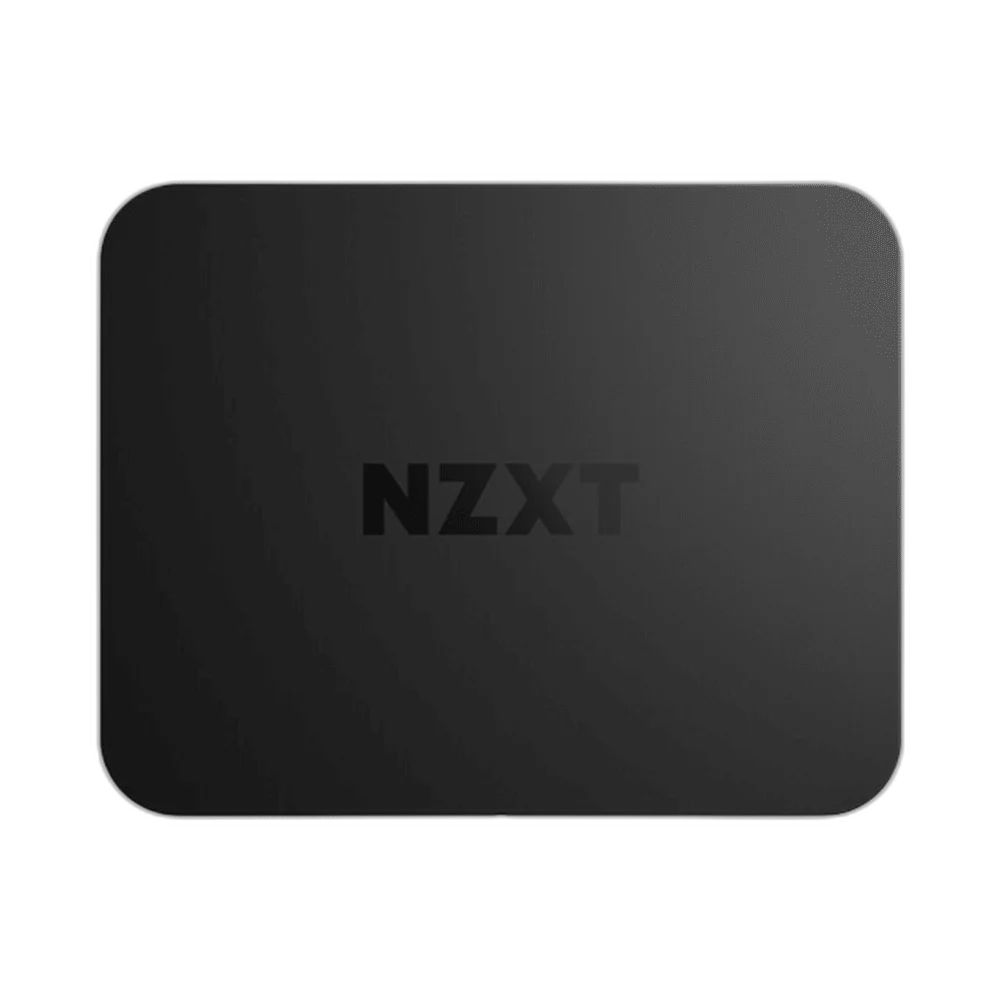
NZXT
NZXT Signal HD60 Capture Card, 1080p60 Output, 4K60 Passthrough
Build an HDMI recording setup around 1080p60 capture and up to 4K60 passthrough. Signal HD60 uses USB-C for both data and power.
Regular price
41.000 KWD
or 4 payments of 10.250 KWD with
Pay with card & save


39.000 KWD
Save 2.000 KWD
Overview
NZXT SIGNAL HD60 CAPTURE CARD, 1080P60 OUTPUT, 4K60 PASSTHROUGH
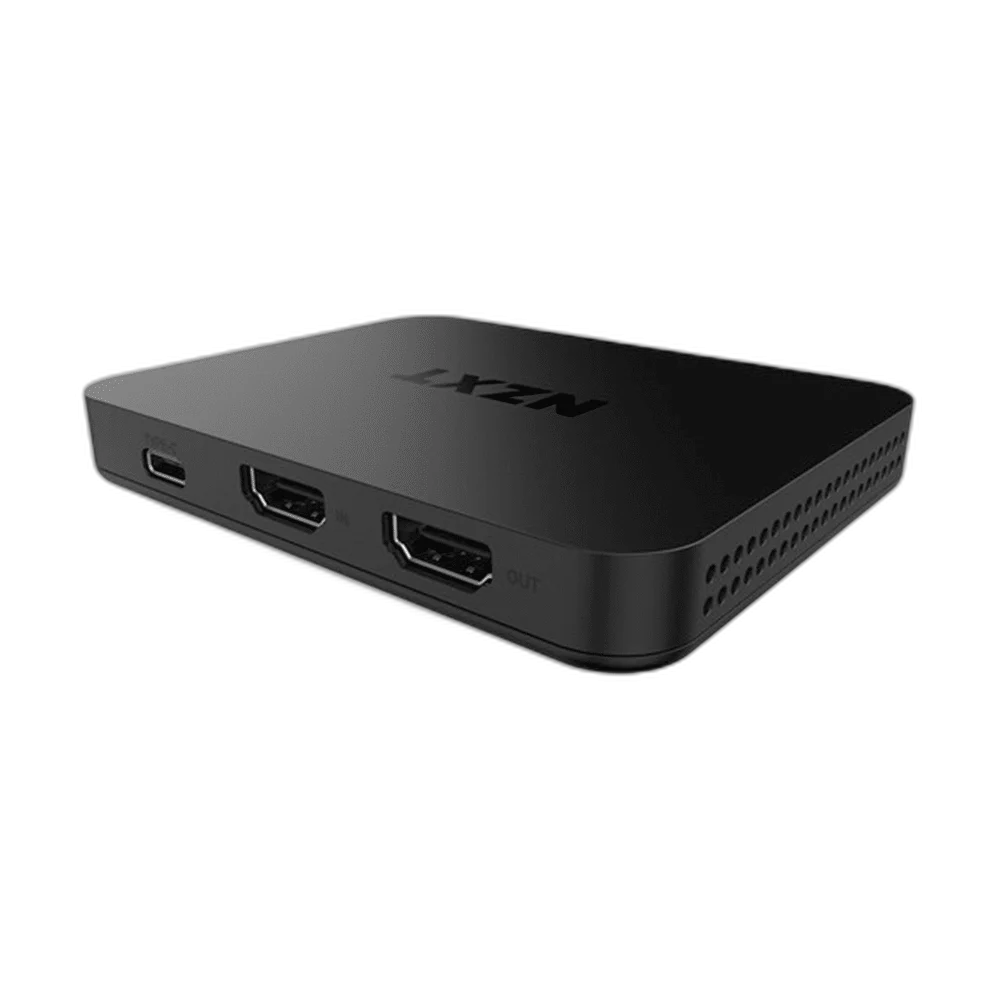
NZXT Signal HD60 Capture Card
NZXT Signal HD60 Capture Card: Build an HDMI recording setup around 1080p60 capture and up to 4K60 passthrough. Signal HD60 uses USB-C for both data and power. Explore this model at AX Store in Kuwait.
1080p60
Maximum Capture
4K60
Maximum Passthrough
HDMI 2.0
Input and Passthrough
USB 3.2 Gen 1
Host Connection
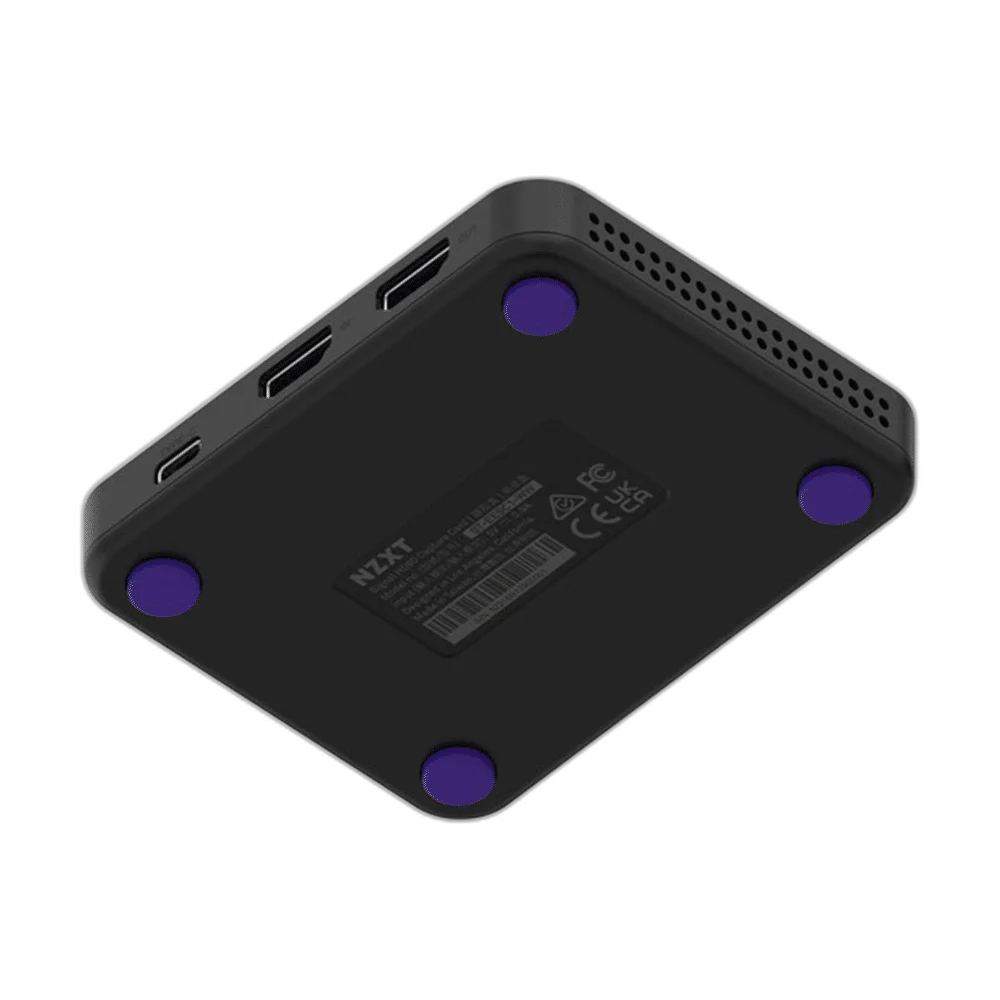
Play in 4K, record in Full HD
HDMI 2.0 input and passthrough support up to 3840 × 2160 at 60fps. Recording and streaming output reach 1920 × 1080 at 60fps. Plan the device position and connections around the computer, display and other equipment used in your normal setup.
A straightforward signal path
Connect the included USB-C to USB-A cable to your computer, with HDMI routed between the source and display. Hardware scaling handles the image conversion to 1080p.
Separate Recording from HDMI Passthrough
Capture and HDMI passthrough are separate functions with different listed limits. Check the mode you want to record as well as the signal sent to your display, instead of treating the passthrough number as a recording specification.
Plan the Video and USB Routes
The listed video connection is HDMI 2.0 input and passthrough. Check the route from the source to the capture device and display, together with the required computer connection.
Use the Host Interface Required by the Mode
The computer connection is listed as USB 3.2 Gen 1 Type-C; power and data. Use a suitable host port and supported software for the required capture mode; a connector adapter does not independently increase the interface capability.
Keep the Recording Workflow Clear
Check the source format, chosen recording settings and audio route before starting a session. Use the capture modes listed for this exact model, and follow the software and storage requirements for the workflow you select.
Build the Video and Commentary Route
Choose the source connection and computer connection for this exact capture device. Plan display routing separately where needed, and select a microphone and monitoring arrangement for your own commentary. Compare related options such as ASUS TUF Gaming CU4K30 USB Capture Box - 4K30 Capture / 4K60 HDR Passthrough or AVerMedia GC311 Live Gamer Mini Capture Device, keeping the exact model and configuration in the decision. For the wider setup, explore ASUS C501 ROG CARNYX RGB Wired Gaming Microphone, White and check the connection, size or mounting requirements before pairing accessories. Browse the NZXT range at AX for more choices.
NZXT Signal HD60 Capture Card Setup Choices
Choose the source connection and computer connection for this exact capture device. Plan display routing separately where needed, and select a microphone and monitoring arrangement for your own commentary. Explore Elgato Wave 3 MK.2 USB Condenser Microphone - Wave FX / Black, Elgato Stream Deck MK.2, 15-Key Customizable Controller, Razer Key Light Chroma - All-In-One Lighting Kit.
Frequently Asked Questions
What can be captured or recorded?
1080p at 60/50/30/25fps.
What is the maximum HDMI passthrough?
3840 × 2160 at 60fps. This is a passthrough figure, separate from capture or recording.
What computer connection is required?
USB 3.2 Gen 1 Type-C; power and data.
Which video connections are listed?
HDMI 2.0 input and passthrough.
Build Your Setup with AX Store
Explore computers, displays and accessories for your workspace at AX Store. For help choosing the right model or checking an accessory, contact AX Store.
THE DETAILS
Technical specifications
Product specifications
NZXT
Signal HD60
HDMI 2.0 input and passthrough
USB 3.2 Gen 1 Type-C; power and data
3840 × 2160 at 60fps
2560 × 1440 at 60fps; 1920 × 1080 at 60fps
1080p at 60/50/30/25fps
720p at 60/50/30/25fps; 576p at 50/25fps; 480p at 60/30fps
HDMI stereo; 16-bit, 48kHz
Hardware upscaling/downscaling to 1080p
NV12 and YUY2
USB-C to USB-A included
COMPLETE YOUR SETUP
Pairs well with




