Sony
PlayStation HD Camera for PS5
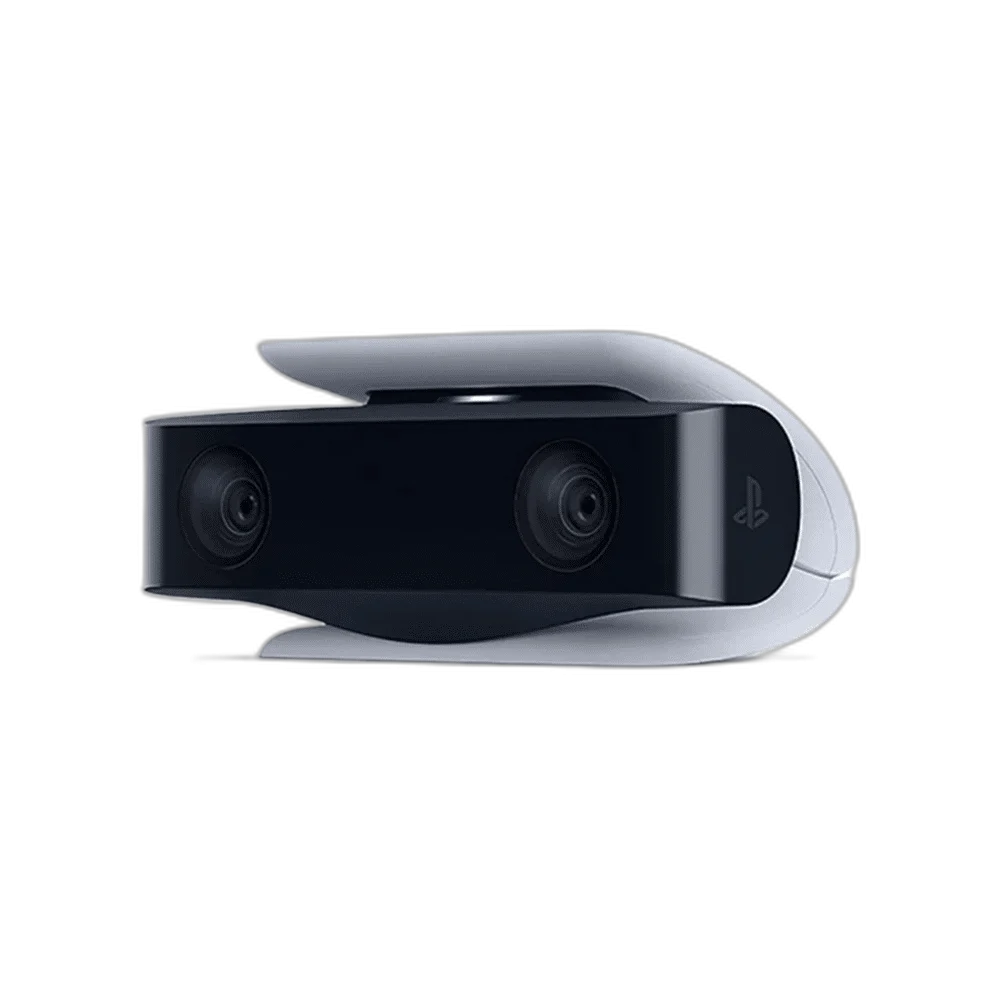
PlayStation HD Camera for PS5. Share your reactions alongside the action with a dedicated PS5 camera. Dual wide-angle lenses capture you in Full HD while the adjustable stand helps find the right angle.
Regular price
16.000 KWD
or 4 payments of 4.000 KWD with
Pay with card & save


15.000 KWD
Save 1.000 KWD
Overview
PLAYSTATION HD CAMERA FOR PS5
PlayStation HD Camera for PS5
PlayStation HD Camera for PS5: Share your reactions alongside the action with a dedicated PS5 camera. Dual wide-angle lenses capture you in Full HD while the adjustable stand helps find the right angle. Explore this model at AX Store in Kuwait.
1080p
Full HD camera capture
Dual lenses
Wide-angle arrangement
PS5
Supported console
Adjustable stand
Integrated positioning support
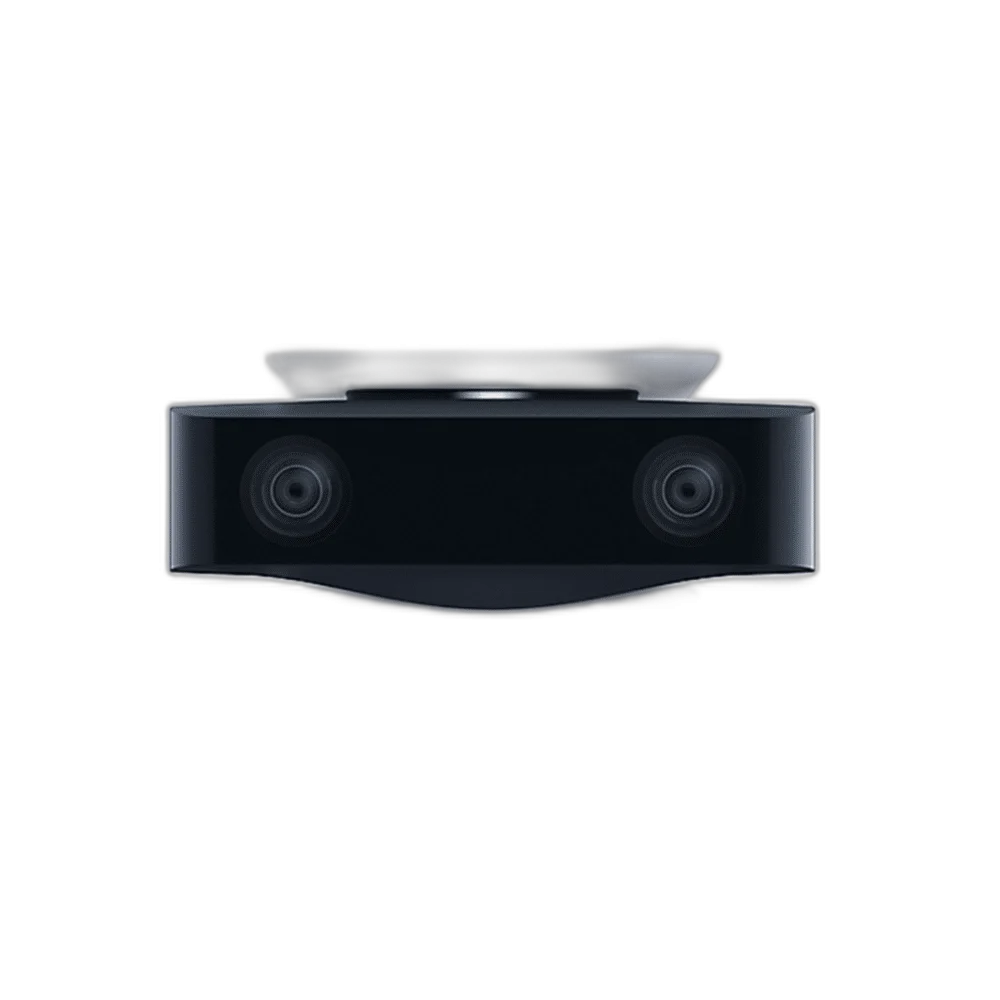
Capture in 1080p
Use your DualSense controller’s create button to start supported recordings or broadcasts. A PlayStation account and internet connection are required. Set the framing and check a short test recording before the shoot, with the subject in the actual working position.
Frame your stream your way
PS5 background tools let you crop your camera background, or remove it using a green screen. The built-in stand fits above or below your TV. This camera is not compatible with PlayStation VR.
Keep Camera and Voice Capture Separate
The HD Camera does not contain a microphone. Use a compatible headset microphone or the DualSense controller’s integrated microphone for voice capture. Listening headphones can use an appropriate controller output, while a separate microphone path supplies the voice for the broadcast.
Choose a Console Camera for the Console Workflow
This device is designed around the PS5 recording and broadcast workflow. Connect it to a suitable rear USB Type-A console port and arrange the stand so the lenses frame the presenter. Its USB connector does not promise general-purpose webcam support on every computer or capture application.
Choose Background Cropping for the Scene
PS5 background tools help compose the presenter alongside gameplay. Cropping and full background removal are different options; a green screen is needed for the described full-removal workflow. Keep the camera angle and background arrangement consistent before starting a supported broadcast or recording.
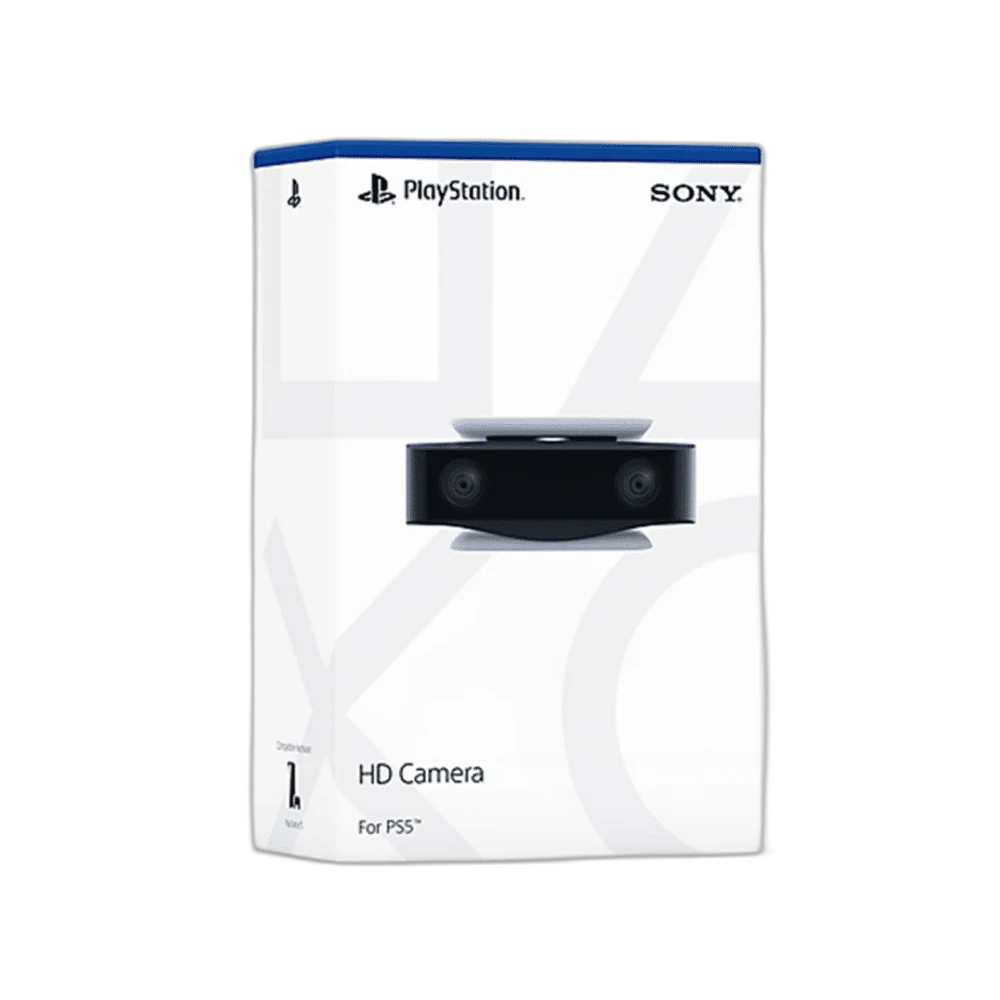
Keep VR Hardware Separate from Broadcast Capture
The PS5 HD Camera serves presenter video for the console broadcast workflow. It is not the PlayStation Camera used by the original PlayStation VR setup. Choose equipment around the actual task rather than assuming two Sony cameras provide the same tracking and video functions.
Choose a Camera Route for Your Streaming Desk
Decide between a direct computer webcam and a separate camera workflow. Check the selected resolution, frame rate, power and connection requirements, then arrange lighting around the picture you see in the application. Compare related options such as Logitech MX Brio 4K Webcam - 4K30 / 1080p60 or Logitech HD Pro Webcam C920 for Streaming, keeping the exact model and configuration in the decision. For the wider setup, explore Razer Key Light Chroma - All-In-One Lighting Kit and check the connection, size or mounting requirements before pairing accessories. Browse the Sony range at AX for more choices.
PlayStation HD Camera for PS5 Setup Choices
Decide between a direct computer webcam and a separate camera workflow. Check the selected resolution, frame rate, power and connection requirements, then arrange lighting around the picture you see in the application. Explore Elgato Wave 3 MK.2 USB Condenser Microphone - Wave FX / Black, Elgato Stream Deck MK.2, 15-Key Customizable Controller, Elgato Mini Mount Desktop Stand | Compact & Versatile.
Frequently Asked Questions
Does it include a microphone?
No. Use a compatible headset microphone or the DualSense controller microphone for voice capture.
Does it work with PlayStation VR?
No. The HD Camera for PS5 is not compatible with PlayStation VR.
Can it remove the whole background?
The PS5 background tools provide cropping. The described full background removal requires a green screen.
Where does it connect?
Use a supported rear USB Type-A port on the PS5 console. Position the adjustable stand above or below the display.
Is an internet connection required for sharing?
Supported sharing and broadcast functions require the appropriate PlayStation account and internet connection.
Are the recommended headphones alternative choices?
Yes. Choose one suitable headset or listening headphone arrangement. Listening-only headphones use a separate voice microphone, such as the DualSense controller microphone.
Build Your Setup with AX Store
Explore computers, displays and accessories for your workspace at AX Store. For help choosing the right model or checking an accessory, contact AX Store.
THE DETAILS
Technical specifications
Product specifications
PlayStation
HD Camera for PS5
1920 × 1080 (Full HD)
Dual wide-angle lenses
Built-in adjustable stand
Above or below TV
Picture-in-picture; PS5 background cropping
Requires a green screen
PS5 console; internet and PlayStation account for sharing
Not compatible with PlayStation VR
Recording setup
No built-in microphone; use a compatible headset or DualSense microphone
USB Type-A to a supported rear PS5 port
Approximately 2 m
Approximately 92 g
COMPLETE YOUR SETUP