
Logitech
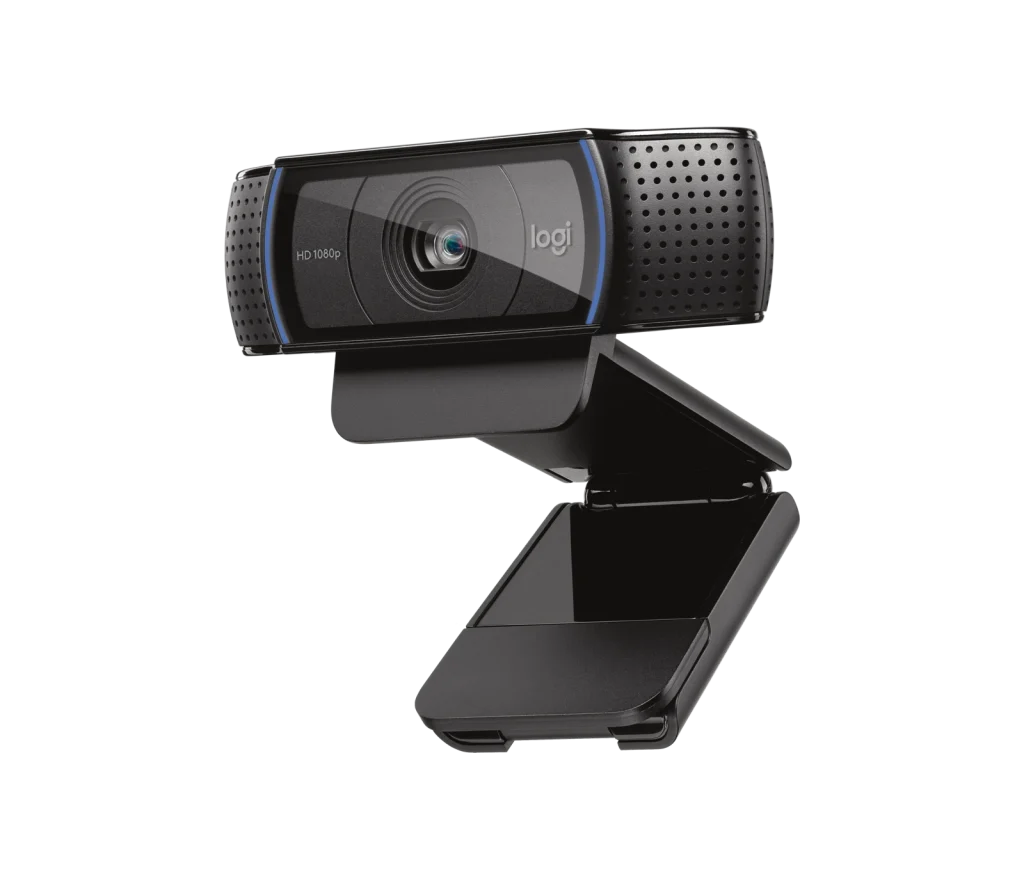
Logitech HD Pro Webcam C920 for Streaming
The Logitech C920 HD Pro Webcam delivers 1080p video at 30 fps with a glass autofocus lens, 78° field of view and dual stereo microphones. RightLight 2 light correction and an attached 1.5 m USB-A cable simplify everyday calls and recordings.
Regular price
22.500 KWD
or 4 payments of 5.625 KWD with
Pay with card & save


21.500 KWD
Save 1.000 KWD
Overview
LOGITECH HD PRO WEBCAM C920 FOR STREAMING
Logitech C920
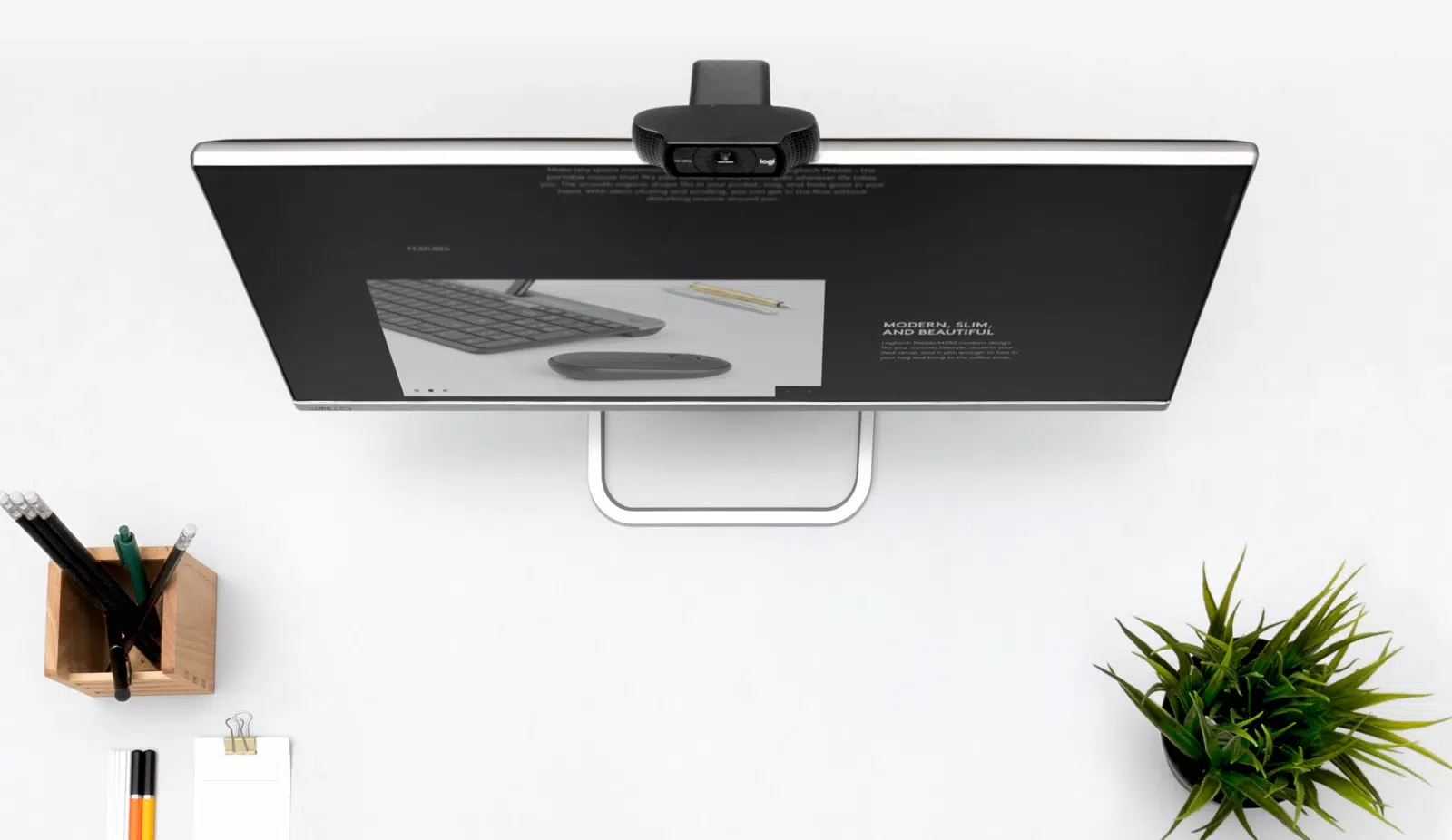
Upgrade your video calls and recordings with the Logitech C920 HD Pro Webcam. Full HD video, glass autofocus and stereo microphones help you present clearly, while automatic light correction adapts to changing room lighting. Available from AX Store in Kuwait.
1080p30
Maximum Full HD Mode
Autofocus
Glass Lens
78°
Diagonal Field of View
Stereo
Two Built-In Microphones
Full HD for calls and recordings
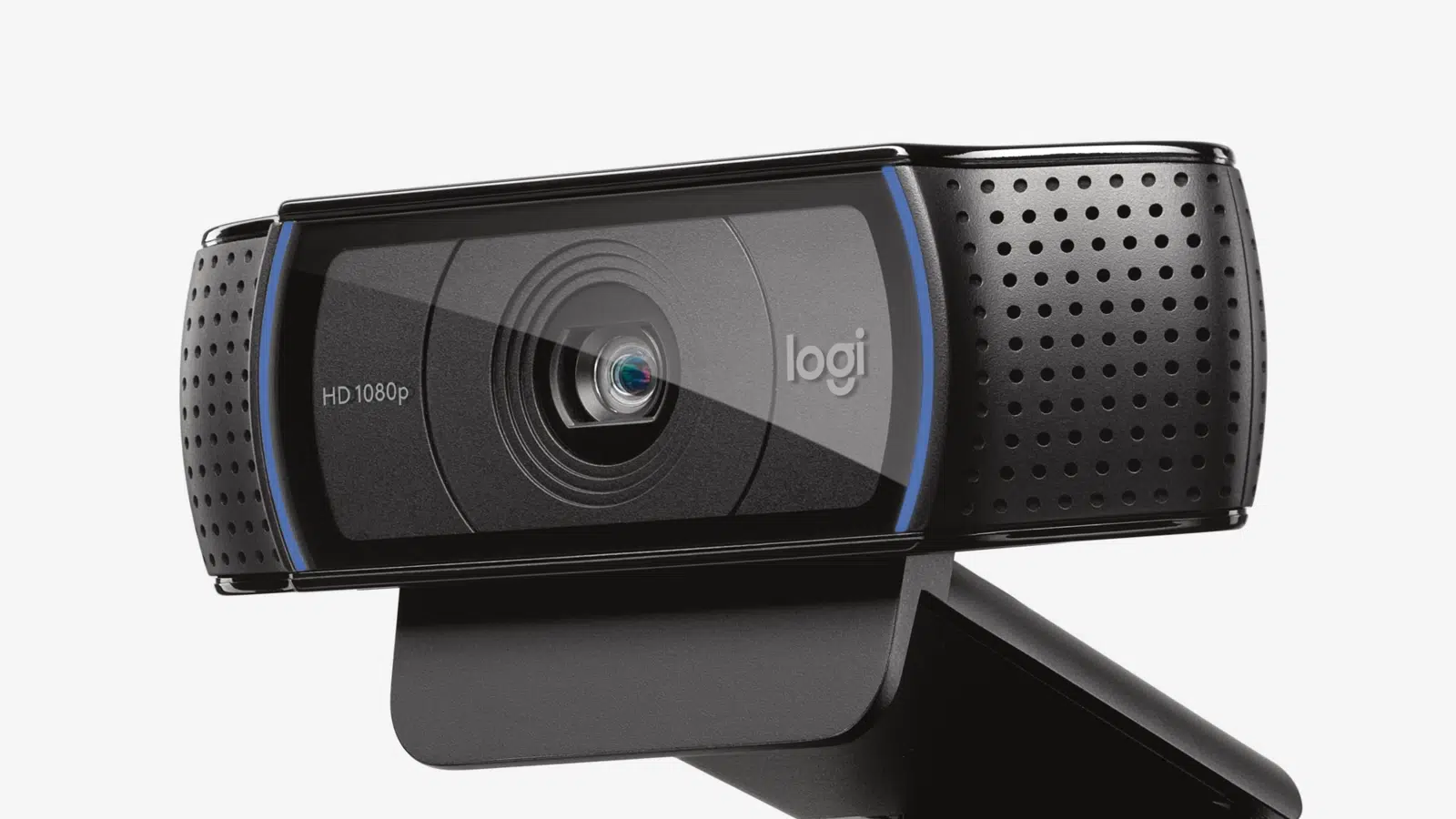
Capture video at up to 1920 × 1080 at 30 fps, with 720p at 30 fps also available. The 78° diagonal field of view is suited to a desk setup where you want to show yourself and a little of your surroundings.
Glass autofocus and RightLight 2
The glass lens focuses automatically, while Logitech RightLight 2 adjusts the image to your lighting conditions. This helps maintain a clear, balanced picture as ambient light changes.
Built-in stereo audio
Two microphones capture sound in stereo, with a stated pickup range of up to 1 metre. Connect the webcam through USB-A and use its mounting clip to position it on your display. For a dedicated voice setup, pair it with a separate microphone.
Choose the Video Mode for the Session
The listed video modes are 1920 × 1080 at 30 fps; 1280 × 720 at 30 fps. Choose the required resolution and frame rate in supported software, taking the host connection and application settings into account.
Keep the Focus System with This Model
The focus system is listed as Autofocus. Position the camera for your normal seating arrangement and subject distance, keeping that focus behaviour in mind when setting up the shot.
A Camera Connection You Can Plan
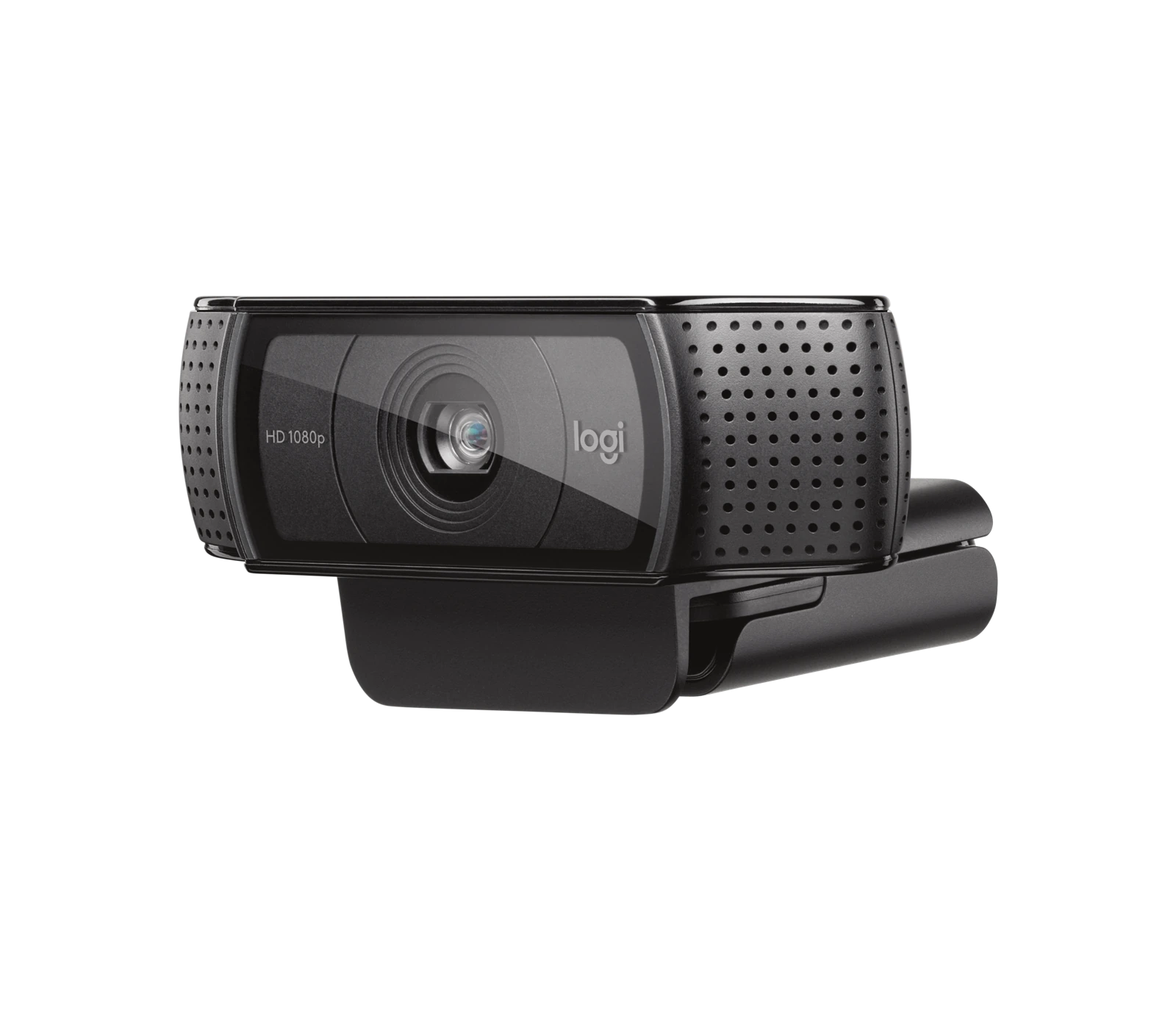
The connection is specified as USB-A. Check the available computer port and the required video mode before fitting adapters, since the connector shape alone does not establish the supported data rate.
Choose a Camera Route for Your Streaming Desk
Decide between a direct computer webcam and a separate camera workflow. Check the selected resolution, frame rate, power and connection requirements, then arrange lighting around the picture you see in the application. Compare related options such as Elgato Facecam MK.2 1080p Premium Webcam or Canon PowerShot G7X Mark III Camera - Compact Vlogging, keeping the exact model and configuration in the decision. For the wider setup, explore Razer Key Light Chroma - All-In-One Lighting Kit and check the connection, size or mounting requirements before pairing accessories. Browse the Logitech range at AX for more choices.
Logitech C920 Setup Choices
Decide between a direct computer webcam and a separate camera workflow. Check the selected resolution, frame rate, power and connection requirements, then arrange lighting around the picture you see in the application. Explore Elgato Wave 3 MK.2 USB Condenser Microphone - Wave FX / Black, Elgato Stream Deck MK.2, 15-Key Customizable Controller, Elgato Mini Mount Desktop Stand | Compact & Versatile.
Frequently Asked Questions
Which video modes are listed?
1920 × 1080 at 30 fps; 1280 × 720 at 30 fps.
How does it connect?
USB-A.
What focus system is specified?
Autofocus.
Which microphones are included?
Stereo; two built-in microphones.
Build Your Setup with AX Store
Explore computers, displays and accessories for your workspace at AX Store. For help choosing the right model or checking an accessory, contact AX Store.
THE DETAILS
Technical specifications
Camera and connectivity
Logitech
C920 HD Pro
960-001055
1920 × 1080 at 30 fps; 1280 × 720 at 30 fps
3 megapixels
Autofocus
Glass
78°
Stereo; two built-in microphones
Up to 1 m
Logitech RightLight 2
USB-A
1.5 m
43.3 × 94 × 71 mm
162 g
Windows 8 or later; macOS 10.10 or later; ChromeOS; USB-A port
COMPLETE YOUR SETUP
Pairs well with




