Canon
Canon PowerShot G7X Mark III Camera - Compact Vlogging
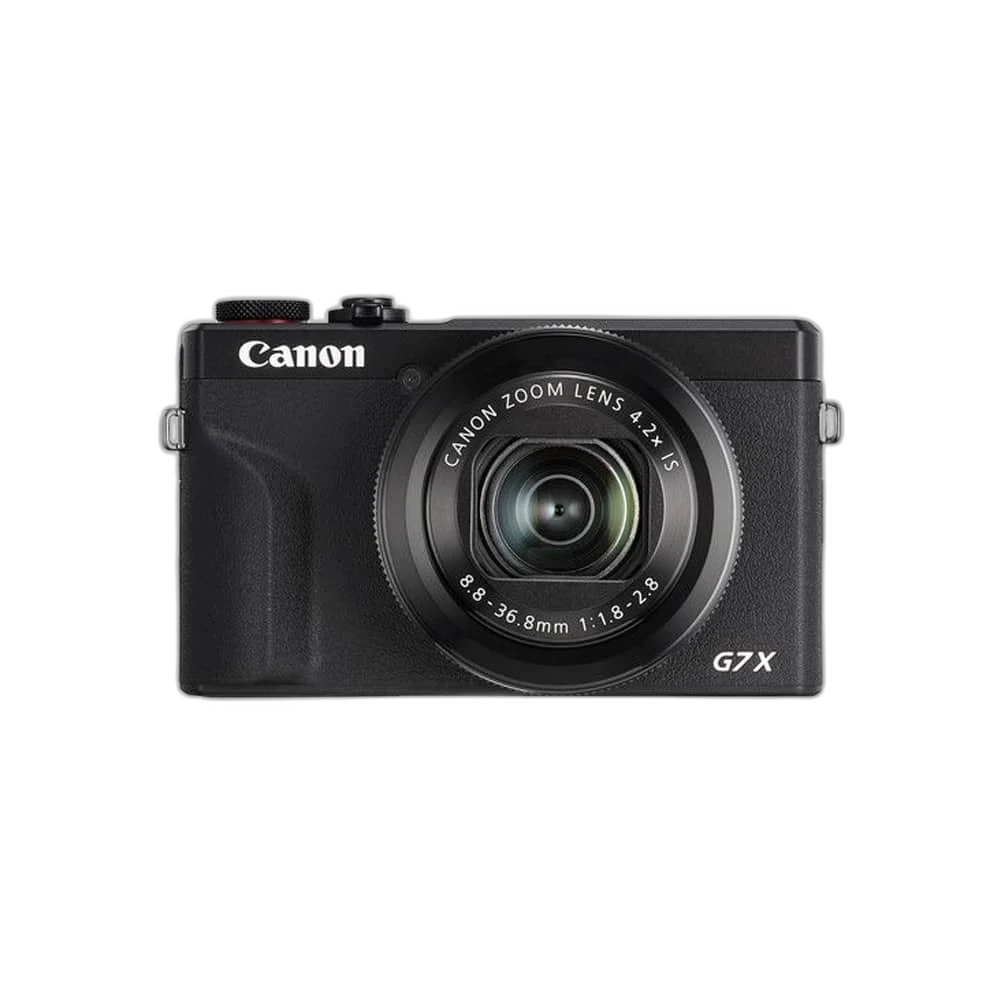
Capture sharp photos and creator-focused video with the Canon PowerShot G7 X Mark III. Its 20.1MP 1.0-type sensor, bright 24–100mm-equivalent lens, 4K recording, flip-up touchscreen and external microphone input make it a compact choice for travel and vlogging.
Color
Regular price
524.000 KWD
or 4 payments of 131.000 KWD with
Pay with card & save


499.000 KWD
Save 25.000 KWD
Overview
CANON POWERSHOT G7X MARK III CAMERA - COMPACT VLOGGING
Canon G7 X Mark III
Canon G7 X Mark III: A compact camera for creators who want a dedicated tool without carrying a full camera bag. Capture travel, everyday moments and talking-to-camera videos with one pocket-friendly setup. Available from AX Store in Kuwait.
20.1 MP
1.0-Type Stacked CMOS
24–100 mm
Equivalent Fixed Zoom Lens
4K up to 29.97/25fps
Video Recording
3.5 mm
External Microphone Input
A camera that goes with you.
The fixed 4.2x zoom lens moves from wider scenes to closer framing. Its bright aperture and large 1.0-type sensor give you room to explore portraits, food and travel photography.
Build a more personal vlog.
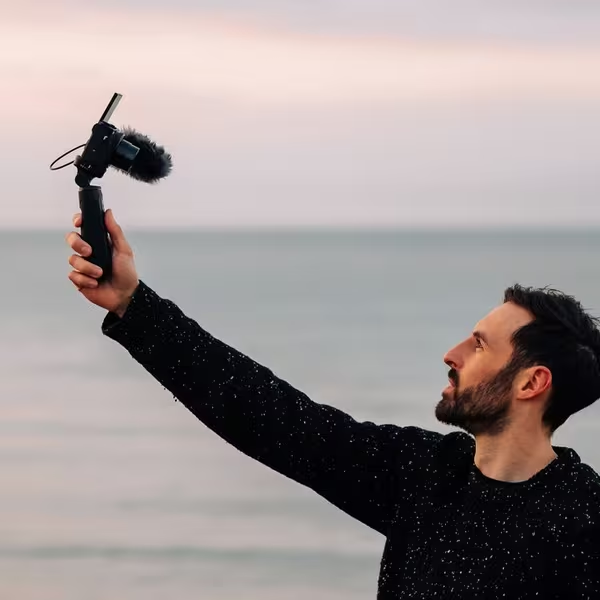
Record 4K video or use Full HD high-frame-rate recording for slow motion. The 3.5mm microphone input lets you add an external microphone when your production needs grow.
See your shot before you press record.
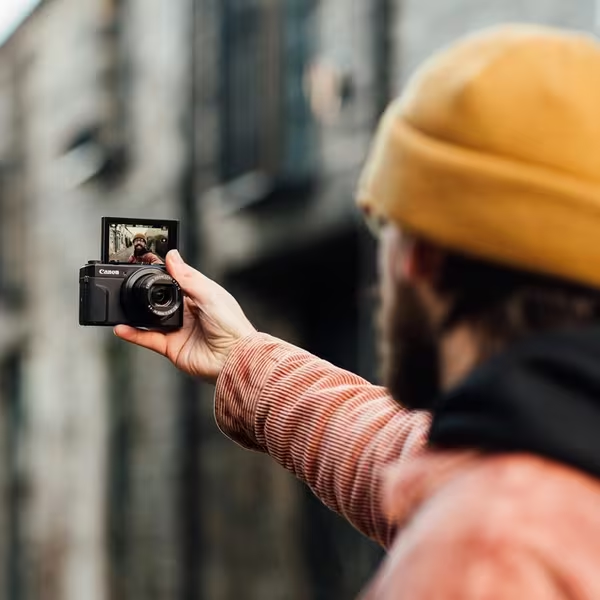
Tilt the touchscreen up for self-framing, then use Wi-Fi and Bluetooth with Canon Camera Connect to bring compatible transfer and remote-control functions into your workflow.
Choose the Fixed Lens for the Scene
The built-in lens covers a 24–100 mm-equivalent range with a maximum aperture of f/1.8–2.8. Use the 4.2× optical zoom to change framing, keeping the fixed-lens design distinct from an interchangeable-lens camera system.
Use a Video Mode the Camera Actually Provides
G7 X Mark III has a built-in 24–100 mm-equivalent zoom lens and records 4K up to 29.97/25 fps, not 4K60. Its 3.5 mm microphone input supports a suitable external audio path; Micro HDMI is a separate video connection.
Plan Storage, Audio and Transfer Separately
JPEG and RAW CR3 still images, 4K video and Full HD high-frame-rate modes serve different workflows. Match the memory card and camera settings to the recording, using the separate microphone, USB and wireless connections for their stated functions.

Choose a Camera Route for Your Streaming Desk
Decide between a direct computer webcam and a separate camera workflow. Check the selected resolution, frame rate, power and connection requirements, then arrange lighting around the picture you see in the application. Compare related options such as Elgato Facecam MK.2 1080p Premium Webcam or Logitech C922 HD Pro Streaming Webcam, keeping the exact model and configuration in the decision. For the wider setup, explore Razer Key Light Chroma - All-In-One Lighting Kit and check the connection, size or mounting requirements before pairing accessories. Browse the Canon range at AX for more choices.
Canon G7 X Mark III Setup Choices
Decide between a direct computer webcam and a separate camera workflow. Check the selected resolution, frame rate, power and connection requirements, then arrange lighting around the picture you see in the application. Explore Elgato Wave 3 MK.2 USB Condenser Microphone - Wave FX / Black, Elgato Stream Deck MK.2, 15-Key Customizable Controller, Elgato Mini Mount Desktop Stand | Compact & Versatile.
Frequently Asked Questions
What should I check for this exact model?
G7 X Mark III has a built-in 24–100 mm-equivalent zoom lens and records 4K up to 29.97/25 fps, not 4K60. Its 3.5 mm microphone input supports a suitable external audio path; Micro HDMI is a separate video connection.
Can I change the lens?
No. The G7 X Mark III has a built-in 24–100mm-equivalent zoom lens.
Does it record 4K at 60fps?
No. Its 4K modes reach 29.97/25fps. Higher frame rates are available in Full HD.
What screen movement helps self-framing?
The three-inch touchscreen tilts upward through 180 degrees and downward through 45 degrees. Check the framing and any attached microphone or support so it does not obstruct the screen.
What memory-card type is listed?
The camera supports SD, SDHC and SDXC cards with UHS-I. Select a suitable card for the chosen recording mode and check the camera’s recording and formatting guidance.
Build Your Setup with AX Store
Explore computers, displays and accessories for your workspace at AX Store. For help choosing the right model or checking an accessory, contact AX Store.
THE DETAILS
Technical specifications
Camera & Lens
Canon
PowerShot G7 X Mark III
Black / Silver — select the available option
20.1MP effective, 1.0-type stacked CMOS
DIGIC 8
Built-in 24–100mm equivalent; 4.2x optical zoom
f/1.8–2.8
Optical image stabilisation
JPEG / RAW (CR3)
Video & Screen
3840 × 2160; up to 29.97/25fps
Up to 119.88/100fps
3.0-inch tilting touchscreen; approximately 1.04 million dots
180° upward / 45° downward
3.5mm stereo mini jack
Connectivity & Body
Wi-Fi / Bluetooth; Canon Camera Connect
USB Type-C
Micro HDMI Type-D
SD / SDHC / SDXC; UHS-I
105.5 × 60.9 × 41.4mm
Approximately 304g including battery and memory card
COMPLETE YOUR SETUP
Pairs well with