RODE
RØDE Wireless PRO 2-Person Clip-On Microphone System, 2.4 GHz
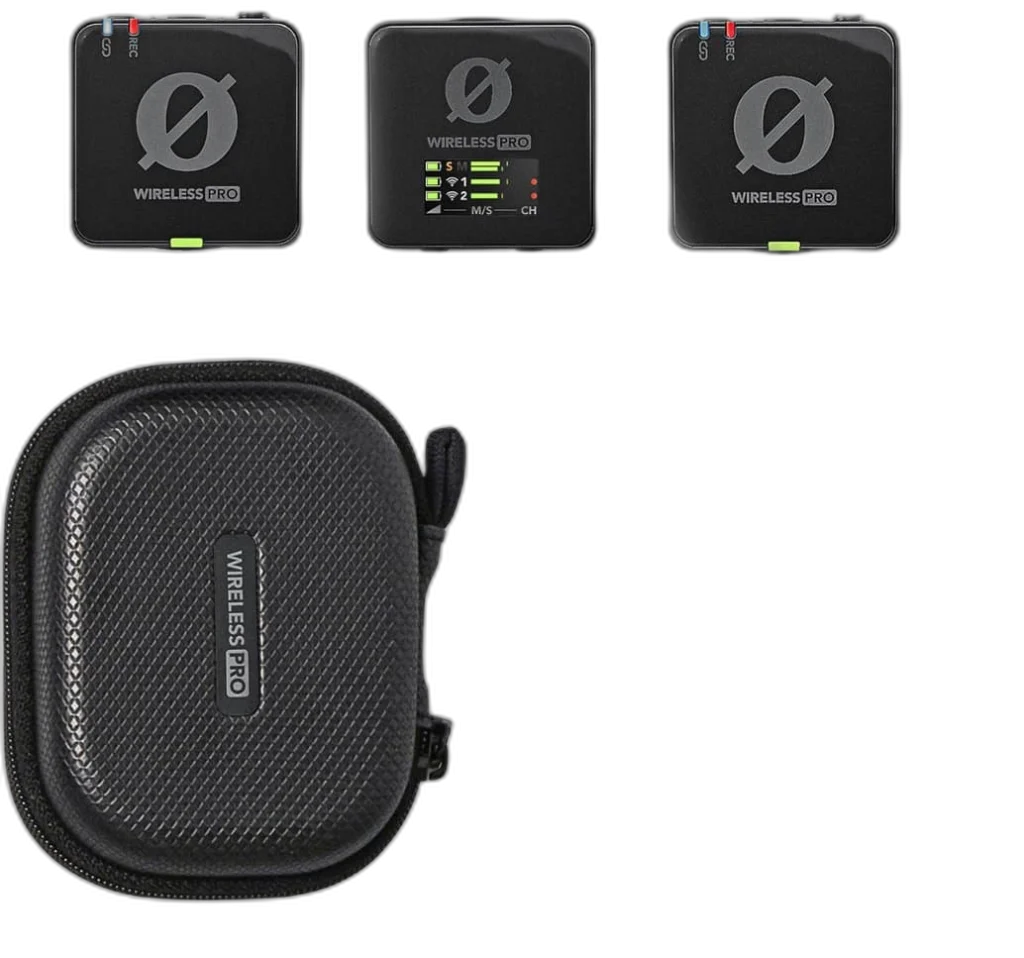
RØDE Wireless PRO. Capture interviews and location content with a two-transmitter wireless system. Wireless PRO combines 32-bit float onboard backup recording, timecode and GainAssist in a portable kit.
Overview
RØDE WIRELESS PRO
Rode Wireless PRO
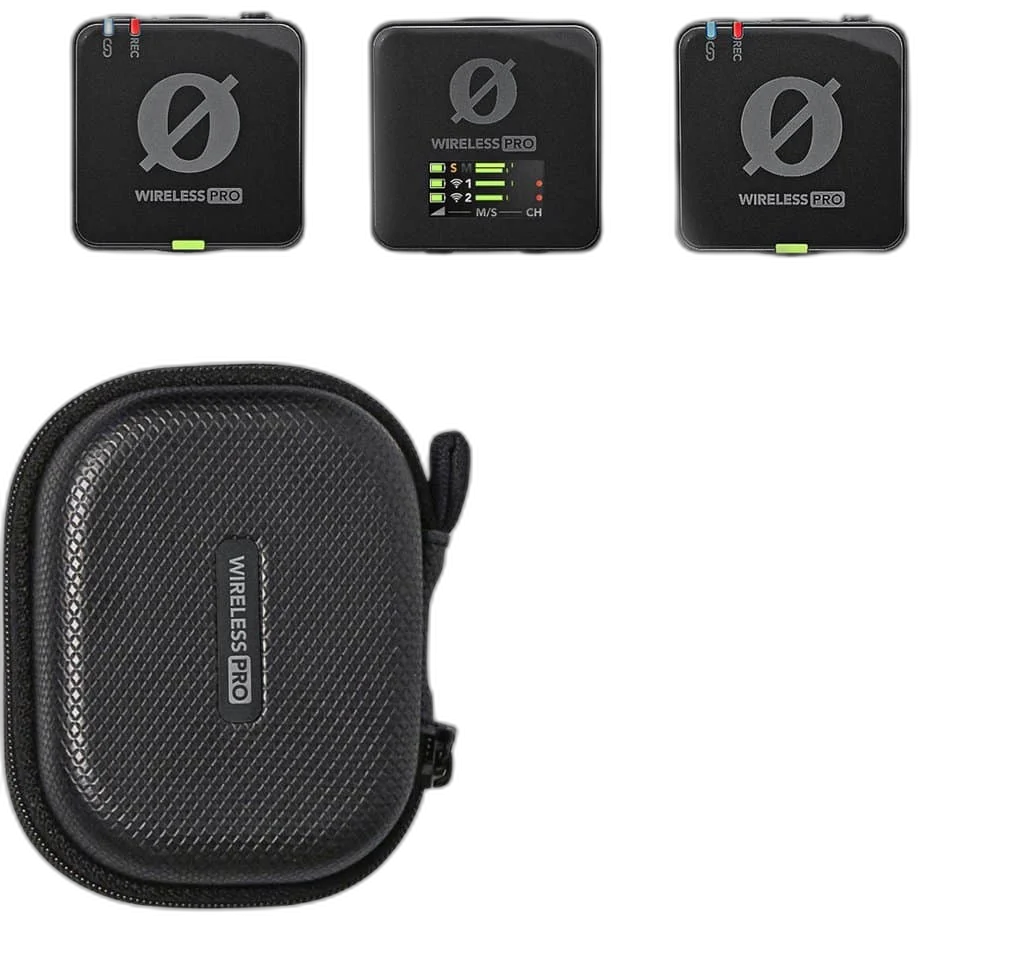
Rode Wireless PRO: Capture interviews and location content with a two-transmitter wireless system. Wireless PRO combines 32-bit float onboard backup recording, timecode and GainAssist in a portable kit. Available from AX Store in Kuwait.
2 transmitters
Included wireless bodypacks
260 m
Clear line-of-sight reference
Up to 7 hours
Operating time
32-bit float
Recording workflow
Keep a backup on each transmitter
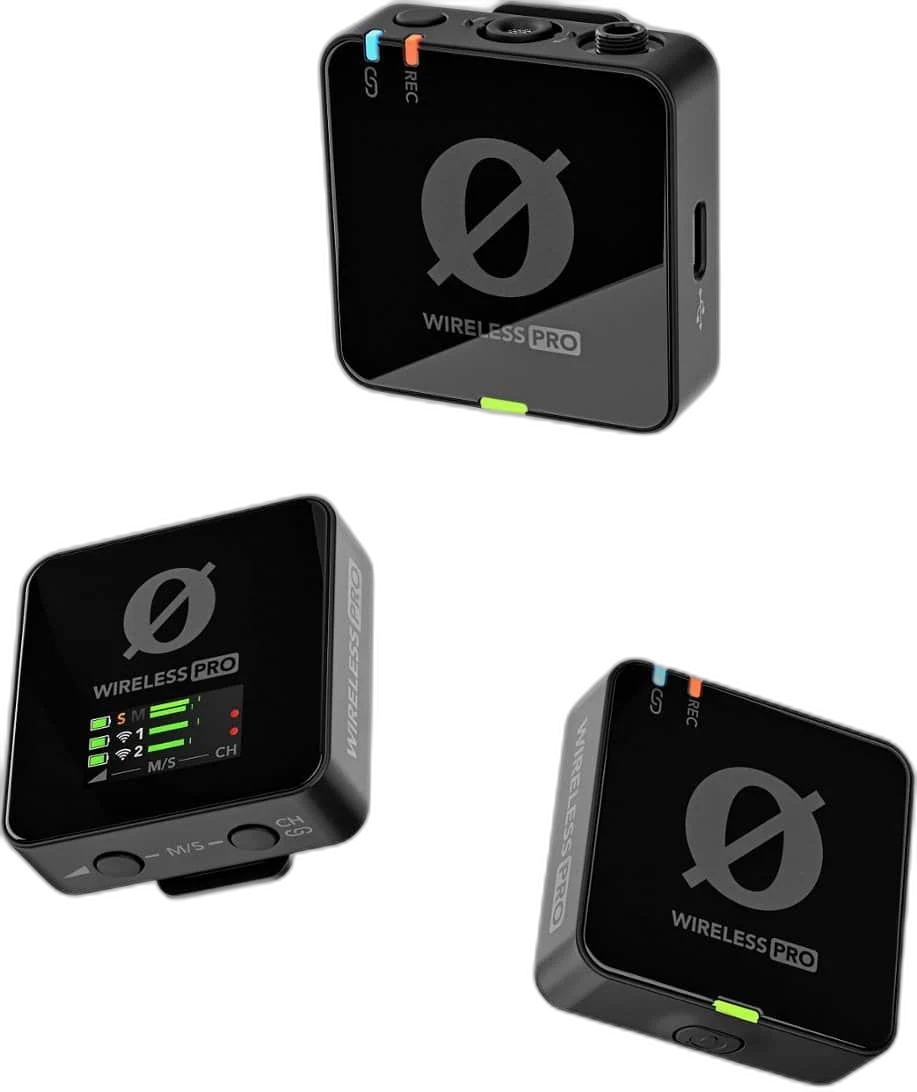
Each transmitter includes 32GB of storage for over 40 hours of recordings. The 32-bit float files give you more room to adjust levels in post-production; this applies to onboard recordings, not the camera input.
Simplify your edit
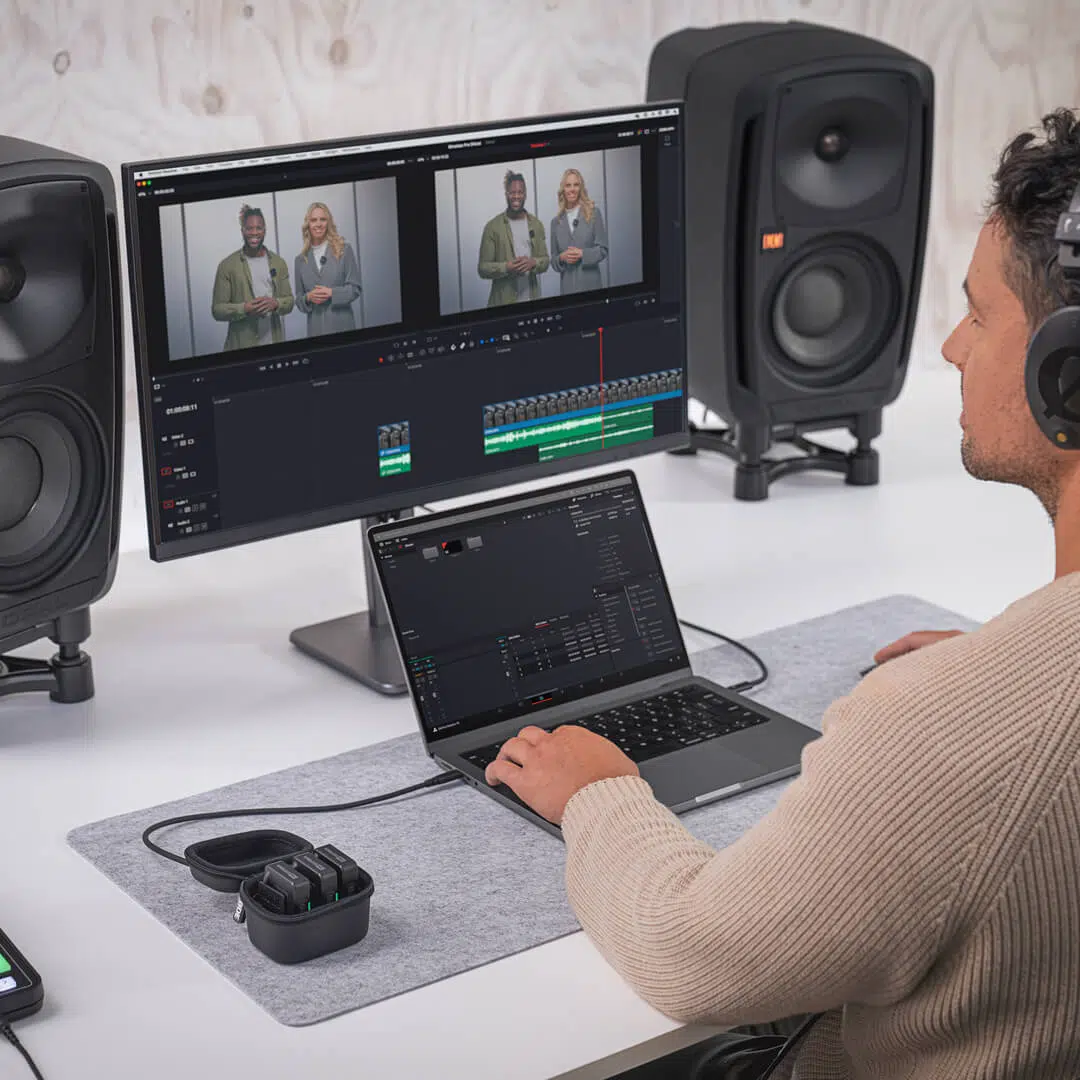
Timecode helps synchronise audio and compatible video workflows. GainAssist and adjustable output levels help manage the signal sent to your camera. Check the selected input and listen to a short test recording before the session, keeping the microphone position and recording level consistent.
Ready for a two-person shoot
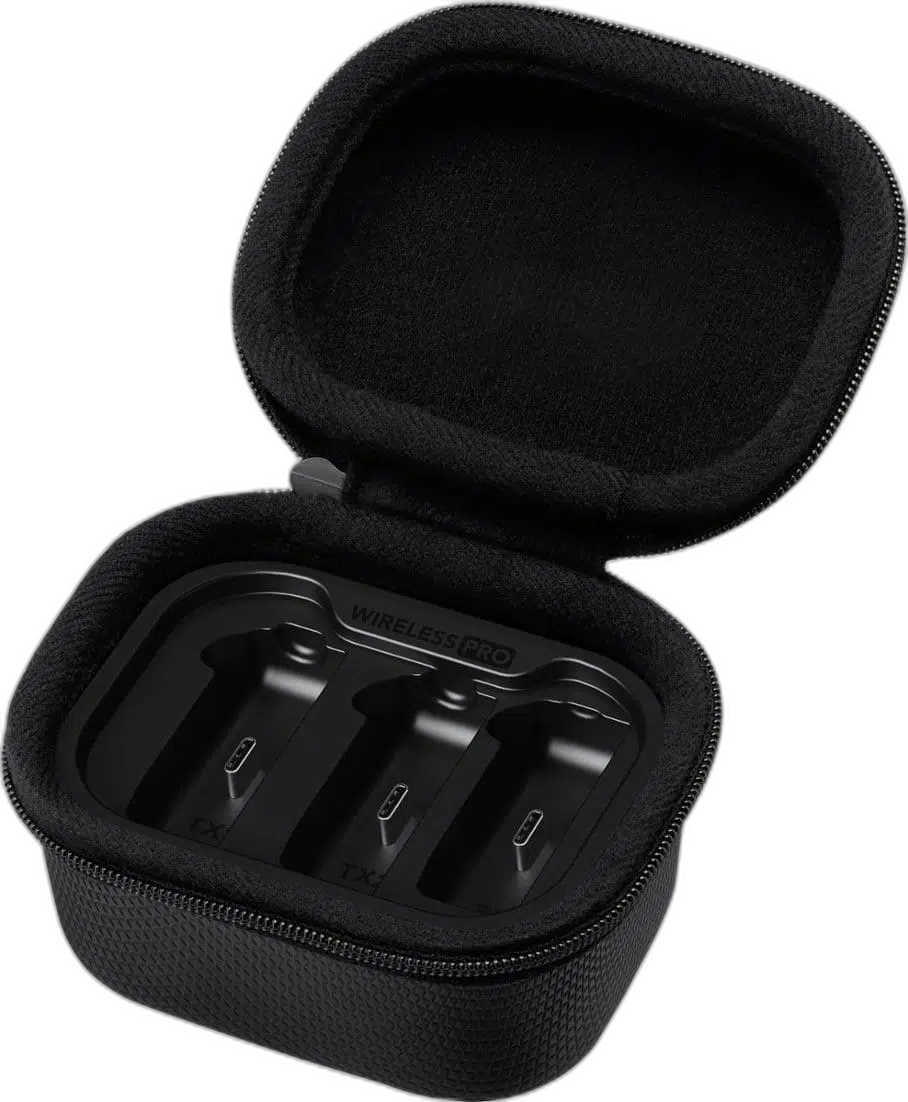
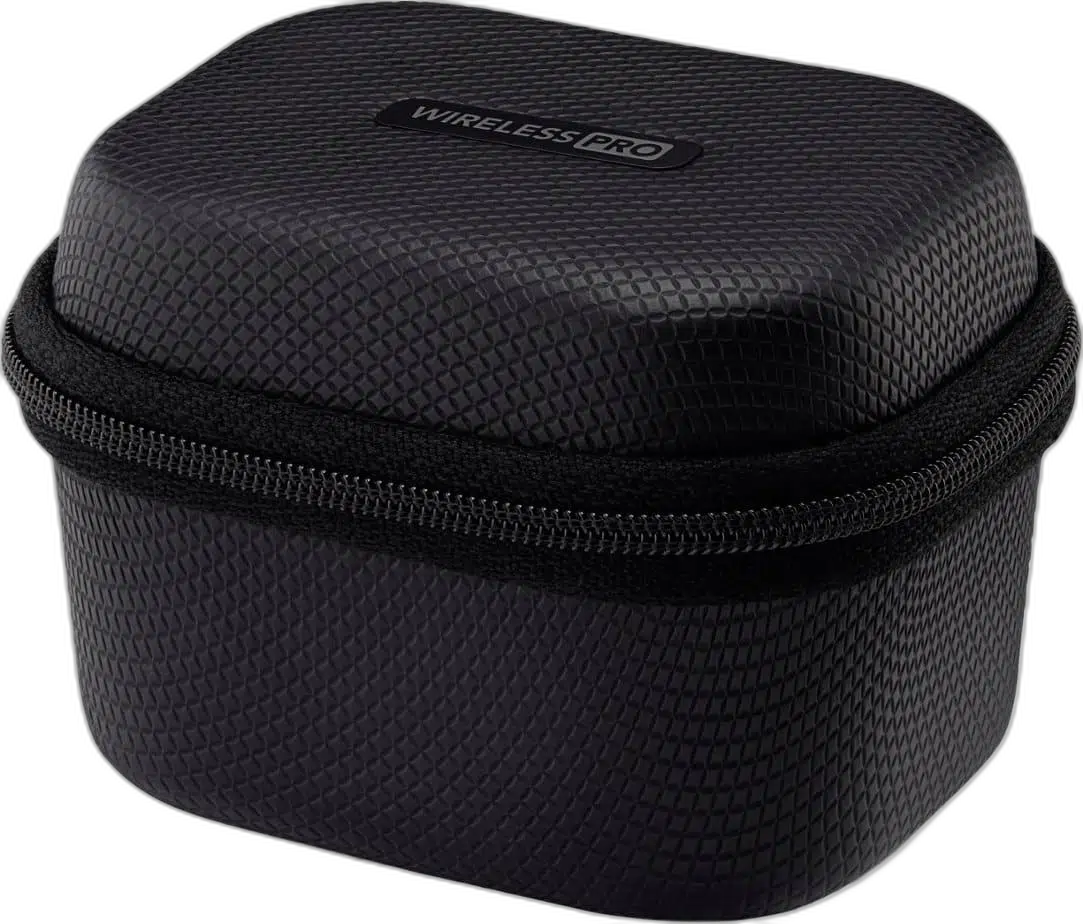
Two Lavalier II microphones, windshields, magnetic clips and a charging case are included. Connect to a camera via 3.5mm or a compatible phone or computer over USB-C.
Use the Receiver for the Recording Device
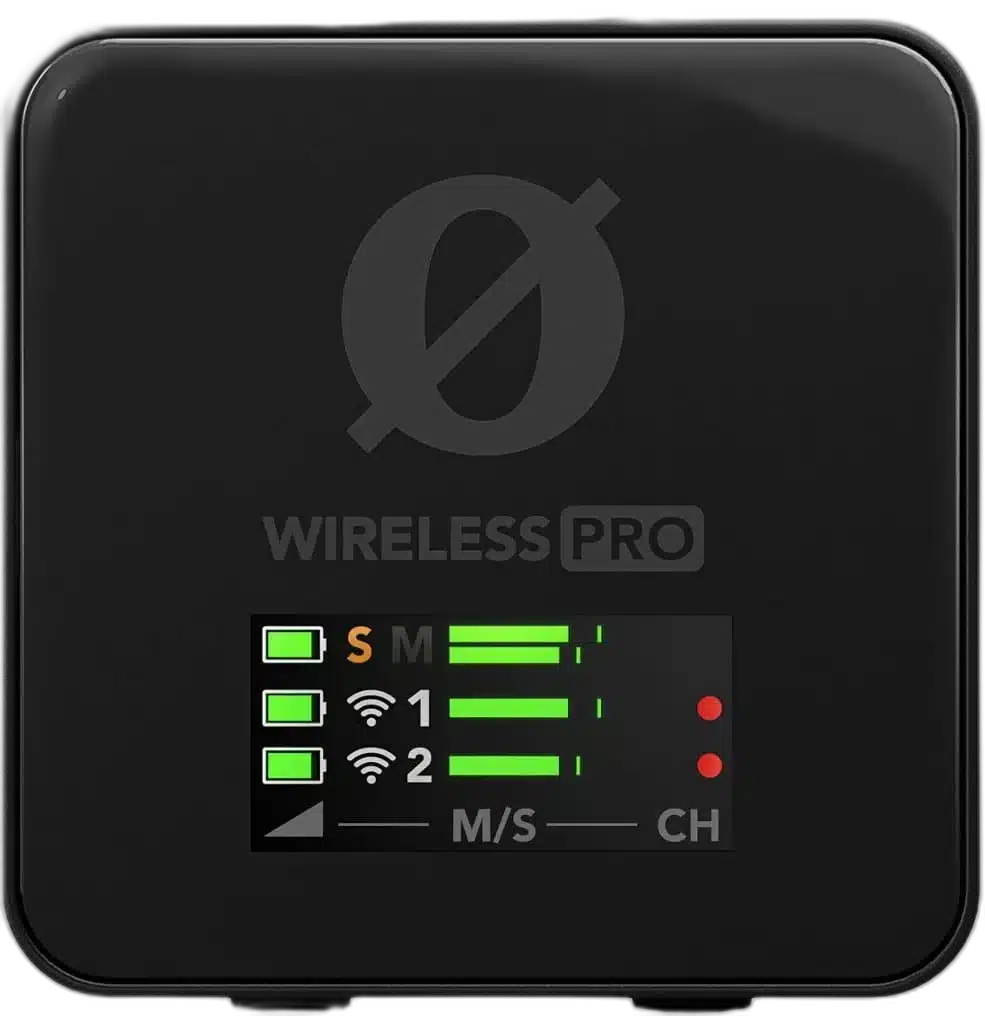
The included receiver connects the wireless microphones to the recording device. Use the matching analogue camera cable or a suitable USB data connection, and check the input selected by the camera or application. Camera analogue output and headphone monitoring are different functions; monitor through the appropriate recording device.
Place the Microphone Before Setting Levels
The omnidirectional capsule captures sound around the microphone, so consistent placement remains useful when voices move. Keep clothing, hands and accessories away from the sensitive microphone area. Listen to a short test through the recording setup before committing to an interview or a long take.
Keep Wireless Range in Context
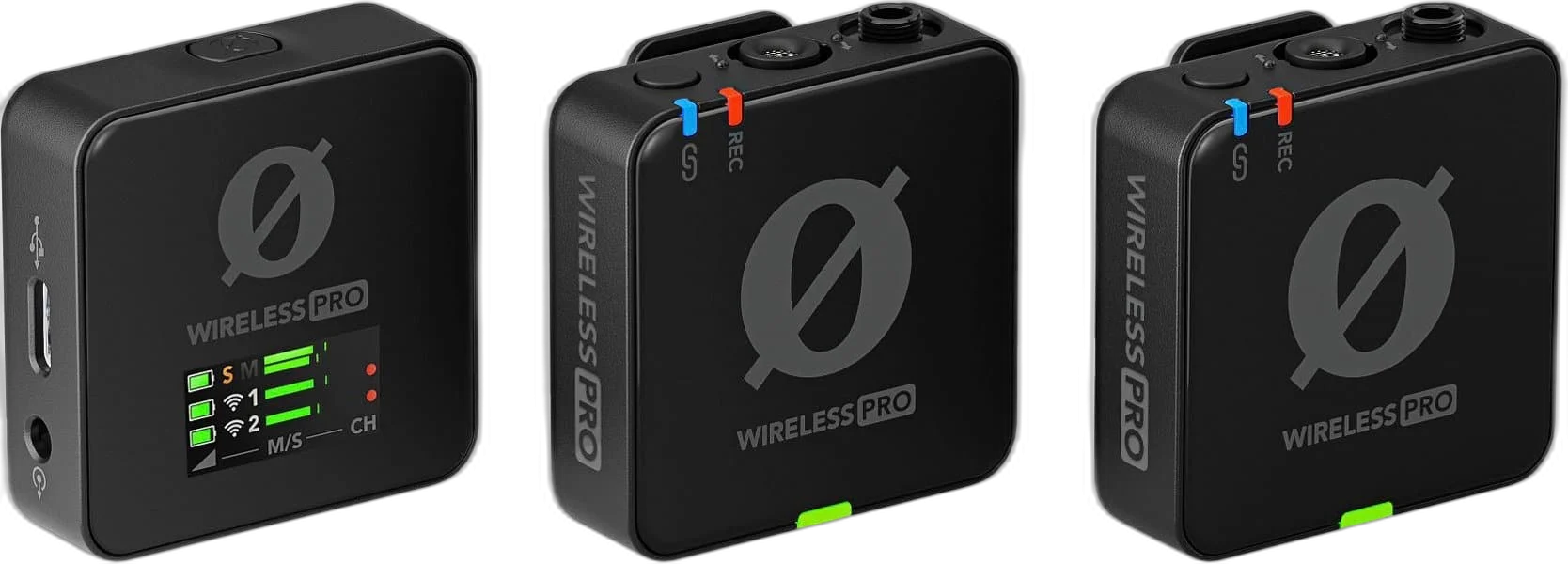
The published range is a clear line-of-sight reference, rather than a promise through walls, people and crowded radio environments. Position the transmitter and receiver with the recording location in mind, check the actual signal path and plan battery charging before a longer session.

Plan the Recording Path for This Microphone
Use the output and power requirements of this exact microphone to choose the recording route. Match the microphone input, monitoring arrangement and mount before selecting an interface or mixer; accessories are separate choices. Compare related options such as SHURE MV7X Dynamic Broadcast Microphone (XLR Only) or RØDE PodMic Dynamic Podcasting Microphone, XLR, keeping the exact model and configuration in the decision. For the wider setup, explore Audient iD14 MKII 10-In/6-Out USB-C Audio Interface and check the connection, size or mounting requirements before pairing accessories. Browse the RODE range at AX for more choices.
Rode Wireless PRO Setup Choices
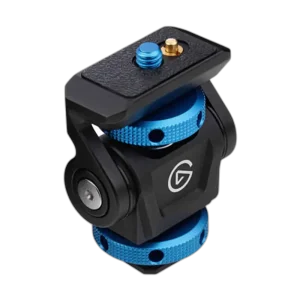
Use the output and power requirements of this exact microphone to choose the recording route. Match the microphone input, monitoring arrangement and mount before selecting an interface or mixer; accessories are separate choices. Explore Elgato Mini Mount Desktop Stand | Compact & Versatile, Elgato Cold Shoe - Microphone Mounting Solution, Elgato Stream Deck MK.2, 15-Key Customizable Controller.
Frequently Asked Questions
What wireless hardware is included?
Wireless PRO includes two transmitters and one receiver, plus two Lavalier II microphones, the charging case, windshields, magnetic clips and connection cables.
Does it record 32-bit float internally?
Yes. 32-bit float applies to onboard recording. It does not automatically make the receiver’s analogue camera feed or the camera recording 32-bit float.
What does the quoted wireless range mean?
The range is measured with clear line of sight. Obstructions, people, radio traffic and the actual equipment arrangement affect wireless performance.
How should I check audio before a shoot?
Connect the intended recording path, set its level and make a short test recording. Confirm microphone placement, wireless reception, device input selection and available battery time before the actual take.
How are the monitoring recommendations used?
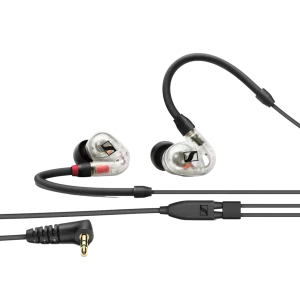
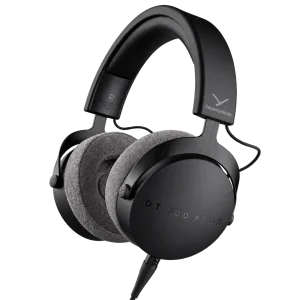
Headphones or earphones monitor through an appropriate recording device or supported headphone output. A camera audio output is not automatically a headphone output, and a headphone DAC does not provide a microphone recording input.
Do I need to buy two lavalier microphones separately?
The listed Wireless PRO kit already includes two Lavalier II microphones. Additional lavaliers are optional replacements or separate setup choices.
Build Your Setup with AX Store
Explore computers, displays and accessories for your workspace at AX Store. For help choosing the right model or checking an accessory, contact AX Store.
Complete Your Setup
Explore equipment for your workspace: RØDE PSA1+ Professional Studio Microphone Boom Arm, RØDE XLR3M Premium XLR Cable, 3M Length, RODE AI-1 USB-C Audio Interface.
THE DETAILS
Technical specifications
Wireless system
RØDE Wireless PRO
2 transmitters and 1 receiver
Series IV 2.4GHz digital
Up to 260m, clear line of sight
Up to 7 hours
Recording
Omnidirectional
20Hz–20kHz
123.5dB SPL
32-bit float on each transmitter
32GB per transmitter; over 40 hours
Supported
GainAssist and manual output adjustment
Connections and kit
Locking 3.5mm TRS
3.5mm TRRS
USB-C
Two Lavalier II microphones, charging case, windshields, MagClip GO clips and connection cables
Product identification
RODE
698813010943
698813010943
COMPLETE YOUR SETUP