RAZER
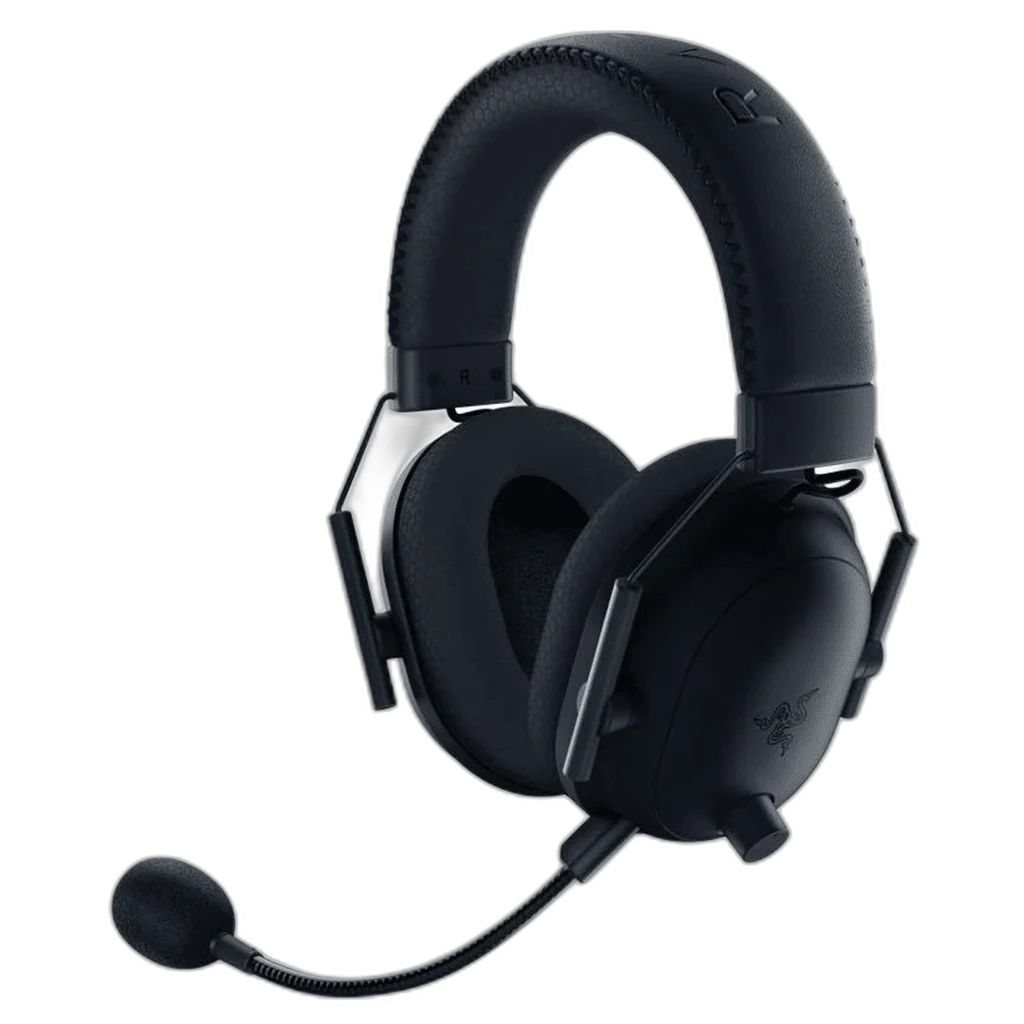
Razer BlackShark V2 Gaming Headset Wired & Wireless
Choose the wired Razer BlackShark V2 or wireless BlackShark V2 Pro (2020). Both feature 50 mm TriForce Titanium drivers, breathable memory foam cushions and a detachable voice microphone; their connections and included audio hardware differ by model.
Color
Connectivity
Regular price
31.500 KWD
or 4 payments of 7.875 KWD with
Pay with card & save


29.900 KWD
Save 1.600 KWD
Overview
RAZER BLACKSHARK V2 GAMING HEADSET WIRED & WIRELESS
Razer BlackShark V2
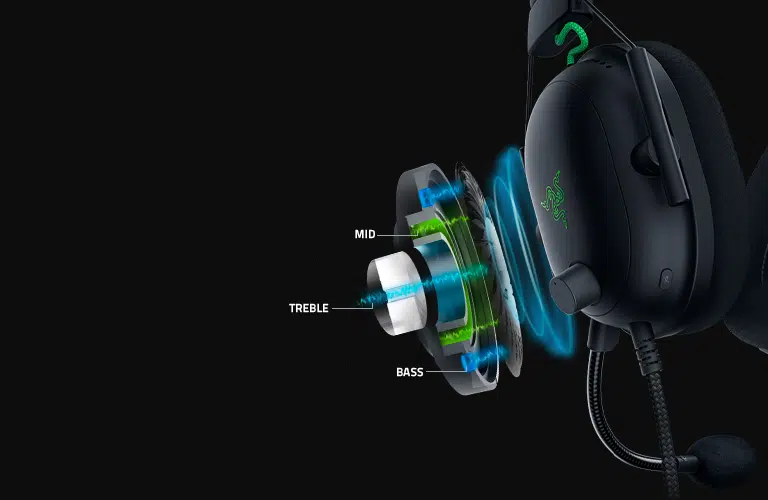
Choose the wired Razer BlackShark V2 or wireless BlackShark V2 Pro (2020). Both feature 50 mm TriForce Titanium drivers, breathable memory foam cushions and a detachable voice microphone; their connections and included audio hardware differ by model. Explore this model at AX Store in Kuwait.
50 mm
Shared TriForce Titanium Drivers
12 Hz–28 kHz
Shared Headphone Frequency Range
Wired / Wireless
Select the Exact Model
2020 Pro
Wireless Option Generation
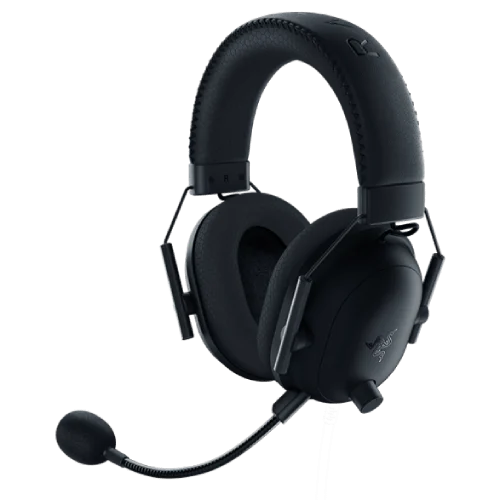
Wired: BlackShark V2
The Wired option is the RZ04-0323 BlackShark V2. Connect through its 3.5 mm plug or the included USB sound card for advanced audio and microphone controls through Razer Synapse. It weighs approximately 262 g and has a 1.8 m cable.
Wireless: BlackShark V2 Pro (2020)
The Wireless option is the RZ04-0322 BlackShark V2 Pro from the 2020 generation. It uses 2.4 GHz wireless and also supports 3.5 mm audio. This option has a rechargeable battery and physical controls for power, volume and microphone mute.
A shared focus on game audio
Both options use 50 mm TriForce Titanium drivers with a 12 Hz to 28 kHz frequency range. Breathable memory foam cushions and a padded adjustable headband support comfort across longer sessions.
Clear model choice before checkout
Select Wired for the BlackShark V2 with USB sound card, or Wireless for the BlackShark V2 Pro (2020). The Wireless option is the original generation without Bluetooth; the newer 2023 model is sold separately.
Use the Features of the Selected Model
Wired is BlackShark V2 RZ04-0323 with its USB sound card. Wireless is the original RZ04-0322 BlackShark V2 Pro from 2020, with 2.4 GHz and 3.5 mm audio but no Bluetooth. Do not apply the 2023 Pro model’s connection or battery features.
Keep the Audio and Microphone Routes Clear
Choose the supported headset output and microphone input for the actual host and connection. Check mute and the listening level before joining a call, keeping any stated limitations of an alternate analogue or USB route in mind.
Plan the Platform and Chat Connection
Choose the exact platform version and check whether its connection uses USB, a wireless receiver or an analogue headset socket. Set the playback and microphone devices deliberately in your game or chat application. Compare related options such as Razer Kraken V3 Pro Wireless Gaming Headset or Razer Barracuda Quartz Wireless Gaming Headset, keeping the exact model and configuration in the decision. For the wider setup, explore Razer Seiren BT Bluetooth Wireless Microphone and check the connection, size or mounting requirements before pairing accessories. Browse the RAZER range at AX for more choices.
Razer BlackShark V2 Setup Choices
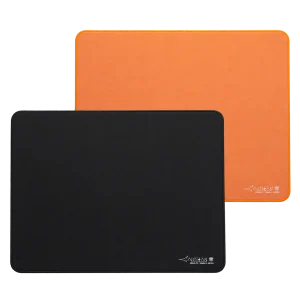
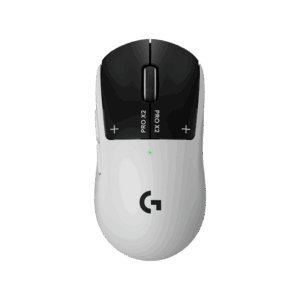
Choose the exact platform version and check whether its connection uses USB, a wireless receiver or an analogue headset socket. Set the playback and microphone devices deliberately in your game or chat application. Explore Wooting 60HE v2 60% Gaming Keyboard, Aluminium, ARTISAN NINJA FX ZERO Gaming Mousepad – SOFT/XSOFT, XL/XXL, Logitech G PRO X2 SUPERSTRIKE Wireless Gaming Mouse.
Frequently Asked Questions
Which model and connection does this listing describe?
Wired is BlackShark V2 RZ04-0323 with its USB sound card. Wireless is the original RZ04-0322 BlackShark V2 Pro from 2020, with 2.4 GHz and 3.5 mm audio but no Bluetooth. Do not apply the 2023 Pro model’s connection or battery features.
Do PC software features work on every console?
Use the supported software and host for the selected model. PC processing features are separate from ordinary analogue or USB headset audio on a console; choose the connection required by that exact edition.
What should I check for team chat?
Connect through the supported microphone route, select the correct input on the host and check mute before joining the conversation. Headphone playback through an alternate connection does not by itself establish microphone support on that route.
How should I set up the fit and boom?
Adjust the headband and earcup position, then place the supplied boom for speech. Use the model’s detachable or retractable microphone arrangement as specified, keeping the cable or transmitter clear during use.
Do both Model options have the same accessories and battery?
Choose the exact Wired or Wireless option before ordering. The included cables, USB audio hardware, weight and any battery features belong to that selected model; the parent description explains both choices.
Build Your Setup with AX Store
Explore computers, displays and accessories for your workspace at AX Store. For help choosing the right model or checking an accessory, contact AX Store.
THE DETAILS
Technical specifications
Specifications depend on the selected Wired or Wireless model.
Shared audio specifications
50 mm Razer TriForce Titanium
12 Hz - 28 kHz
32 ohms at 1 kHz
100 dB SPL/mW at 1 kHz
65 x 40 mm
Breathable memory foam
100 Hz - 10 kHz
Unidirectional
60 dB
Wired option - BlackShark V2
RZ04-0323
3.5 mm with included USB sound card
1.8 m
Approximately 262 g
-42 dBV/Pa at 1 kHz
Volume knob and microphone mute button
Wireless option - BlackShark V2 Pro (2020)
RZ04-0322
2.4 GHz wireless and 3.5 mm analogue
Not supported
-42 +/- 3 dB at 1 kHz
Power, volume knob and microphone mute
Rechargeable
COMPLETE YOUR SETUP
Pairs well with