RAZER
Razer Key Light Chroma - All-In-One Lighting Kit
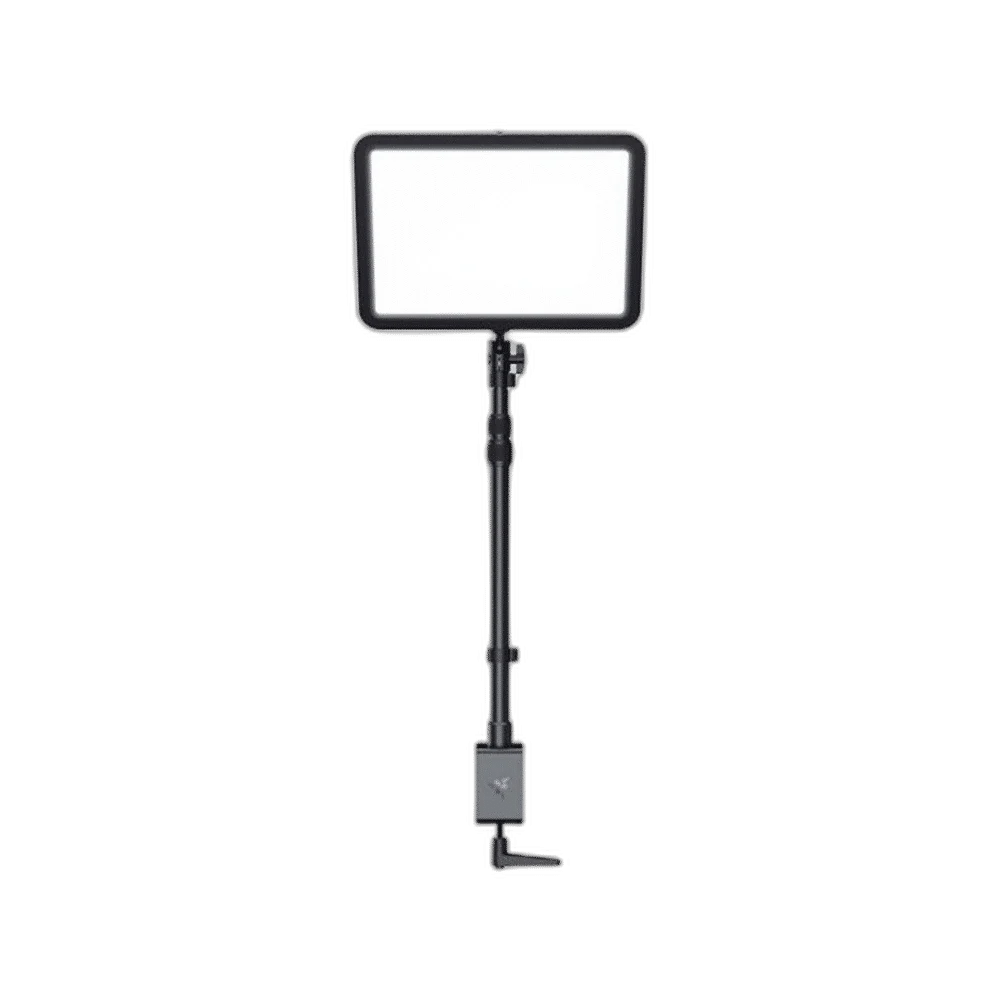
Razer Key Light Chroma combines adjustable white light from 3000 to 7000 K with RGB effects and up to 2800 lumens of output. Its desk clamp and extendable stand help position the panel, while PC and mobile controls connect through a 2.4 GHz Wi-Fi network.
Regular price
84.000 KWD
or 4 payments of 21.000 KWD with
Pay with card & save


80.000 KWD
Save 4.000 KWD
Overview
RAZER KEY LIGHT CHROMA - ALL-IN-ONE LIGHTING KIT
Razer Key Light Chroma
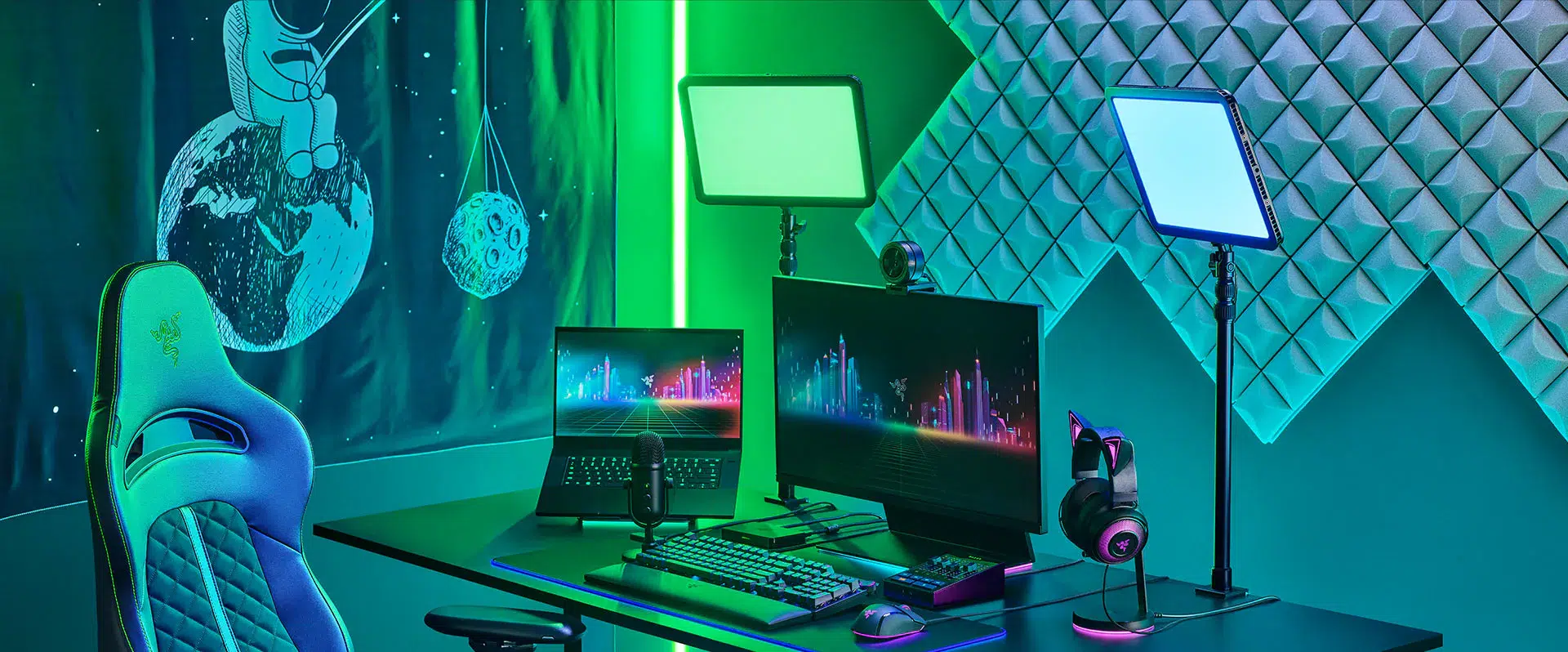
Razer Key Light Chroma: Adjustable white light, RGB colour and a desk-mounted panel give your camera a flexible lighting source. Control the look from your PC or phone. Available from AX Store in Kuwait.
2800 lm
Maximum Brightness
3000–7000 K
White-Light Range
Chroma RGB
Colour Lighting
2.4 GHz Wi-Fi
Lighting Control Network
Set the white tone for your camera
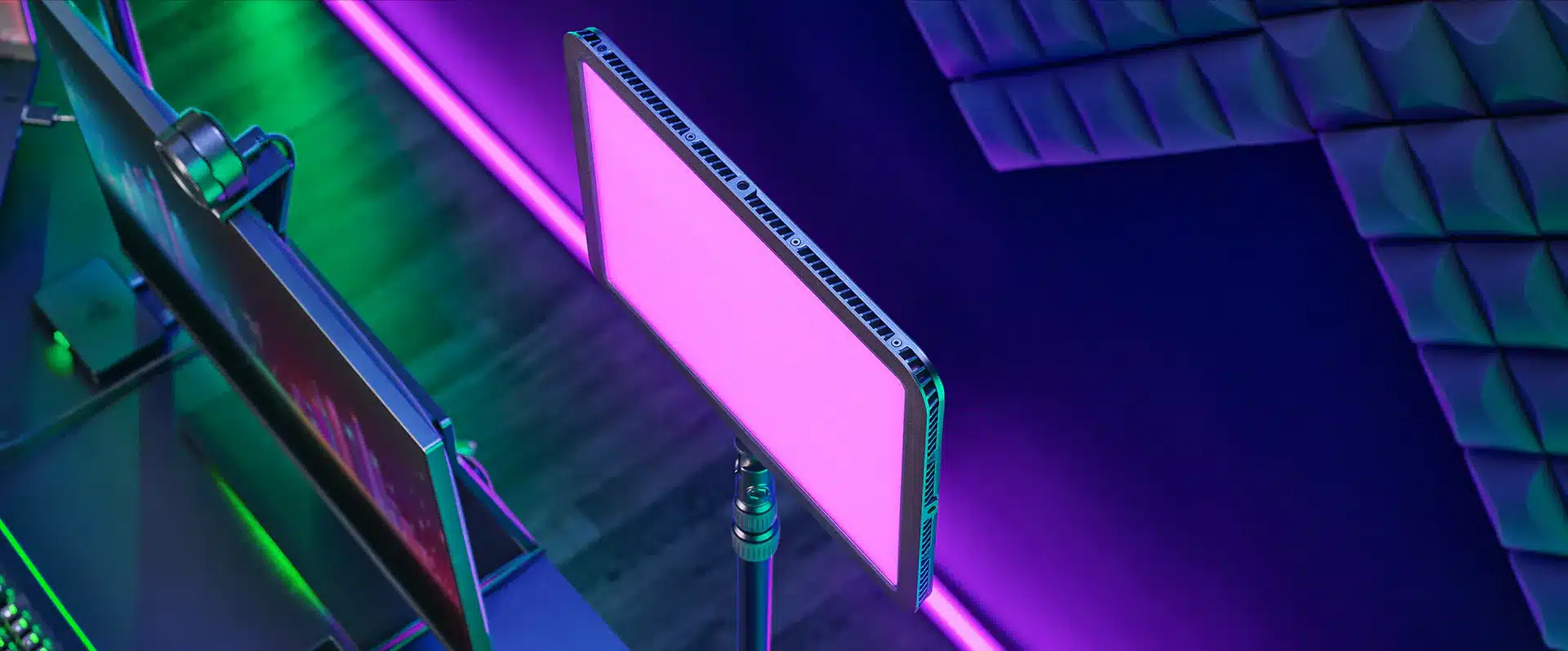
Adjust white light from 3000 to 7000 K, moving between a warmer look and cooler illumination. Brightness can be adjusted from 0 to 100%, with a rated maximum output of 2800 lumens.
Add colour when the scene calls for it
Chroma RGB adds colour effects alongside adjustable white lighting. Match the look of your gaming setup or use colour to change the atmosphere on camera.
Position the panel around your desk
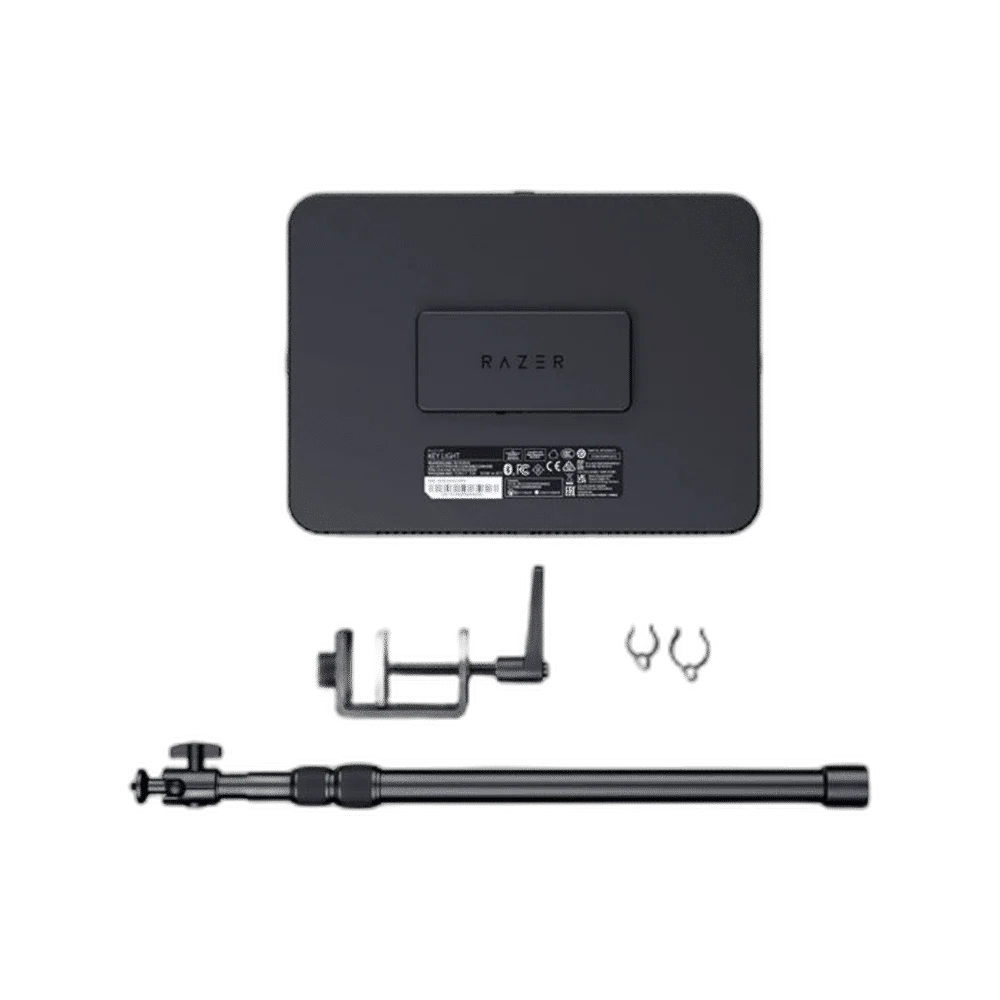
The included clamp supports desktops from 2.5 to 75 mm thick. An extendable support and ball-head mount let you raise and angle the panel without adding a floor-standing light stand.
Control it from PC or phone
Connect the light to a 2.4 GHz Wi-Fi network, then adjust supported settings through Razer Synapse or the Razer Streaming app. Wireless control still requires the supplied mains power adapter.
Build a coordinated lighting setup
Compatible software can synchronise up to 11 Key Light Chroma devices. This listing is for one light kit; extra panels and the rest of the streaming setup shown are sold separately.
Set the Light for the Camera Position
Place the panel where its output suits the subject and camera angle. Adjust brightness and white-light temperature while viewing the camera image, then choose RGB effects only when they fit the scene.
Place the Light Around Your Camera Picture
Plan the mounting position, brightness and available desk space while looking at the actual camera image. Keep power and control requirements with the exact light rather than assuming another model’s accessories fit. For the wider setup, explore Logitech C922 HD Pro Streaming Webcam and check the connection, size or mounting requirements before pairing accessories. Browse the RAZER range at AX for more choices.
Razer Key Light Chroma Setup Choices
Plan the mounting position, brightness and available desk space while looking at the actual camera image. Keep power and control requirements with the exact light rather than assuming another model’s accessories fit. Explore Elgato Facecam MK.2 1080p Premium Webcam, RØDE PodMic USB Dynamic Microphone – USB-C & XLR – Black / White, RØDE PSA1+ Professional Studio Microphone Boom Arm.
Frequently Asked Questions
What brightness and white-light range are listed?
2800 lumens; 3000–7000 K.
What network is required for lighting control?
2.4 GHz Wi-Fi network.
Which software controls the light?
Razer Synapse / Razer Streaming app.
What clamp range is listed?
2.5–75 mm.
What power supply is specified?
52.5 W external supply.
Build Your Setup with AX Store
Explore computers, displays and accessories for your workspace at AX Store. For help choosing the right model or checking an accessory, contact AX Store.
THE DETAILS
Technical specifications
Lighting specifications
Razer
Key Light Chroma
RZ19-04120100-R3M1
White LED and RGB LED
2800 lumens
0–100%
3000–7000 K
CRI 90
Razer Chroma RGB
2.4 GHz Wi-Fi (WPA/WPA2) and Bluetooth
2.4 GHz Wi-Fi network
Razer Synapse / Razer Streaming app
Up to 11 devices with supported software
Power switch and reset button
52.5 W external supply
Aluminium
360 × 260 mm
Approximately 1600 g
Ball adapter with ¼-inch threaded screw
553–1350 mm
Approximately 760 g
2.5–75 mm
COMPLETE YOUR SETUP
Pairs well with



