RAZER
Razer BlackShark V3 Pro Wireless ANC Gaming Headset
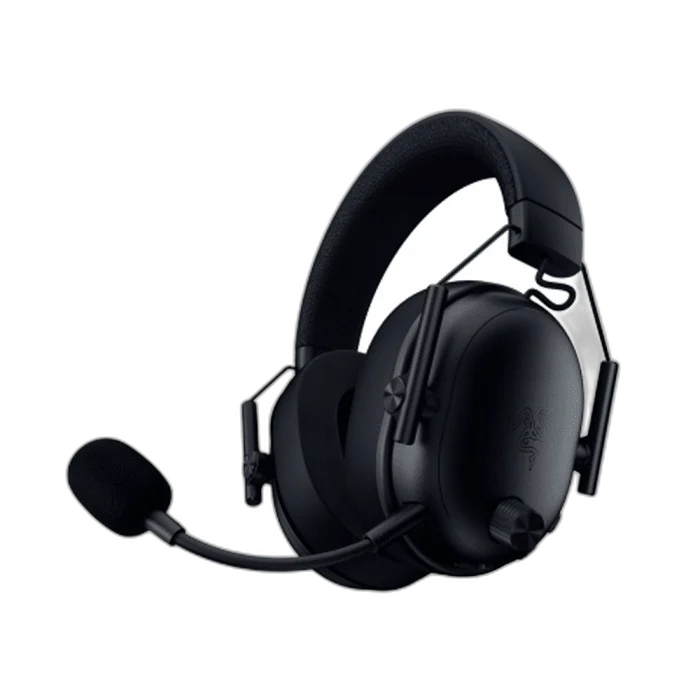
The Razer BlackShark V3 Pro combines wireless gaming audio with hybrid active noise cancellation and a detachable full-band microphone.
Color
Regular price
79.000 KWD
or 4 payments of 19.750 KWD with
Pay with card & save


75.000 KWD
Save 4.000 KWD
Overview
RAZER BLACKSHARK V3 PRO WIRELESS ANC GAMING HEADSET
Razer BlackShark V3 Pro
The Razer BlackShark V3 Pro combines wireless gaming audio with hybrid active noise cancellation and a detachable full-band microphone. Available from AX Store in Kuwait.
50 mm
Bio-Cellulose Drivers
Hybrid ANC
Active Noise Cancellation
12 mm
Detachable Full Band Microphone
Simultaneous
2.4 GHz and Bluetooth Audio
Keep more of the room out
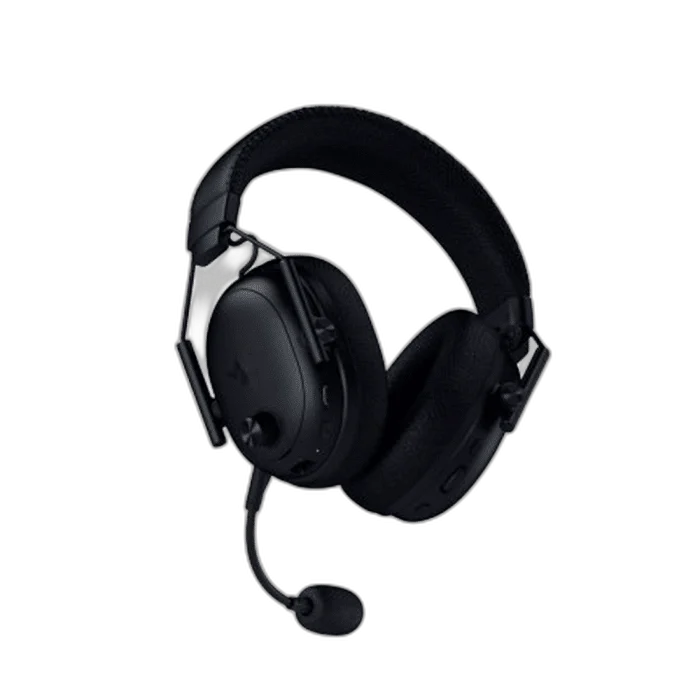
Hybrid active noise cancellation reduces background distractions, while 50mm Bio-Cellulose drivers handle your game audio. Choose the noise-control setting that suits the room and your listening session.
Make your calls easier to hear
The detachable HyperClear Full Band 12mm microphone is designed for clear team communication. Remove it when you only want to listen. Fit the boom before selecting the headset microphone for team chat.
Connect across your day
Choose 2.4GHz wireless, Bluetooth or USB. Simultaneous wireless and Bluetooth audio lets you hear two connected sources together. Set each connected source to the level you need during the session.
Separate Spatial Processing from Ordinary Playback
THX Spatial Audio operates through Razer Synapse on supported Windows systems, with the full 7.1.4 mode requiring the supported Windows 11 version. Check the software and selected output before expecting that processing on another host.
Choose the Microphone for Team Communication
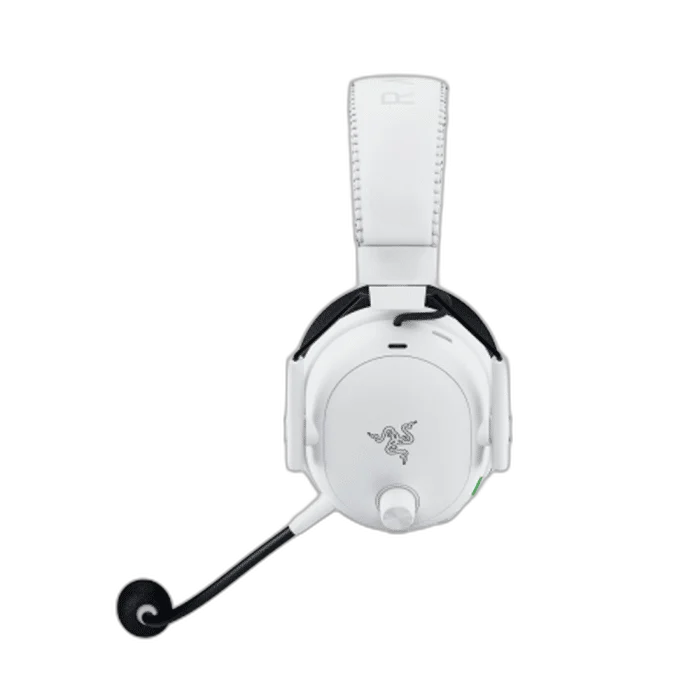
The detachable HyperClear Full Band microphone uses a 12 mm capsule for the voice path. Fit it for calls and team chat, then remove it for listening while keeping the headset’s selected playback connection in use.
Mix a Second Source during a Wireless Session
Simultaneous 2.4 GHz and Bluetooth audio lets a second connected source accompany the wireless game feed. Select the intended sources and levels before joining a call, keeping the microphone input routed to the device handling the conversation.
Plan the Platform and Chat Connection
Choose the exact platform version and check whether its connection uses USB, a wireless receiver or an analogue headset socket. Set the playback and microphone devices deliberately in your game or chat application. Compare related options such as Razer BlackShark V2 X Wired Esports Headset - White or Razer BlackShark V3 for Xbox Gaming Headset – Black / White, keeping the exact model and configuration in the decision. For the wider setup, explore RØDE PodMic USB Dynamic Microphone – USB-C & XLR – Black / White and check the connection, size or mounting requirements before pairing accessories. Browse the RAZER range at AX for more choices.
Razer BlackShark V3 Pro Setup Choices
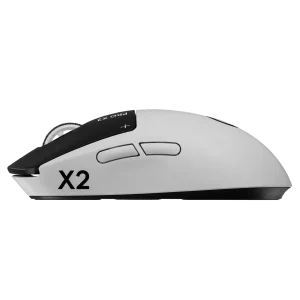
Choose the exact platform version and check whether its connection uses USB, a wireless receiver or an analogue headset socket. Set the playback and microphone devices deliberately in your game or chat application. Explore Wooting 60HE v2 60% Gaming Keyboard, Aluminium, ARTISAN NINJA FX ZERO Gaming Mousepad – SOFT/XSOFT, XL/XXL, Logitech G PRO X2 SUPERSTRIKE Wireless Gaming Mouse.
Frequently Asked Questions
Which listening connections are supported?
2.4GHz wireless, Bluetooth and USB.
Can wireless and Bluetooth audio play together?
2.4GHz wireless and Bluetooth.
What noise cancellation is fitted?
Hybrid active noise cancellation.
What is required for THX Spatial Audio?
Through Razer Synapse; full 7.1.4 requires supported Windows 11 version.
Build Your Setup with AX Store
Explore computers, displays and accessories for your workspace at AX Store. For help choosing the right model or checking an accessory, contact AX Store.
Compare Razer BlackShark V3 Pro for PlayStation Gaming Headset – White. Match the exact model, connection and configuration to your setup.
THE DETAILS
Technical specifications
Headset
Razer
BlackShark V3 Pro
50mm Bio-Cellulose
Hybrid active noise cancellation
Detachable HyperClear Full Band 12mm
Connectivity
2.4GHz wireless, Bluetooth and USB
2.4GHz wireless and Bluetooth
Through Razer Synapse; full 7.1.4 requires supported Windows 11 version
COMPLETE YOUR SETUP
Pairs well with