RODE
RØDE NT-USB Condenser Microphone, USB
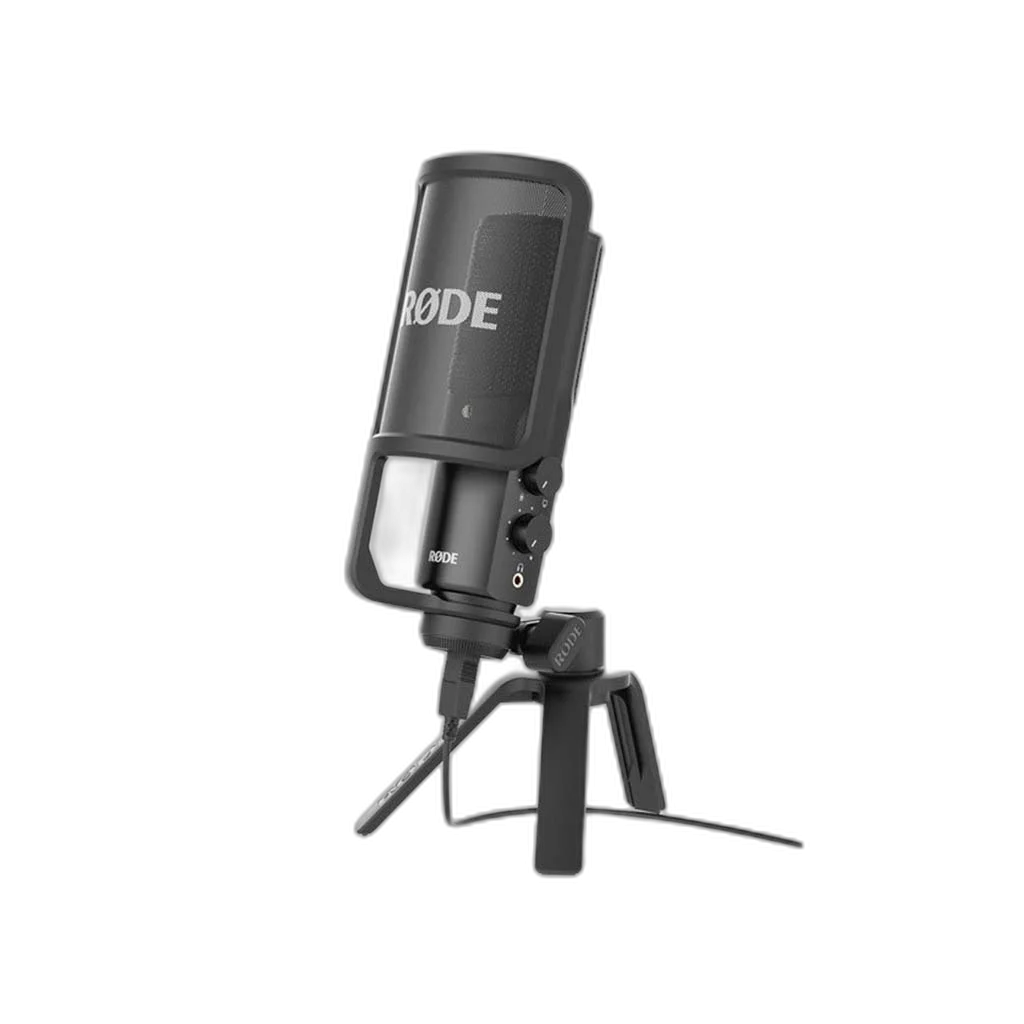
RØDE NT-USB. The original NT-USB combines a cardioid condenser capsule with direct USB recording. It suits vocals, instruments, podcasts and livestreams without requiring a separate audio interface.
Regular price
68.000 KWD
or 4 payments of 17.000 KWD with
Pay with card & save


64.900 KWD
Save 3.100 KWD
Overview
RØDE NT-USB
Rode NT-USB
Rode NT-USB: The original NT-USB combines a cardioid condenser capsule with direct USB recording. It suits vocals, instruments, podcasts and livestreams without requiring a separate audio interface. Explore this model at AX Store in Kuwait.
Condenser
Microphone capsule
Cardioid
Pickup pattern
USB
Recording connection
16-bit / 48 kHz
Digital format
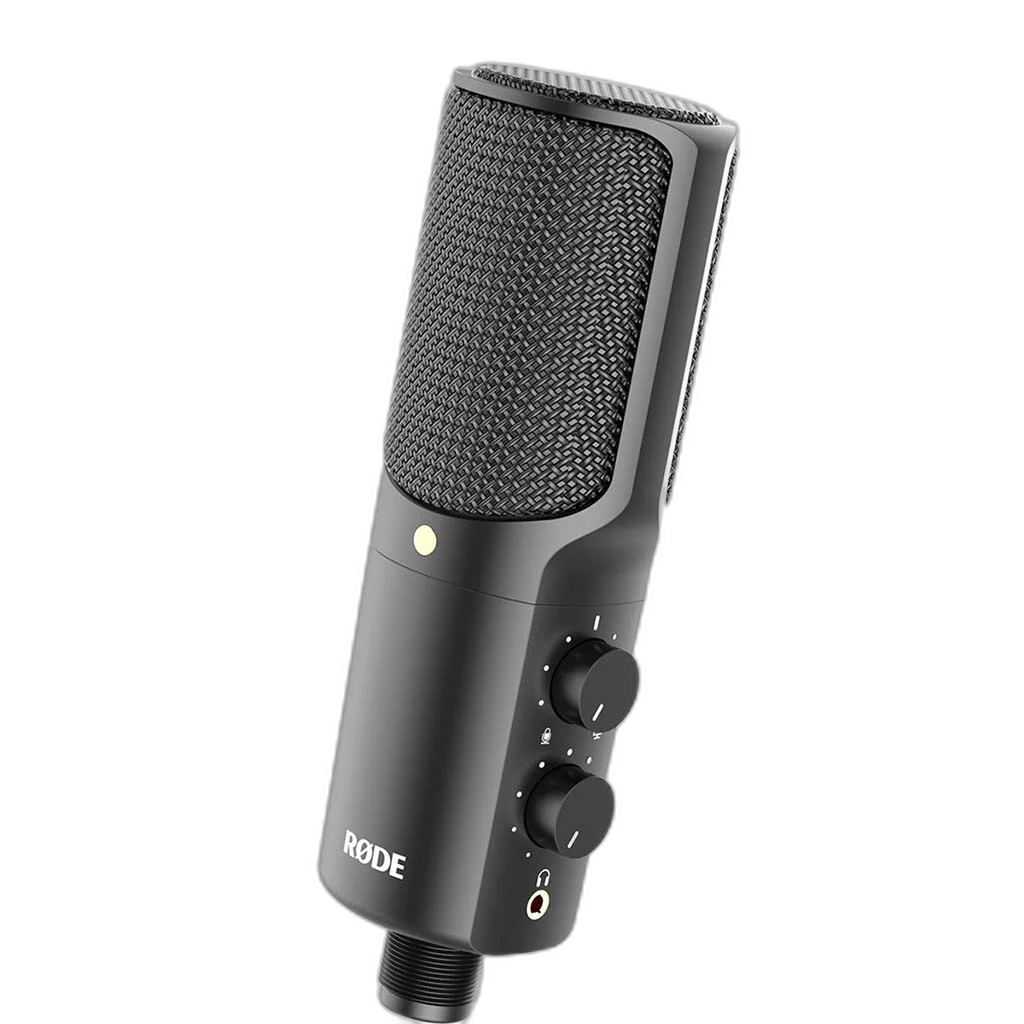
Monitor while you perform
Plug headphones into the 3.5 mm output for zero-latency monitoring. Dedicated level and mix controls let you balance the microphone with computer audio. Set listening volume independently of microphone input level, then check normal speech and the louder parts of the performance before recording.
A practical desktop starting point
The included pop filter helps control breath sounds, while the tripod positions the microphone on a desk. Its side-address capsule records at 16-bit/ 48 kHz. Choose the microphone position and recording input around the actual session, then check the level with the loudest expected voice or instrument passage.
Use the Microphone’s Own USB Recording Path
The original NT-USB records at 16-bit/ 48 kHz. Connect it to compatible computer equipment and select the microphone as the recording input in the application. An external XLR interface is not required for this USB signal path; recording software and monitoring settings are chosen around the connected computer.
The Original NT-USB Configuration
This is the original NT-USB condenser microphone with 16-bit/ 48 kHz recording. Its included pop filter and tripod support desktop use, while the headphone level and monitor-mix controls keep listening close at hand. NT-USB+ and NT-USB Mini are separate models with different specifications and physical designs.
Aim the Sensitive Side at the Performance
This condenser uses a side-address recording position. Aim the sensitive front side toward the voice or instrument, then listen while adjusting distance and angle. Use the pop protection and support appropriate for the microphone, keeping the grille clear and the cable from pulling against the mount.
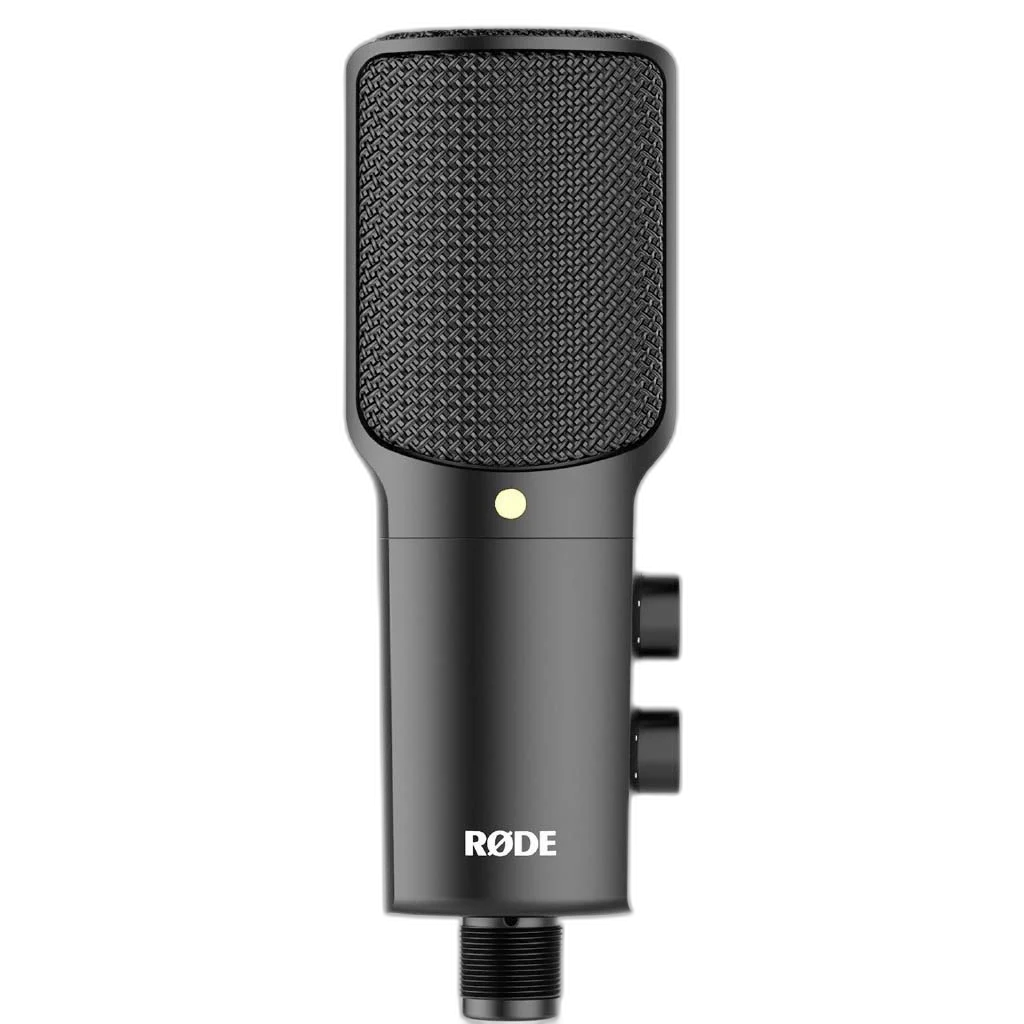
Separate Listening Level from Recording Gain
Where this model provides a headphone output, use it to monitor the microphone and connected playback path. Set listening volume to a comfortable level, then adjust recording gain for the performance. A headphone volume control changes listening level; it does not necessarily change the level being recorded.
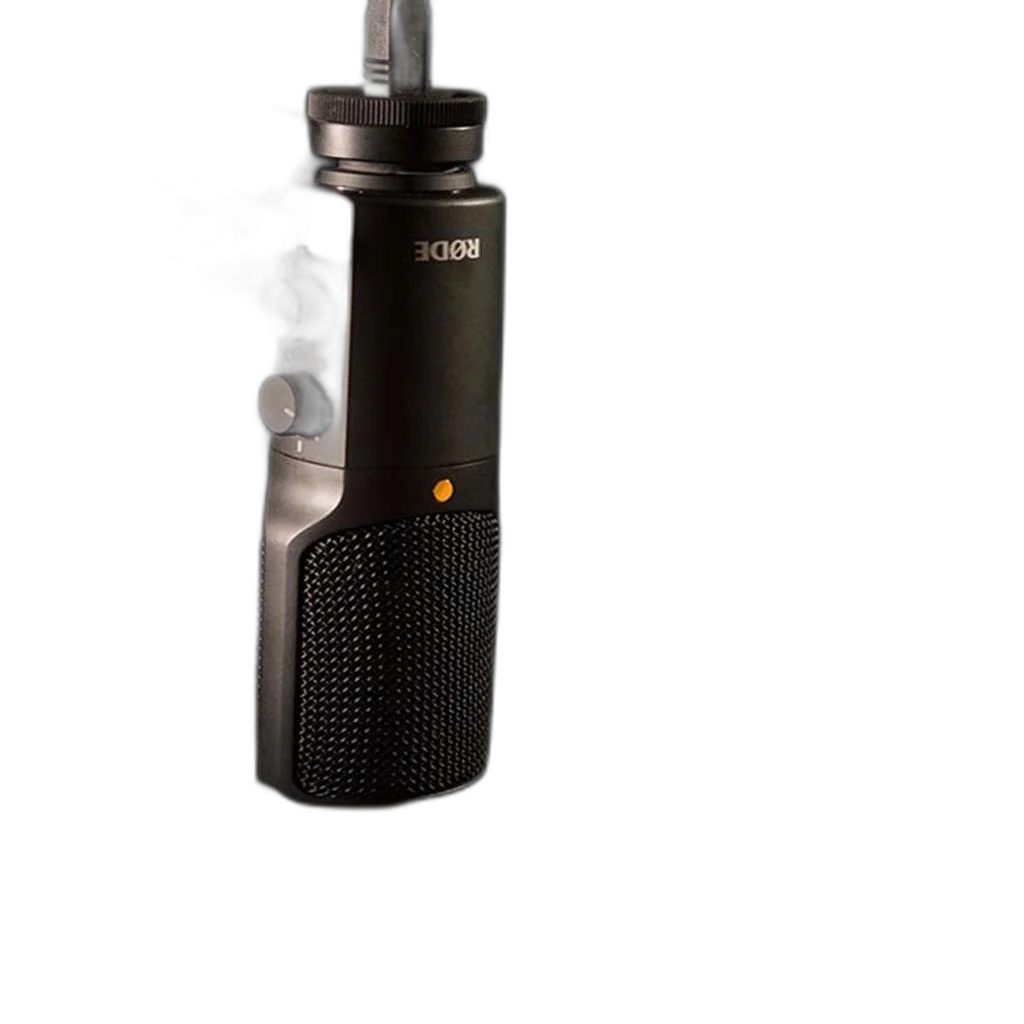
Build a Direct Computer Recording Setup
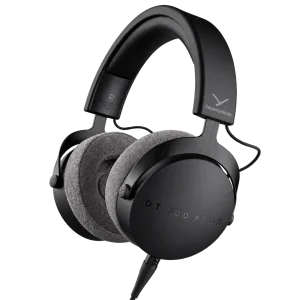
Check the supported computer connection, microphone controls and headphone-monitoring arrangement. Set the intended input in your recording application and choose a mount with the correct thread and supported load. Compare related options such as ASUS C501 ROG CARNYX RGB Wired Gaming Microphone, White or HyperX QuadCast 2 S USB Gaming Microphone, RGB Lighting, keeping the exact model and configuration in the decision. For the wider setup, explore beyerdynamic DT 700 Pro X Studio Headphones and check the connection, size or mounting requirements before pairing accessories. Browse the RODE range at AX for more choices.
Rode NT-USB Setup Choices
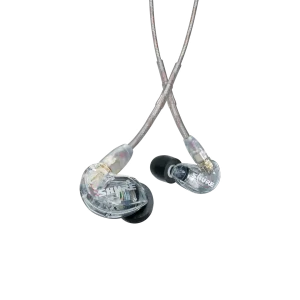
Check the supported computer connection, microphone controls and headphone-monitoring arrangement. Set the intended input in your recording application and choose a mount with the correct thread and supported load. Explore RØDE PSA1+ Professional Studio Microphone Boom Arm, Shure SE215-CL-EFS Sound Isolating Earphones with 3.5mm Cable, Elgato Stream Deck Plus Multi-Touch Controller.
Frequently Asked Questions
How does this exact microphone connect?
USB connects through the microphone’s built-in recording interface.
Which pickup pattern does it offer?
The microphone uses a cardioid pickup pattern. Aim it toward the source and adjust the position while listening to the actual recording.
What recording equipment is required?
A compatible computer and the appropriate USB connection are used for direct USB recording. An XLR interface is not needed for that path.
Where should I address the microphone?
Use the front side of the grille for this side-address condenser. Keep the selected pattern and recording position in view.
What frequency range is specified?
20 Hz – 20 kHz.
Are all recommended products required?
The recommendations are alternative recording and monitoring setups. Choose the supporting arm, headphone output and recording connection for the actual session rather than buying every listed interface or headphone model.
Build Your Setup with AX Store
Explore computers, displays and accessories for your workspace at AX Store. For help choosing the right model or checking an accessory, contact AX Store.
THE DETAILS
Technical specifications
Product specifications
RØDE
NT-USB
Condenser; pressure gradient
Cardioid
0.5 inch
Side-address
20 Hz – 20 kHz
16-bit / 48 kHz
110 dB SPL
USB and 3.5 mm headphone
USB
520 g
184 × 62 × 50 mm
Pop filter and tripod
COMPLETE YOUR SETUP