SADES
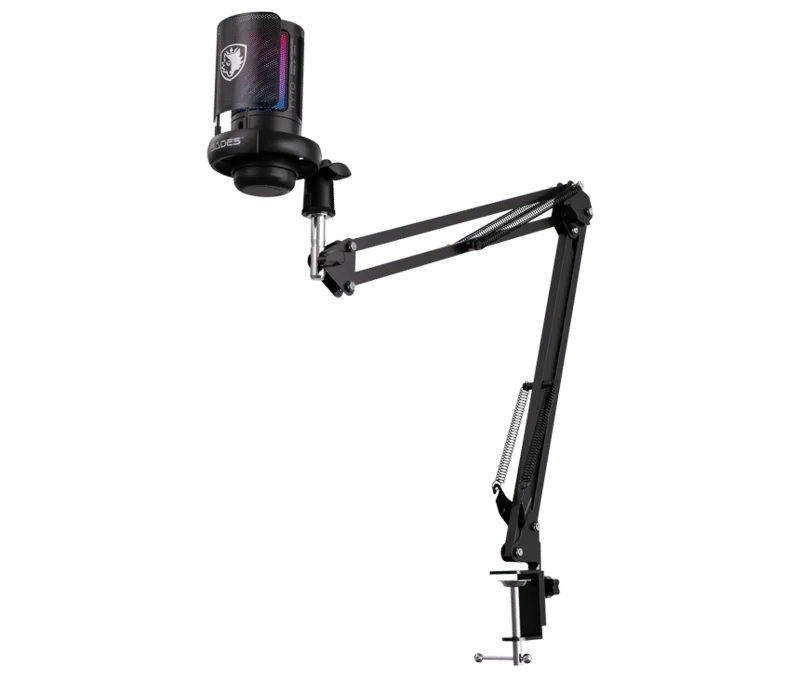
SADES Tyto ME6S RGB USB Microphone - Boom Arm Kit
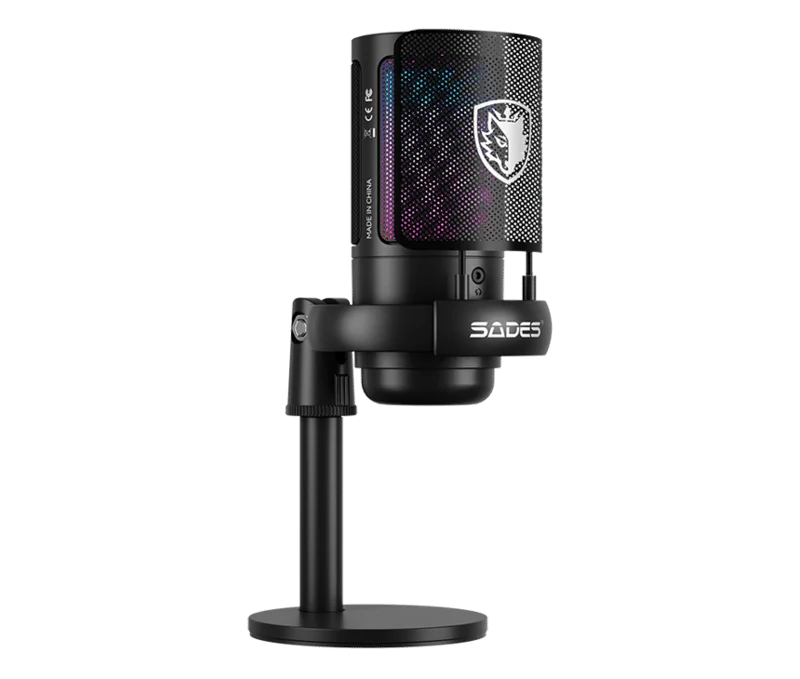
RGB USB condenser microphone with a 14 mm capsule, cardioid pickup, tap-to-mute and gain control. Includes a detachable pop filter, desktop base, boom arm, table clip and 1.8 m USB cable.
Color
Regular price
12.500 KWD
or 4 payments of 3.125 KWD with
Pay with card & save


11.900 KWD
Save 0.600 KWD
Overview
SADES TYTO ME6S RGB USB MICROPHONE - BOOM ARM KIT
SADES Tyto USB Microphone
SADES Tyto USB Microphone: The SADES Tyto pairs a 14 mm condenser capsule with cardioid pickup and a detachable pop filter. Its USB connection and included desktop stand and boom arm give you a practical starting point for streaming, recording and gaming chat. Available from AX Store in Kuwait.
Condenser
Microphone Type
Cardioid
Pickup Pattern Options
48–192 kHz sample-rate support
USB Recording Format
USB
Microphone Connection
Bring your voice forward
Position the cardioid microphone toward your mouth to favour your voice over surrounding sound. The detachable pop filter helps soften plosives, while real-time noise reduction supports cleaner speech.
Control sound from your desk
Tap to mute and check the LED status indicator before speaking. Gain adjustment lets you set microphone sensitivity, while RGB lighting adds a visual accent to your setup.
Choose your mounting position
Use the round metal desktop base or the supplied boom arm and table clip. The 1.8 m USB-A to USB-C cable provides a straightforward plug-and-play connection.
Select the Recording Format for Your Session
The USB recording format is 48–192 kHz sample-rate support. Choose a supported setting in the host and recording application, checking firmware requirements where stated. Leave enough input headroom for changes in speaking level rather than treating format resolution as protection against every overload.
Match the Connection to the Recording Setup
Connect the microphone through its stated USB cable route, then select it as the input in the supported application. Check the computer’s recording device and gain settings before the session so the application captures this microphone rather than another available input.
Use Monitoring to Check the Actual Signal
Use the supported computer or recording setup to listen to a test recording. Check speech level, background sound and the intended listening output before recording, keeping headphone volume separate from microphone input gain.
Build a Direct Computer Recording Setup
Check the supported computer connection, microphone controls and headphone-monitoring arrangement. Set the intended input in your recording application and choose a mount with the correct thread and supported load. Compare related options such as SADES Apex Owl SA-M02 RGB USB/XLR Dynamic Microphone - Black or Elgato Wave 3 MK.2 USB Condenser Microphone - Wave FX / Black, keeping the exact model and configuration in the decision. For the wider setup, explore beyerdynamic DT 990 PRO 80 Ohm Open-Back Studio Headphones and check the connection, size or mounting requirements before pairing accessories. Browse the SADES range at AX for more choices.
SADES Tyto USB Microphone Setup Choices
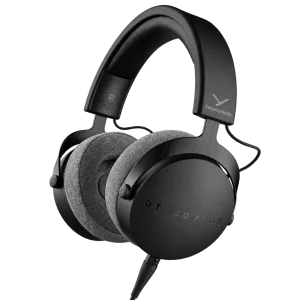
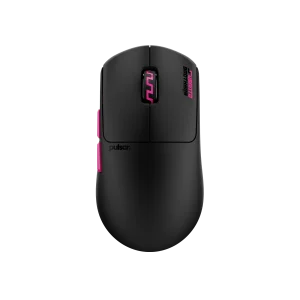
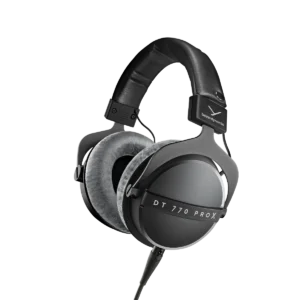
Check the supported computer connection, microphone controls and headphone-monitoring arrangement. Set the intended input in your recording application and choose a mount with the correct thread and supported load. Explore beyerdynamic DT 770 PRO X Closed-Back Studio Headphones 48 Ohm, beyerdynamic DT 700 Pro X Studio Headphones, Pulsar Pro Series Susanto-X Wireless Gaming Mouse Size 2, 50g.
Frequently Asked Questions
How does this microphone connect?
Connect the microphone by USB to a supported computer and select it in the recording application. USB provides the microphone’s digital audio route and power; a separate XLR microphone input is not required for that connection.
Which pickup patterns are available?
Cardioid. Choose the pattern and speaking position for the session. Directional pickup does not remove every room sound; distance, gain and placement still matter.
Which recording format should I select?
48–192 kHz sample-rate support. Use a supported host, firmware and recording application setting. A maximum USB format does not by itself promise unclippable recording or eliminate the need to set levels.
How can I monitor my recording?
Check the selected microphone input and listen through the supported computer or recording setup. Do not assume a USB connection also provides a headphone jack on the microphone.
What mounting or supplied-item details should I check?
Table clip, microphone boom arm, round metal base and base mount tube; Microphone, pop filter, USB cable, user manual and SADES sticker. Match any separate support to the exact thread, microphone and mount weight, and desk clearance.
Build Your Setup with AX Store
Explore computers, displays and accessories for your workspace at AX Store. For help choosing the right model or checking an accessory, contact AX Store.
THE DETAILS
Technical specifications
Product specifications
Condenser
14 mm
Cardioid
30 Hz–20 kHz
48 kHz–192 kHz
−40 dB ±3 dB
Greater than 80 dB
5 V / 100 mA
USB-A to USB-C
1.8 m
Touch-sensitive mute with LED status indicator
Microphone sensitivity adjustment
RGB
Real-time noise reduction
Table clip, microphone boom arm, round metal base and base mount tube
Microphone, pop filter, USB cable, user manual and SADES sticker
COMPLETE YOUR SETUP