SteelSeries
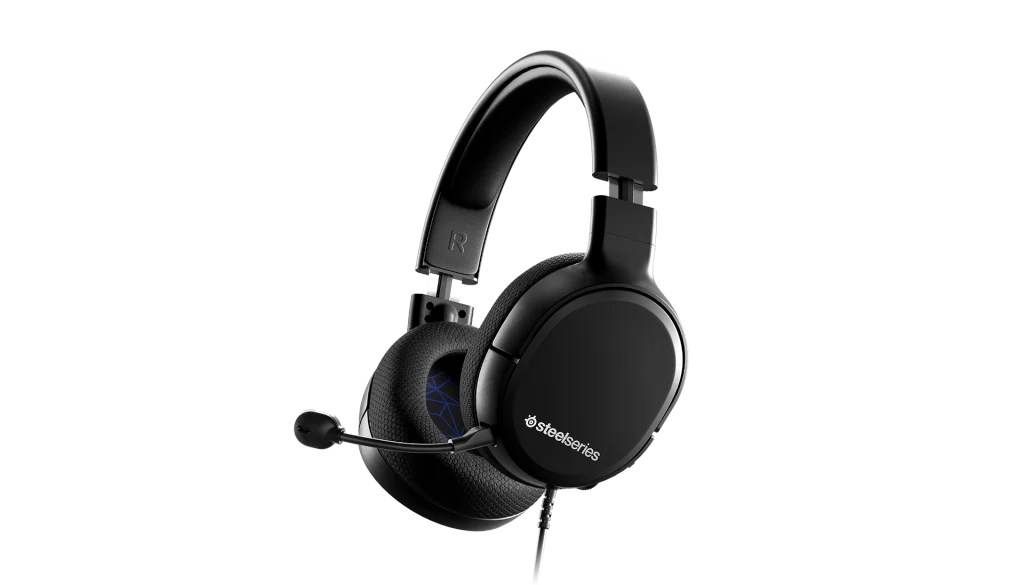
SteelSeries ARCTIS 1 Gaming Headset for PS4/Xbox
The SteelSeries Arctis 1 wired headset pairs a detachable ClearCast microphone with a steel-reinforced headband and simple on-ear controls. Choose the PlayStation or Xbox edition and connect through a 3.5 mm headset jack.
Platform
Color
Regular price
20.000 KWD
or 4 payments of 5.000 KWD with
Pay with card & save


18.900 KWD
Save 1.100 KWD
Overview
STEELSERIES ARCTIS 1 GAMING HEADSET FOR PS4/XBOX
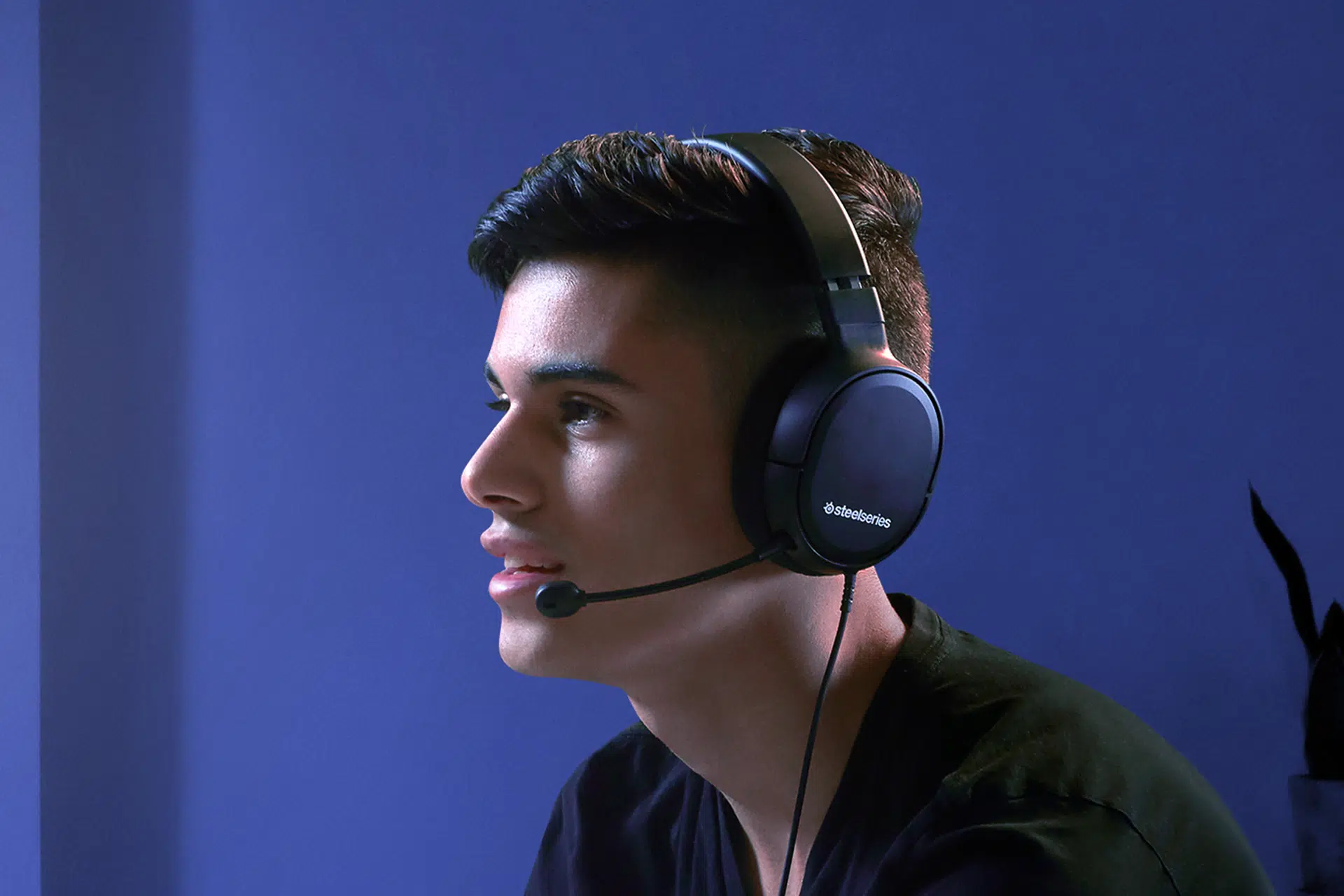
SteelSeries Arctis 1: Plug in. Play across platforms.
The SteelSeries Arctis 1 wired headset pairs a detachable ClearCast microphone with a steel-reinforced headband and simple on-ear controls. Choose the PlayStation or Xbox edition and connect through a 3.5 mm headset jack. Available from AX Store in Kuwait.
3.5 mm
Four-Pole Wired Connection
32 Ω
Headphone Impedance
ClearCast
Detachable Microphone
PS / Xbox
Choose the Edition
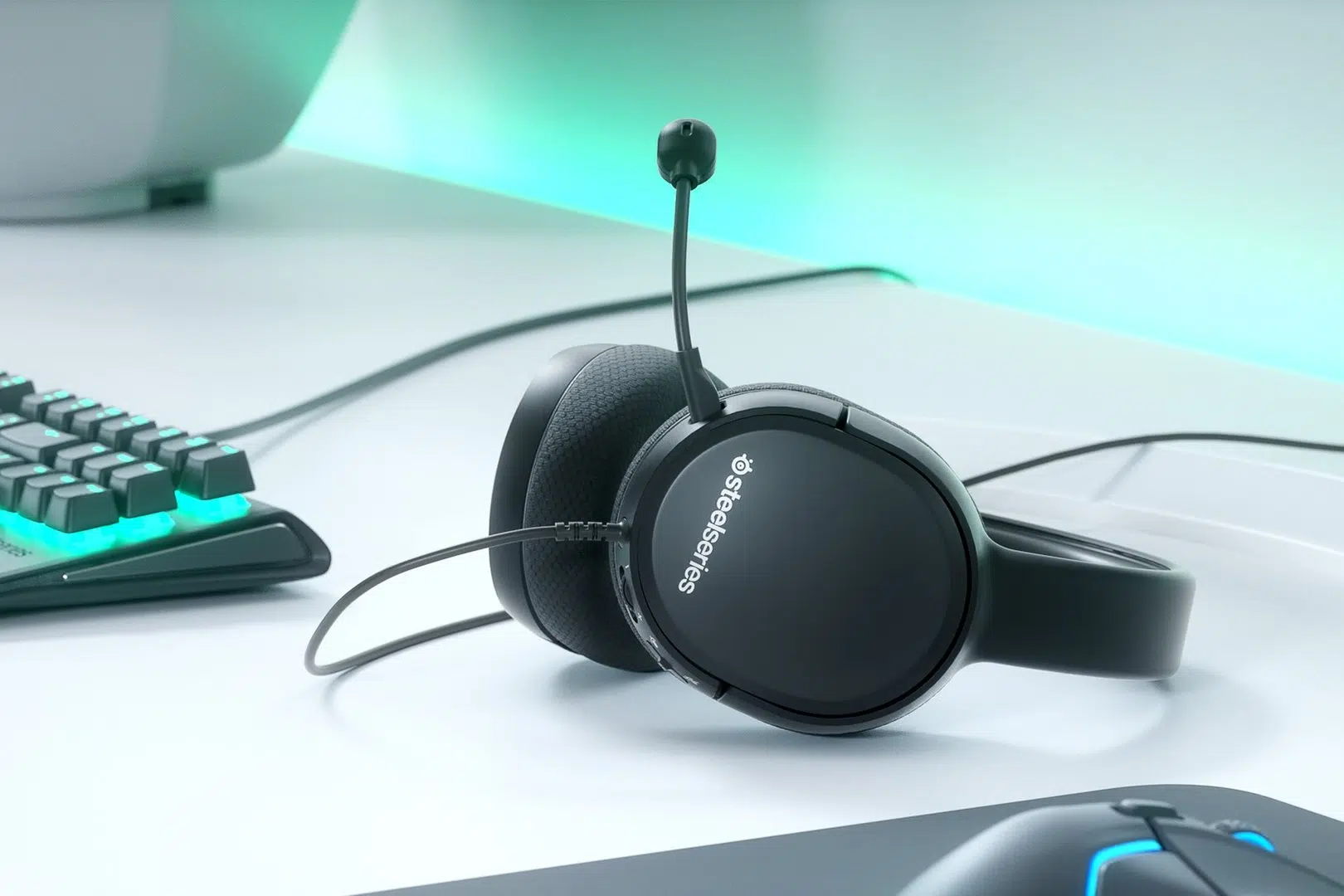
A simple wired setup
A 4-pole 3.5 mm connection carries game audio and microphone input to compatible devices. Choose your preferred PlayStation or Xbox edition before adding to your cart.
ClearCast communication
The detachable bidirectional ClearCast microphone helps reduce unwanted background noise in your outgoing voice. Remove the microphone when you want to use the headset for listening.
Comfort and control
An adjustable steel-reinforced headband supports everyday use. Volume and microphone mute controls sit on the earcup, so you can adjust your sound without reaching for your device.
Use the Features of the Selected Model
Choose the PlayStation or Xbox edition, then connect through its four-pole 3.5 mm headset plug. These are wired variants; the Model option does not turn either edition into a USB wireless headset.
Keep the Audio and Microphone Routes Clear
Choose the supported headset output and microphone input for the actual host and connection. Check mute and the listening level before joining a call, keeping any stated limitations of an alternate analogue or USB route in mind.
Match Software Processing to Its Supported Host
Configure optional PC processing only through the supported application and connection for this exact model. Console listening follows the console’s available audio settings instead, so do not assume that every desktop software feature follows the headset to another device.
Plan the Platform and Chat Connection
Choose the exact platform version and check whether its connection uses USB, a wireless receiver or an analogue headset socket. Set the playback and microphone devices deliberately in your game or chat application. Compare related options such as Astro A50 (GEN 5) Wireless Gaming Headset for Xbox, PS5, PC or Logitech G733 LIGHTSPEED Wireless RGB Gaming Headset - Comfortable Fit, keeping the exact model and configuration in the decision. For the wider setup, explore RØDE PodMic Dynamic XLR Broadcast Microphone, White and check the connection, size or mounting requirements before pairing accessories.
SteelSeries Arctis 1 Setup Choices
Choose the exact platform version and check whether its connection uses USB, a wireless receiver or an analogue headset socket. Set the playback and microphone devices deliberately in your game or chat application. Explore Wooting 60HE v2 60% Gaming Keyboard, Aluminium, ARTISAN NINJA FX ZERO Gaming Mousepad – SOFT/XSOFT, XL/XXL, Logitech G PRO X2 SUPERSTRIKE Wireless Gaming Mouse.
Frequently Asked Questions
Which model and connection does this listing describe?
Choose the PlayStation or Xbox edition, then connect through its four-pole 3.5 mm headset plug. These are wired variants; the Model option does not turn either edition into a USB wireless headset.
Do PC software features work on every console?
Use the supported software and host for the selected model. PC processing features are separate from ordinary analogue or USB headset audio on a console; choose the connection required by that exact edition.
What should I check for team chat?
Connect through the supported microphone route, select the correct input on the host and check mute before joining the conversation. Headphone playback through an alternate connection does not by itself establish microphone support on that route.
How should I set up the fit and boom?
Adjust the headband and earcup position, then place the supplied boom for speech. Use the model’s detachable or retractable microphone arrangement as specified, keeping the cable or transmitter clear during use.
Build Your Setup with AX Store
Explore computers, displays and accessories for your workspace at AX Store. For help choosing the right model or checking an accessory, contact AX Store.
THE DETAILS
Technical specifications
Speaker Drivers
20-20000 Hz
100 dBSPL
32 Ohm
<3%
On Ear Cup
Microphone
Noise Canceling Bidirectional
100Hz-10000Hz
Detachable
On Ear Cup
Connection
4-pole 3.5mm
1.2 m / 4 ft
Rubber
Compatible 3.5 mm headset connections on PC, PlayStation, Xbox, Switch and mobile devices
COMPLETE YOUR SETUP
Pairs well with