TP-Link
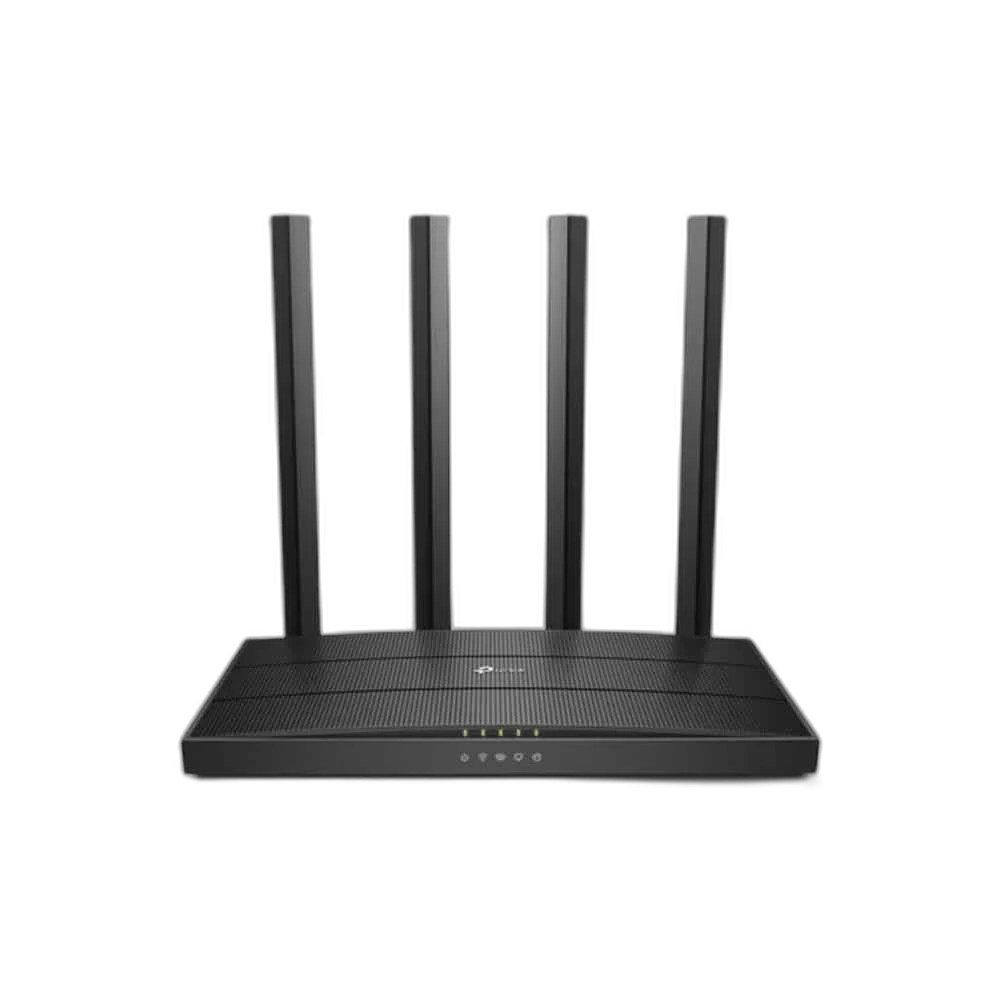
TP-Link AC1900 Wireless Dual Band Gigabit Router, 600Mbps & 1300Mbps
TP-Link Archer C80 AC1900 dual-band router with four antennas, 3×3 MU-MIMO, beamforming, one Gigabit WAN and four Gigabit LAN ports. Supports router/access point modes and Tether management.
Regular price
21.000 KWD
or 4 payments of 5.250 KWD with
Pay with card & save


20.000 KWD
Save 1.000 KWD
Overview
TP-LINK ARCHER C80
AC1900 Wi-Fi with a Full Gigabit Backbone
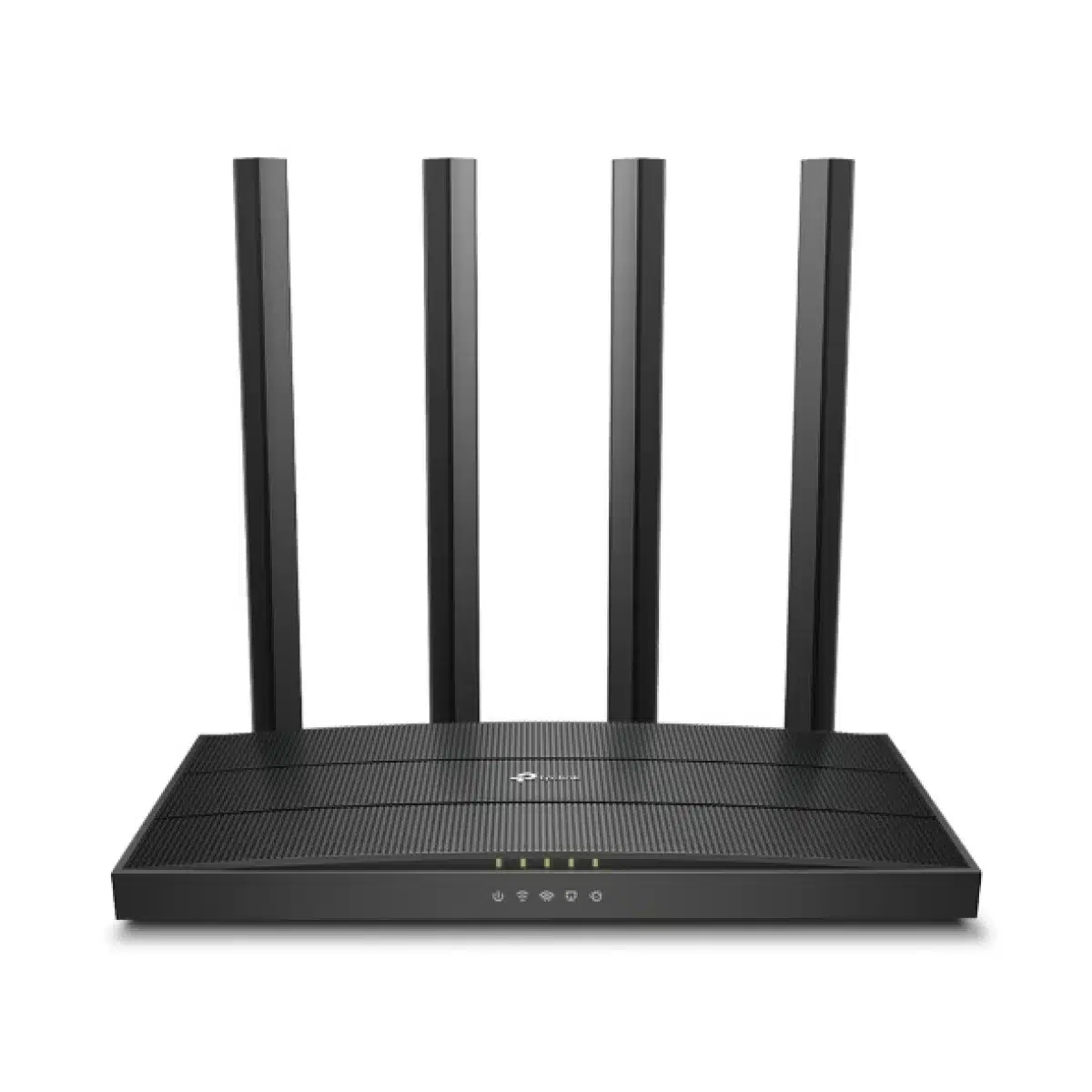
Bring a dual-band wireless network and five Gigabit Ethernet ports to your home setup with the Archer C80. Its AC1900 wireless class, four fixed antennas and 1.2 GHz processor support a practical mix of connected computers, TVs and everyday devices. Choose router mode for the main connection or access point mode to extend a wired network.
AC1900
Wireless Class
1300 Mbps
5 GHz Link Rate
600 Mbps
2.4 GHz Link Rate
Gigabit
WAN / LAN Ports
Two Bands for Your Everyday Devices
The Archer C80 offers rated link speeds of up to 1300 Mbps on 5 GHz and 600 Mbps on 2.4 GHz. Put compatible devices on the band that suits their location and workload, whether you are streaming, browsing or sharing files. The AC1900 total is a combined wireless classification; the speed of an individual connection also depends on its band and client capabilities.
Four Antennas and Beamforming
Four fixed antennas form the router’s wireless array, while beamforming directs the signal toward compatible clients. Together they help you build a useful wireless network around the rooms you use. Find an open, central position for the router and consider the walls and other radio equipment between it and your devices when planning coverage.
3×3 MU-MIMO and Airtime Fairness
The C80 supports 3×3 MU-MIMO communication with compatible clients, allowing it to serve multiple supported devices more efficiently. Airtime Fairness helps limit the effect of a device occupying an excessive share of wireless airtime. These network features are useful in a shared home where computers, phones and entertainment devices are connected at the same time.
Gigabit Connections Where They Matter
One Gigabit WAN port connects the router to your upstream network equipment, and four Gigabit LAN ports provide wired connections for a desktop, console, TV or other Ethernet device. Router and access point operating modes let the C80 fit different home layouts. Use the WAN configuration and mode appropriate to the internet service and network equipment you already have.
Manage Access from Your Phone
The TP-Link Tether app and web interface provide routes to setup and network management. Guest networks are available on both bands, while parental controls include URL filtering and time controls. Device-based QoS helps you assign network priority. The software also includes IPv4 and IPv6, DHCP address reservation, port forwarding and DDNS options for a more tailored setup.
A Router You Can Fit into Your Setup
The chassis measures 215 × 117 × 32 mm and includes WPS/Wi-Fi, power and reset controls. TP-Link lists the router, power adapter, RJ45 cable and quick installation guide in the package contents. Security and OneMesh features depend on the hardware revision and current firmware; use compatible equipment and regional settings for the network you are building.
Complete Your Workspace
Explore Network at AX Store and choose the configuration or accessories that fit your setup.
Frequently Asked Questions
Which wireless class and link rates are listed?
WiFi Speeds: AC1900 5 GHz: 1300 Mbps (802.11ac) 2.4 GHz: 600 Mbps (802.11n).
What wired network ports are provided?
Ethernet Ports: 1× Gigabit WAN Port 4× Gigabit LAN Ports.
Which operating modes and IP protocols are listed?
Working Modes: Router Mode Access Point Mode. Protocols: IPv4 IPv6.
What is included and which system requirements are published?
System Requirements: Internet Explorer 11+, Firefox 12.0+, Chrome 20.0+, Safari 4.0+, or other JavaScript-enabled browser Cable or DSL Modem (if needed) Subscription with an internet service provider (for internet access). Package Content: Wi-Fi Router Archer C80 Power Adapter RJ45 Ethernet Cable Quick Installation Guide.
Build Your Setup with AX Store Kuwait
Explore computers, displays and accessories for your workspace at AX Store Kuwait. For help choosing the right model or checking an accessory, contact AX Store.
THE DETAILS
Technical specifications
Product
TP-Link
Archer C80
Wireless
Wi-Fi 5 IEEE 802.11ac/n/a 5 GHz IEEE 802.11n/b/g 2.4 GHz
AC1900 5 GHz: 1300 Mbps (802.11ac) 2.4 GHz: 600 Mbps (802.11n)
3 Bedroom Houses 4× Fixed High-Performance Antennas Multiple antennas form a signal-boosting array to cover more directions and large areas Beamforming Concentrates wireless signal strength towards clients to expand WiFi range
Medium Dual-Band Allocate devices to different bands for optimal performance 3×3 MU-MIMO Simultaneously communicates with multiple MU-MIMO clients Airtime Fairness Improves network efficiency by limiting excessive occupation
Router Mode Access Point Mode
Security
SPI Firewall Access Control IP & MAC Binding Application Layer Gateway
1× 5 GHz Guest Network 1× 2.4 GHz Guest Network
WPA WPA2 WPA3 WPA/WPA2-Enterprise (802.1x) Security features depend on hardware revision and firmware.
Hardware
1.2 GHz CPU
1× Gigabit WAN Port 4× Gigabit LAN Ports
US Version 12 V ⎓ 1.5 A EU Version 12 V ⎓ 1 A Manufacturer regional specifications; supplied adapter depends on regional unit.
WPS/Wi-Fi Button Power On/Off Button Reset Button
Software
IPv4 IPv6
OneMesh support depends on compatible hardware, firmware and router; check the unit version.
URL Filtering Time Controls
Dynamic IP Static IP PPPoE PPTP L2TP
QoS by Device
OTA Firmware Upgrade TP-Link ID DDNS
Port Forwarding Port Triggering DMZ UPnP
IGMP Proxy IGMP Snooping Bridge Tag VLAN
Address Reservation DHCP Client List Server
TP-Link NO-IP DynDNS
Tether App Webpage
Other
Internet Explorer 11+, Firefox 12.0+, Chrome 20.0+, Safari 4.0+, or other JavaScript-enabled browser Cable or DSL Modem (if needed) Subscription with an internet service provider (for internet access)
FCC, CE
Operating Temperature: 0℃~40℃ (32℉ ~104℉) Storage Temperature: -40℃~70℃ (-40℉ ~158℉) Operating Humidity: 10%~90% non-condensing Storage Humidity: 5%~90% non-condensing
Test Data
CE: <20dBm(2.4GHz) <23dBm(5.15GHz~5.25GHz) FCC: <30dBm(2.4GHz & 5GHz)
5GHz: 11a 6Mbps:-98dBm, 11a 54Mbps:-78dBm 11ac VHT20_MCS0:-98dBm, 11ac VHT20_MCS8:-72dBm 11ac VHT40_MCS0:-92dBm, 11ac VHT40_MCS9:-68dBm 11ac VHT80_MCS0:-89dBm, 11ac VHT80_MCS9:-64dBm 2.4GHz: 11g 6Mbps:-97dBm, 11a 54Mbps:-77dBm 11n VHT20_MCS0:-97dBm, 11n VHT20_MCS8:-72dBm 11n VHT40_MCS0:-92dBm, 11n VHT40_MCS9:-67dBm
Physical
8.5 × 4.6 × 1.26 in (215 × 117 × 32 mm)
Wi-Fi Router Archer C80 Power Adapter RJ45 Ethernet Cable Quick Installation Guide
COMPLETE YOUR SETUP
Pairs well with