TP-Link
TP-Link RE505X AX1500 Dual Band Wi-Fi 6 Range Extender
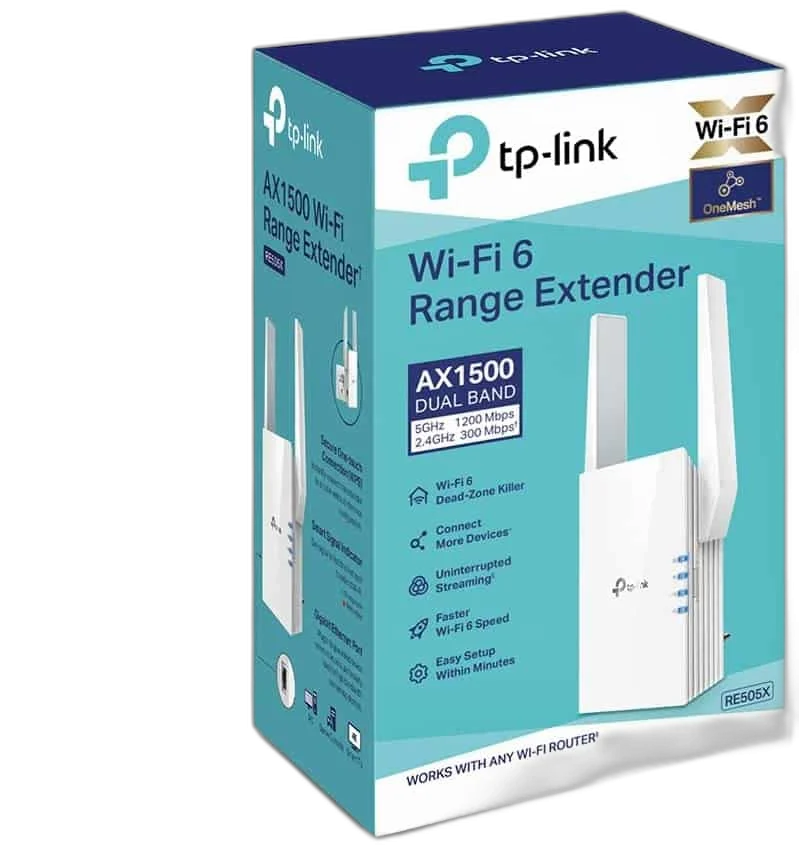
TP-Link RE505X AX1500 range extender with Wi-Fi 6, two external antennas, Gigabit Ethernet, WPS and access point mode. Rated wireless speeds: up to 300 Mbps on 2.4 GHz and 1200 Mbps on 5 GHz.
Regular price
16.000 KWD
or 4 payments of 4.000 KWD with
Pay with card & save


15.250 KWD
Save 0.750 KWD
Overview
TP-LINK RE505X
TP-Link RE505X
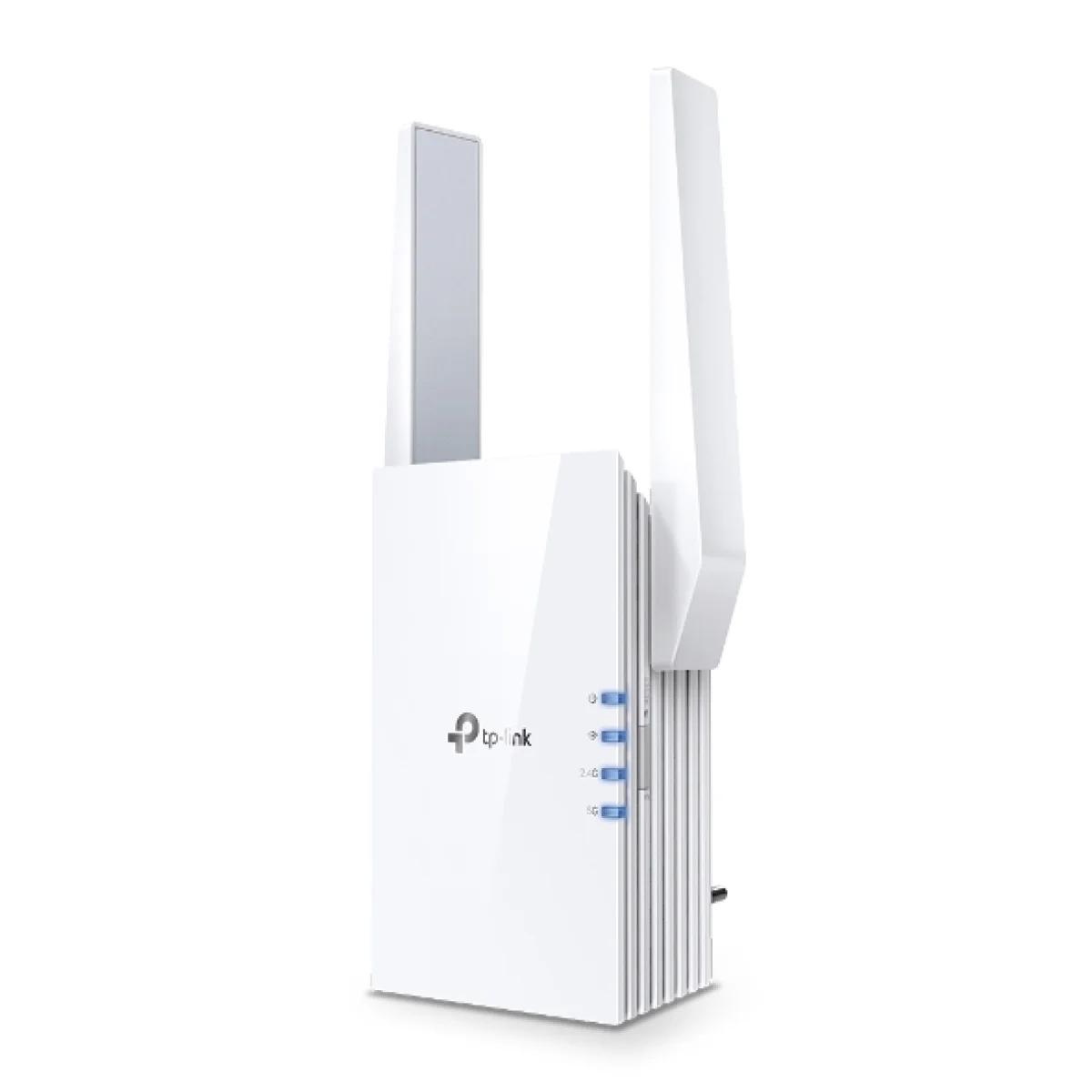
The TP-Link RE505X extends an existing wireless network using Wi-Fi 6 and two external antennas. Choose range extender mode to reach another part of your home, or access point mode when you already have an Ethernet connection available. Its Gigabit Ethernet port adds a useful wired connection to the same compact device. Explore this model at AX Store in Kuwait.
Wi-Fi 6
Wireless Standard
2.4 + 5 GHz
Wireless Bands
1 Gigabit
Ethernet Port
2 External
Antennas
AX1500 Wireless Performance
The 2.4 GHz band supports a rated 300 Mbps, while the 5 GHz band reaches a rated 1200 Mbps. This gives compatible devices a choice of bands for everyday browsing, streaming and a home workspace. Use the band that suits the client and local signal conditions; walls, interference and the connection back to the router affect the result.
Extend Your Existing Network
In range extender mode, the RE505X connects to your existing wireless network and extends its coverage to nearby areas. It works with Wi-Fi routers and wireless access points, so you can improve access around a desk, bedroom or living space while keeping your current router. Position it where the router signal is still strong enough to provide a useful connection onward.
A Wired Port with Two Useful Roles
The built-in Gigabit Ethernet port can connect a compatible wired device while the extender joins your wireless network. Alternatively, access point mode uses an Ethernet connection from your network to create a wireless access point. These two arrangements let you choose between wireless coverage extension and a wired network feed, according to the cabling and devices already in your room.
Simple Setup and Everyday Control
A WPS button gives you a convenient pairing option with a compatible router, while TP-Link Tether provides app-based setup or management functions for the RE505X. The wireless controls include access control, LED control, a power schedule and coverage settings. You can adapt the device to a bedroom or shared workspace and manage when the extended network is available.
A Compact Plug-In Design
Two external antennas form part of the compact RE505X design, which measures 74 × 46 × 124.8 mm. The unit accepts 100–240 V AC at 50/60 Hz and has a maximum stated power consumption of 10 W. Its reset button gives you a direct way to start a fresh configuration when moving the extender to a different network or changing your setup.
Match the Extender to Your Connection
The published AX1500 class describes wireless link rates, not a guaranteed internet download speed. Actual throughput depends on the internet plan, router, client capabilities, placement and local radio conditions. For daily use, pair compatible security settings and keep the unit firmware current. Any mesh or DFS functions offered for this model require the appropriate hardware revision, firmware and compatible network equipment.
Match the Network Device to Your Connection
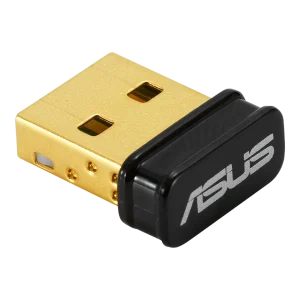
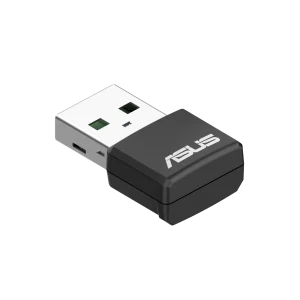
Check the required wired or wireless connection, power arrangement and coverage needs. Confirm the intended role and compatibility with the existing network before choosing another device. Compare related options such as ASUS USB-N10 NANO B1 Wi-Fi Dongle, 150Mbps or UGREEN USB Bluetooth 5.0 Adapter, Compact Design, keeping the exact model and configuration in the decision. For the wider setup, explore Sabrent USB 3.0 Extension Cable, 3m and check the connection, size or mounting requirements before pairing accessories.
TP-Link RE505X Setup Choices
Check the required wired or wireless connection, power arrangement and coverage needs. Confirm the intended role and compatibility with the existing network before choosing another device.
Frequently Asked Questions
Which operating modes are supported?
Range Extender/Access Point.
Which bands and wireless link rates are specified?
Frequency: 2.4GHz and 5GHz. Signal Rate: 300 Mbps at 2.4GHz, 1200 Mbps at 5GHz. Actual throughput depends on the source router, placement and client device.
Does it have a wired Ethernet port?
1 Gigabit Ethernet Port.
What are the mesh and WPA3 requirements?
Mesh Technology: EasyMesh support depends on compatible hardware, firmware and router; check the unit version. Wireless Security: 64/128-bit WEP, WPA/WPA2-PSK encryptions, WPA-3
WPA3 availability depends on hardware revision and firmware.
What power input and maximum consumption are listed?
Input Power: 100-240V~50/60Hz. Max. Power Consumption: 10W.
Build Your Setup with AX Store
Explore computers, displays and accessories for your workspace at AX Store. For help choosing the right model or checking an accessory, contact AX Store.
Compare Netgear EX6110 AC1200 WiFi Range Extender - White. Match the exact model, connection and configuration to your setup.
THE DETAILS
Technical specifications
Product
TP-Link
RE505X
Hardware Features
1 Gigabit Ethernet Port
WPS Button, Reset Button
100-240V~50/60Hz
10W
2.9×1.8×4.9 in. (74.0×46×124.8 mm)
2 External Antennas
Wireless Features
IEEE 802.11a/n/ac/ax 5GHz, IEEE 802.11b/g/n 2.4GHz
2.4GHz and 5GHz
300 Mbps at 2.4GHz, 1200 Mbps at 5GHz
Range Extender/Access Point
5 GHz: 11ax HE80MCS0:-86, 11ax HE80MCS11:-56 11ax HE40MCS0:-88, 11AX HE40MCS11:-59 11ax HE20MCS0:-92, 11ax HE20MCS11:-61 11a 6Mbps: -93dBm, 11a 54Mbps: -75dBm 11ac HT20 MCS0: -92dBm, 11ac HT20 MCS8: -70dBm 11ac HT40 MCS0: -90dBm, 11ac HT40 MCS9: -66dBm 11ac HT80 MCS0: -87dBm, 11ac HT80 MCS9: -62dBm 2.4 GHz: 11g 54Mbps: -77dBm, 11n HT20 MCS7: -74dBm 11n HT40 MCS7: -71dBm
Enable/Disable Wireless Radio DFS (the latest firmware and hardware version is required) Access Control LED Control Power Schedule Wi-Fi Coverage
64/128-bit WEP, WPA/WPA2-PSK encryptions, WPA-3 WPA3 availability depends on hardware revision and firmware.
CE (EU): 2.4G<20dBm, 5G<30dBm
EasyMesh support depends on compatible hardware, firmware and router; check the unit version.
Others
FCC
Wi-Fi Range Extender RE505X Quick Installation Guide
Microsoft Windows 98SE, NT, 2000, XP, Vista™ or Windows 7, 8, 8.1, 10, MAC OS, NetWare, UNIX or Linux Internet Explorer 11, Firefox 12.0, Chrome 20.0, Safari 4.0, or other Java-enabled browser
Operating Temperature: 0℃~40℃ (32℉ ~104℉) Storage Temperature: -40℃~70℃ (-40℉ ~158℉) Operating Humidity: 10%~90% non-condensing Storage Humidity: 5%~90% non-condensing
COMPLETE YOUR SETUP
Pairs well with