Universal Audio
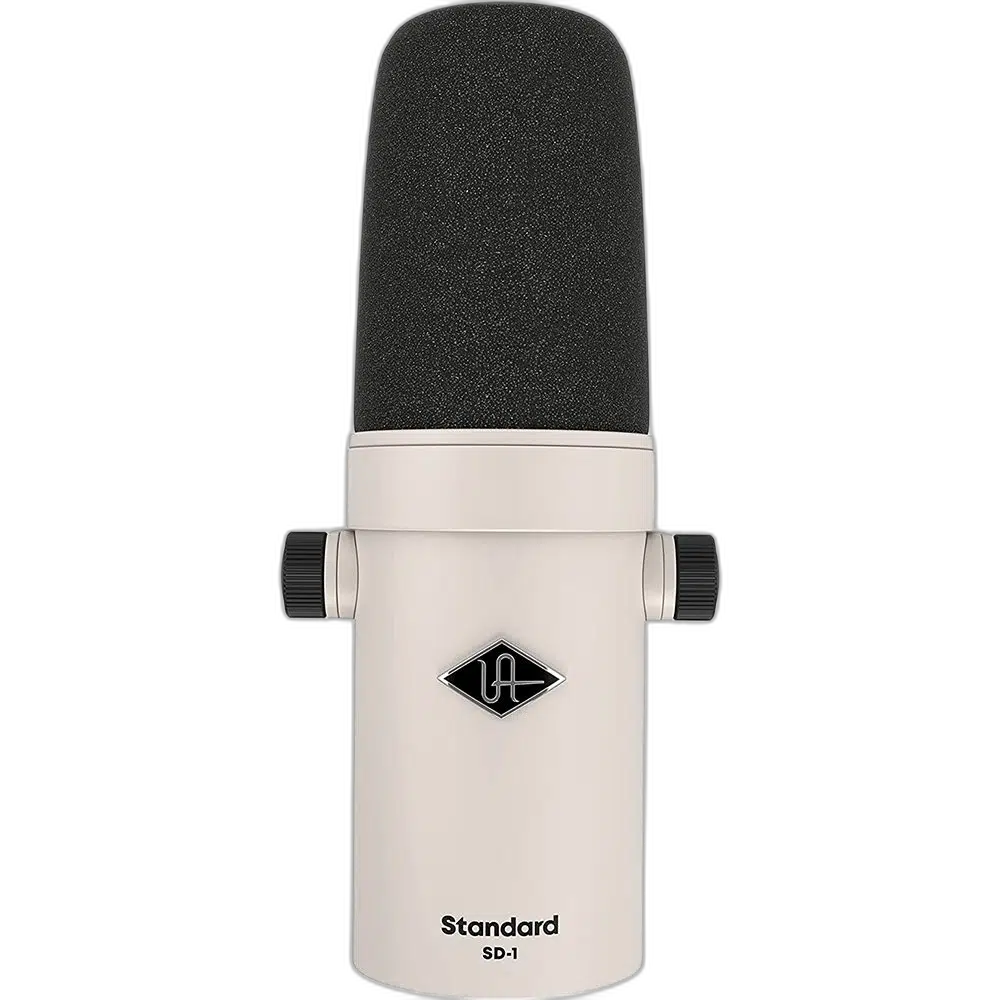
Universal Audio SD-1 Dynamic Cardioid Microphone, XLR
Record vocals, podcasts and instruments with a dynamic microphone designed for straightforward sound shaping. The Universal Audio SD-1 combines a cardioid pickup pattern with selectable low-cut and articulation controls.
Regular price
72.500 KWD
or 4 payments of 18.125 KWD with
Pay with card & save


69.000 KWD
Save 3.500 KWD
Overview
UNIVERSAL AUDIO SD-1 DYNAMIC CARDIOID MICROPHONE, XLR
Universal Audio SD-1
Record vocals, podcasts and instruments with a dynamic microphone designed for straightforward sound shaping. The Universal Audio SD-1 combines a cardioid pickup pattern with selectable low-cut and articulation controls.
Dynamic
Microphone Type
Cardioid
Pickup Pattern
3-pin XLR
Microphone Connection
200 Hz
Switchable Low-Cut Filter
Shape your voice at the source
Use the 200 Hz low-cut filter to reduce low-frequency buildup, or engage the 3–5 kHz articulation boost for added presence. Match the actual signal connection and the intended recording or listening setup, then check the relevant device controls before starting the session.
A practical XLR recording path
Connect the SD-1 to a microphone preamp or audio interface. Its dynamic capsule is suited to vocal and instrument recording across home and professional setups.
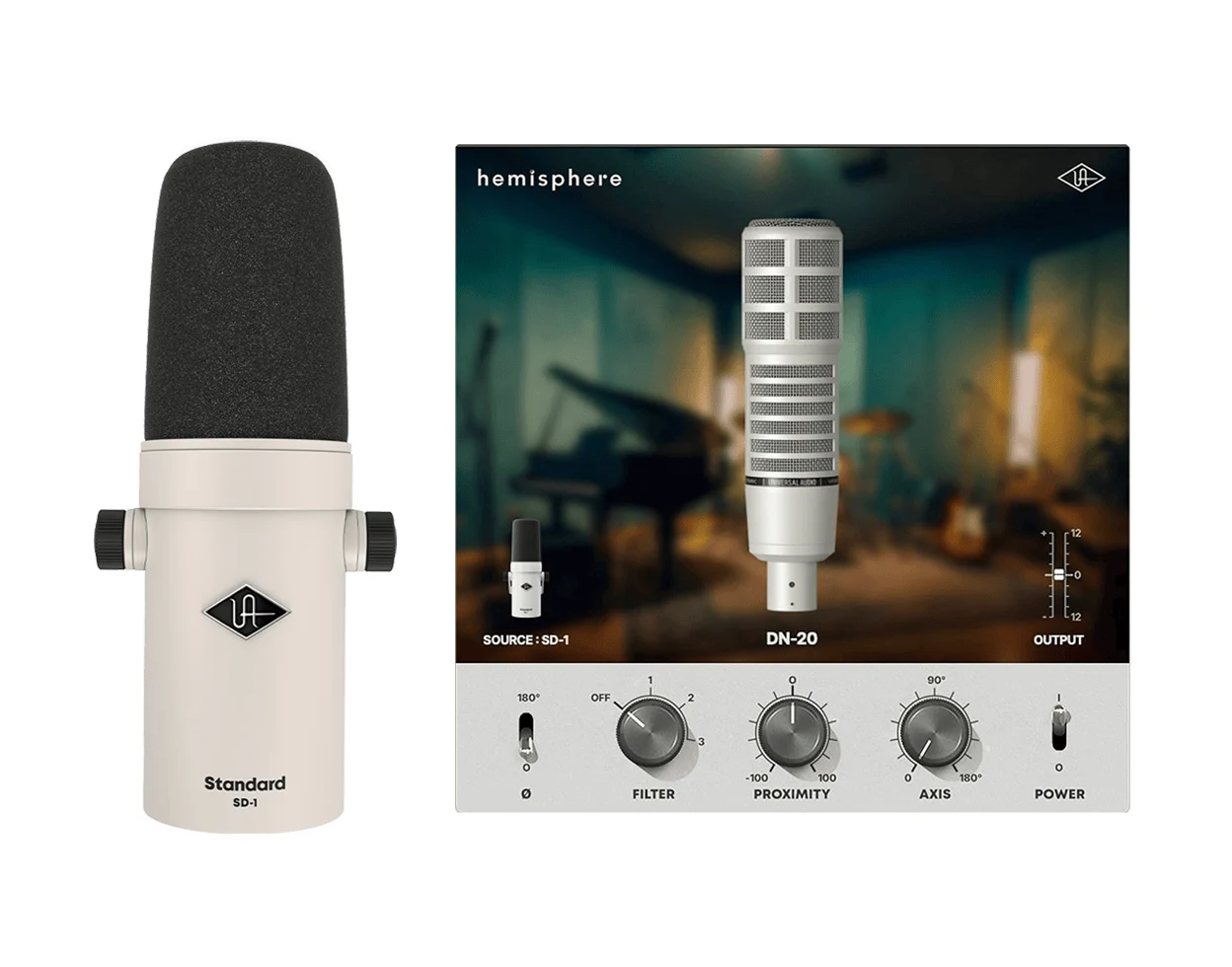
Explore microphone modeling
The SD-1 works with Universal Audio Hemisphere software to explore different microphone characters. Registration and compatible software are required to use the modeling features. Match the actual signal connection and the intended recording or listening setup, then check the relevant device controls before starting the session.
Position it for the performance
The integrated mount supports convenient positioning, with a 5/8-inch to 3/8-inch thread adapter included for compatible stands. Match the actual signal connection and the intended recording or listening setup, then check the relevant device controls before starting the session.
Keep the Exact Model and Signal Path Clear
SD-1 connects through XLR, with a recommended input load above 1 kohm. Its low-cut switch is 200 Hz and articulation boost is 3–5 kHz. Hemisphere modeling requires registration and compatible software rather than changing the microphone into a USB device.
Choose the Connected Equipment for Its Actual Role
Match the product’s stated input and output connections to the source and destination. Keep microphone preamps, digital converters and headphone amplifiers in their appropriate roles, checking cable wiring and power requirements before completing the recording or listening chain.
Complete Your Workspace
Explore microphones, microphone accessories for your setup. Suggested products are sold separately. Match the actual input, output, cable wiring and power requirements across the recording or listening chain. Use the microphone and interface power settings appropriate to the actual source. USB microphone audio and XLR microphone inputs are separate routes. Headphones connect to a suitable monitoring output; optional computer controls do not act as a recorder’s dedicated remote. Compare each alternative’s format, ports, gain, included accessories and physical arrangement before choosing.
Frequently Asked Questions
Which signal path and version should I plan for?
SD-1 connects through XLR, with a recommended input load above 1 kohm. Its low-cut switch is 200 Hz and articulation boost is 3–5 kHz. Hemisphere modeling requires registration and compatible software rather than changing the microphone into a USB device.
What listening connection is provided?
Headphone monitoring is provided by your separate audio interface or mixer, rather than assuming a headphone jack on this XLR microphone.
How should I choose a microphone arm?
Match the mounting thread, microphone and mount weight, desk fit and clearance. Include any shock mount in the total load, rather than choosing an arm from the microphone weight alone.
How should I set recording level?
Set the supported microphone or interface gain for normal speech or the intended source, leaving headroom for louder moments. Place the microphone for the stated pickup pattern and check the actual recording input before starting.
Build Your Setup with AX Store Kuwait
Explore computers, displays and accessories for your workspace at AX Store Kuwait. For help choosing the right model or checking an accessory, contact AX Store.
THE DETAILS
Technical specifications
Microphone
Dynamic
Cardioid
50 Hz–16 kHz
-58 dB (1.3 mV), reference 1 V at 1 Pa, 1 kHz
200 ohms
>1 kohm
Controls and connections
200 Hz; on/off
3–5 kHz; on/off
3-pin XLRM
Universal Audio Hemisphere software
Physical and package
195 mm
60 mm
735 g
5/8-inch to 3/8-inch thread adapter
COMPLETE YOUR SETUP
Pairs well with
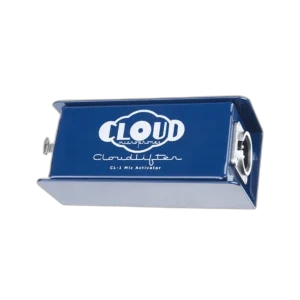
Cloud Microphones
Cloud Microphones Cloudlifter CL-1 Mic Activator with +25dB Gain
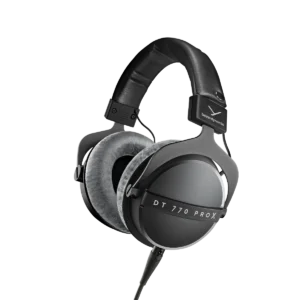
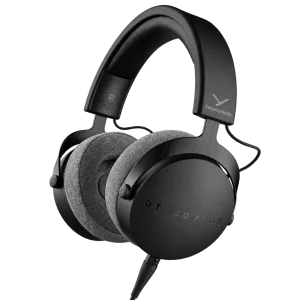
Beyerdynamic
beyerdynamic DT 700 Pro X Studio Headphones
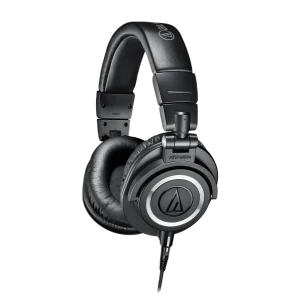
AUDIO-TECHNICA
Audio-Technica ATH-M50x 45mm Closed-Back Studio Headphones