
BUYING GUIDES
Same-day delivery · Official warranty · Taly & Deema
The best IEMs for gaming in Kuwait are the pair that fits your ears, connects to your device and leaves a clear path for voice chat. Compare monitoring earphones and gaming earbuds by their complete setup, including the cable, ear tips and microphone you will use.
The best IEMs for gaming in Kuwait are the pair that fits your ears, connects to your device and leaves a clear path for voice chat. Compare monitoring earphones and gaming earbuds by their complete setup, including the cable, ear tips and microphone you will use.
In-ear monitors make a compact alternative to a large headset at a gaming desk. They can also serve music listening or monitoring, but the useful shortlist starts with your equipment. Write down the device that will provide playback, the socket you will connect to and how teammates will hear your voice. A pair that solves those three questions is easier to integrate than an attractive model that needs several unplanned adapters.
At AX, the Sennheiser and Shure choices below are monitoring earphones. The HyperX options are gaming earbuds with different connection arrangements. Compare each exact listing rather than treating every small earphone as the same product.
| Option | Connection direction | Best starting question |
|---|---|---|
| Sennheiser IE 100 PRO Clear | Wired monitoring earphones with detachable cable | Do I want an over-ear cable route and a separate chat microphone? |
| Shure SE215-CL-EFS | 3.5mm cable and detachable earpiece connection | Does this exact cable configuration suit my device? |
| HyperX Cloud Earbuds II | Analogue wired gaming earbuds | Do I want a compact analogue gaming arrangement? |
| HyperX Cloud Earbuds III S | USB-C gaming earbuds | Does my chosen device support this USB audio path? |
The connector is the first filter. USB-C and analogue 3.5mm are different signal paths, and an adapter must support the conversion your device actually needs.
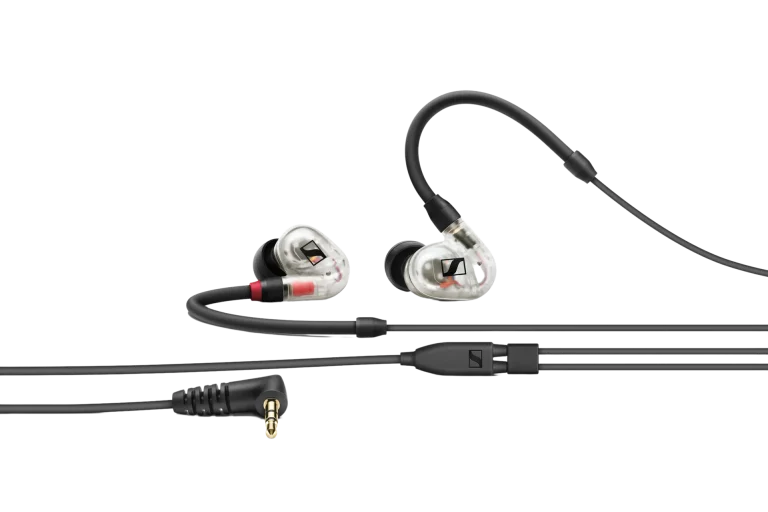
A stable seal changes how much outside sound enters and how consistently you hear bass. Try the supplied tip sizes and seat each earpiece gently according to its instructions. The same size does not have to be right for both ears. Give comfort and cable routing attention before increasing volume or applying a large equaliser change.
Check the fit while turning your head and moving the mouse. If the cable pulls against an armrest or keyboard edge, create a little slack and move the cable route. A cable that stays clear of your hands is especially useful when you switch between gaming and typing during a stream.
Confirm whether the selected cable includes a microphone and whether the computer or controller supports it. A 3.5mm stereo headphone plug provides a different connection from a headset plug that carries both playback and microphone audio. A combined headset socket and separate desktop headphone and microphone sockets can require different wiring.
For a streaming desk, a separate USB or XLR microphone is another straightforward route: select the earphones as your playback device and the microphone as your input in the game and chat app. Use our USB versus XLR guide when planning that voice path.
Start with the headphone output or USB connection you already intend to use. Listen at a comfortable level and check for background hiss, channel imbalance or an unsuitable volume range. Buying a powerful desktop amplifier before identifying a real requirement can add cost and complexity to a compact earphone setup.
If you use an audio interface or mixer, check that it has a headphone output and the correct supported adapter. A line output is intended for a different destination. The DAC, amplifier and interface guide explains those roles before you connect additional hardware.
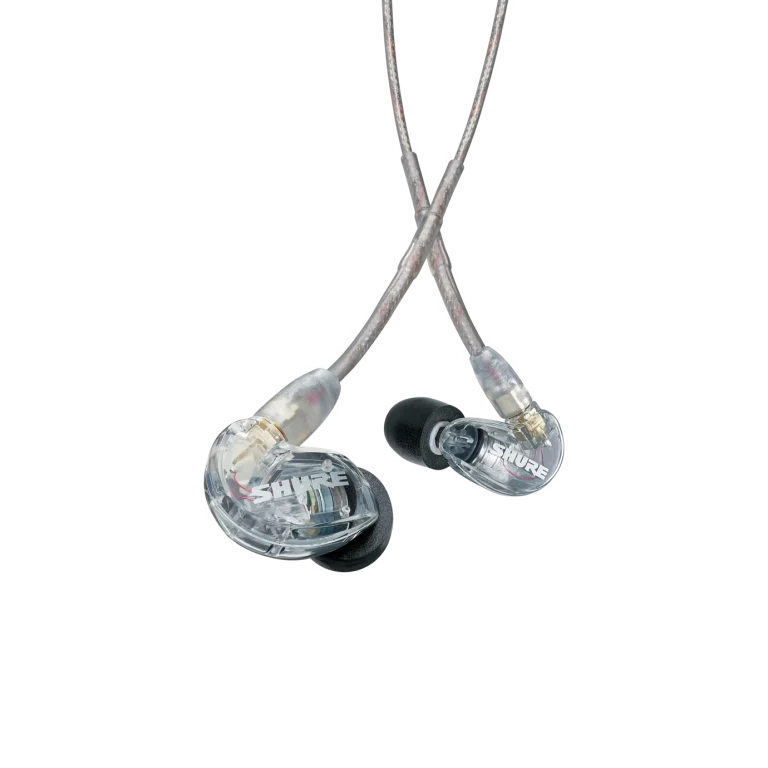
Keep the first comparison simple. Changing ear tips, equalisation and virtual surround at the same time makes it harder to understand which change helped. Save a working baseline before trying additional settings.
In-ear fit is personal. If you prefer nothing inside the ear, compare an over-ear headphone and separate microphone instead. If compactness and a light desk arrangement matter more, monitoring earphones are worth considering. A shared room, an active microphone and the amount of isolation you want should all influence the choice.
Our gaming and music headphone shortlist provides over-ear alternatives. You can also browse Sennheiser and Shure for their wider product ranges.
AX price check, 27 October 2026: IE 100 PRO Clear KWD 39.900; SE215-CL-EFS KWD 45.000; Cloud Earbuds II KWD 8.500; Cloud Earbuds III S KWD 14.700. All four listings were in stock at the check. The live product cards show current pricing and availability.
Check the exact cable. The wired monitoring configurations discussed here should be planned with a separate voice input unless the selected cable explicitly includes a compatible microphone.
Check the earbud and device compatibility. The connector shape alone does not confirm that the operating system and application support the intended audio path.
Establish a comfortable seal and check the intended playback output first. Add equipment when the actual source and earphone combination requires it.
KEEP READING
All Buying Guides guidesChoose the right equipment for your setup
Explore the products and ask AX about the exact models and connections you need.
Added to cart
Subscribed
We'll email you as soon as it's back in stock.
Saved to wishlist


